Best Construction Bid Software for Small Contractors in 2026: Prices, Free Plans and 6 Picks
Compare 6 best construction bid software for small contractors, with prices, free plans and who each fits. Each tool gets a one-line verdict. Straight answers.
- Editor's choice
 STACK
Cloud-based takeoff and estimating
Starts at$49 per user per monthVisit stackct.comFull review - Great alternative
 PlanSwift
Takeoff and estimating accuracy
Starts atSee websiteVisit planswift.comFull review - Also consider
 Buildxact
Easy-to-use estimating and project management
Starts atSee websiteVisit buildxact.comFull review
Direct answer
STACK comes first here, mainly for cloud-based takeoff and estimating. Listed starting prices: STACK from $49 per user per month. PlanSwift is the stronger choice for takeoff and estimating accuracy, while Buildxact suits easy-to-use estimating and project management. The full list of 6 tools follows, with prices and free plan facts.
TL;DR:
- Number one here is STACK, a fit for cloud-based takeoff and estimating.
- None of the 6 tools, from STACK to Contractor Foreman, has a free plan, so budget for a subscription or use a trial.
- Contractor Foreman is the one to check for all-in-one construction management on a budget.
- For the cheapest start, look at STACK: $49 per user per month.
- Check the limits for PlanSwift before you commit: restricted project management features.
Last checked November 2026. Prices and plan details were read from the vendors' own pages in November 2026; vendors change plans often, so confirm the current price on the vendor site before you buy.
Quick comparison
| Tool | Best for | Starts at | Free plan? | |
|---|---|---|---|---|
| STACK | Cloud-based takeoff and estimating | $49 per user per month | Free trial | Visit |
| PlanSwift | Takeoff and estimating accuracy | See website | Free trial | Visit |
| Buildxact | Easy-to-use estimating and project management | See website | Free trial | Visit |
 Bluebeam Revu | Document collaboration and project management | See website | Free trial | Visit |
 CoConstruct | Unified construction management and client communication | See website | Not stated | Visit |
 Contractor Foreman | All-in-one construction management on a budget | See website | Not stated | Visit |
Our 6 construction bid software for small contractors
This LinkVetted guide covers 6 construction bid software for small contractors. Each profile lists a starting price, free plan details, strengths and drawbacks, so you can drop poor fits quickly.
STACK was built for cloud-based takeoff and estimating. For entry-level estimating, a tool like Buildxact or Contractor Foreman might be sufficient.
As for the details, STACK may be overkill for contractors with straightforward bidding needs, and its cloud-only nature means reliance on internet connectivity. Also, the system is meant to simplify the bidding process and help teams work together more effectively. STACK cost at the entry level: $49 per user per month. Trial and free access: Free trial.
Where it falls short: May be more than small contractors need.
- Focus on accuracy and time savings
- Boosts collaboration from bid to closeout
- Needs internet access for full functionality
PlanSwift is aimed squarely at takeoff and estimating accuracy. The tool is centred on the estimating process instead of full project management.
What to check first: May need training for full use.
Check the vendor site for PlanSwift pricing; none is listed in this comparison. On free options: Free trial.
- Focus on accurate estimates
- Aims to save time and money
- Restricted project management features
Buildxact is designed for easy-to-use estimating and project management. The product is meant to help builders win more profitable work with accurate estimates.
Honest limits: May be less full for large teams.
Contractors who require advanced quantity takeoff and bid leveling might consider STACK or Bluebeam Revu alongside it. Buildxact shows no starting price here, so confirm the cost on the vendor site. On free options: Free trial.
- Approachable interface
- Focus on estimating and project management
- Restricted advanced takeoff features compared with specialists
In short, Bluebeam Revu is for document collaboration and project management. Bluebeam Revu is construction collaboration software and document management tools that allow live collaboration and project management from design to completion, anywhere. From a buyer's view, contractors looking for estimating-specific features should consider pairing it with a dedicated tool.
Watch-outs: May need training for advanced features.
What Bluebeam Revu does well: Live collaboration.
Worth adding: Bluebeam Revu is not a dedicated bid or estimating system, so it may not replace takeoff software like PlanSwift or STACK. On top of that, the system is widely used for PDF-based workflows in construction. This comparison lists no price for Bluebeam Revu; ask the vendor. As for free access: Free trial.
- Runs projects from design to completion
- Accessible anywhere
- Not a dedicated estimating tool
CoConstruct
Best for: Unified construction management and client communication
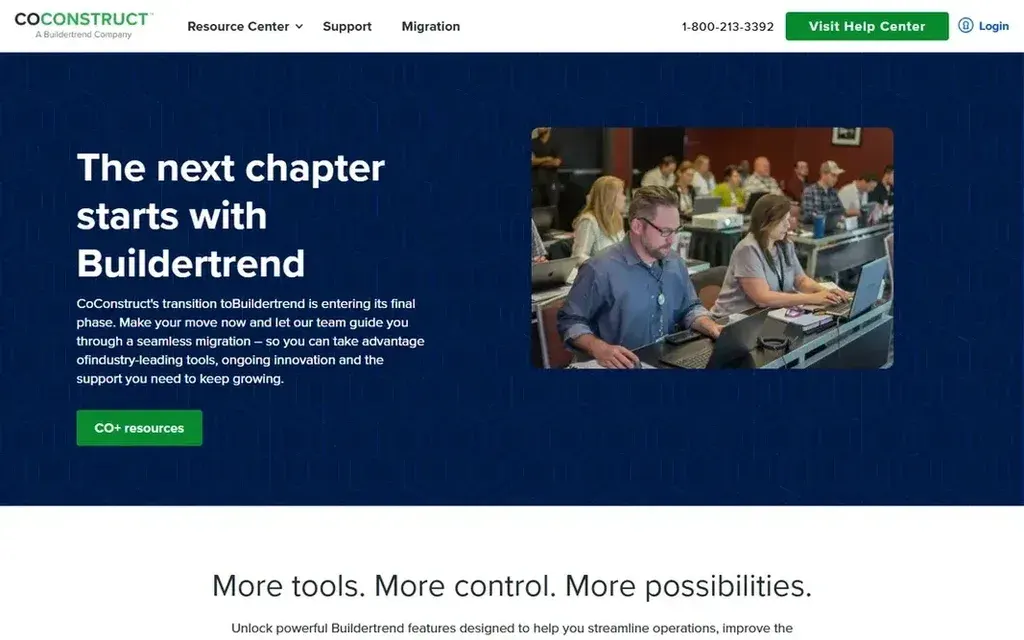
CoConstruct serves unified construction management and client communication. If you only need takeoff and estimating, a focused tool like PlanSwift or Buildxact could be a better fit.
The product is built to link the office and the field, making it simpler to keep projects organized from estimate to completion. This comparison lists no price for CoConstruct; ask the vendor. Free access: Not stated.
Watch-outs: May need onboarding time.
- Supports estimating and selections
- Part of a unified brand with Buildertrend
- Feature set can feel wide for very small teams
Contractor Foreman
Best for: All-in-one construction management on a budget
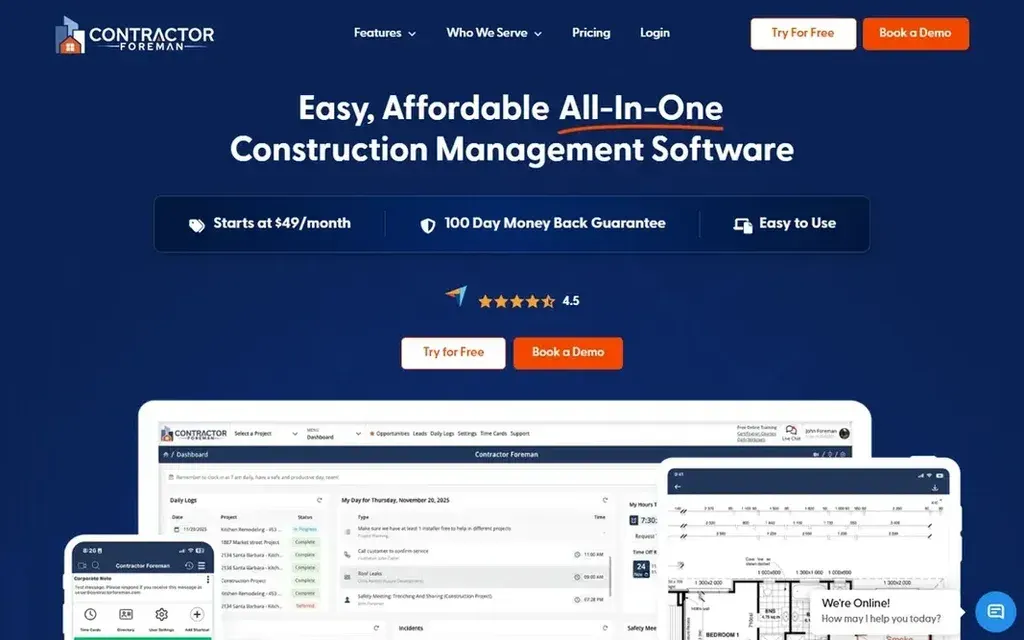
Choose Contractor Foreman for all-in-one construction management on a budget. Contractor Foreman is all-in-one construction management software that handles estimates, scheduling, time cards, and invoicing.
What to check first: May lack deep takeoff capabilities.
Highlights: Straightforward feature set for small teams.
Whereas it includes estimating, it may not offer the advanced takeoff and bid-leveling features of specialized tools like STACK or PlanSwift. As for the details, contractors with complicated bid requirements might have to pair it with a dedicated estimating option. Contractor Foreman does not show a starting price in this comparison, so check the vendor site for current pricing. Free options: Not stated.
- Time cards and invoicing
- All-in-one construction management
- Interface may feel entry-level to some users
How we built this list
The comparison looks at four things: starting price, free access, how well the feature set matches construction bid software for small contractors, and the main limit of each tool. Where a price is missing, the vendor does not list one publicly or ties it to a quote. Always confirm before budgeting. Order on the page follows fit for the typical buyer first, then price transparency and free access. Your own requirements should decide the final pick.
A buyer's checklist
- Confirm the entry price on the vendor page. For PlanSwift, Buildxact, Bluebeam Revu and others that means a quote rather than a fixed price.
- Run a trial of STACK, PlanSwift, Buildxact and Bluebeam Revu with real work before paying for a year; your own workflow is the best test.
- Read the limits listed for STACK first: may be more than small contractors need.
- Check the integration list for Contractor Foreman against the tools you run today, and note which ones need a higher plan.
- Before you load data into PlanSwift, check what an export looks like and who can run it.
FAQ
What should small contractors look for in bid software?
Small contractors should prioritize simplicity, accurate estimating and takeoff features, and the capacity to handle projects without excessive complexity. Integration with existing workflows and responsive support are also important.
Does any tool for construction bid software for small contractors here have a free plan?
A permanent free plan is not offered by STACK, Contractor Foreman or the other tools here. STACK, PlanSwift, Buildxact, Bluebeam Revu offer a trial. Plan a short evaluation period instead.
Can I try these tools before paying?
Often, yes. STACK, PlanSwift, Buildxact and Bluebeam Revu offer a free trial. Use your own data and a real task during the test, and check what the free tier or trial limits before you rely on it.
How does CoConstruct compare to Contractor Foreman?
CoConstruct supplies a unified construction management experience with a focus on client communication and selections, whereas Contractor Foreman offers all-in-one management including estimates, scheduling, and invoicing. CoConstruct may suit builders who want a refined client-facing experience, whereas Contractor Foreman is a straightforward choice for core operations.
What is the cheapest option for construction bid software for small contractors in this list?
On published monthly entry prices, STACK is the lowest here at $49 per user per month. Entry price is only part of the cost, because seats, add-ons and billing terms can change the total. For the full picture, the cards above cover all 6 entries of this construction bid software for small contractors list, including price, free plan and limits.
Do these tools publish their prices?
Not all of them. PlanSwift, Buildxact, Bluebeam Revu and others publish no starting price, so expect a quote request for those. The rest, STACK included, show a starting price, though seats and billing terms still change the final cost.
Sources
- https://www.stackct.com
- https://www.planswift.com
- https://www.buildxact.com
- https://www.bluebeam.com
- https://www.coconstruct.com
- https://www.contractorforeman.com