Best Residential Construction Estimating Software in 2026: 8 Tools Compared
We compared the best residential construction estimating software on takeoff, pricing data, and quoting, so builders can bid faster and protect their margins.

- Editor's choice
 Buildxact
Residential builders and remodelers
Starts atSee websiteVisit buildxact.comFull review - Great alternative
 Houzz Pro
Remodelers wanting an all-in-one suite
Starts atSee websiteVisit houzz.comFull review - Also consider
 STACK
Fast cloud takeoffs and estimates
Starts atSee websiteVisit stackct.comFull review
TL;DR:
- Takeoff speed matters most for remodelers and builders bidding many jobs, while cost database depth matters most for custom homes.
- Residential tools beat generic spreadsheets by linking measurements, material prices, and quotes in one flow.
- Most tools price by the month, and the cheapest plan is rarely the one with the takeoff and pricing features you need.
- Test with a real past job during the trial, since a demo estimate hides how the tool handles your kind of work.
Quick comparison
| Tool | Best for | Starts at | Free plan? | |
|---|---|---|---|---|
| Buildxact | Residential builders and remodelers | See website | Free trial | Visit |
| Houzz Pro | Remodelers wanting an all-in-one suite | See website | Free trial | Visit |
| STACK | Fast cloud takeoffs and estimates | See website | Free trial | Visit |
 Buildertrend | Home builders managing the full job | See website | Free trial | Visit |
 Contractor Foreman | Small contractors on a budget | See website | Free trial | Visit |
 Clear Estimates | Simple remodeling estimates | See website | Free trial | Visit |
 ProEst | Detailed estimating for growing firms | See website | Free trial | Visit |
 Sage Estimating | Cost database depth for larger builders | See website | Free trial | Visit |
The best residential construction estimating software
Residential estimating software turns plans into quantities, quantities into costs, and costs into a quote a homeowner can sign. The best tools cut takeoff time, keep material prices current, and carry the estimate into scheduling and invoicing without retyping. The eight below cover that job from different angles.
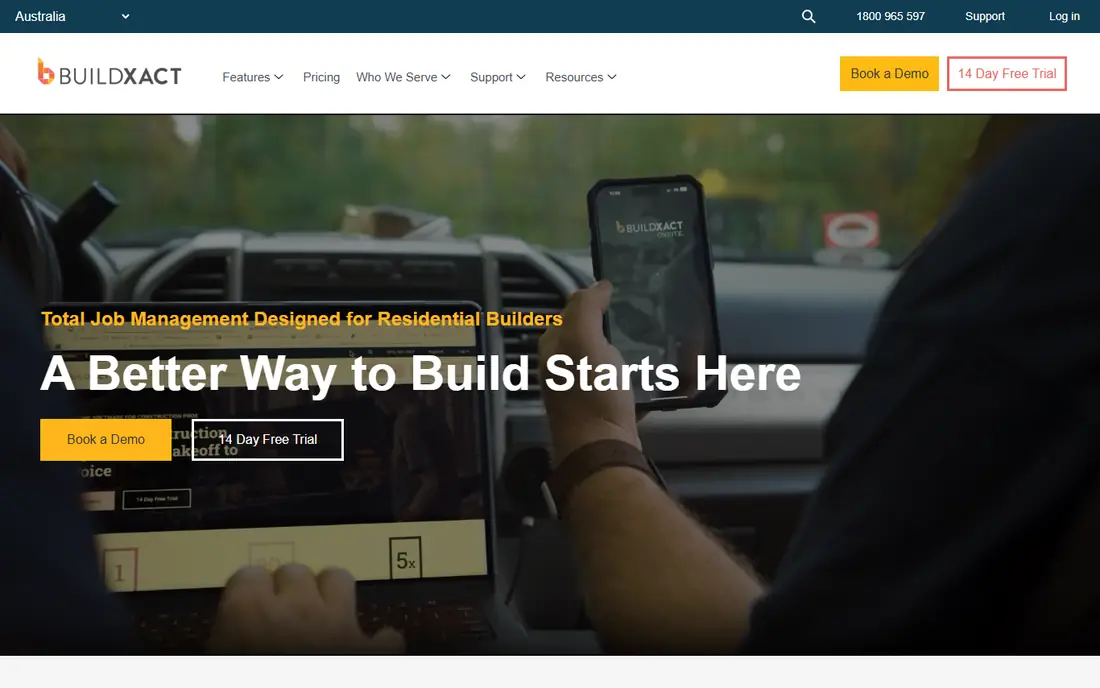
Buildxact is the residential specialist on this list, and it feels like it. Takeoffs, estimates, quotes, scheduling, and a client portal live in one cloud tool, so a small builder can move from plans to a signed quote without juggling apps. Recent AI features help build estimates from templates, review them for errors, and measure plans faster.
The focus on residential work is both the strength and the limit. A contractor who also bids commercial jobs may need a broader tool. For builders and remodelers whose work is houses, additions, and renovations, Buildxact covers the daily workflow with less setup than general construction platforms.
- Built for residential work from takeoff to quote
- Scheduling and client portal included
- AI estimating help
- Less suited to heavy commercial work
- Advanced features sit on higher plans
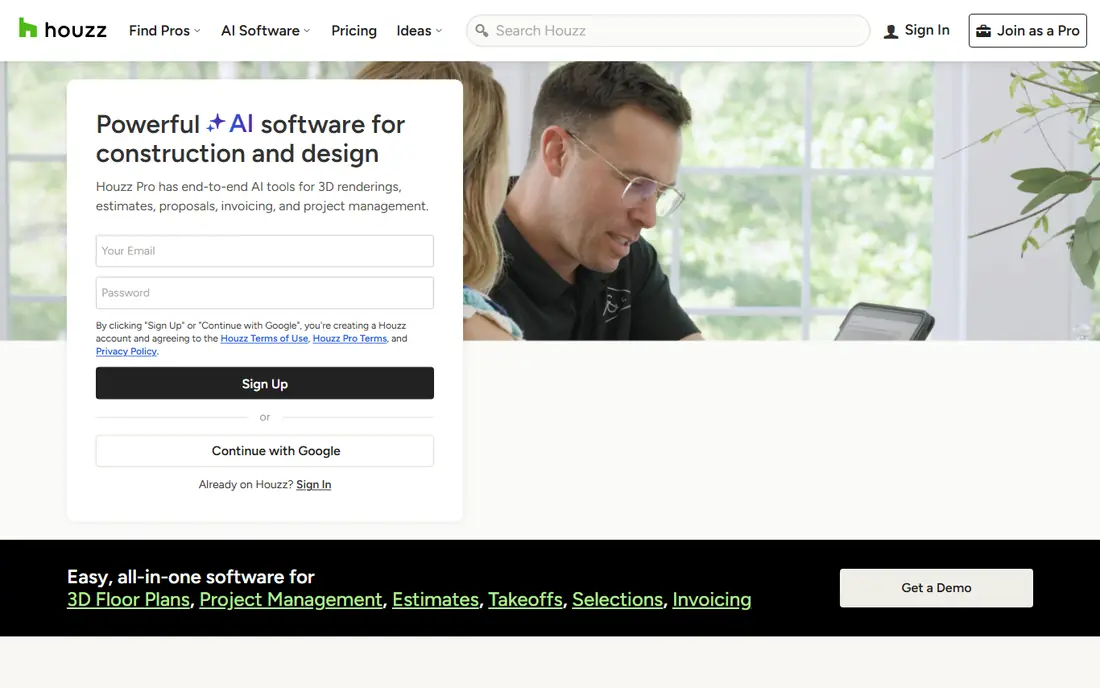
Houzz Pro appeals to remodelers who want the whole business in one place. Estimates and takeoffs sit beside lead management, marketing, 3D floor plans, project management, selections, invoicing, and payments, with QuickBooks integration for accounting. A client can move from initial inquiry to signed proposal to payment without leaving the system.
That breadth is also the trade-off. Estimators who only want takeoff and pricing may find the extra modules distracting, and costs grow as you add seats and features. For a remodeling firm that also needs marketing and client management, the combined value is strong. For a pure estimating need, STACK or Buildxact may be tighter.
- Estimates plus CRM, marketing, and invoicing
- 3D floor plans and takeoffs
- QuickBooks integration
- Broad suite means estimating is one module among many
- Pricing rises with features
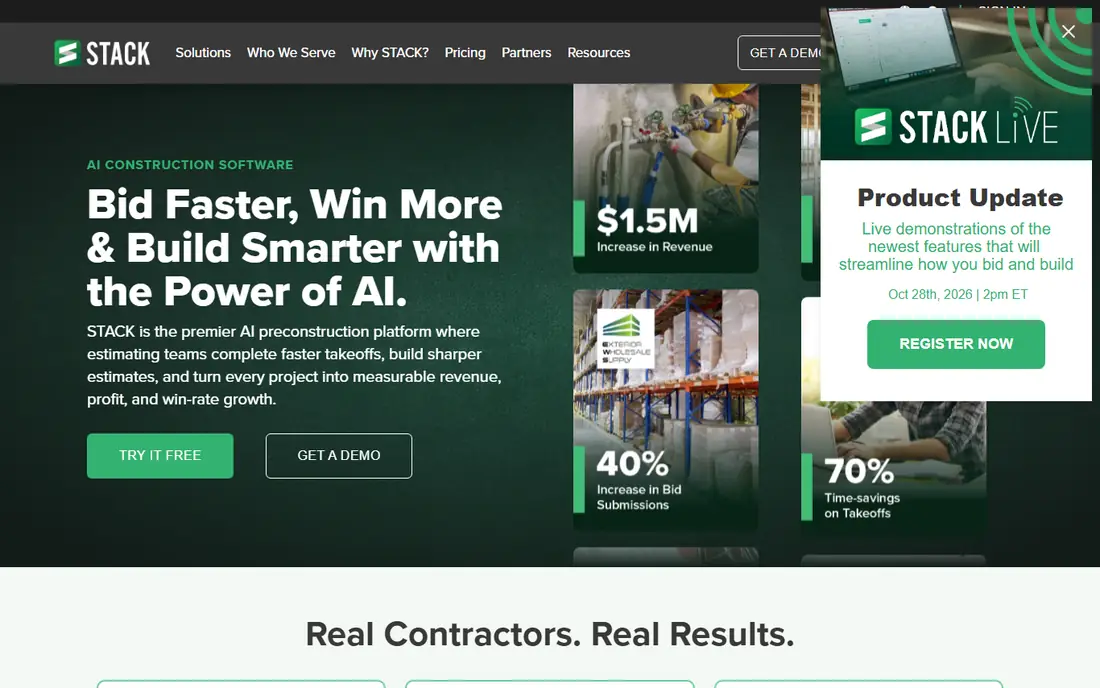
STACK is the takeoff-first pick. Contractors upload plans, measure quantities in the cloud, apply material pricing from built-in or custom databases, and turn the result into an estimate. The cloud design means an estimator can work from the office, the job site, or home with the same plans, and collaboration is simple.
It is less of a full business suite than Buildertrend or Houzz Pro, so scheduling, CRM, and invoicing may need other tools. If your bottleneck is measuring plans and pricing them accurately, STACK attacks exactly that problem. Time it against your current takeoff process during the trial to see the gain clearly.
- Very fast cloud takeoffs
- Material cost database
- Works from any device
- Project management is lighter than Buildertrend or Houzz Pro
- Pricing is subscription-based
Buildertrend serves home builders who want estimating connected to everything after the sale. Estimates feed into budgets, schedules, selections, change orders, and client updates, so the number a homeowner approves stays tied to the job as it runs. Custom home builders benefit most, since selections and change orders are where residential jobs usually drift.
The price and setup effort are higher than simpler tools, and small remodelers may not use the full platform. For a builder running several homes at once, the connection between estimate and job management prevents the costly gap where the bid and the build tell different stories.
- Estimating plus scheduling, selections, and client communication
- Strong for custom home builders
- Good integrations
- Higher price point
- Setup takes time for full adoption
Contractor Foreman packs a lot into a lower price, including estimating, takeoff, scheduling, project management, and invoicing, with unlimited users on its plans. Small contractors like the value, since adding a foreman or office helper does not add a seat fee. The estimating tools cover the essentials for residential bids, from line items to quotes.
The interface packs many features into each screen, so new users should expect a learning curve. Pure takeoff speed also trails STACK. For a small contractor who wants one affordable system for the whole business, Contractor Foreman is hard to beat on value.
- Estimating, takeoff, scheduling, and invoicing in one
- Unlimited users on plans
- Competitive pricing
- Interface is dense
- Some advanced estimating features lag specialists
Clear Estimates targets remodelers who want a clean estimate without a heavy platform. Templates cover common remodeling jobs, line items are easy to adjust, and proposals look professional for homeowners. A small remodeling crew can produce a credible bid in an afternoon with little training.
Custom home builders and firms with complex cost structures will hit limits, since the template approach trades depth for simplicity. For kitchen, bath, and renovation work, that trade is usually worth it. Try it with a recent job to see whether its templates match how you actually price work.
- Very easy to learn
- Remodeling-focused templates
- Clear client-ready proposals
- Less depth for custom home builds
- Fewer integrations than larger suites
ProEst suits firms that have outgrown templates and need detailed assemblies, cost databases, and bid management. Estimators can build complex estimates from assemblies, compare subcontractor bids, and produce polished proposals. Integration with project management tools helps carry the estimate forward.
Pricing is quote-based and the learning curve is real, so ProEst fits a firm with a dedicated estimator rather than an owner estimating between site visits. If your bids involve many trades and assemblies, the depth pays off. If you bid a few remodels a month, a simpler tool will serve you faster.
- Detailed cost databases and assemblies
- Bid management
- Integrates with project management tools
- Quote-based pricing
- Steeper learning curve than simpler tools
Sage Estimating brings serious cost database depth, including options tied to RSMeans data, which larger builders trust for detailed estimates. It handles assemblies, multiple databases, and complex jobs well, and it pairs naturally with Sage accounting for firms already in that ecosystem.
The interface feels older than cloud-first rivals, and setup suits firms with estimating staff rather than solo builders. For a larger residential builder that values database depth and accounting integration over a modern look, Sage remains a dependable choice. Smaller firms should weigh the learning curve before committing.
- Deep cost databases, including RSMeans data options
- Strong for detailed commercial and residential work
- Integrates with Sage accounting
- Dated interface
- Pricing and setup suit larger firms
How we picked these
We compared official feature pages, pricing pages, and public reviews for estimating tools with real residential construction use in 2026. We favored tools with takeoff features, material or cost databases, quote generation, and active support. We left out generic project management tools without estimating depth and commercial-only platforms with little residential fit.
What to check before you buy
Start with your job mix. A remodeler bidding kitchens needs templates and fast takeoffs, while a custom home builder needs assemblies, allowances, and change order tracking. List the last ten jobs you bid and check that the tool handles each type cleanly, not just the demo job.
Next, check the cost data. Built-in material prices save time only if they match your suppliers and region, so ask how often prices update and how easily you can import your own rates. A tool with stale prices produces confident-looking bids that lose money.
Finally, follow the estimate past the sale. Does it feed scheduling, budgets, and invoicing, or must you retype it? Retyping invites errors and wastes the time the tool saved. Run one real past job end to end during the trial, from plans to a client-ready quote, before you pay.
Takeoff, pricing, or quoting: which bottleneck is yours
If measuring plans eats your week, prioritize takeoff speed and pick STACK or Buildxact. If pricing eats your week, prioritize cost databases and pick ProEst or Sage. If producing polished quotes and getting signatures eats your week, prioritize proposal tools and pick Houzz Pro or Clear Estimates. Buying for your real bottleneck beats buying the longest feature list.
FAQ
What is the best estimating software for residential construction?
For most residential builders, Buildxact is the best all-around pick, while STACK leads on takeoff speed and Buildertrend leads on full job management. Remodelers on a budget should also look at Contractor Foreman and Clear Estimates.
How much does residential construction estimating software cost?
Most tools charge monthly subscriptions, with entry plans often starting in the low hundreds per month and rising with features and users. Some vendors publish prices and others quote, so get a written quote for your team size and feature needs.
Can estimating software replace spreadsheets?
Yes, for most builders. Estimating software links takeoffs, prices, and quotes, updates totals automatically, and keeps a history of past bids. Spreadsheets still work for very simple jobs, but they invite formula errors and version confusion as job count grows.
Does estimating software include material prices?
Many tools include material cost databases or let you import your own supplier prices. Check update frequency and regional fit, since generic prices may differ from what your suppliers actually charge.
How long does it take to learn estimating software?
Simple tools like Clear Estimates can be productive within a day, while deeper platforms like ProEst or Sage may take weeks of regular use. Budget training time into your first month and start with one job type before rolling out to all bids.