The 5 Best Secure Browser Software in 2026, Ranked
Best secure browser software, compared. 5 tools with published prices, free plans and limits. The weak spots sit next to the strengths. Skim the table first.
- Editor's choice
 Opera
Everyday users seeking built-in features
Starts atSee websiteVisit opera.comFull review - Great alternativeMozilla Firefox
Privacy-conscious users and organizations
Starts atSee websiteVisit mozilla.orgFull review - Also considerMicrosoft Edge for Business
Microsoft-centric organizations seeking secure AI browsing
Starts atSee websiteVisit microsoft.comFull review
Direct answer
If you need everyday users seeking built-in features, Opera is the first tool to look at here. Listed starting prices: Google Chrome Enterprise from $6 per user per month. Look at Mozilla Firefox for privacy-conscious users and organizations, and at Microsoft Edge for Business for Microsoft-centric organizations seeking secure AI browsing. Prices, free plans and limits for all 5 tools follow.
TL;DR:
- Number one here is Opera, a fit for everyday users seeking built-in features.
- Just one of the 5 tools, Google Chrome Enterprise, has a free plan.
- What to know about Vivaldi first: no enterprise management suite.
- For organizations needing centralized browser management, Google Chrome Enterprise is worth a look.
- The cheapest monthly starting price in the list is $6 per user monthly, offered by Google Chrome Enterprise.
Last checked November 2026. Prices and plan details were read from the vendors' own pages in November 2026; vendors change plans often, so confirm the current price on the vendor site before you buy.
Quick comparison
| Tool | Best for | Starts at | Free plan? | |
|---|---|---|---|---|
| Opera | Everyday users seeking built-in features | See website | Not stated | Visit |
| Mozilla Firefox | Privacy-conscious users and organizations | See website | Not stated | Visit |
| Microsoft Edge for Business | Microsoft-centric organizations seeking secure AI browsing | See website | Not stated | Visit |
 Vivaldi | Power users wanting customization and privacy | See website | Not stated | Visit |
| Google Chrome Enterprise | Organizations needing centralized browser management | $6 per user per month | Yes | Visit |
Secure Browser Software profiles
Choosing secure browser software usually comes down to price, fit and limits. This LinkVetted guide sets 5 tools side by side on those three points, with the facts kept short and checkable.
Opera targets everyday users seeking built-in features. Opera is a free browser that emphasizes speed, safety, and a mix of built-in features for example an ad blocker and VPN.
From a buyer's view, firms with strict security policies may have to look elsewhere. Opera shows no starting price here, so confirm the cost on the vendor site. Free access: Not stated.
Points against: Restricted enterprise controls.
- Built-in ad blocker and VPN
- Free and feature-rich
- Privacy features less transparent
Mozilla Firefox
Best for: Privacy-conscious users and organizations
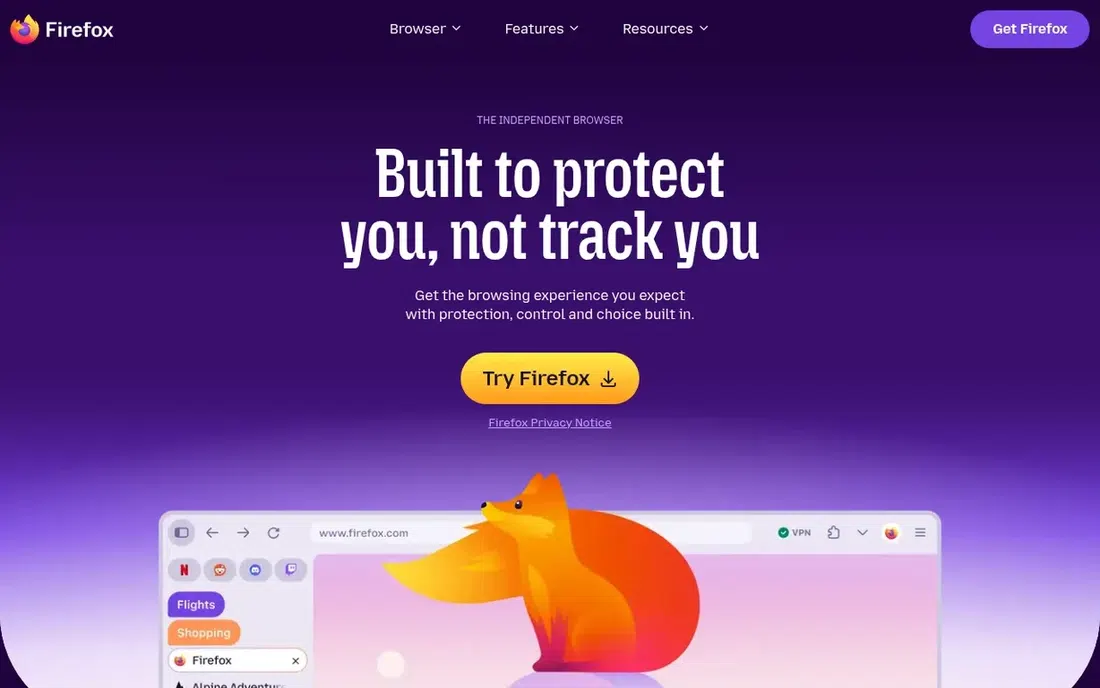
Mozilla Firefox makes the most sense for privacy-conscious users and organizations. It is widely used and supported across major products. For enterprise deployment, Firefox gives you policy support but may lack the depth of management features found in Chrome Enterprise or Edge for Business.
Limits to weigh: Enterprise management less mature.
Also, a handful of websites may still be optimized primarily for Chromium-based browsers, potentially causing minor compatibility issues. As for the details, if you need deep centralized control, consider a dedicated enterprise browser. Mozilla Firefox shows no starting price here, so confirm the cost on the vendor site. Free access: Not stated.
- Blocks trackers by default
- Built-in VPN for added privacy
- Some sites may not optimize for it
Microsoft Edge for Business
Best for: Microsoft-centric organizations seeking secure AI browsing
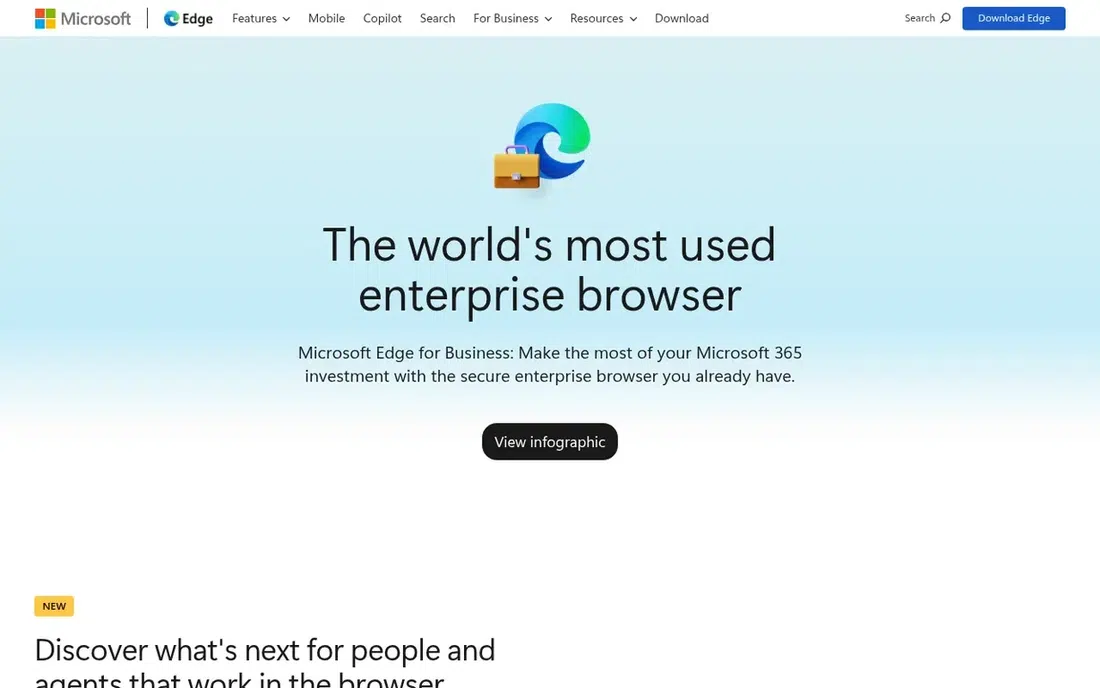
Microsoft Edge for Business was built for Microsoft-centric organizations seeking secure AI browsing. Microsoft Edge for Business is an enterprise browser that emphasizes security and productivity within the Microsoft ecosystem. It supplies secure AI browsing, data protection, and in-depth reporting across managed and unmanaged devices.
What to check first: Best features tied to Microsoft ecosystem.
This browser is well suited to organizations using Microsoft 365, as it connects with existing identity and compliance tools, helping protect corporate data without hindering user workflows. In daily use, the primary limitation is that Edge for Business provides the most value when paired with Microsoft services. Organizations using other products may not completely benefit from its integration. Also, the deep configuration choices can be overwhelming for smaller IT teams. In daily use, if you are not a Microsoft shop, a more straightforward alternative might be more suitable. This comparison lists no price for Microsoft Edge for Business; ask the vendor. Trial and free access: Not stated.
- Smooth integration with Microsoft 365
- Capable authentication features
- Can be complicated to configure
Vivaldi is designed for power users wanting customization and privacy. Vivaldi is a highly adaptable browser that gives you broad customization choices, built-in features like tab stacking and note-taking, and a capable stance on privacy. Vivaldi lacks a dedicated enterprise management suite, making it less right for organizations that need centralized policy enforcement and reporting.
Also, Vivaldi is available on desktop, mobile, and even in cars. Also, if you need solid IT controls, consider a browser aimed at enterprise environments. This comparison lists no price for Vivaldi; ask the vendor. Trial and free access: Not stated.
Downsides: No enterprise management suite.
- No user tracking
- Highly configurable interface
- Steeper ramp-up time
Google Chrome Enterprise
Best for: Organizations needing centralized browser management
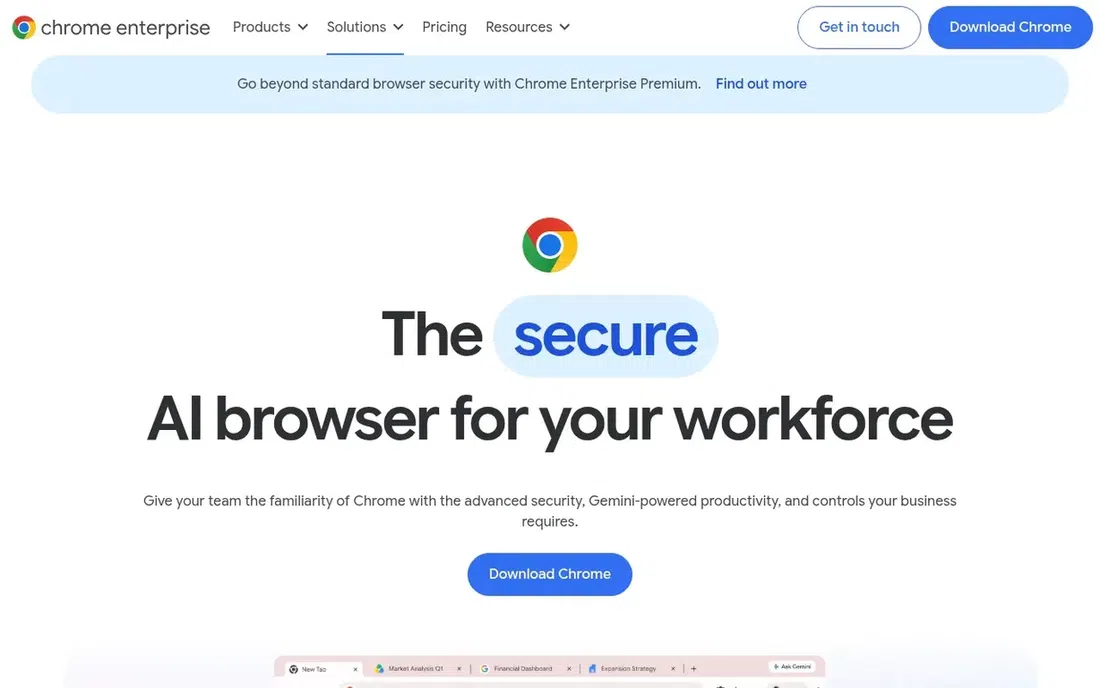
Google Chrome Enterprise works best for organizations needing centralized browser management. Also, Chrome is noted for high memory usage, which could be a concern on older hardware.
Starting cost for Google Chrome Enterprise: $6 per user monthly. A free plan is available with Google Chrome Enterprise.
Where it is weaker: Best features need Google ecosystem.
- Deep policy controls for IT
- Regular security updates
- Can be resource-intensive
How we built this list
What to check before you buy
- Confirm the entry price on the vendor page. For Opera, Mozilla Firefox, Microsoft Edge for Business and Vivaldi that means a quote rather than a fixed price.
- Test the free plan from Google Chrome Enterprise against your real workload before relying on it.
- Before choosing Opera, weigh its main limit: limited enterprise controls.
- Pick one real project and run it in Microsoft Edge for Business first; a small pilot shows fit faster than a checklist.
- Read the plan comparison for Mozilla Firefox carefully; key features often start on a higher tier.
FAQ
Is Opera the right pick for everyone comparing secure browser software?
No single tool suits every team. Opera comes first because it fits everyday users seeking built-in features, while Mozilla Firefox suits privacy-conscious users and organizations and Microsoft Edge for Business suits Microsoft-centric organizations seeking secure AI browsing. Match the tool to your own size, budget and workflow before deciding.
What makes a browser secure for enterprise use?
Enterprise browsers generally offer centralized management, policy enforcement, and reporting to protect corporate data. Browsers for example Chrome Enterprise and Edge for Business are built with these needs in mind.
How are the tools for secure browser software ordered?
Opera sits first and Google Chrome Enterprise last because the order follows typical fit for secure browser software, then price clarity and free access. It is a judgement call, so read each profile for fit and limits.
Can I try these options before paying?
Often, yes. Google Chrome Enterprise has a free plan. Use your own data and a real task during the test, and check what the free tier or trial limits before you rely on it.
Do these tools publish their prices?
Not all of them. Opera, Mozilla Firefox, Microsoft Edge for Business and Vivaldi publish no starting price, so expect a quote request for those. The rest, Google Chrome Enterprise included, show a starting price, though seats and billing terms still change the final cost.
Sources
- https://www.opera.com
- https://www.mozilla.org/firefox
- https://www.microsoft.com/en-us/edge/business
- https://vivaldi.com
- https://chromeenterprise.google