Best Secure Internet Browser (2026): 6 Picks Checked on Vendor Pages
Best secure internet browser in 2026: 6 contenders with entry costs and free tiers. Fit, price and catches for every tool. Pricing and limits included.
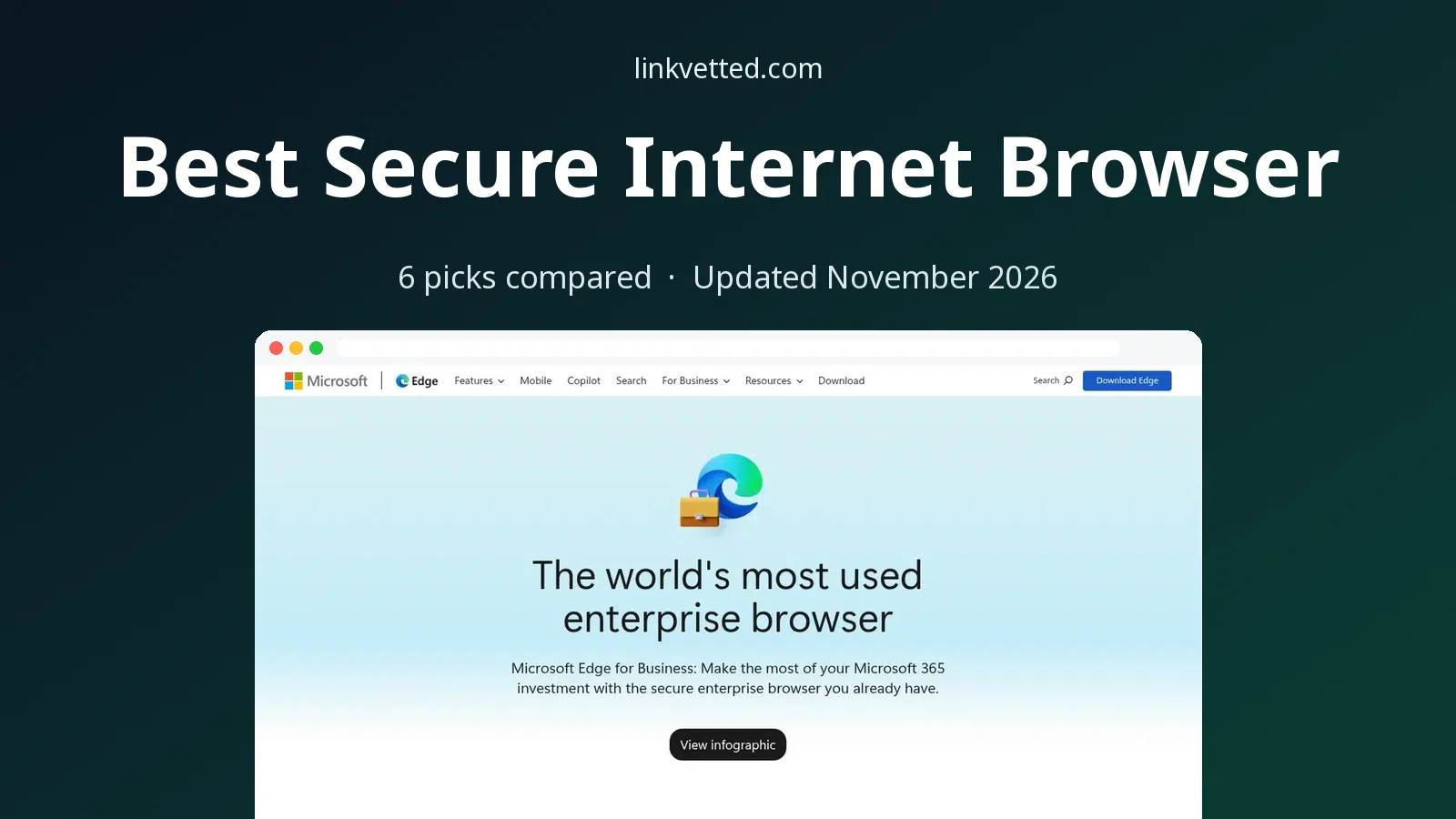
- Editor's choiceMicrosoft Edge for Business
Microsoft-centric security and AI controls
Starts atSee websiteVisit microsoft.comFull review - Great alternative
 Vivaldi
Highly configurable private browsing
Starts atSee websiteVisit vivaldi.comFull review - Also considerDuckDuckGo Browser
Straightforward privacy-first everyday browsing
Starts atSee websiteVisit duckduckgo.comFull review
Direct answer
This list puts Microsoft Edge for Business first for Microsoft-centric security and AI controls. Listed starting prices: Chrome Enterprise from $6 per user monthly. Look at Vivaldi for highly configurable private browsing, and at DuckDuckGo Browser for straightforward privacy-first everyday browsing. Prices, free plans and limits for all 6 tools follow.
TL;DR:
- Number one here is Microsoft Edge for Business, a fit for Microsoft-centric security and AI controls.
- What to know about DuckDuckGo Browser first: fewer enterprise management features.
- For managed enterprise browsing with data protection, Chrome Enterprise is worth a look.
- Chrome Enterprise is the only tool of the 6 with a free plan.
- The lowest published monthly entry price here is $6 per user monthly, from Chrome Enterprise.
Last checked November 2026. Prices and plan details were read from the vendors' own pages in November 2026; vendors change plans often, so confirm the current price on the vendor site before you buy.
Quick comparison
| Tool | Best for | Starts at | Free plan? | |
|---|---|---|---|---|
| Microsoft Edge for Business | Microsoft-centric security and AI controls | See website | Not stated | Visit |
| Vivaldi | Highly configurable private browsing | See website | Not stated | Visit |
| DuckDuckGo Browser | Straightforward privacy-first everyday browsing | See website | Not stated | Visit |
| Firefox for Enterprise | Open-source browser with enterprise controls | See website | Not stated | Visit |
 Brave | Built-in ad and tracker blocking | See website | Not stated | Visit |
| Chrome Enterprise | Managed enterprise browsing with data protection | $6 per user monthly | Yes | Visit |
Secure Internet Browser profiles
LinkVetted compared 6 tools for secure internet browser. The goal is a practical shortlist: published prices, free plan facts, best-fit use cases and honest limits for every entry.
Microsoft Edge for Business
Best for: Microsoft-centric security and AI controls
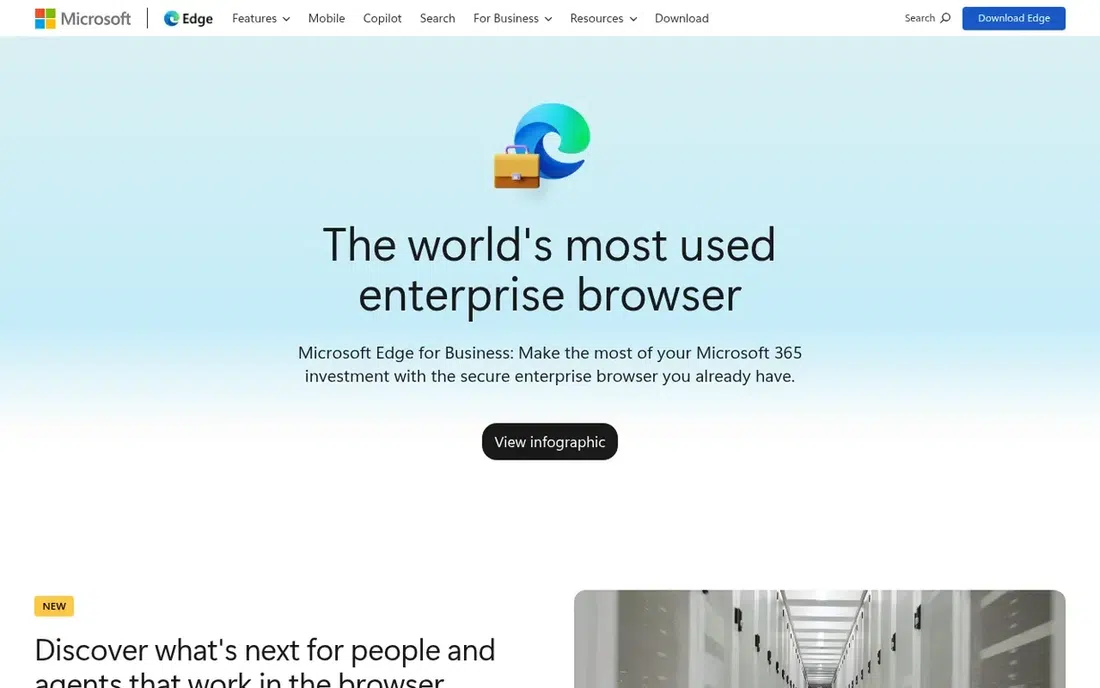
Microsoft Edge for Business makes the most sense for Microsoft-centric security and AI controls. Microsoft Edge for Business is positioned as an industry-leading secure enterprise browser. It provides secure AI browsing, capable authentication, data security, GenAI controls, and in-depth reporting across managed, unmanaged, BYOD, and personal devices.
Choose Edge for Business when Microsoft integration and AI governance matter most. Beyond that, the full security and reporting value relies on proper configuration and Microsoft infrastructure, so standalone users may not benefit from every control. No starting price is listed for Microsoft Edge for Business here; confirm pricing on the vendor site. On free options: Not stated.
Where it is weaker: Plenty of features need configuration.
- In-depth reporting
- Solid authentication
- Microsoft ecosystem focus
Vivaldi works best for highly configurable private browsing. The broad feature set can feel overwhelming for users who prefer simplicity, and enterprise management choices are less established than major business browsers.
If centralized control is the priority, consider Chrome Enterprise instead. Vivaldi does not show a starting price in this comparison, so check the vendor site for current pricing. Free options: Not stated.
What to check first: Feature density can overwhelm.
- Does not track users
- Car support
- Smaller enterprise ecosystem
DuckDuckGo Browser
Best for: Straightforward privacy-first everyday browsing
In short, DuckDuckGo Browser is for straightforward privacy-first everyday browsing. The browser is meant to help users control personal information online without tradeoffs. It supplies fewer enterprise management and reporting capabilities than dedicated business browsers, which may limit large deployments.
More specifically, if you need centralized policy enforcement, Chrome Enterprise or Edge for Business are stronger choices. In practice, DuckDuckGo Browser comes from the Internet privacy company that emphasizes protection, privacy, and peace of mind. No starting price is listed for DuckDuckGo Browser here; confirm pricing on the vendor site. Free plan details: Not stated.
Honest limits: Fewer enterprise management features.
- Cross-platform availability
- Privacy-focused design
- Restricted extension ecosystem
Firefox for Enterprise
Best for: Open-source browser with enterprise controls
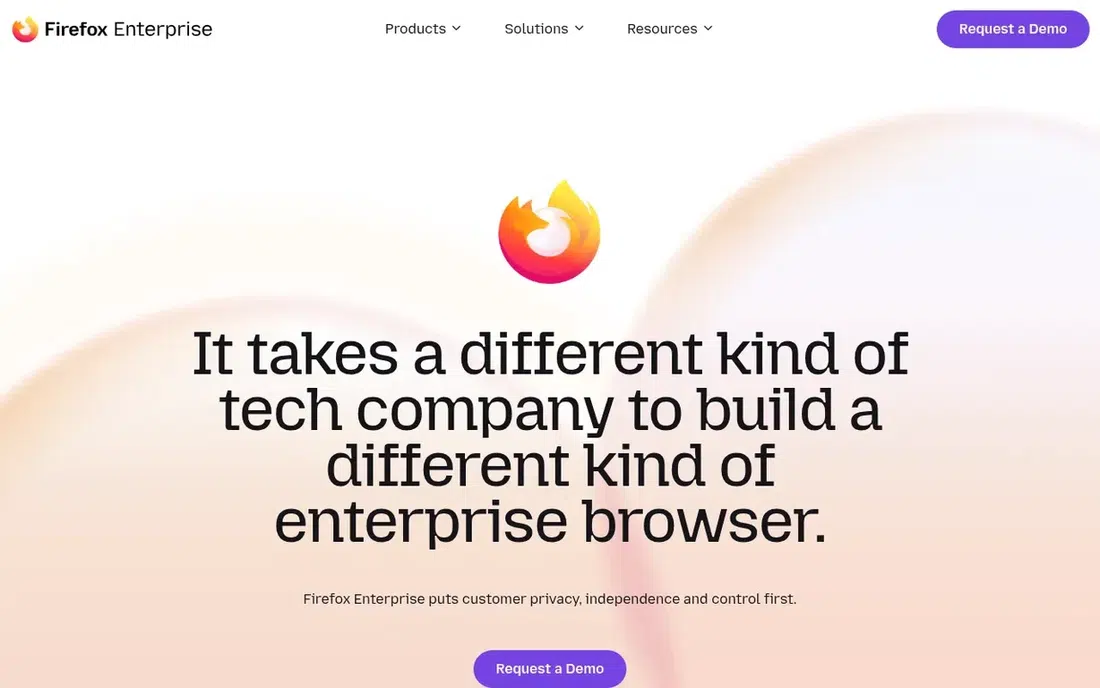
For open-source browser with enterprise controls, Firefox for Enterprise is a natural candidate. Firefox for Enterprise is the business-oriented edition of Mozilla's widely known open-source browser.
As for the details, Enterprise management features may need more manual policy planning than tightly integrated commercial suites. Teams that value transparency and community-driven development commonly shortlist Firefox when standardizing secure browsing. Firefox for Enterprise shows no starting price here, so confirm the cost on the vendor site. As for free access: Not stated.
Honest limits: Needs policy planning.
- Open-source foundation
- Enterprise-focused configuration
- Fewer built-in enterprise dashboards
Pick Brave if this describes you: built-in ad and tracker blocking. Aggressive blocking can occasionally affect sites that depend on trackers, requiring per-site adjustments.
Points against: Some sites may need adjustments.
As for the details, Enterprise-level reporting and policy management are less developed than in Chrome Enterprise or Edge for Business. Brave does not show a starting price in this comparison, so check the vendor site for current pricing. As for free access: Not stated.
- Available on PC, Mac, mobile
- Blocks tracking software
- Less centralized enterprise reporting
Chrome Enterprise
Best for: Managed enterprise browsing with data protection
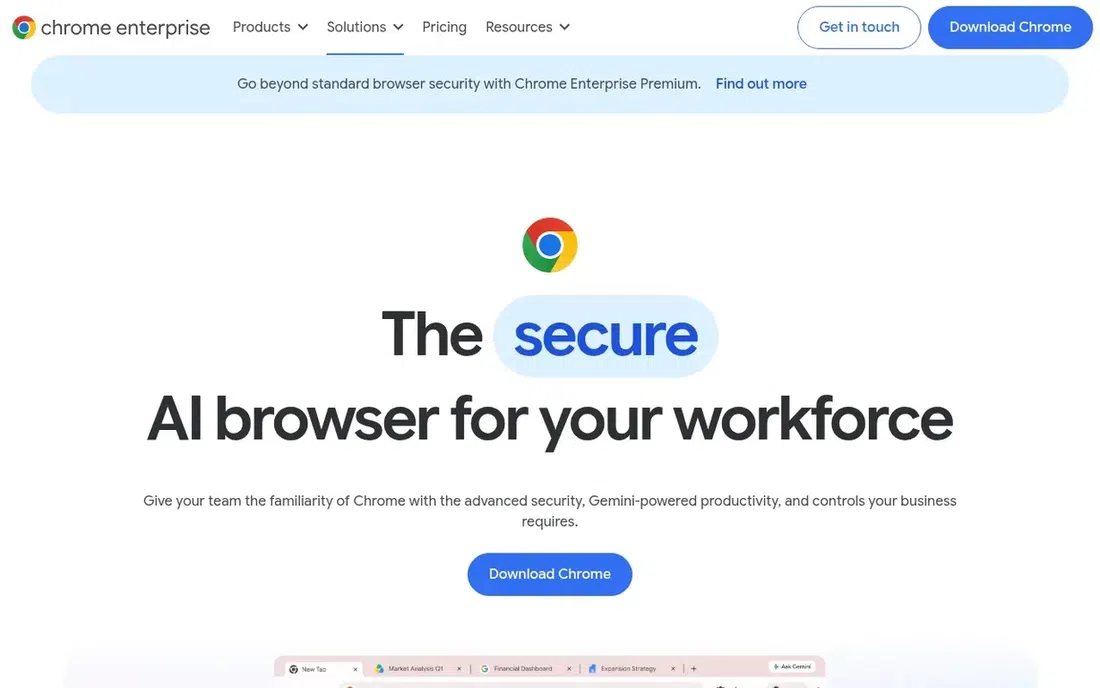
Choose Chrome Enterprise for managed enterprise browsing with data protection. Chrome Enterprise is a trusted enterprise browser built to adapt to your business, enable your workforce, and protect corporate data. Beyond that, consider Chrome Enterprise when Google ecosystem alignment and centralized data protection are priorities.
The browser is designed for IT teams that want consistent security controls without disrupting familiar Chrome workflows. On top of that, if you need deep integration with Microsoft services instead, Edge for Business is a more natural fit. Chrome Enterprise cost at the entry level: $6 per user monthly. Free access exists with Chrome Enterprise.
What to check first: Best value within Google ecosystem.
- Guards corporate data
- Adapts to business needs
- Needs admin setup
How we compared the tools
A buyer's checklist
- Ask Microsoft Edge for Business, Vivaldi, DuckDuckGo Browser and others for a written quote, since no starting price is shown.
- Look at the free plan from Chrome Enterprise closely: its caps decide whether it is usable for real work.
- Before choosing Microsoft Edge for Business, weigh its main limit: Microsoft ecosystem focus.
- Let daily users try Firefox for Enterprise on real work; their feedback beats any feature checklist.
- See whether Microsoft Edge for Business offers onboarding or training, and whether it is included in the price.
FAQ
How are the tools for secure internet browser ordered?
Microsoft Edge for Business sits first and Chrome Enterprise last because the order follows typical fit for secure internet browser, then price clarity and free access. It is a judgement call, so read each profile for fit and limits.
Do these tools publish their prices?
Not all of them. Microsoft Edge for Business, Vivaldi, DuckDuckGo Browser and others publish no starting price, so expect a quote request for those. The rest, Chrome Enterprise included, show a starting price, though seats and billing terms still change the final cost.
Can I use different secure browsers across teams?
Yes, numerous organizations standardize one browser for managed devices whereas allowing another for BYOD or personal use. Edge for Business explicitly supports managed, unmanaged, and BYOD scenarios.
Which options for secure internet browser have a free plan?
Chrome Enterprise is the only tool in this list with a free plan. Free plans usually cap users, projects or features, so check the limits on the vendor page. Prices, free plan details and limits for all 6 tools in this secure internet browser roundup sit on the individual cards above.
Can I try these tools before paying?
Often, yes. Chrome Enterprise has a free plan. Use your own data and a real task during the test, and check what the free tier or trial limits before you rely on it.
How commonly should browser security settings be reviewed?
A regular periodic check helps catch drift in policies and extensions. Confirm current features on vendor sites, since capabilities evolve over time.
Sources
- https://www.microsoft.com/edge/business
- https://vivaldi.com
- https://duckduckgo.com/duckduckgo-help-pages/desktop/windows/duckduckgo-for-Windows
- https://www.mozilla.org/firefox/enterprise
- https://brave.com
- https://chromeenterprise.google