Best Browser Security Platforms in 2026: 8 Tools Compared
We compare the best browser security platforms, from Island and Menlo to LayerX, on phishing protection, data controls, deployment and enterprise use.
- Editor's choice
 Island
Enterprise browser
Starts atSee websiteVisit island.ioFull review - Great alternative
 Menlo Security
Cloud browser isolation
Starts atSee websiteVisit menlosecurity.comFull review - Also consider
 LayerX
Browser extension security
Starts atSee websiteVisit layerxsecurity.comFull review
TL;DR:
- Island and Talon offer enterprise browsers, while Menlo Security, LayerX and Conceal protect the browsers teams already use.
- The best browser security software depends on whether you want a new browser, a browser extension or a cloud isolation service.
- Phishing, malicious downloads and data leakage through web apps are the main risks these platforms target, not just malware.
- Most platforms in this list use quoted enterprise pricing, so run a pilot with real users and real web apps before you sign.
Quick comparison
| Tool | Best for | Starts at | Free plan? | |
|---|---|---|---|---|
| Island | Enterprise browser | See website | No | Visit |
| Menlo Security | Cloud browser isolation | See website | No | Visit |
| LayerX | Browser extension security | See website | No | Visit |
 Conceal | Browser extension protection | See website | No | Visit |
 Perception Point | Web and email threat protection | See website | No | Visit |
 Seraphic | Enterprise browser security | See website | No | Visit |
 SquareX | Browser detection and response | See website | No | Visit |
 Talon | Enterprise browser by Palo Alto | See website | No | Visit |
The best browser security platforms
Work now happens in the browser, from SaaS apps to email and file sharing. That makes the browser a prime target for phishing, credential theft and data leakage. The platforms below protect that layer in different ways, from full enterprise browsers to extensions and cloud isolation.

Island builds a Chromium based enterprise browser with security and IT controls built in. Admins can set policies for copy, paste, download, upload, screenshot and printing by app or user group, and they can see browser activity in a central console. That control is useful for contractors, call centres and teams that handle sensitive SaaS data.
The main change is user behaviour. Island asks people to work in a new browser, even if it feels familiar, and that rollout needs training and support. Pricing is quoted, so pilot Island with a team that uses sensitive web apps daily, and check how policies affect their normal work before a wider rollout.
- Full enterprise browser with built in controls
- Granular policy for apps and data
- Central admin console
- Requires users to adopt a new browser
- Enterprise pricing is quoted
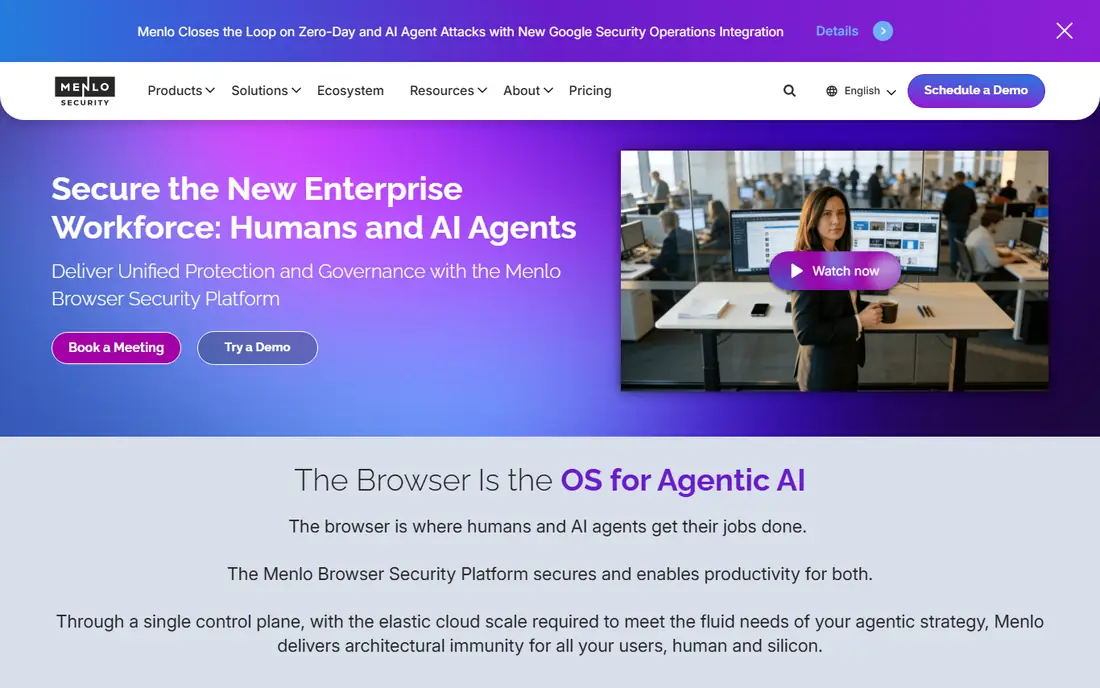
Menlo Security uses cloud based browser isolation to keep risky web content away from the endpoint. Web pages and files are rendered in the cloud, and only safe pixels or cleaned content reach the user device. That model reduces the impact of drive by downloads, malicious scripts and weaponised documents, without forcing a new browser.
Performance and app compatibility need testing. Some complex web apps, video calls or local file workflows may behave differently through isolation, so pilot with the apps your team uses most. For organisations with high phishing risk and many web users, Menlo Security offers a strong layer that sits behind familiar browsers.
- Isolates web content in the cloud
- Reduces risk from malicious sites and files
- Works with existing browsers
- Cloud routing can affect performance for some apps
- Enterprise pricing is quoted
LayerX protects browsers through an extension, rather than replacing the browser or routing all traffic through the cloud. It monitors web sessions, detects phishing and malicious extensions, and controls risky actions such as pasting passwords into unknown sites or uploading sensitive files. Deployment is faster than a full browser swap, since users keep Chrome or Edge.
Extension based security still needs management. IT teams must ensure the extension stays installed and updated, and some policies depend on how a web app is built. LayerX suits teams that want browser security quickly, without a major change to user workflows, and that have good endpoint management in place.
- Extension based protection for existing browsers
- Monitors web sessions and data actions
- Fast deployment
- Extension management needs IT discipline
- Some controls depend on browser and app support
Conceal offers browser protection through a lightweight extension that focuses on phishing, malicious sites and credential theft. It suits smaller and mid sized teams that want a practical browser layer without the complexity of an enterprise browser rollout. Setup is simpler than Island or Menlo, and users keep their current browser.
The trade off is scope. Conceal covers browser threats well, but it does not replace endpoint, email or network security, and it offers fewer data control policies than a full enterprise browser. Use Conceal as part of a layered security plan, not as a single solution for all web risk.
- Lightweight browser extension
- Phishing and credential protection
- Suitable for smaller teams
- Less full featured than enterprise browser platforms
- Quoted pricing for larger deployments
Perception Point protects browsers as part of a wider threat platform that also covers email and collaboration tools. Its detection focuses on advanced phishing, malicious files and links, with investigation tools that help security teams understand an incident. That breadth helps organisations where attacks arrive through both browser and email.
Setup and tuning take more effort than a single extension, since Perception Point is a security platform rather than a simple add on. Teams with a security operations function will get the most value, while very small teams may prefer a lighter extension. Pilot with real phishing examples and check how alerts reach your team.
- Covers web browsers and email channels
- Advanced threat detection
- Incident investigation tools
- Broader scope needs more setup
- Pricing is quoted
Seraphic provides enterprise browser security that works with browsers teams already use, with policies for data protection, session control and threat prevention. It aims to give security teams enterprise browser controls without forcing a full browser replacement, which can ease rollout for large organisations.
As with other enterprise tools, app compatibility matters. Test Seraphic with your core SaaS apps, single sign on flows and file sharing tools before a wide deployment. Pricing is quoted, so ask for a pilot scope, user count and support terms in writing, and compare the policy set with Island and LayerX.
- Browser security for enterprise apps
- Policy controls for data and sessions
- Works with existing browsers
- Enterprise focus and quoted pricing
- Needs a pilot for app compatibility
SquareX focuses on browser detection and response, treating the browser as a security layer that needs its own monitoring and response tools. Its extension based approach detects malicious extensions, phishing pages and risky browser behaviour, and gives security teams investigation data. That focus suits teams that already have endpoint tools but lack browser visibility.
Because browser detection and response is a newer category, buyer diligence matters. Ask for customer references in your industry, check how SquareX handles false positives, and pilot it with a team that uses many SaaS apps. SquareX is a strong option for security teams that want browser specific detection, not just a block list.
- Browser detection and response focus
- Extension based
- Threat research and investigation features
- Newer category, so buyer references matter
- Pricing is quoted
Talon, now part of Palo Alto Networks Prisma Access Browser, offers an enterprise browser for secure access to web and SaaS apps. It provides policy controls for data, downloads and sessions, plus integration with Palo Alto security products. For organisations already using Palo Alto firewalls or Prisma Access, that integration is a clear benefit.
Outside the Palo Alto ecosystem, Talon still works as an enterprise browser, but the integration benefit is smaller. Like Island, it requires users to adopt a new browser, so plan training and support. Compare Talon with Island on policy granularity, admin experience and support terms before you choose an enterprise browser.
- Enterprise browser now part of Palo Alto Networks
- Strong enterprise controls
- Integration with Palo Alto security tools
- Best value inside Palo Alto ecosystem
- Rollout needs user change management
How we picked these
We compared official product pages, deployment models, policy features and enterprise use cases. We looked for platforms that are live in 2026, that specifically address browser threats and data controls, and that cover different models from enterprise browsers to extensions and cloud isolation. We left out general endpoint tools that only mention browser protection as a minor feature.
How to choose a browser security platform
Start with your users and apps. A contractor team that only uses two SaaS apps may suit an enterprise browser, while a large office team with many apps may prefer an extension or isolation service that keeps current browsers. List your top ten web apps, your single sign on method and your data rules, then test each candidate against that list.
Test phishing and data controls in a pilot
Run a pilot with real users, not just IT staff. Test phishing pages, password pasting, file uploads, downloads and printing under the proposed policy. A policy that blocks normal work will be bypassed or resented, while a policy that is too loose will miss the risks you bought the tool to stop.
Plan for support and exceptions
Every browser platform needs exception handling. Some apps need a different policy, some users need temporary access, and some sites break under strict controls. Ask each vendor how exceptions are requested, approved and logged, and how support handles a broken app during a busy workday.
FAQ
What are the best browser security platforms?
Island and Talon lead for enterprise browsers, Menlo Security leads for cloud isolation, and LayerX, Conceal, Seraphic and SquareX lead for extension based protection. The best choice depends on whether you want a new browser or protection for existing browsers.
What is the best browser security software for a small team?
Conceal and LayerX are practical starting points for smaller teams, since they use extensions and avoid a full browser swap. Test both with your main SaaS apps, and keep endpoint and email security in place alongside browser protection.
Do I need an enterprise browser?
Not always. An enterprise browser gives the strongest data controls, but it requires user change. If your main risks are phishing and malicious sites, an extension or isolation service may be enough, with less disruption.
How does browser isolation work?
Cloud browser isolation renders web content in a remote cloud environment and sends only safe content to the user device. That keeps malicious code away from the endpoint, though it can affect performance for some complex apps.
Can browser security stop phishing?
It can reduce phishing risk by blocking malicious sites, warning on credential entry and controlling data actions, but it cannot stop every attack. User training, multi factor authentication and email security remain important alongside browser controls.