5 Secure Web Browser Worth Shortlisting in 2026
Compare 5 picks for the best secure web browser, with prices, free plans and who each fits. Each profile ends with a plain caveat. Reviewed this month.
- Editor's choice
 Island
Enterprise control plane for governed work
Starts atSee websiteVisit island.ioFull review - Great alternative
 Brave
Ad and tracker blocking by default
Starts atSee websiteVisit brave.comFull review - Also consider
 Opera
Everyday browsing with built-in extras
Starts atSee websiteVisit opera.comFull review
Direct answer
For Enterprise control plane for governed work, Island is where this list starts. Listed starting prices: Google Chrome Enterprise from $6 per user monthly. Brave is the stronger choice for ad and tracker blocking by default, while Opera suits everyday browsing with built-in extras. The other 2 tools in the list cover narrower or pricier cases.
TL;DR:
- Island takes the first slot, best suited to Enterprise control plane for governed work.
- Check the limits for Island before you commit: not a conventional consumer browser.
- Only Google Chrome Enterprise offers a free plan among these 5 tools.
- The lowest published monthly entry price here is $6 per user monthly, from Google Chrome Enterprise.
- For managed enterprise browsing at scale, Google Chrome Enterprise is worth a look.
Last checked November 2026. Prices and plan details were read from the vendors' own pages in November 2026; vendors change plans often, so confirm the current price on the vendor site before you buy.
Quick comparison
| Tool | Best for | Starts at | Free plan? | |
|---|---|---|---|---|
| Island | Enterprise control plane for governed work | See website | Not stated | Visit |
| Brave | Ad and tracker blocking by default | See website | Not stated | Visit |
| Opera | Everyday browsing with built-in extras | See website | Not stated | Visit |
| Microsoft Edge for Business | Microsoft-centric IT and security teams | See website | Not stated | Visit |
| Google Chrome Enterprise | Managed enterprise browsing at scale | $6 per user monthly | Yes | Visit |
The best secure web browser
This LinkVetted guide covers 5 options for secure web browser. Each profile lists a starting price, free plan details, strengths and drawbacks, so you can drop poor fits quickly.
Island makes the most sense for Enterprise control plane for governed work. Island is an enterprise system, not a drop-in personal browser, so individuals and small teams will find it overbuilt.
On top of that, choose it when governance across data and identity is the priority; otherwise a mainstream secure browser is more straightforward. Island shows no starting price here, so confirm the cost on the vendor site. Free options: Not stated.
Where Island stands out: Guards work across environments. Points against: Needs enterprise deployment.
- Made for human and AI workers
- Governs endpoint, network
- Not a conventional consumer browser
Brave serves ad and tracker blocking by default. Choose it for personal or small-team privacy; pick a managed browser when centralized control is required.
Also, the browser is free to download across systems. As for the details, Brave is a quick, private browser for PC, Mac and mobile that blocks tracking software and ads by default, which the vendor says gives a quicker, ad-free experience that saves data and battery life. Brave does not show a starting price in this comparison, so check the vendor site for current pricing. On free options: Not stated.
Downsides: Fewer enterprise admin features.
- Aims to save data and battery life
- Blocks tracking software from day one
- Aggressive blocking can affect some sites
Think of Opera for everyday browsing with built-in extras. Opera is a completely featured browser positioned as quicker, safer and smarter than default browsers, with privacy and security features included.
Trade-offs to know: Some features tied to vendor services.
It suits everyday users who want extras like built-in tools without hunting for extensions. Pricing for Opera is not stated here, so ask the vendor for current figures. Free plan details: Not stated.
- Completely featured from day one
- Available across major systems
- Fewer enterprise controls
Microsoft Edge for Business
Best for: Microsoft-centric IT and security teams
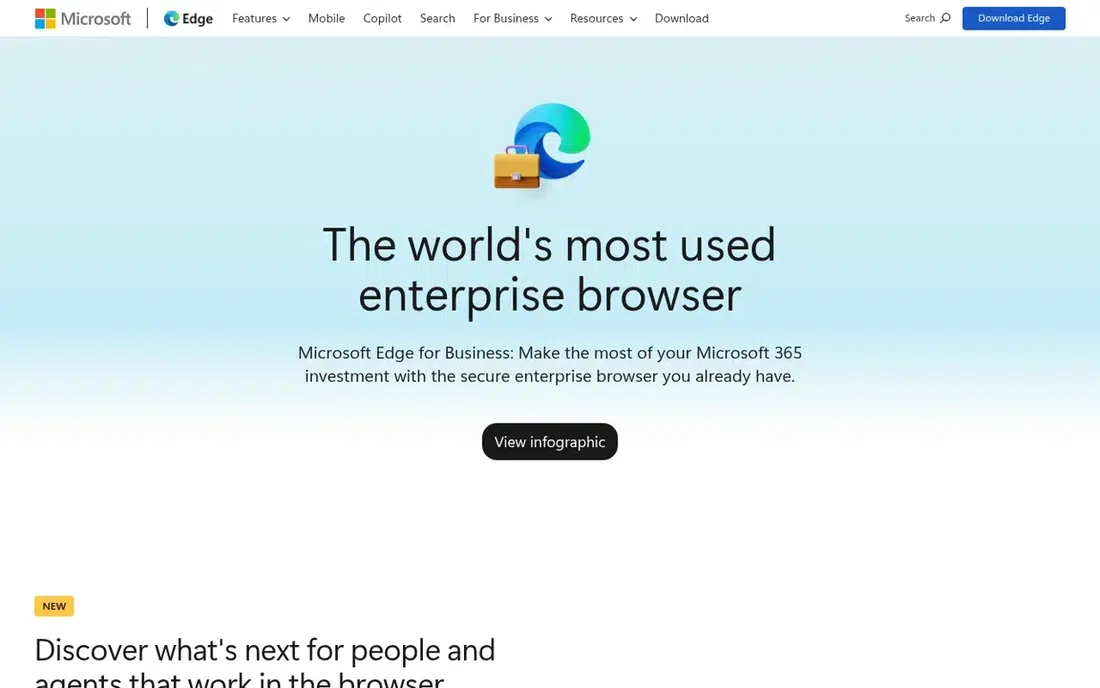
Choose Microsoft Edge for Business for Microsoft-centric IT and security teams. Edge for Business is Microsoft's enterprise browser, marketed as an industry-leading secure enterprise browser with secure AI browsing, solid authentication, data security and GenAI controls. In practice, some users also prefer a browser with fewer built-in integrations.
In practice, reporting spans managed, unmanaged and BYOD devices, which fits IT teams that require visibility beyond corporate hardware. As for the details, choose Edge for Business when your security posture already runs through Microsoft; otherwise weigh a more straightforward option. Microsoft Edge for Business shows no starting price here, so confirm the cost on the vendor site. On free options: Not stated.
Downsides: Deepest controls tied to Microsoft stack.
- In-depth reporting across device types
- Controls for AI and GenAI use
- Plenty of features need policy configuration
Google Chrome Enterprise
Best for: Managed enterprise browsing at scale
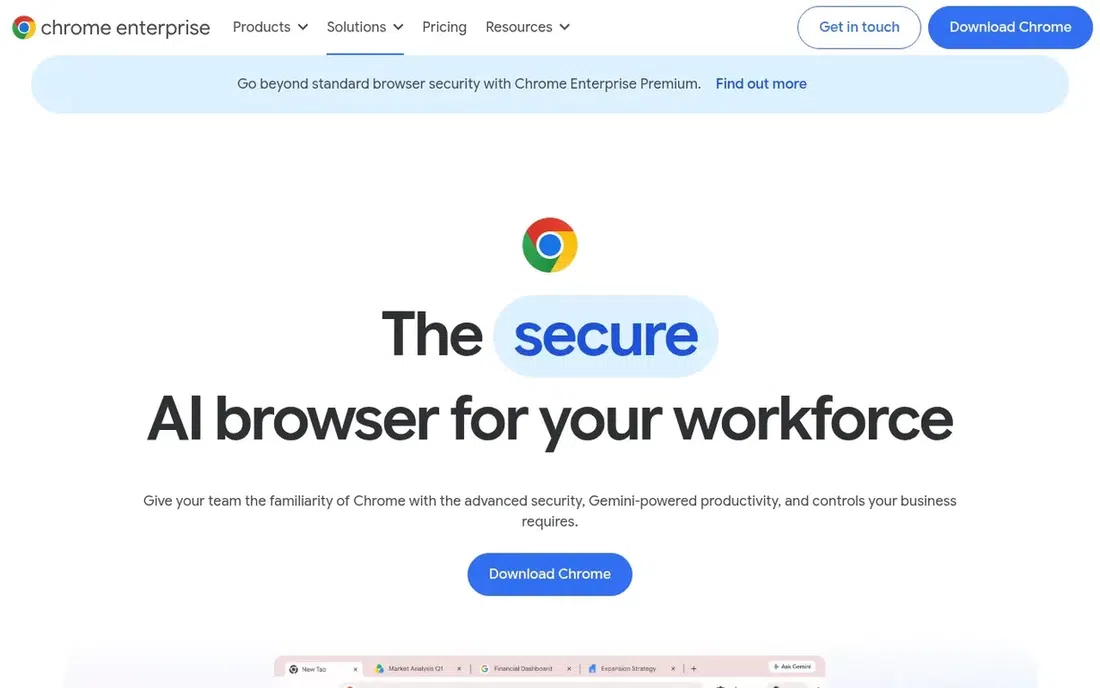
Google Chrome Enterprise works best for managed enterprise browsing at scale. Chrome Enterprise is the business edition of Google's browser, positioned as a trusted enterprise browser that adapts to your business and guards corporate data. Pick Chrome Enterprise when wide compatibility and existing Google tooling matter most.
Drawbacks to consider: Best value needs admin setup.
Look at Edge for Business if you are deeply invested in Microsoft management. The enterprise controls only pay off if your IT team configures and maintains them, and organizations outside the Google ecosystem may find competing management stacks more natural. Price to start with Google Chrome Enterprise: $6 per user monthly. A free plan is available with Google Chrome Enterprise.
- Enterprise policy and data protection controls
- Familiar Chrome experience for users
- Consumer and enterprise editions differ
What went into this list
Pre-purchase checklist
- Confirm the entry price on the vendor page. For Island, Brave, Opera and Microsoft Edge for Business that means a quote rather than a fixed price.
- Test the free plan from Google Chrome Enterprise against your real workload before relying on it.
- Before choosing Island, weigh its main limit: not a conventional consumer browser.
- Check how data leaves Microsoft Edge for Business: formats, limits and whether exports are available on every plan.
- Read the plan comparison for Opera carefully; key features often start on a higher tier.
FAQ
Which options for secure web browser have a free plan?
Google Chrome Enterprise is the only tool in this list with a free plan. Free plans usually cap users, projects or features, so check the limits on the vendor page.
Are privacy-focused browsers like Firefox and Brave secure enough for work?
Firefox and Brave contain tracker blocking and other privacy protections that suit plenty of everyday work scenarios. They offer less centralized management than dedicated enterprise browsers, so check whether your organization needs fleet-wide policy enforcement.
Can I try these tools before paying?
Often, yes. Google Chrome Enterprise has a free plan. Use your own data and a real task during the test, and check what the free tier or trial limits before you rely on it. For the full picture, the cards above cover all 5 entries of this secure web browser list, including price, free plan and limits.
Do these tools publish their prices?
Not all of them. Island, Brave, Opera and Microsoft Edge for Business publish no starting price, so expect a quote request for those. The rest, Google Chrome Enterprise included, show a starting price, though seats and billing terms still change the final cost.
How are the tools for secure web browser ordered?
Island sits first and Google Chrome Enterprise last because the order follows typical fit for secure web browser, then price clarity and free access. It is a judgement call, so read each profile for fit and limits.
Sources
- https://www.island.io
- https://brave.com
- https://www.opera.com
- https://www.microsoft.com/en-us/edge/business
- https://chromeenterprise.google