The 6 Best ACA Compliance Software for Remote Teams in 2026, Ranked
Best ACA compliance software for remote teams: 6 tools compared on price, free plans and fit. Plain-spoken summaries throughout. Built for quick decisions.
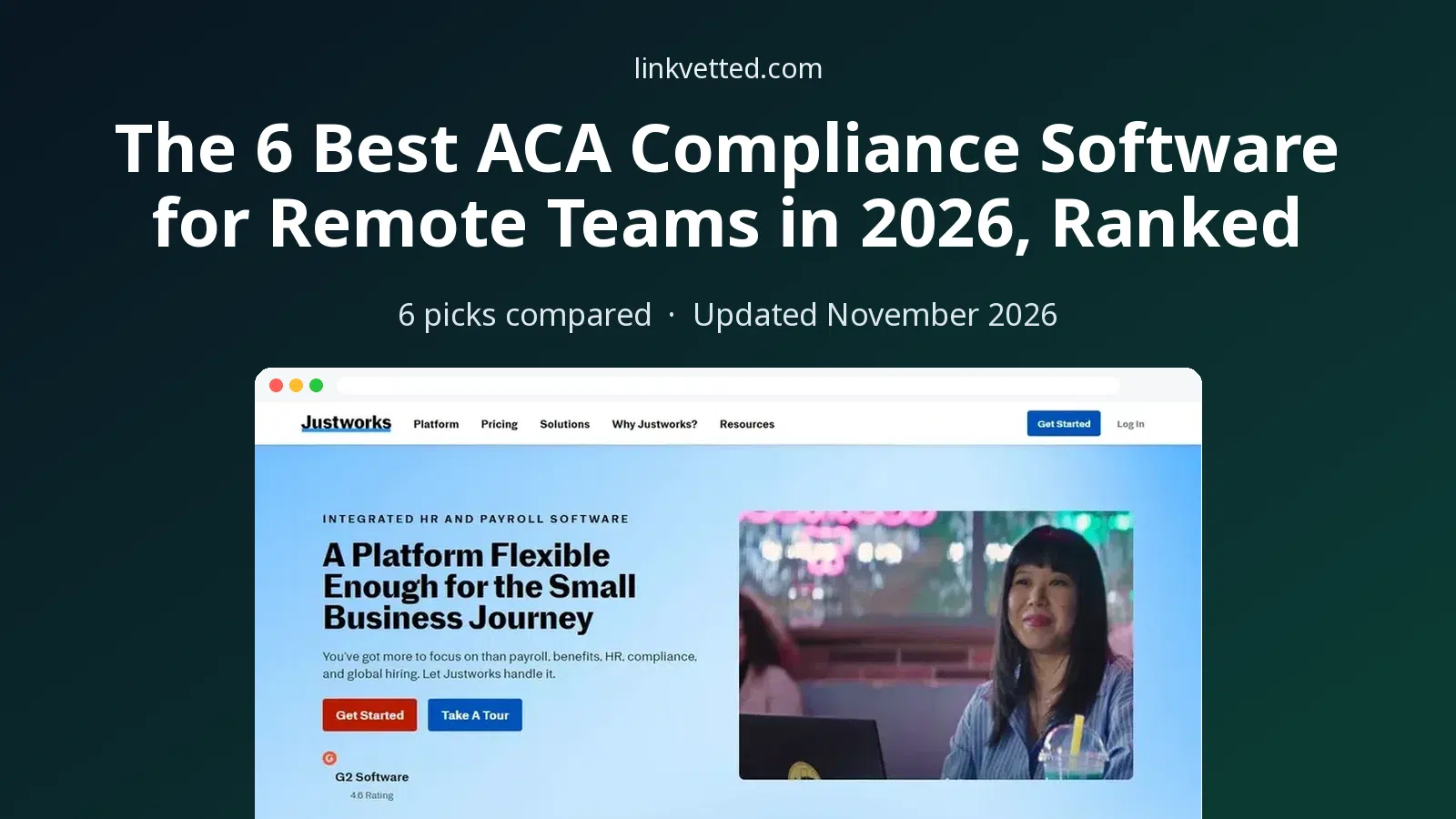
- Editor's choice
 Justworks
Small teams wanting bundled support
Starts atSee websiteVisit justworks.comFull review - Great alternative
 Paycom
Single-database HR and payroll
Starts atSee websiteVisit paycom.comFull review - Also consider
 BambooHR
Hire-to-retire HR management
Starts at$10 per employee a monthVisit bamboohr.comFull review
Direct answer
Justworks is the first pick on this list for small teams wanting bundled support. Listed starting prices: BambooHR from $10 per employee a month and Rippling from $8 per employee per month. Paycom is the stronger choice for single-database HR and payroll, while BambooHR suits hire-to-retire HR management. The full list of 6 tools follows, with prices and free plan facts.
TL;DR:
- This list starts with Justworks, which is built for small teams wanting bundled support.
- None of the 6 tools, from Justworks to Zenefits, has a free plan, so budget for a subscription or use a trial.
- Rippling is the lowest-priced starter here at $8 per employee per month.
- Check the limits for TriNet before you commit: Outsourced model cuts direct control.
- Zenefits suits core HR with benefits administration.
Last checked November 2026. Prices and plan details were read from the vendors' own pages in November 2026; vendors change plans often, so confirm the current price on the vendor site before you buy.
Quick comparison
| Tool | Best for | Starts at | Free plan? | |
|---|---|---|---|---|
| Justworks | Small teams wanting bundled support | See website | Not stated | Visit |
| Paycom | Single-database HR and payroll | See website | Not stated | Visit |
| BambooHR | Hire-to-retire HR management | $10 per employee a month | No | Visit |
 TriNet | HR outsourcing with compliance support | See website | Not stated | Visit |
 Rippling | Unified HR, IT and Finance data | $8 per employee per month | Not stated | Visit |
 Zenefits | Core HR with benefits administration | See website | Not stated | Visit |
Our 6 ACA compliance software for remote teams
If you are comparing ACA compliance software for remote teams, this page covers 6 tools in one place: what each is best for, what it costs to start, whether it has a free plan, and the main limit to know about.
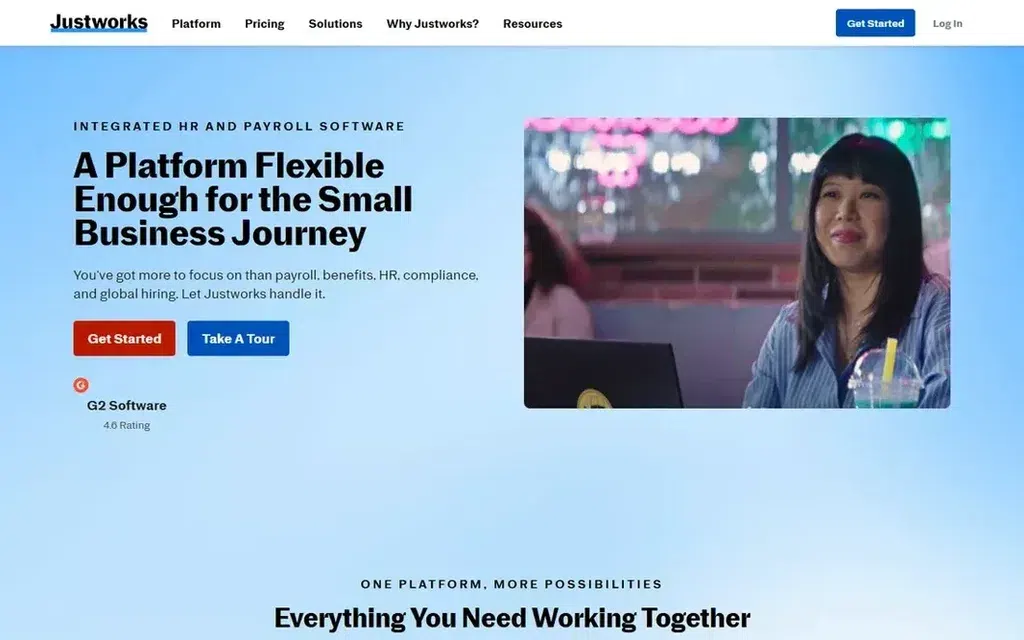
Pick Justworks if this describes you: small teams wanting bundled support. From a buyer's view, the offering is oriented toward smaller businesses, so very complicated structures may outgrow it.
The main drawbacks: Less suited to complicated multi-entity setups.
Teams needing deep customization should look elsewhere. Check the vendor site for Justworks pricing; none is listed in this comparison. Free plan details: Not stated.
- Merges payroll and benefits
- HR software with human support
- Feature depth is moderate
Where Paycom fits: single-database HR and payroll. For remote teams, one database means employee records, payroll and benefits data stay aligned, which supports consistent eligibility tracking. The full-suite design may exceed what a very small team needs, and implementation takes planning.
In daily use, teams wanting only light HR records may prefer a more straightforward tool. In practice, Paycom supplies HR and payroll software with automation across the whole employee life cycle in a single database. Pick Paycom when automation across the life cycle is the priority. Pricing for Paycom is not stated here, so ask the vendor for current figures. Free plan details: Not stated.
Drawbacks to consider: Implementation needs planning.
- Employee self-service tools
- Automation across the employee life cycle
- Full-suite approach may be more than needed
In short, BambooHR is for hire-to-retire HR management. BambooHR positions itself as complete HR software for people, payroll and benefits, including workflows from hire to retire.
Choose BambooHR when a clear, people-first HR system is the goal. Very large employers may need more configurability. BambooHR cost at the entry level: $10 per employee per month. No free plan comes with BambooHR.
Drawbacks to consider: Payroll depth varies by region.
- Focused HR experience
- Payroll and benefits included
- Advanced reporting needs may need more
TriNet makes the most sense for HR outsourcing with compliance support. Consider alternatives when you want to run compliance entirely in-house.
From a buyer's view, remote teams that want compliance responsibilities handled alongside payroll and benefits can use this consolidated approach. As for the details, firms with solid internal HR may find the model redundant. No starting price is listed for TriNet here; confirm pricing on the vendor site. As for free access: Not stated.
The main drawbacks: May not fit every business type.
Strengths: HR outsourcing model.
- Compliance included in one place
- Benefits and risk management
- Outsourced model cuts direct control
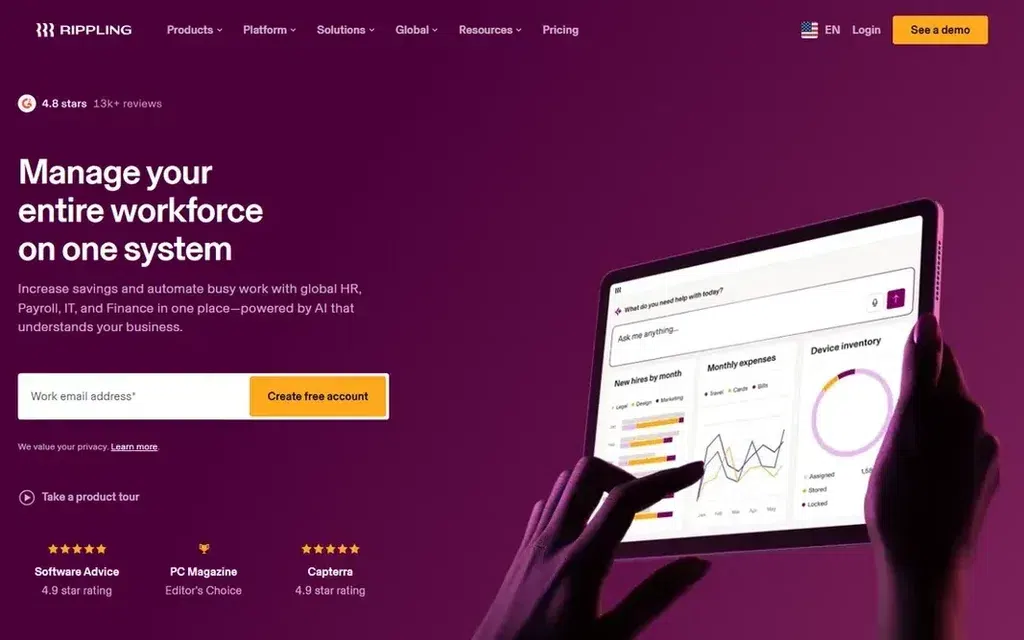
Rippling is a good fit for unified HR, IT and Finance data. Rippling merges HR, IT and Finance applications on a single data product, so employee records, payroll and benefits stay connected.
Reasons to shortlist it: IT and payroll on one data system.
The main drawbacks: Setup effort grows with modules. The system includes a broad surface area, which can mean more configuration than a small team needs. The starting price for Rippling: $8 per employee per month. On free options: Not stated.
- HR
- Supports benefits administration
- Wide scope may overwhelm small teams
Zenefits serves core HR with benefits administration. Feature depth varies across modules, so some workflows may need extra tools. Pick Zenefits when core HR and benefits are the central requirement.
Drawbacks to consider: Depth varies by module.
Also, bigger employers with complicated reporting needs may want a broader system. Beyond that, Zenefits is an HR product that brings payroll, benefits and core people records together for small and midsize employers. It performs well for teams adding benefits administration for the first time. Zenefits shows no starting price here, so confirm the cost on the vendor site. Free access: Not stated.
- Centralized employee records
- HR system with payroll and benefits
- May need extras for full coverage
How we compared the tools
Questions to settle before buying
- Confirm the entry price on the vendor page. For Justworks, Paycom, TriNet and Zenefits that means a quote rather than a fixed price.
- Before choosing Justworks, weigh its main limit: less suited to complicated multi-entity setups.
- Test the integrations you rely on with Justworks before committing; some connectors sit on upper tiers.
- Ask Rippling about contract length, onboarding fees and user minimums before you sign.
- Ask the daily users to test TriNet on a live task before you roll it out to everyone.
FAQ
What is the cheapest option for ACA compliance software for remote teams in this list?
On published monthly entry prices, Rippling is the lowest here at $8 per employee per month. Entry price is only part of the cost, because seats, add-ons and billing terms can change the total. Prices, free plan details and limits for all 6 tools in this ACA compliance software for remote teams roundup sit on the individual cards above.
How does a single database help with compliance?
When payroll, benefits and employee records live in one place, eligibility data stays aligned and manual reconciliation drops. Fewer disconnected systems usually mean fewer gaps when reporting deadlines arrive.
Can HR systems deal with ACA reporting without a specialist?
Plenty of HR and payroll systems contain reporting tools that support ACA-related tasks, but the depth varies. Confirm the specific reports and workflows each vendor gives you before deciding.
Is a PEO or outsourcing model right for a remote team?
Outsourcing models can cut administrative load when you lack in-house HR staff, but they also shift some control to the provider. Evaluate whether your team wants to run compliance internally or delegate it.
Does any tool for ACA compliance software for remote teams here have a free plan?
No tool in this list, Justworks and Zenefits included, has a permanent free plan. Trials and quotes are the usual route, so plan a short evaluation period.
How are the tools for ACA compliance software for remote teams ordered?
The order follows typical fit for ACA compliance software for remote teams, with Justworks first and Zenefits last, then price clarity and free access. It is editorial judgement, not a score, so another team could rank the tools differently.
Sources
- https://www.justworks.com
- https://www.paycom.com
- https://www.bamboohr.com
- https://www.trinet.com
- https://www.rippling.com
- https://www.zenefits.com