Best Cloud Compliance Software for Remote Teams for 2026: Our 5 Vetted Picks
Best cloud compliance software for remote teams in 2026: 5 tools with starting prices, free plans and limits. Short verdicts, no fluff. Read before you buy.
- Editor's choice
 OneTrust
Privacy and AI governance
Starts atSee websiteVisit onetrust.comFull review - Great alternative
 Hyperproof
Reducing duplicate compliance work
Starts atSee websiteVisit hyperproof.ioFull review - Also consider
 Secureframe
Expert-backed compliance automation
Starts at$7,500 per yearVisit secureframe.comFull review
Direct answer
For privacy and AI governance, OneTrust is where this list starts. Listed starting prices: Secureframe from $7,500 per year. Look at Hyperproof for reducing duplicate compliance work, and at Secureframe for expert-backed compliance automation. Details, prices and limits for the rest of the 5 tools are below.
TL;DR:
- OneTrust sits first on this list: privacy and AI governance.
- A permanent free plan is missing from all 5 tools, OneTrust and ServiceNow Governance, Risk, and Compliance included; plan for a trial or a premium start.
- For enterprise-wide risk decisions, ServiceNow Governance, Risk, and Compliance is worth a look.
- Pricing for OneTrust, Hyperproof, Vanta and ServiceNow Governance, Risk, and Compliance is quote-based, which adds a sales step before you can compare cost.
Last checked November 2026. Prices and plan details were read from the vendors' own pages in November 2026; vendors change plans often, so confirm the current price on the vendor site before you buy.
Quick comparison
| Tool | Best for | Starts at | Free plan? | |
|---|---|---|---|---|
| OneTrust | Privacy and AI governance | See website | Not stated | Visit |
| Hyperproof | Reducing duplicate compliance work | See website | Not stated | Visit |
| Secureframe | Expert-backed compliance automation | $7,500 per year | Not stated | Visit |
 Vanta | Automatic certification readiness | See website | Not stated | Visit |
| ServiceNow Governance, Risk, and Compliance | Enterprise-wide risk decisions | See website | Not stated | Visit |
5 cloud compliance software for remote teams in detail
This LinkVetted guide covers 5 cloud compliance software for remote teams. Each profile lists a starting price, free plan details, strengths and drawbacks, so you can drop poor fits quickly.
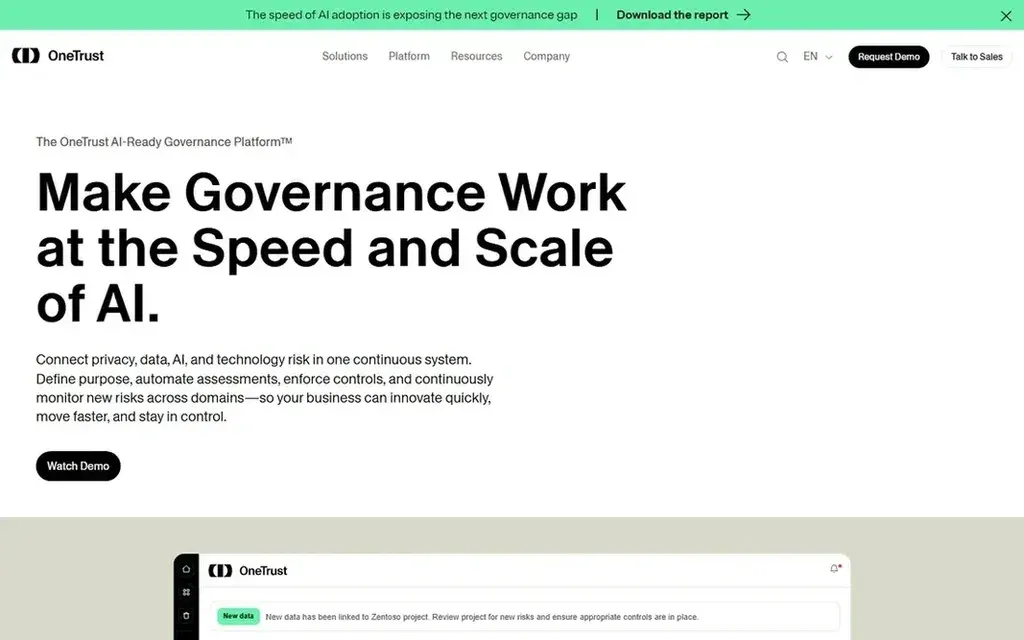
OneTrust is aimed squarely at privacy and AI governance. OneTrust helps businesses handle privacy, consent, and AI governance whereas automating compliance and reducing risk. In daily use, remote teams handling personal data across jurisdictions may value its privacy-centric approach, and organizations building AI governance programs can use it to align compliance efforts with innovation goals.
Drawbacks to consider: Implementation scope can vary.
On top of that, the breadth of the system means teams should define their priorities plainly before evaluating it. If your primary need is security certification readiness instead of privacy or AI governance, a more specialized tool may be a better fit. Pricing for OneTrust is not stated here, so ask the vendor for current figures. On free options: Not stated.
- Wide compliance automation
- Capable privacy and consent focus
- May be wide for security-only needs
Pick Hyperproof if this describes you: reducing duplicate compliance work. Hyperproof presents its GRC product as a way to turn compliance into a growth engine by eliminating duplicate work and reducing duplicative controls. Teams without established compliance processes may have to invest time in setup before seeing efficiency gains.
The main drawbacks: Custom needs need vendor review.
On top of that, remote teams managing several frameworks may benefit from its emphasis on reuse, which can ease evidence collection and cut repetitive tasks across distributed workflows. Organizations seeking a narrowly focused certification automation tool should compare scope carefully, as Hyperproof is positioned around broader GRC. Hyperproof does not show a starting price in this comparison, so check the vendor site for current pricing. Free plan details: Not stated.
- GRC workflow support
- Aims to eliminate duplicate work
- May need process maturity
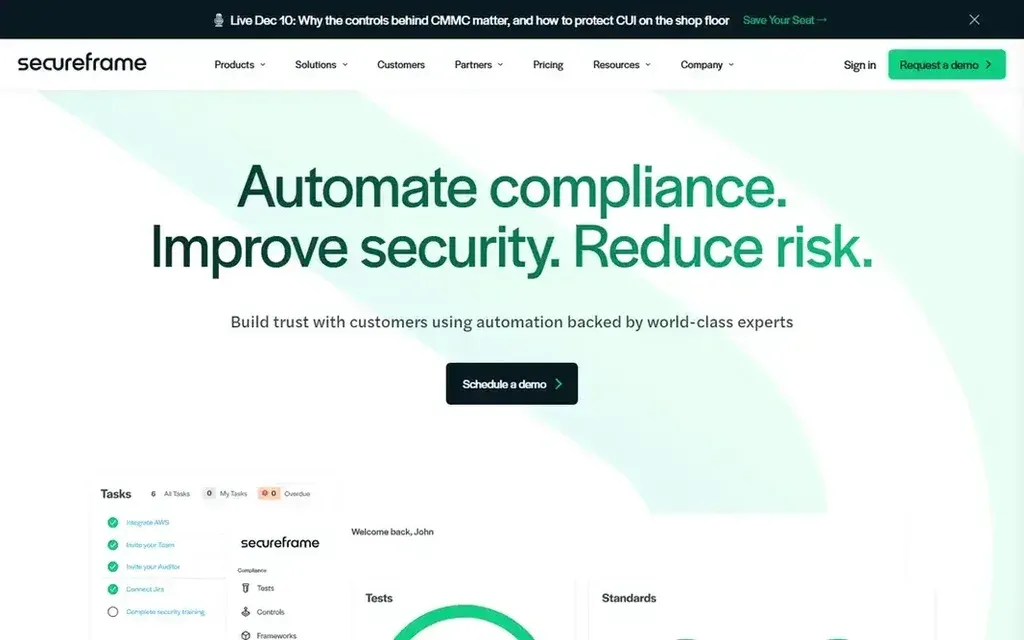
Where Secureframe fits: expert-backed compliance automation. Secureframe merges compliance automation with access to experts, aiming to help businesses get compliant, mitigate risk, and build trust with customers. Organizations that already have mature internal processes might prefer a system focused purely on control automation.
So it is worth mapping requirements before choosing. As for the details, remote teams that want guided implementation alongside automation may find the combination handy, particularly when internal compliance knowledge is limited and external credibility matters for sales. Worth adding: teams with very straightforward compliance needs may not use the full expert-backed model. Price to start with Secureframe: $7,500 per year. Trial and free access: Not stated.
What Secureframe does well: Focus on customer trust. Limits to weigh: Custom workflows need vendor confirmation.
- Risk mitigation workflows
- Automation with expert support
- Scope may exceed entry-level needs
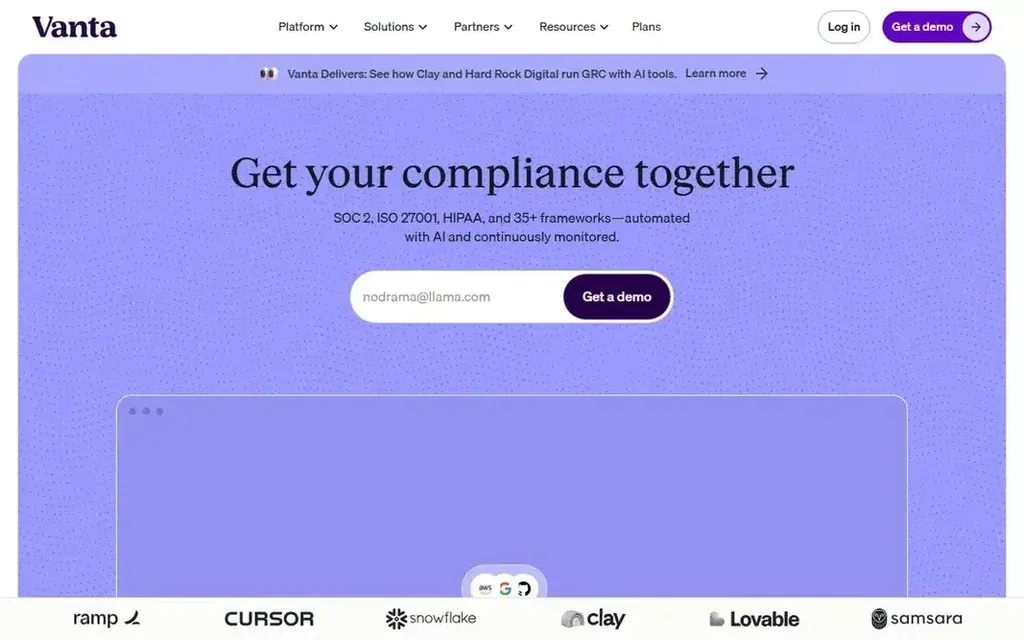
Vanta works best for automatic certification readiness. Vanta automates the process of achieving and maintaining compliance certifications for example SOC 2, HIPAA, PCI, and GDPR. Smaller teams without dedicated compliance staff may prefer a more straightforward tool, while those needing deep customization should confirm fit with the vendor.
What to check first: Custom needs may need vendor discussion.
For everyday use, the system includes a broad set of frameworks. So teams with narrow or unusual requirements may find the scope bigger than needed. Check the vendor site for Vanta pricing; none is listed in this comparison. On free options: Not stated.
- Quicker path to audit readiness
- Supports several frameworks
- Wide scope may overwhelm small teams
ServiceNow Governance, Risk, and Compliance
Best for: Enterprise-wide risk decisions
ServiceNow Governance, Risk, and Compliance works best for enterprise-wide risk decisions. ServiceNow Governance, Risk, and Compliance makes it possible for business transformation with enterprise-wide risk-informed decisions in daily work.
The main drawbacks: Best fit within ServiceNow environments.
No starting price is listed for ServiceNow Governance, Risk, and Compliance here; confirm pricing on the vendor site. On free options: Not stated.
- Plugs into ServiceNow workflows
- Enterprise-wide risk view
- May need system expertise
What went into this list
LinkVetted looked at what each vendor publishes: pricing, plan limits, feature coverage for cloud compliance software for remote teams and stated drawbacks. No hands-on testing is claimed. Treat prices as a snapshot: vendors change plans often, so check the vendor site for the figure that applies today. The sequence is a judgement call: typical use case first, then pricing transparency, then free access. Use the profiles to check fit.
Things to verify first
- Get a written quote from OneTrust, Hyperproof, Vanta and ServiceNow Governance, Risk, and Compliance; the list shows no starting price for them.
- Read the limits listed for OneTrust first: may be wide for security-only needs.
- See whether Vanta offers onboarding or training, and whether it is included in the price.
- Read the plan comparison for ServiceNow Governance, Risk, and Compliance carefully; key features often start on a higher tier.
- Let daily users try OneTrust on real work; their feedback beats any feature checklist.
FAQ
How are the tools for cloud compliance software for remote teams ordered?
The order follows typical fit for cloud compliance software for remote teams, with OneTrust first and ServiceNow Governance, Risk, and Compliance last, then price clarity and free access. It is editorial judgement, not a score, so another team could rank the tools differently.
What should remote teams look for in cloud compliance software?
Look for automation of evidence collection, support for the frameworks you need, and workflows that work across distributed devices. Integration with your existing collaboration and security tools also matters for keeping compliance visible to remote staff.
How do Vanta and Secureframe differ for remote teams?
Vanta emphasizes automatic security monitoring and certification readiness across multiple frameworks. The better fit relies on whether you prioritize self-serve automation or guided implementation.
When should a team choose OneTrust or Hyperproof?
OneTrust is a capable consideration when privacy, consent, and AI governance are central to your compliance program. Hyperproof may suit teams that want to cut duplicate controls across several frameworks.
Is OneTrust the right pick for everyone comparing cloud compliance software for remote teams?
No single tool suits every team. OneTrust comes first because it fits privacy and AI governance, while Hyperproof suits reducing duplicate compliance work and Secureframe suits expert-backed compliance automation. Match the tool to your own size, budget and workflow before deciding.
Can I try these tools before paying?
Not by default. None of the tools, from OneTrust to ServiceNow Governance, Risk, and Compliance, lists a free plan or a free trial here, so ask each vendor for a demo before committing.
Sources
- https://www.onetrust.com
- https://hyperproof.io
- https://secureframe.com
- https://www.vanta.com
- https://www.servicenow.com/products/governance-risk-and-compliance.html