Best Cloud Container Security Software in 2026: 9 Tools Compared
Compare the best cloud container security software in 2026, from Wiz and Aqua to Snyk and Sysdig, on image scanning, runtime protection, and pricing today.
- Editor's choice
 Wiz
Cloud-wide risk visibility
Starts atSee websiteVisit wiz.ioFull review - Great alternative
 Aqua Security
Kubernetes lifecycle enforcement
Starts atSee websiteVisit aquasec.comFull review - Also consider
 Sysdig
Runtime security and prioritization
Starts atSee websiteVisit sysdig.comFull review
TL;DR:
- Wiz is the best pick for cloud teams that want one view of risk across containers, cloud, and identities.
- Aqua Security suits Kubernetes-heavy teams that need enforcement from build to runtime.
- Snyk is the friendliest option for developers, with a free tier and fix advice inside the tools they already use.
- Start with free scanning in CI, then pay for context that tells you which vulnerabilities actually matter in production.
- Most enterprise container platforms are quote-based, so budget by workload count, not by a published price list.
Quick comparison
| Tool | Best for | Starts at | Free plan? | |
|---|---|---|---|---|
| Wiz | Cloud-wide risk visibility | See website | No | Visit |
| Aqua Security | Kubernetes lifecycle enforcement | See website | No | Visit |
| Sysdig | Runtime security and prioritization | See website | No | Visit |
 Palo Alto Prisma Cloud | Multi-cloud platform teams | See website | No | Visit |
 Snyk | Developer-led fixing | Free | Yes | Visit |
 Orca Security | Agentless cloud scanning | See website | No | Visit |
 Chainguard | Hardened minimal images | See website | No | Visit |
 Anchore | SBOM-first scanning | Free | Yes | Visit |
 Docker Scout | Docker workflow teams | Free | Yes | Visit |
The best cloud container security software
Container security covers the full life of a container: the image you build, the registry where it sits, the cluster where it runs, and the cloud around it. The best tools scan images, block bad builds, watch runtime behavior, and tell you which findings matter. We compared scanning depth, runtime protection, Kubernetes support, and pricing to shortlist nine tools.
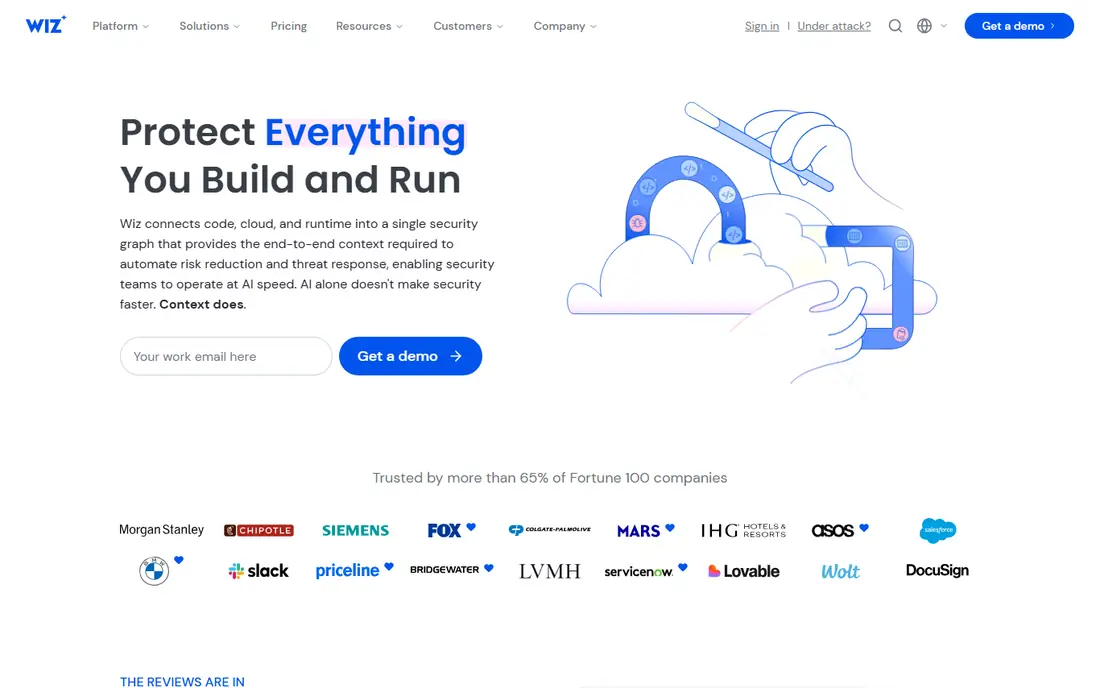
Wiz is our pick for teams that want one picture of cloud risk. Its agentless scanning maps containers, virtual machines, identities, and misconfigurations into a security graph, so you can see which vulnerable container is actually exposed to the internet. That context cuts through the flood of CVE alerts that drowns many teams.
The catch is pricing and packaging. Wiz does not publish a price list, and third-party buyer reports put entry tiers around $24,000 per year for 100 workloads. For large cloud estates, the visibility is worth it. For a single small cluster, a cheaper tool may do.
- Agentless visibility across cloud and containers
- Exposure graph links risks together
- Fast deployment
- Quote-only pricing
- Runtime depth comes from add-on modules
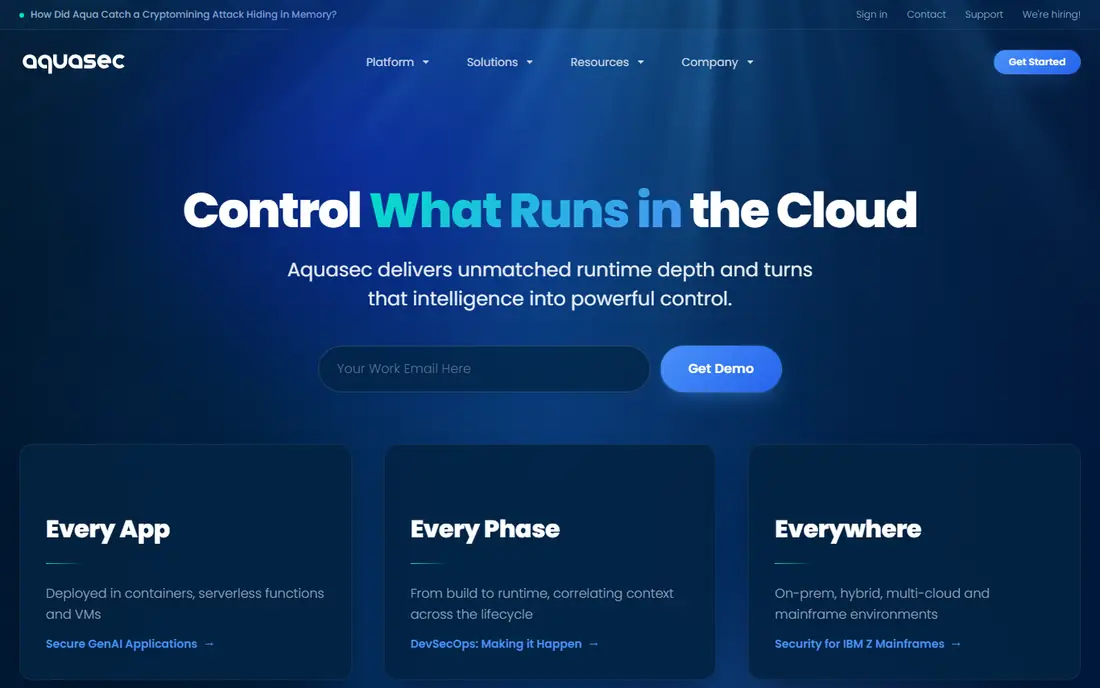
Aqua Security is built for Kubernetes teams that want enforcement, not just reports. It scans images in CI and registries, enforces admission policies so only approved images run, and watches for drift and suspicious behavior at runtime. That lifecycle coverage suits teams running production Kubernetes at scale.
The downside is complexity. Aqua rewards teams that invest in policy design, and smaller teams may find the setup heavy. If Kubernetes is your core platform, though, Aqua is one of the most complete options available.
- Build-to-runtime enforcement
- Kubernetes admission controls
- Drift detection in production
- Quote-based pricing
- Depth takes time to configure well
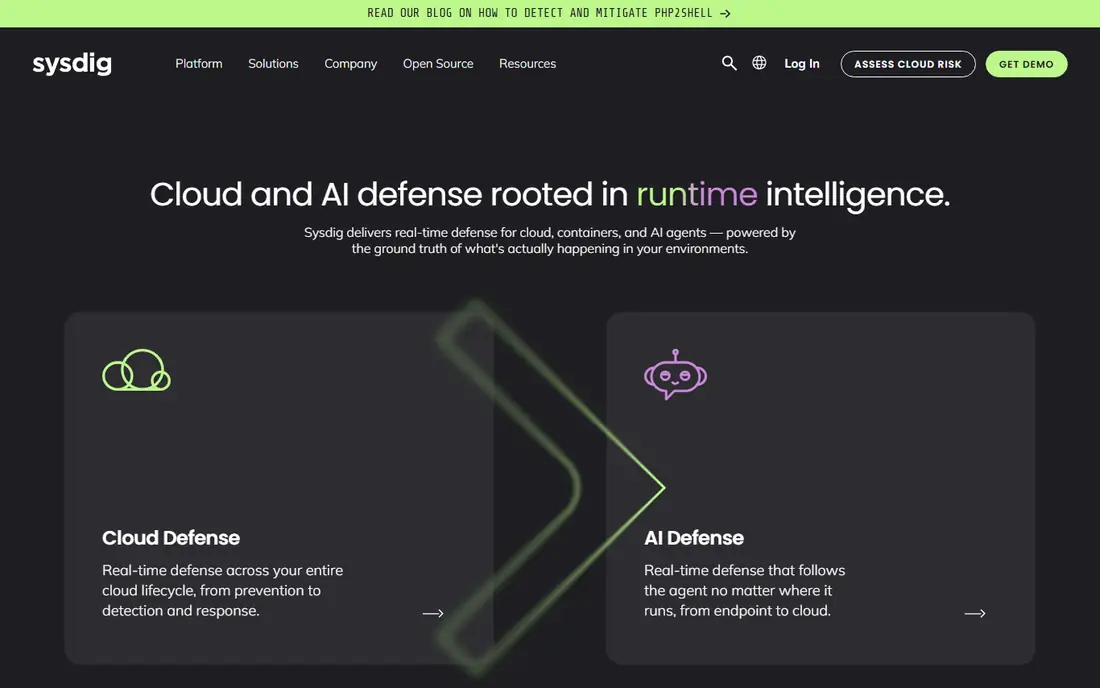
Sysdig stands out on one practical problem: most container vulnerabilities never run in production. Its runtime insight shows which packages are actually loaded, so teams fix the findings that matter and ignore the rest. That in-use filtering saves a lot of wasted patching work.
The catch is that runtime agents need careful rollout across clusters, and pricing is tiered rather than published. Teams that already struggle with CVE volume will get the most value, since Sysdig turns a long list into a short, honest priority order.
- Runtime insight filters out unused vulnerabilities
- Strong Kubernetes visibility
- Falco open-source roots
- Tiered pricing is not published
- Runtime agents need rollout planning
Prisma Cloud, now folded into Palo Alto's Cortex Cloud branding, covers cloud posture, container scanning, and runtime protection in one platform. Its Compute heritage gives it deep runtime controls, and trusted-image enforcement lets teams control what runs across registries. Large multi-cloud teams value that breadth.
The downside is pricing and complexity. Credit-based annual contracts make costs hard to predict before a sales conversation, and the platform covers so much ground that small teams may use only a fraction of it. For enterprises already on Palo Alto, it is a natural fit.
- Broad cloud security platform
- Deep runtime via Compute heritage
- Trusted-image enforcement
- Credit-based pricing is hard to predict
- Platform breadth adds complexity
Snyk is the friendliest container security tool for developers. It scans container images and code, suggests fixes including base-image upgrades that shrink CVE counts, and plugs into Git, CI, and IDEs. A free tier lets small teams and individuals start without a sales call, and paid plans are priced per developer.
The honest weakness is runtime. Snyk monitors Kubernetes workloads, but it is not a full runtime defense platform like Sysdig or Aqua. For teams whose main problem is fixing vulnerable images fast, Snyk is the best starting point.
- Free tier for individuals
- Fix advice including base-image upgrades
- Fits developer workflows
- Per-developer pricing scales with team size
- Runtime depth is lighter than Sysdig or Aqua
Orca Security scans cloud estates without agents, covering virtual machines, containers, Kubernetes pods, and serverless functions from one platform. Deployment is fast, since there is no agent rollout, and its side-scanning approach gives a unified view of risk across asset types.
The catch is cost. Orca is quote-based, and third-party buyer reports put spends around $84,000 per year and up for small estates. That prices it for mid-sized and large cloud teams rather than startups with one cluster.
- Agentless-first deployment
- Covers VMs, containers, and serverless
- Single platform view
- Quote-based pricing
- Buyer-reported spends are high for small estates
Chainguard takes a different approach: instead of scanning vulnerable images forever, it sells hardened minimal images with almost no known vulnerabilities. That prevention-first model cuts CVE counts dramatically and reduces the patching treadmill for teams that adopt it.
The trade-off is migration. Moving existing services to Chainguard base images takes testing, especially for apps with unusual dependencies. Teams starting new services, or drowning in CVE backlogs, get the fastest payoff.
- Minimal images with near-zero known CVEs
- SBOMs included
- Reduces patching work
- Migration effort for existing images
- Pricing is per image or quote
Anchore is the SBOM-first option. Its open-source tools Syft and Grype generate software bills of materials and scan them for vulnerabilities, and they are free to use in CI. Anchore Enterprise adds policy enforcement, reporting, and support for teams that need governance around those scans.
The limitation is scope. Anchore excels at knowing what is in your images, but it is not a runtime defense platform. Pair it with a runtime tool if you need behavior monitoring in production, or use it alone if image transparency is your main goal.
- Open-source Syft and Grype tools
- Strong SBOM generation
- Enterprise policy options
- Enterprise pricing is quote-based
- Runtime protection is not the focus
Docker Scout suits teams that live in Docker. It analyzes images from Docker Desktop and Hub, shows vulnerabilities and recommendations, and offers a free tier with paid tiers per repository. For a small team already building with Docker, it is the lowest-friction way to start scanning.
The honest catch is depth. Scout does not match Wiz, Aqua, or Sysdig on cloud context or runtime protection. Treat it as a strong starting layer, and add a dedicated platform when your estate grows beyond Docker alone.
- Native to Docker Desktop and Hub
- Free tier
- Easy image analysis for Docker users
- Depth is lighter than dedicated platforms
- Best inside Docker-centric workflows
How we picked these
We compared official product pages, documentation, and independent 2026 scanning comparisons for container security tools. We favored tools with live products, image scanning, SBOM support, and Kubernetes or runtime coverage, and we included free open-source options alongside enterprise platforms. Where vendors do not publish prices, we say so rather than presenting third-party estimates as list prices.
How to choose container security software
Start with your biggest pain: too many alerts, unsafe images reaching production, or blind spots at runtime.
Put free scanning in CI first
Add Trivy, Grype, or Snyk free scanning to your build pipeline before buying anything. That floor catches obvious problems at no cost and shows you how much vulnerability volume you really have. Many teams find the free floor covers their early needs.
Buy context when volume drowns triage
When CVE lists grow too long to act on, pay for context. Sysdig filters by what actually runs, Wiz shows what is actually exposed, and Chainguard removes vulnerabilities at the source. Choose the kind of context that matches your bottleneck.
Enforce at admission
Scanning without enforcement lets bad images through. Use admission controls in Kubernetes, whether from Aqua, Prisma Cloud, or a policy engine, to block images that fail your rules. Start with warnings, then move to blocking once teams trust the rules.
Keep SBOMs for every release
Store a software bill of materials for each image you ship. SBOMs make incident response faster, since you can answer which services contain a vulnerable package without rescanning everything. Anchore and Chainguard both make this easy.
FAQ
What is the best container security software for cloud platforms?
Wiz is the best all-round pick for cloud teams, thanks to its exposure graph across containers and cloud resources. Aqua Security leads for Kubernetes enforcement, while Snyk leads for developer-led fixing.
What is container security software?
It is software that scans container images for vulnerabilities, enforces policies on what can run, and monitors containers at runtime for suspicious behavior. Good tools cover the build, registry, and runtime stages.
Is there free container security software?
Yes. Snyk, Docker Scout, and Anchore all offer free tiers or open-source tools, and Trivy and Grype are free scanners you can add to CI today. Free tools cover scanning well, while paid tools add context, enforcement, and runtime defense.
How much does container security software cost?
Most enterprise platforms are quote-based. Third-party buyer reports put Wiz entry tiers around $24,000 per year for 100 workloads, while Snyk prices per developer with a free tier. Budget by workload or developer count, and get a formal quote.
Do I need runtime protection or just image scanning?
Image scanning catches known vulnerabilities before deployment, but runtime protection catches behavior that scanning cannot see, such as cryptomining or unexpected network calls. Production Kubernetes workloads benefit from both.
What is an SBOM and why does it matter?
A software bill of materials lists every component inside an image. It speeds up incident response, supports compliance, and helps teams track which services need patching when a new vulnerability appears.