Top 6 Secrets Management Tools for Cloud Teams for 2026 (Prices and Free Plans)
6 products for the best Secrets management tools for cloud teams, ranked by fit, with starting costs and free tiers. Real limits included. Decide faster.
- Editor's choiceAkeyless Vault
Zero-knowledge secrets management
Starts atSee websiteVisit akeyless.ioFull review - Great alternative
 Azure Key Vault
Compliance and control in Azure
Starts atSee websiteVisit azure.microsoft.comFull review - Also consider
 Doppler
Developer-friendly secret synchronization
Starts at$8 per additional user per monthVisit doppler.comFull review
Direct answer
For zero-knowledge secrets management, Akeyless Vault is where this list starts. Listed starting prices: Doppler from $8 per additional user per month. Look at Azure Key Vault for compliance and control in Azure, and at Doppler for developer-friendly secret synchronization. Prices, free plans and limits for all 6 tools follow.
TL;DR:
- Number one here is Akeyless Vault, a fit for zero-knowledge secrets management.
- Doppler stands alone as the one tool in this list with a free plan.
- Before buying Doppler, weigh this: less emphasis on enterprise governance.
- The cheapest monthly starting price in the list is $8 per additional user per month, offered by Doppler.
Last checked November 2026. Prices and plan details were read from the vendors' own pages in November 2026; vendors change plans often, so confirm the current price on the vendor site before you buy.
Quick comparison
| Tool | Best for | Starts at | Free plan? | |
|---|---|---|---|---|
| Akeyless Vault | Zero-knowledge secrets management | See website | Not stated | Visit |
| Azure Key Vault | Compliance and control in Azure | See website | Not stated | Visit |
| Doppler | Developer-friendly secret synchronization | $8 per additional user per month | Yes | Visit |
 Google Cloud Secret Manager | Storing secrets on Google Cloud | See website | Not stated | Visit |
 CyberArk Conjur | Enterprise identity security and governance | See website | Not stated | Visit |
 AWS Secrets Manager | AWS-native secret rotation and retrieval | See website | Not stated | Visit |
6 Secrets management tools for cloud teams in detail
LinkVetted put together this guide to Secrets management tools for cloud teams for readers who want a clear shortlist without reading every vendor page. It compares 6 tools on starting price, free plans, who each one suits and where each one falls short.
Akeyless Vault
Best for: Zero-knowledge secrets management
Where Akeyless Vault fits: zero-knowledge secrets management. It is pitched at teams looking for a modern, cloud-first approach to secrets management with solid privacy guarantees. In daily use, teams with highly specialized legacy environments should evaluate compatibility carefully.
In practice, the system is built to be scalable and easy to integrate into DevOps workflows. For everyday use, pick Akeyless Vault if you prioritize a cloud-native, zero-knowledge design and can adapt your workflows around it. Worth adding: as a relatively newer offering, it might not have the same breadth of legacy integrations as established vendors, which could matter for organizations with diverse on-premises systems. Akeyless Vault does not show a starting price in this comparison, so check the vendor site for current pricing. Free access: Not stated.
Honest limits: Newer to some enterprises.
- Secures machines
- AI agents, humans
- May lack some legacy integrations
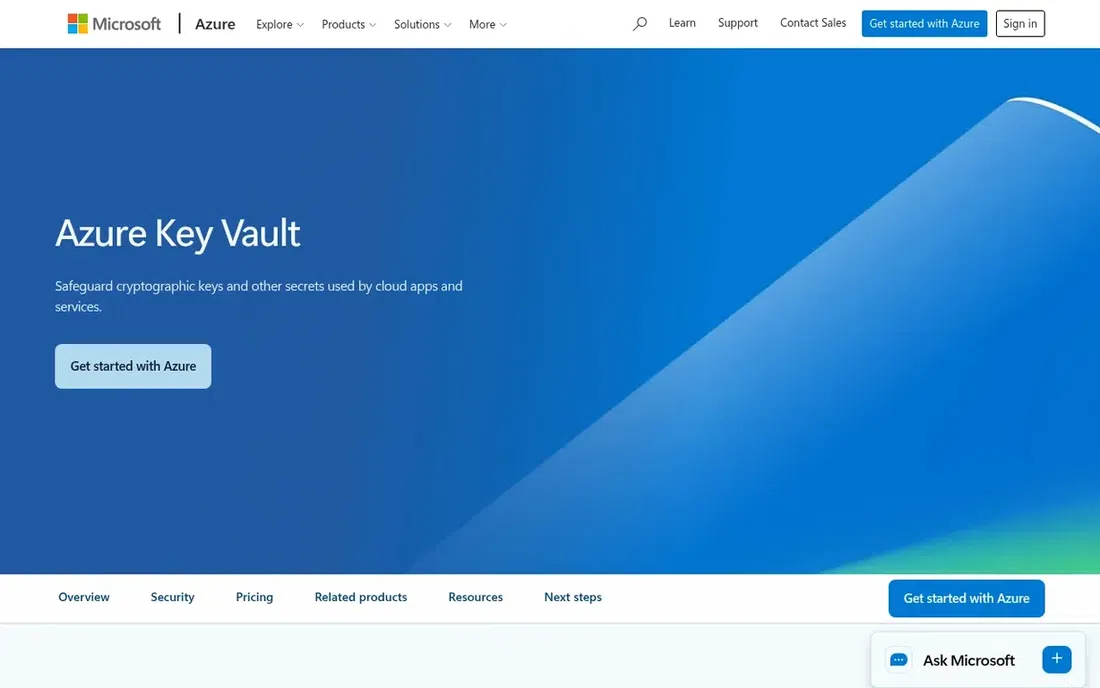
Azure Key Vault works best for compliance and control in Azure. Azure Key Vault secures passwords, cryptographic keys, and secrets with enhanced compliance, control, and global scalability to protect cloud applications smoothly. It is well suited for teams standardized on Microsoft Azure that require a native service to handle sensitive information across their cloud apps.
From a buyer's view, the service integrates with other Azure components and supports centralized policy enforcement. Pick Azure Key Vault if your cloud strategy centers on Azure and you value deep integration with Microsoft services. This comparison lists no price for Azure Key Vault; ask the vendor. As for free access: Not stated.
Where it is weaker: Complicated setup for hybrid scenarios.
- Handles secrets, keys, certificates
- Solid compliance and access control features
- Azure-centric design
Doppler targets developer-friendly secret synchronization. Doppler gives you a secrets management system that helps teams secure, sync, and automate secrets across cloud and on-prem environments with security and developer-friendly workflows. It is especially well suited for development teams that want to cut friction when managing secrets across different stages of the software lifecycle.
Where it is weaker: Less emphasis on enterprise governance.
In practice, Whereas Doppler simplifies developer workflows, it may not offer the same depth of governance and compliance features as some enterprise-focused systems. On top of that, organizations with strict regulatory requirements might have to supplement it with extra controls. On cost, Doppler starts like this: $8 per additional user per month. Doppler includes a free tier.
- Syncs secrets across environments
- Automation-friendly
- May need additional tools for advanced compliance
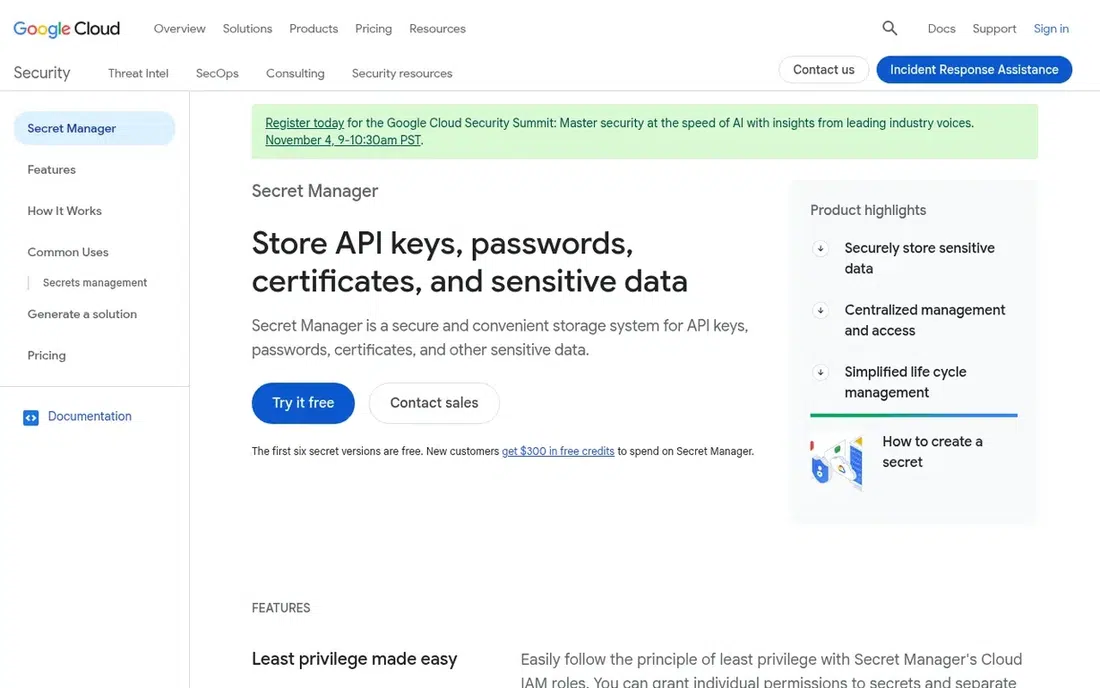
Google Cloud Secret Manager was built for storing secrets on Google Cloud. Google Cloud Secret Manager lets you securely store API keys, passwords, certificates, and other sensitive data within Google Cloud.
Google Cloud Secret Manager shows no starting price here, so confirm the cost on the vendor site. Free options: Not stated.
Trade-offs to know: Restricted features outside GCP.
- Straightforward integration with Google Cloud services
- Supports API keys, passwords, certificates
- Google Cloud-centric
Where CyberArk Conjur fits: enterprise identity security and governance. The product is meant to run secrets and access for both human and machine identities.
Limits to weigh: Can be complicated to deploy.
Its full feature set can make initial setup and continuing management more involved, potentially requiring dedicated security staff. No starting price is listed for CyberArk Conjur here; confirm pricing on the vendor site. Free options: Not stated.
- Hybrid cloud support
- Automatic access reviews
- May need specialized expertise
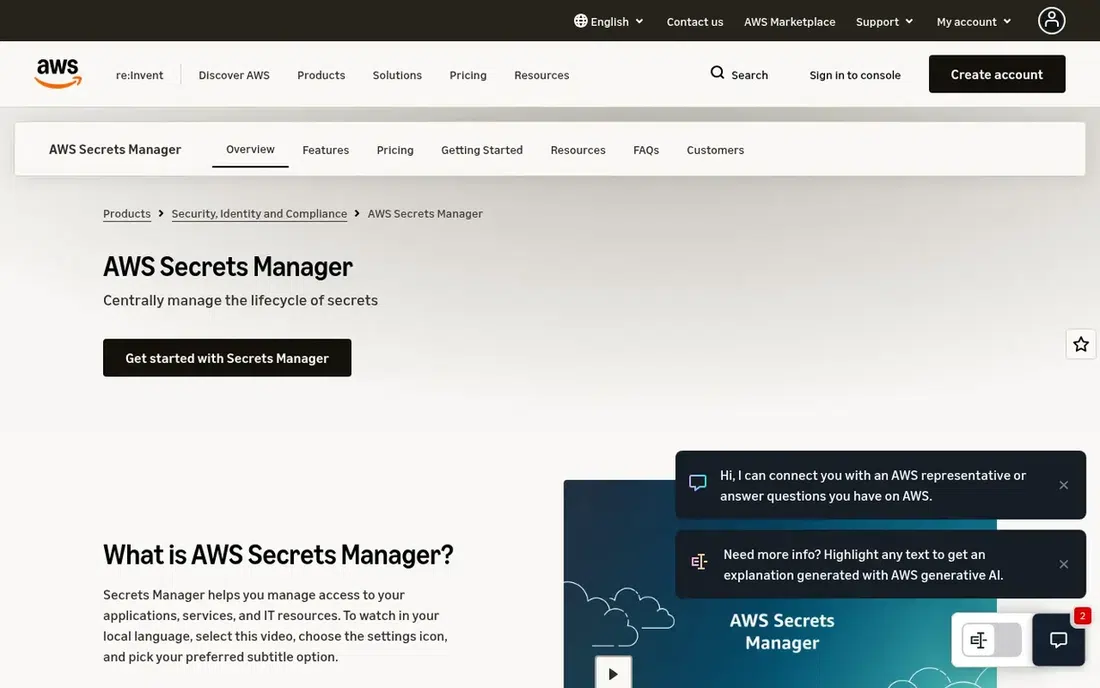
AWS Secrets Manager works best for AWS-native secret rotation and retrieval. Its primary limitation is that it is designed for AWS environments, so organizations with multi-cloud or on-premises workloads may find it less convenient outside AWS.
Limits to weigh: Best value within AWS ecosystem.
Choose AWS Secrets Manager when your workloads are predominantly on AWS and you want native integration. As for the details, if you need a single control plane across several cloud providers, a cloud-agnostic tool may be a better fit. No starting price is listed for AWS Secrets Manager here; confirm pricing on the vendor site. Free plan details: Not stated.
- Centralized lifecycle management
- Built-in rotation for database credentials
- Restricted native support for other clouds
How we built this list
Questions to settle before buying
- Confirm the entry price on the vendor page. For Akeyless Vault, Azure Key Vault, Google Cloud Secret Manager and others that means a quote rather than a fixed price.
- Test the free plan from Doppler against your real workload before relying on it.
- Before choosing Akeyless Vault, weigh its main limit: newer to some enterprises.
- Look at the help docs and support options for CyberArk Conjur before you commit.
- Check whether Azure Key Vault bills monthly or annually, and what cancelling early costs.
FAQ
What is the cheapest option for Secrets management tools for cloud teams in this list?
On published monthly entry prices, Doppler is the lowest here at $8 per additional user per month. Entry price is only part of the cost, because seats, add-ons and billing terms can change the total. For the full picture, the cards above cover all 6 entries of this Secrets management tools for cloud teams list, including price, free plan and limits.
What should cloud teams look for in a secrets management tool?
Cloud teams should prioritize integration with their primary cloud provider, support for secret rotation, and capable access controls. Developer experience and automation capabilities are also important to avoid slowing down workflows. Compliance and audit features matter for regulated industries.
Can I try these tools before paying?
Often, yes. Doppler has a free plan. Use your own data and a real task during the test, and check what the free tier or trial limits before you rely on it. Prices, free plan details and limits for all 6 tools in this Secrets management tools for cloud teams roundup sit on the individual cards above.
Do these tools publish their prices?
Not all of them. Akeyless Vault, Azure Key Vault, Google Cloud Secret Manager and others publish no starting price, so expect a quote request for those. The rest, Doppler included, show a starting price, though seats and billing terms still change the final cost.
How are the tools for Secrets management tools for cloud teams ordered?
Akeyless Vault sits first and AWS Secrets Manager last because the order follows typical fit for Secrets management tools for cloud teams, then price clarity and free access. It is a judgement call, so read each profile for fit and limits.
Sources
- https://www.akeyless.io
- https://azure.microsoft.com/en-us/products/key-vault
- https://www.doppler.com
- https://cloud.google.com/secret-manager
- https://www.cyberark.com/products/conjur
- https://aws.amazon.com/secrets-manager