Top Amazon Q Developer Alternatives in 2026: 5 Picks Ranked
Amazon Q Developer alternatives in 2026: 5 tools with starting prices, free plans and limits. Price notes and drawbacks come with each one. Reviewed this month.
- Editor's choice
 Replit
Building apps with little or no coding
Starts at$18 a month, billed yearlyVisit replit.comFull review - Great alternativeGoogle Gemini Code Assist
Teams building on Google Cloud
Starts atSee websiteVisit cloud.google.comFull review - Also consider
 GitHub Copilot
Wide coverage across editor, terminal and GitHub
Starts atSee websiteVisit github.comFull review
Direct answer
This list puts Replit first for building apps with little or no coding. Listed starting prices: Replit from $18 a month, billed yearly and Cursor from $8 a month. Google Gemini Code Assist is the stronger choice for teams building on Google Cloud, while GitHub Copilot suits wide coverage across editor, terminal and GitHub. Details, prices and limits for the rest of the 5 tools are below.
TL;DR:
- Replit is the opening pick, best for building apps with little or no coding.
- The lowest published monthly entry price here is $8 per month, from Cursor.
- For Code intelligence context across a codebase, Sourcegraph Cody is worth a look.
- Before buying Cursor, weigh this: agent handoffs need clear task descriptions.
Last checked November 2026. Prices and plan details were read from the vendors' own pages in November 2026; vendors change plans often, so confirm the current price on the vendor site before you buy.
Quick comparison
| Tool | Best for | Starts at | Free plan? | |
|---|---|---|---|---|
| Replit | Building apps with little or no coding | $18 a month, billed yearly | Not stated | Visit |
| Google Gemini Code Assist | Teams building on Google Cloud | See website | Not stated | Visit |
| GitHub Copilot | Wide coverage across editor, terminal and GitHub | See website | Not stated | Visit |
 Cursor | Handing development tasks to coding agents | $8 a month | Yes | Visit |
 Sourcegraph Cody | Code intelligence context across a codebase | See website | Not stated | Visit |
The full Amazon Q Developer list
This LinkVetted guide covers 5 options for Amazon Q Developer. Each profile lists a starting price, free plan details, strengths and drawbacks, so you can drop poor fits quickly.
Think of Replit for building apps with little or no coding. For professional teams maintaining large existing codebases, a codebase-aware assistant for example Sourcegraph Cody or an editor agent like Cursor may fit better.
Results from describing an app can need refinement through further prompts. Replit cost at the entry level: $18 per month, billed annually. Free plan details: Not stated.
What to check first: Less suited to deep work in existing large codebases.
- Describe what you want and Replit builds it
- Targeted at getting a working app or website rapidly
- Agent-driven building may need iteration
Google Gemini Code Assist
Best for: Teams building on Google Cloud
Google Gemini Code Assist was built for teams building on Google Cloud. Since it is documented under Gemini for Google Cloud, it suits organizations whose applications and operations already run on Google Cloud and who want assistance aligned with that environment.
Downsides: Overview documentation is oriented to team setup.
Also, if you want a single assistant across editors and GitHub, GitHub Copilot may be a better fit. Beyond that, teams outside Google Cloud may find the surrounding context less relevant, and the documentation is framed around team-level setup. This comparison lists no price for Google Gemini Code Assist; ask the vendor. Trial and free access: Not stated.
- Deploying and operating apps
- Suits teams already using Google Cloud
- Most relevant inside the Google Cloud ecosystem
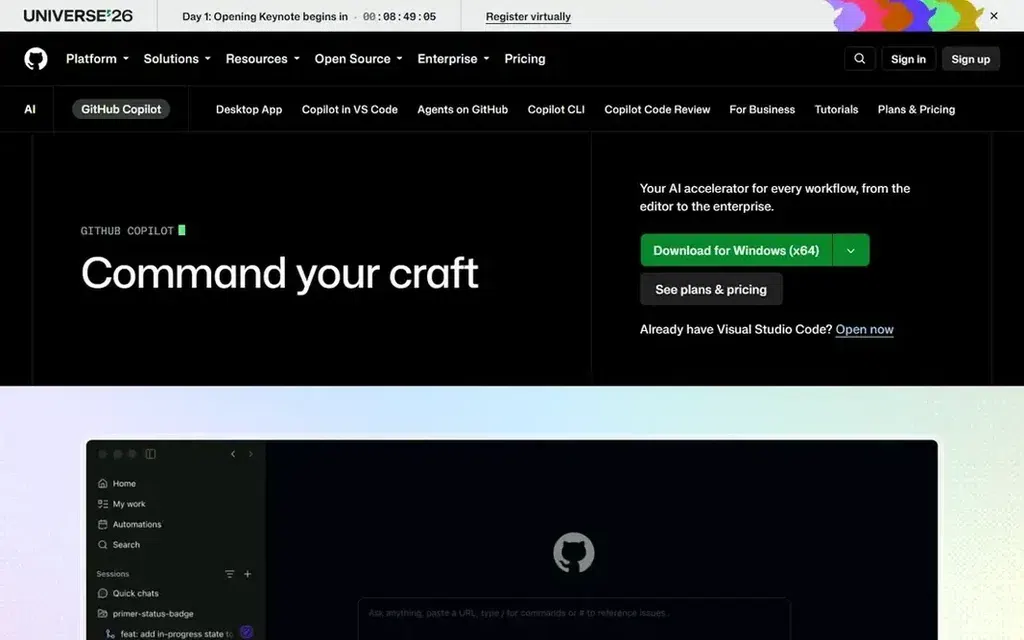
Where GitHub Copilot fits: wide coverage across editor, terminal and GitHub. That breadth makes it a natural fit for teams whose development flow already centers on GitHub repositories and pull requests.
For everyday use, since its reach is tied to GitHub, teams that host code elsewhere may see less benefit from the GitHub-side features. No starting price is listed for GitHub Copilot here; confirm pricing on the vendor site. On free options: Not stated.
Where it falls short: Value relies on how much work happens on GitHub.
- Spans the path from open issue to merged pull request
- Works in the editor, terminal
- Feature depth varies by where you use it
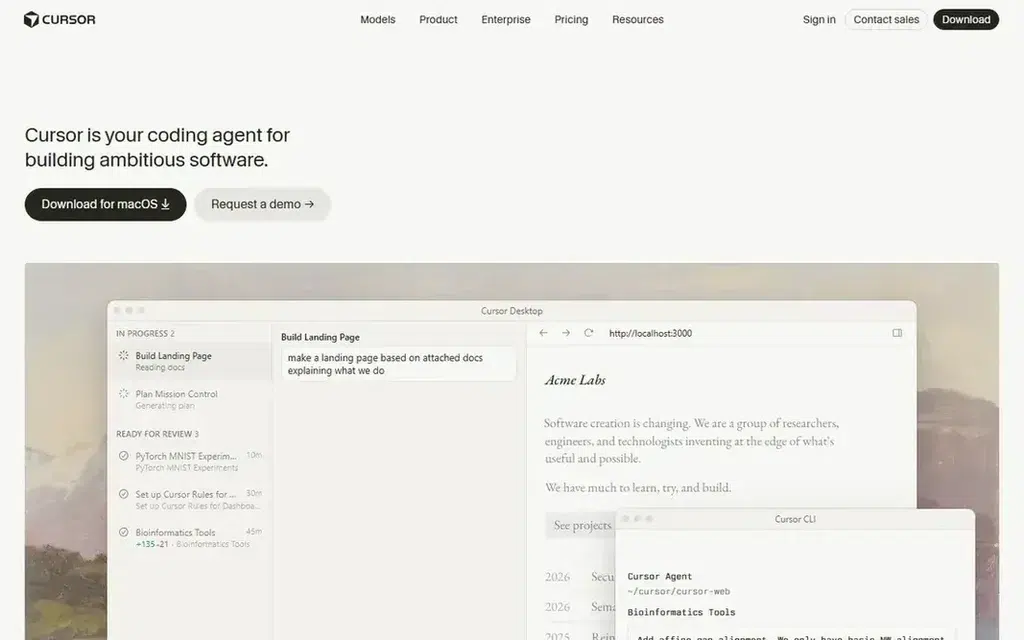
In short, Cursor is for handing development tasks to coding agents. Cursor presents itself as an AI coding agent for building ambitious software.
Downsides: Agent handoffs need clear task descriptions.
Its homepage says agents turn ideas into code and that you can accelerate development by handing off tasks to Cursor. The starting price for Cursor: $8 per month. You can start on Cursor without paying.
- Pitched at building ambitious software
- Agent-focused workflow for turning ideas into code
- Less tied to GitHub pull request workflows
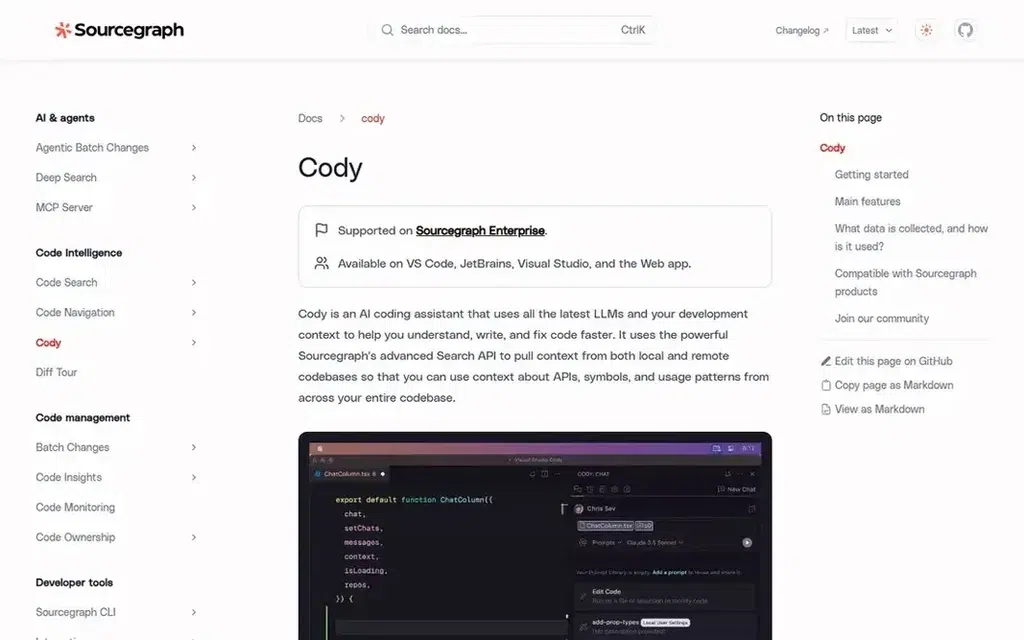
Choose Sourcegraph Cody for Code intelligence context across a codebase. Since Cody sits within a broader product, the experience is tied to adopting that product, which may be more than a small team needs.
What to check first: Value relies on adopting the Sourcegraph system.
That framing points to assistance grounded in understanding a codebase, which fits teams that care about context across many files and repositories. It is a reasonable choice for organizations already thinking about code search and code intelligence as part of their developer tooling. No starting price is listed for Sourcegraph Cody here; confirm pricing on the vendor site. Free plan details: Not stated.
- Suits teams that value code search and context
- Pitched at understanding code across a codebase
- Documentation-led, so evaluate setup effort
How we built this list
LinkVetted looked at what each vendor publishes: pricing, plan limits, feature coverage for Amazon Q Developer and stated drawbacks. No hands-on testing is claimed. Figures are shown as the vendors publish them. Billing terms, seat minimums and add-ons can change the real cost. The sequence is a judgement call: typical use case first, then pricing transparency, then free access. Use the profiles to check fit.
Questions to settle before buying
- Ask Google Gemini Code Assist, GitHub Copilot and Sourcegraph Cody for a written quote, since no starting price is shown.
- Look at the free plan from Cursor closely: its caps decide whether it is usable for real work.
- Read the limits listed for Replit first: less suited to deep work in existing large codebases.
- Check whether Cursor bills monthly or annually, and what cancelling early costs.
- Ask GitHub Copilot which support channels and response times come with the plan you would buy.
FAQ
Is there a choice for people who do not code?
Replit is described as an AI app and website builder where you describe what you want and it builds it, with no coding required. It targets getting a working app or website rapidly instead of deep work in large existing codebases.
How are the tools for Amazon Q Developer ordered?
The order follows typical fit for Amazon Q Developer, with Replit first and Sourcegraph Cody last, then price clarity and free access. It is editorial judgement, not a score, so another team could rank the tools differently.
Which options for Amazon Q Developer have a free plan?
Cursor is the only tool in this list with a free plan. Free plans usually cap users, projects or features, so check the limits on the vendor page. All 5 picks in this Amazon Q developer alternatives comparison list a starting price, free plan details and the main limits on their cards above.
Can I try these tools before paying?
Often, yes. Cursor has a free plan. Use your own data and a real task during the test, and check what the free tier or trial limits before you rely on it. For the full picture, the cards above cover all 5 entries of this Amazon Q developer alternatives list, including price, free plan and limits.
What is the cheapest option for Amazon Q Developer in this list?
On published monthly entry prices, Cursor is the lowest here at $8 per month. Entry price is only part of the cost, because seats, add-ons and billing terms can change the total. Prices, free plan details and limits for all 5 tools in this Amazon Q developer alternatives roundup sit on the individual cards above.
Sources
- https://replit.com
- https://cloud.google.com/gemini/docs/codeassist/overview
- https://github.com/features/copilot
- https://cursor.com
- https://sourcegraph.com/cody