Best Internal Developer Platforms in 2026: 8 Tools Compared
We compare the best internal developer platforms, from Backstage and Port to Humanitec, on catalogues, golden paths, standards and developer self service.
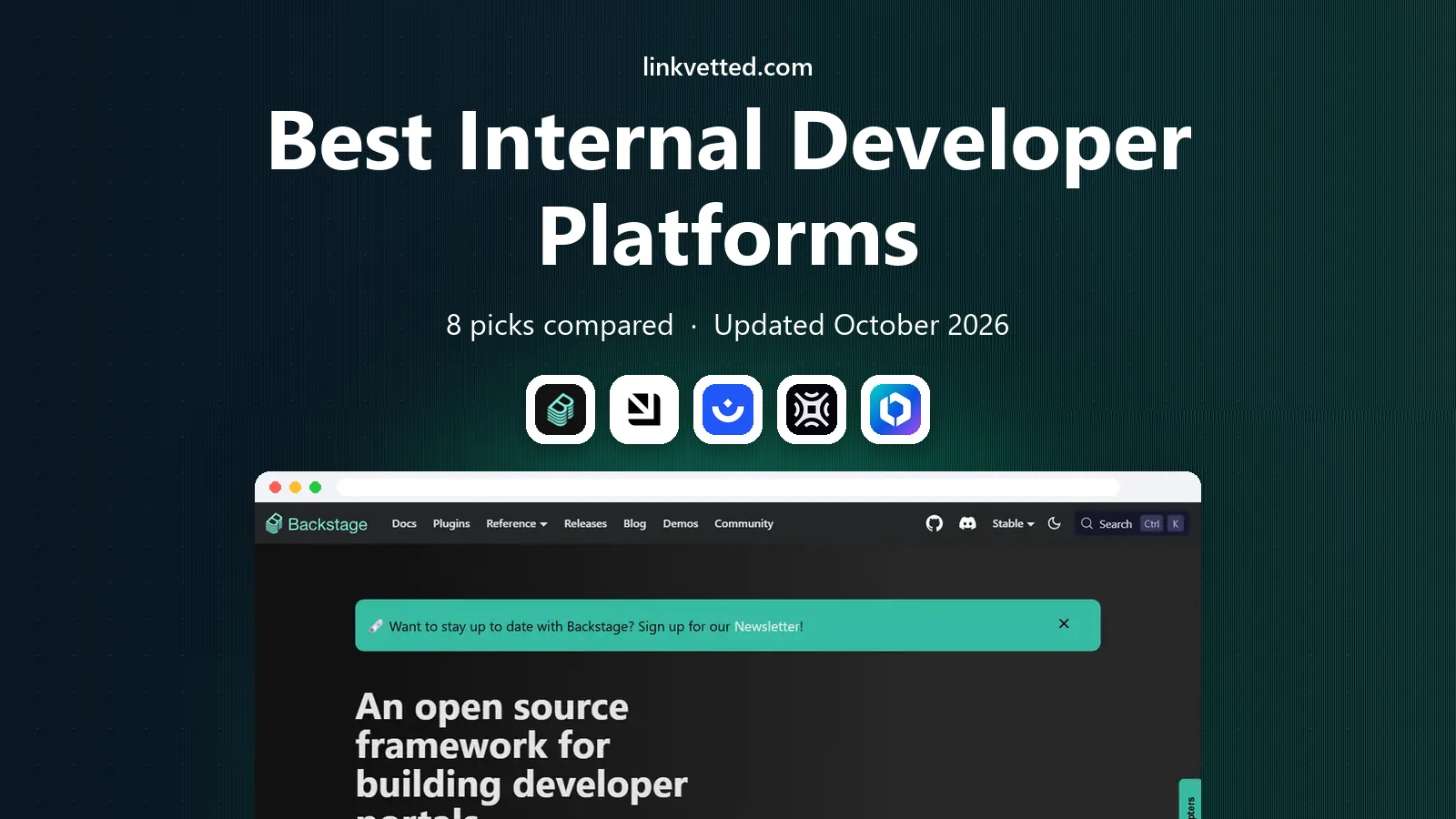
- Editor's choice
 Backstage
Open source developer portal
Starts atFreeVisit backstage.ioFull review - Great alternative
 Port
Managed developer portal
Starts atSee websiteVisit getport.ioFull review - Also consider
 Humanitec
Platform orchestration
Starts atSee websiteVisit humanitec.comFull review
TL;DR:
- Backstage suits teams that want an open source starting point, while Port and Humanitec suit teams that want a managed platform with less setup.
- The best internal developer platform is the one your developers actually use, so catalogue quality, templates and self service matter more than feature lists.
- Cortex and OpsLevel suit teams focused on service health, ownership and standards, rather than full platform building.
- Pricing for most platforms in this list is quoted or tiered by developer count, so confirm the cost model before a pilot.
Quick comparison
| Tool | Best for | Starts at | Free plan? | |
|---|---|---|---|---|
| Backstage | Open source developer portal | Free | Yes | Visit |
| Port | Managed developer portal | See website | Free trial | Visit |
| Humanitec | Platform orchestration | See website | Free trial | Visit |
 Cortex | Service catalogue and scorecards | See website | Free trial | Visit |
 OpsLevel | Service ownership and maturity | See website | Free trial | Visit |
 Harness IDP | Developer portal inside Harness | See website | Free trial | Visit |
 Qovery | Developer self service deployment | See website | Free trial | Visit |
 DuploCloud | Managed DevOps platform | See website | Free trial | Visit |
The best internal developer platforms
An internal developer platform, often called an IDP, gives developers one place to find services, create new projects, request infrastructure and check standards. The tools below cover open source portals, managed portals and orchestration platforms.
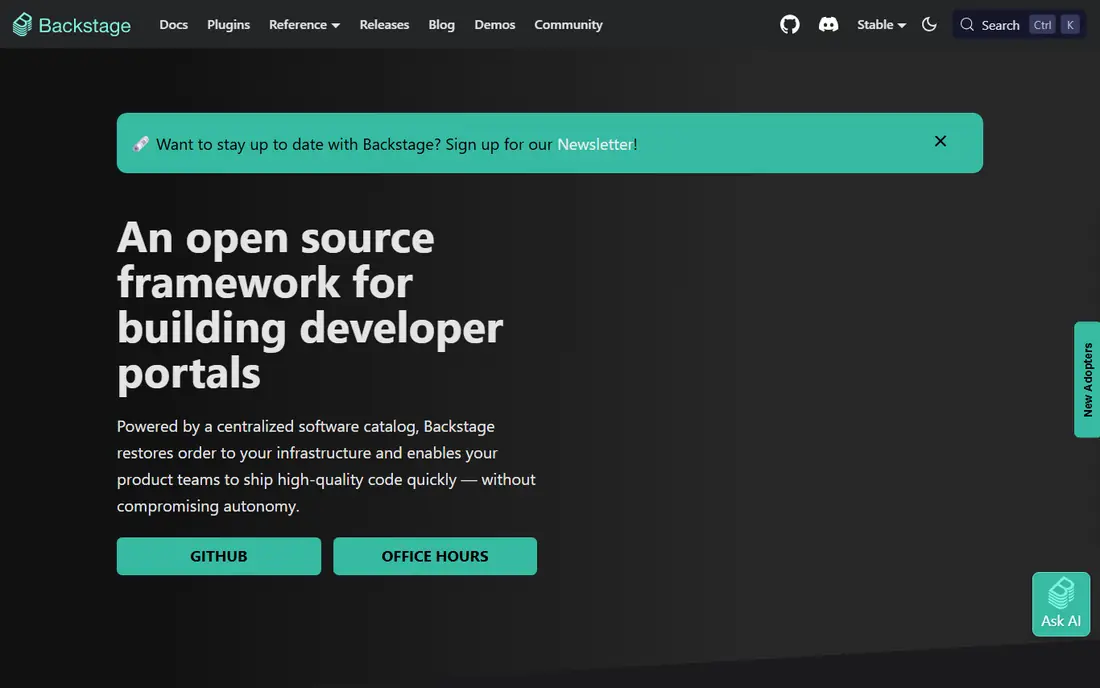
Backstage, created at Spotify and now open source, is the most common starting point for a developer portal. Its software catalogue lists services, owners and dependencies, while software templates let developers create a new service from an approved starting point. Plugins add search, tech docs, CI and cloud cost views, so teams can build a portal that fits their stack.
The cost is maintenance. Backstage is free to use, but running, upgrading and customising it takes real engineering time, and that time grows as plugins multiply. It suits teams with platform engineering capacity and a clear catalogue model. Teams without that capacity may prefer a managed portal that handles hosting and upgrades.
- Open source and widely adopted
- Strong plugin ecosystem
- Software catalogue and templates included
- Needs engineering time to run and maintain
- Setup and upgrades fall on your team
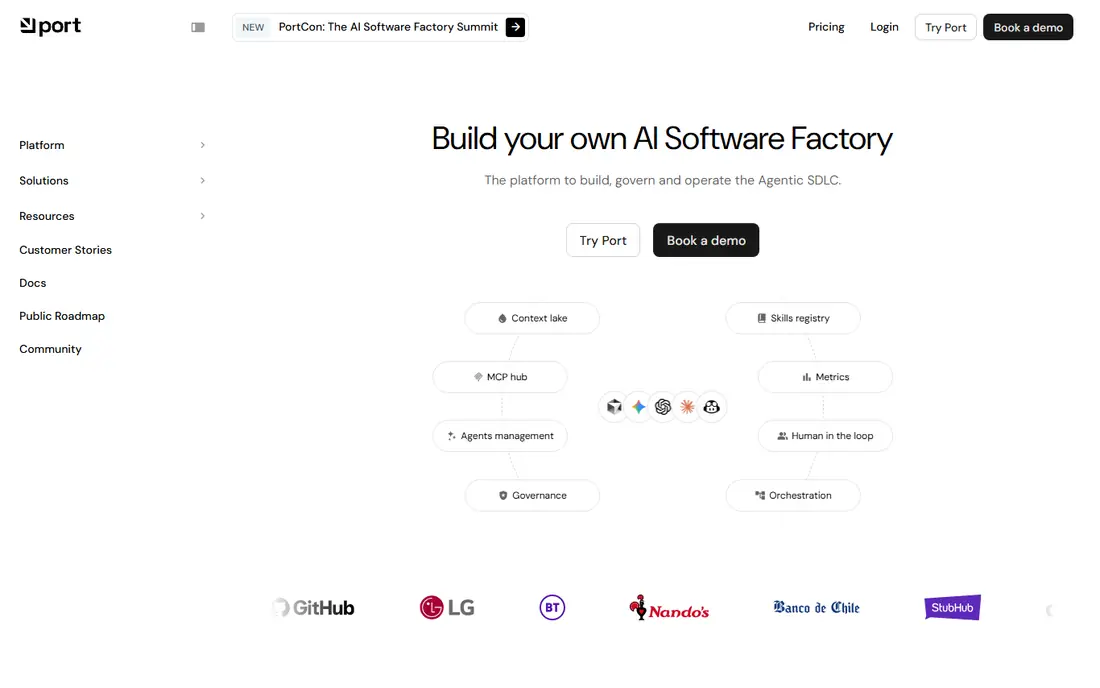
Port is a managed developer portal that focuses on a flexible catalogue, self service actions and scorecards. Developers can find services, see ownership and health, and request resources through guided actions that run approved workflows behind the scenes. That self service model reduces tickets to platform teams and gives developers a clearer path from idea to running service.
The main work is modelling. Port is flexible, which means a team must decide what a service, an environment and a scorecard mean in its own context. Without that planning, a catalogue can become messy. For teams that want a managed portal with strong self service, Port is one of the strongest options in this list.
- Managed hosting and upgrades
- Flexible data model
- Self service actions and scorecards
- Pricing is tiered and can grow with users
- Data model needs planning to stay clean
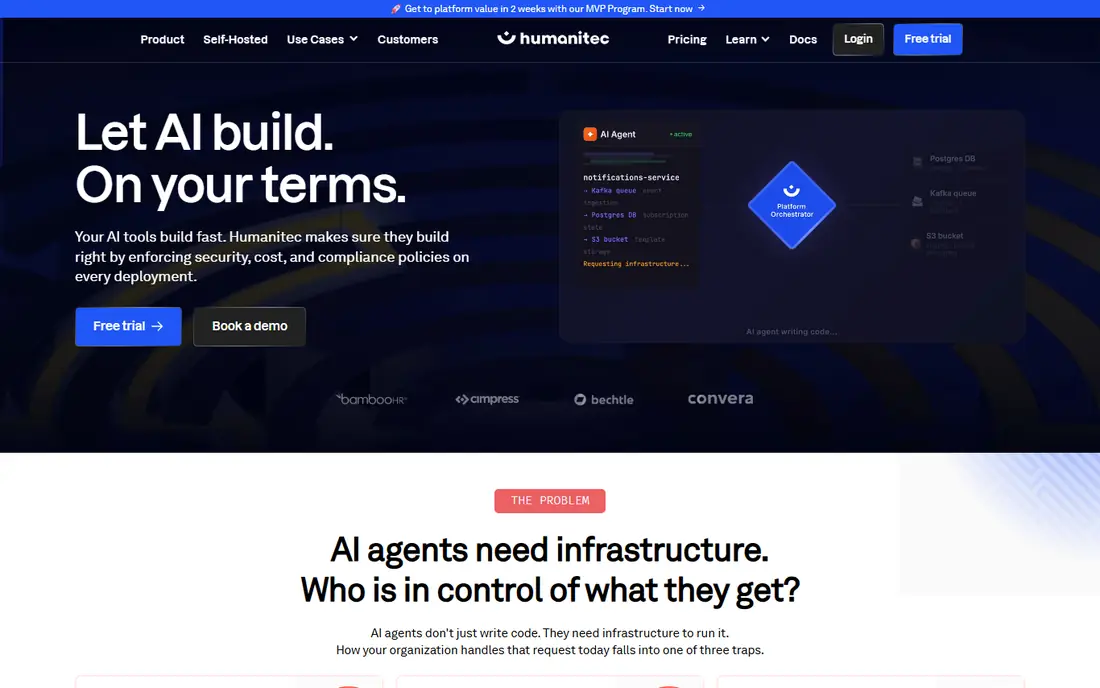
Humanitec focuses on the layer behind the portal: how application definitions turn into real infrastructure across clouds and tools. Developers describe what an app needs, and Humanitec provisions databases, queues, DNS and other resources through drivers. That separation lets platform teams change infrastructure without forcing developers to rewrite app code.
Humanitec is not just a catalogue with a pretty front end. It suits organisations that already have a portal or a platform team and need stronger orchestration. Smaller teams with simple deployments may find a simpler portal plus their existing CI tool is enough, and Humanitec may add more moving parts than they need.
- Orchestrates infrastructure behind a portal
- Supports many clouds and tools
- Clear separation of app and infra config
- More complex than a simple catalogue
- Best value needs a platform team to operate it
Cortex helps engineering teams track services, owners, dependencies and standards in one place. Scorecards let teams define what good looks like, from security checks to documentation and on call coverage, and then see which services meet the bar. That visibility helps managers and platform teams improve reliability without manual audits.
Cortex is less of a full deployment platform than Humanitec or Qovery. It excels at catalogue, ownership and maturity, and it integrates with other tools for deployment. Teams whose main pain is messy ownership and unclear standards will get the most value, while teams that need deep deployment automation should pair it with another tool.
- Strong service catalogue
- Scorecards for standards and maturity
- Ownership and dependency views
- Less focused on full deployment self service
- Pricing is quoted for larger teams
OpsLevel focuses on service ownership, maturity and campaigns. Teams can define maturity levels, assign owners, link on call rotations and run campaigns to fix gaps such as missing runbooks or outdated dependencies. That campaign model is practical, since it turns a standards list into tracked work with owners and deadlines.
The limit is data quality. OpsLevel is only as good as the service data fed into it, so teams need a reliable source for services, owners and dependencies. It is a strong complement to a portal such as Backstage or Port, and a strong standalone choice for organisations whose priority is service health rather than new service scaffolding.
- Clear service maturity checks
- Ownership and on call links
- Campaign tools for standards work
- Needs clean service data to be useful
- Less of a general portal for new service creation
Harness Internal Developer Portal builds on Backstage and adds Harness integrations for pipelines, deployments and cloud cost. That link helps developers see not just what a service is, but how it is built, deployed and what it costs to run. For teams already using Harness for CI and CD, the portal fits naturally into daily work.
Teams outside Harness can still use it, but they will get less of the integrated benefit. Pricing also ties to Harness plans, so confirm what the IDP module costs on its own. Harness IDP suits organisations that want a Backstage style portal without running Backstage themselves, and that value Harness pipeline visibility.
- Built on Backstage with Harness integrations
- Links portal to CI, CD and cloud cost
- Managed option
- Best value inside the Harness ecosystem
- Pricing depends on Harness plan
Qovery gives developers self service environments on cloud infrastructure, with preview environments for pull requests and simple deployment flows. That focus helps product teams ship without waiting for platform tickets, and it reduces the need for every developer to learn Kubernetes in depth. Its interface is built around applications and environments rather than a large service catalogue.
Qovery is not a direct replacement for a full portal. Teams that need a rich catalogue, scorecards and docs in one place may pair Qovery with Backstage or Port. For teams whose main bottleneck is environment creation and deployment, Qovery offers a clear and practical path.
- Self service environments for developers
- Supports cloud and Kubernetes
- Preview environments
- Less of a broad catalogue portal
- Pricing scales with usage and team size
DuploCloud automates DevOps and compliance tasks for cloud infrastructure, with a platform that developers use through self service workflows. It covers provisioning, security controls and compliance frameworks, which helps regulated teams and smaller platform teams that cannot build all of that themselves. Its managed approach reduces the operational load on internal teams.
The breadth can be a challenge. DuploCloud covers more than a simple portal, so teams should plan which parts they will use and how it fits existing CI and cloud accounts. For organisations that need managed DevOps plus compliance, it is a strong option. For teams that only need a catalogue, a lighter portal may be enough.
- Managed DevOps automation
- Compliance and security controls
- Supports AWS and other clouds
- Platform scope is broad, so setup needs planning
- Less portal focused than Backstage or Port
How we picked these
We compared official product pages, documentation, pricing pages and public case material. We looked for platforms that are live in 2026, that offer a catalogue or self service model, and that cover different needs from open source portals to orchestration and service maturity. We left out tools that are only CI systems or only monitoring tools, since an IDP must help developers discover, create and operate services.
How to choose and roll out an IDP
Start with one pain, not a full platform vision. If developers cannot find service owners, start with a catalogue. If new service setup is slow, start with templates. If standards are unclear, start with scorecards. A narrow pilot with one team, real services and measurable time savings will teach you more than a long vendor comparison.
Keep the catalogue honest
A catalogue that is out of date is worse than no catalogue, because developers learn to ignore it. Automate service discovery where possible, assign clear owners, and review stale entries regularly. A small, accurate catalogue beats a large catalogue full of abandoned services.
Measure developer time, not portal clicks
Track time to create a service, time to get an environment, and number of platform tickets before and after the pilot. Those measures show whether the platform helps, while page views alone do not. Share results with developers and adjust templates and actions based on their feedback.
FAQ
Which internal developer platform is best?
It depends on your team. Backstage suits open source teams with platform capacity, Port suits managed portal buyers, Humanitec suits orchestration needs, and Cortex or OpsLevel suit service maturity work. Pilot one or two options with a real team before you commit.
Is Backstage free?
Backstage software is open source and free to use, but running it costs engineering time for hosting, upgrades and plugins. Managed options such as Port or Harness IDP charge a subscription but handle hosting and upgrades for you.
What is the difference between an IDP and a developer portal?
A developer portal is the front end where developers find services and docs. An internal developer platform is the wider system behind it, including templates, infrastructure automation and standards. Many products in this list combine both, with different emphasis.
Do small teams need an internal developer platform?
Not always. Small teams with few services may manage with good docs and CI templates. An IDP becomes valuable when service count, onboarding time or platform tickets grow to a point where a shared catalogue and self service save clear time.
How long does an IDP rollout take?
A focused pilot can run in weeks, while a full rollout across many teams can take months. Start with one team, one catalogue and a few templates, then expand based on measured developer time savings.