Best Screen and Video Capture Software for Startups in 2026: Prices, Free Plans and 5 Picks
Best screen and video capture software for startups in 2026: 5 tools with starting prices, free plans and limits. Plain-spoken summaries throughout. No filler.
- Editor's choice
 OBS Studio
Open source recording and live streaming
Starts atSee websiteVisit obsproject.comFull review - Great alternative
 Vidyard
Video for sales and marketing teams
Starts atSee websiteVisit vidyard.comFull review - Also consider
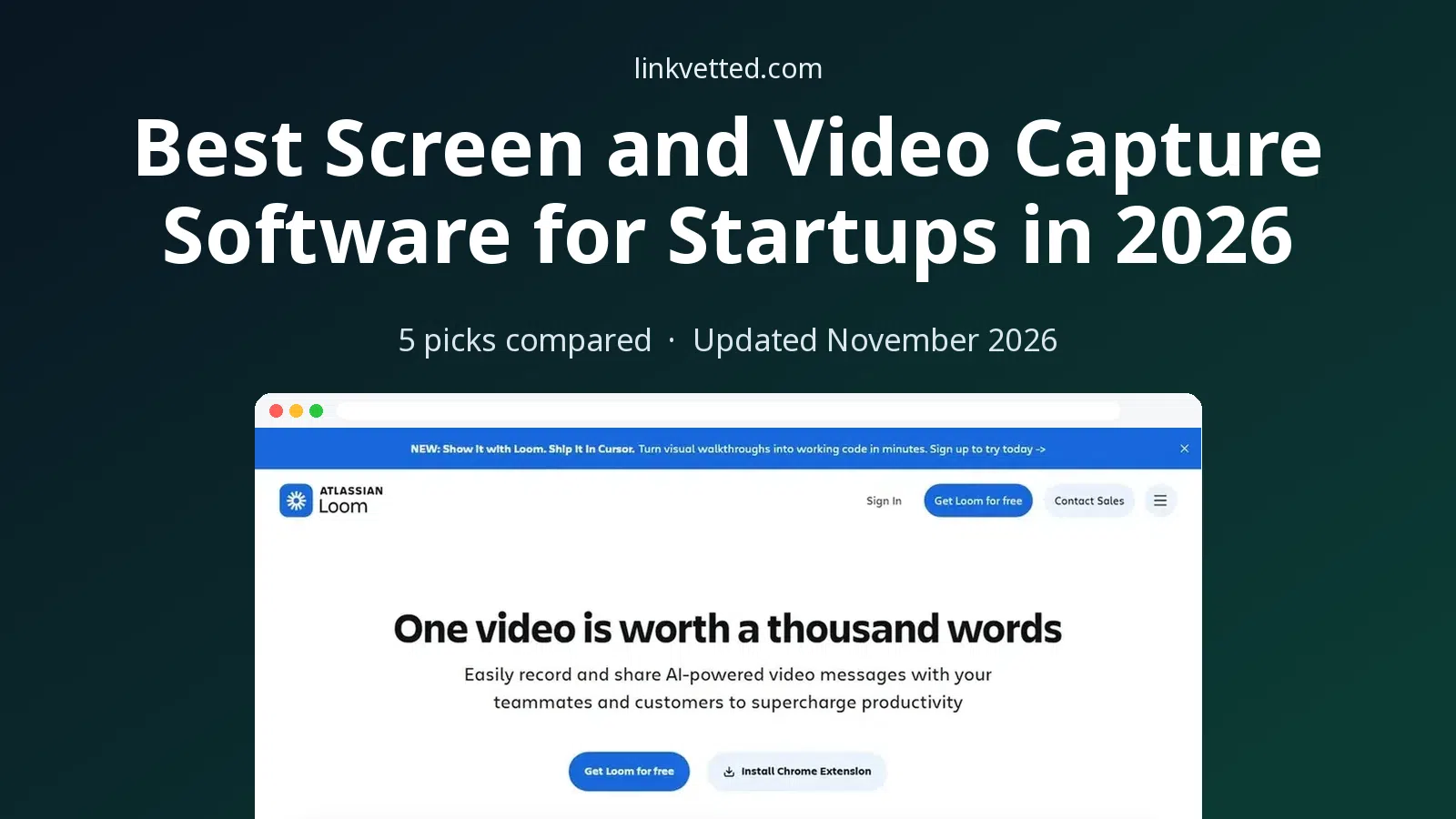
 Loom
Fast screen recordings and simple sharing
Starts at$18 per user a monthVisit loom.comFull review
Direct answer
Our first pick is OBS Studio, best for open source recording and live streaming. Listed starting prices: Loom from $18 per user a month and Screencastify from $7 per user a month. Vidyard is better for video for sales and marketing teams, and Loom is better for fast screen recordings and simple sharing. All 5 tools are compared below on price, free plan and limits.
TL;DR:
- The list opens with OBS Studio, aimed at open source recording and live streaming.
- Camtasia suits edited tutorials and software demos.
- Screencastify has the lowest monthly starting price in this list: $7 per user per month.
- Free plans exist at 3 of 5 tools (Vidyard, Loom, Screencastify).
Last checked November 2026. Prices and plan details were read from the vendors' own pages in November 2026; vendors change plans often, so confirm the current price on the vendor site before you buy.
Quick comparison
| Tool | Best for | Starts at | Free plan? | |
|---|---|---|---|---|
| OBS Studio | Open source recording and live streaming | See website | Not stated | Visit |
| Vidyard | Video for sales and marketing teams | See website | Yes | Visit |
| Loom | Fast screen recordings and simple sharing | $18 per user a month | Yes | Visit |
 Screencastify | Browser-based recording and editing | $7 per user a month | Yes | Visit |
 Camtasia | Edited tutorials and software demos | See website | Not stated | Visit |
Our 5 screen and video capture software for startups
This LinkVetted guide covers 5 screen and video capture software for startups. Each profile lists a starting price, free plan details, strengths and drawbacks, so you can drop poor fits quickly.
For open source recording and live streaming, OBS Studio is a natural candidate. Pick a lighter tool when you only need fast clips, and choose OBS when streaming or in-depth recording control is the priority. Worth adding: OBS Studio is free and open source software for video recording and live streaming.
Its page notes streaming to Twitch, YouTube and numerous other providers, plus recording with high quality H264 and AAC encoding, which suits startups that run webinars, live demos or product streams and want adaptable control. OBS Studio rewards users who are comfortable configuring scenes and encoding settings, and beginners may find the setup less guided than more straightforward recorders. No starting price is listed for OBS Studio here; confirm pricing on the vendor site. Free options: Not stated.
Honest limits: Setup can be technical.
- High quality H264 and AAC encoding
- Records and streams to numerous providers
- Interface is less guided for beginners
Choose Vidyard for video for sales and marketing teams. Vidyard is an online video product for business geared toward virtual sales and marketing teams, with the stated goal of increasing leads and accelerating the pipeline. Vidyard is not positioned as a general screen capture utility, so teams primarily needing fast internal recordings may prefer a more straightforward recorder.
It makes sense when video supports sales and marketing workflows and you want a system oriented to those outcomes. In practice, startups that use recorded video in outreach, landing pages or sales conversations may find its business focus more relevant than a plain recorder. No starting price is listed for Vidyard here; confirm pricing on the vendor site. Vidyard offers a free plan.
Downsides: Not a general screen capture tool.
- Supports lead and pipeline video use
- Aimed at virtual sales and marketing
- Centred on sales and marketing outcomes
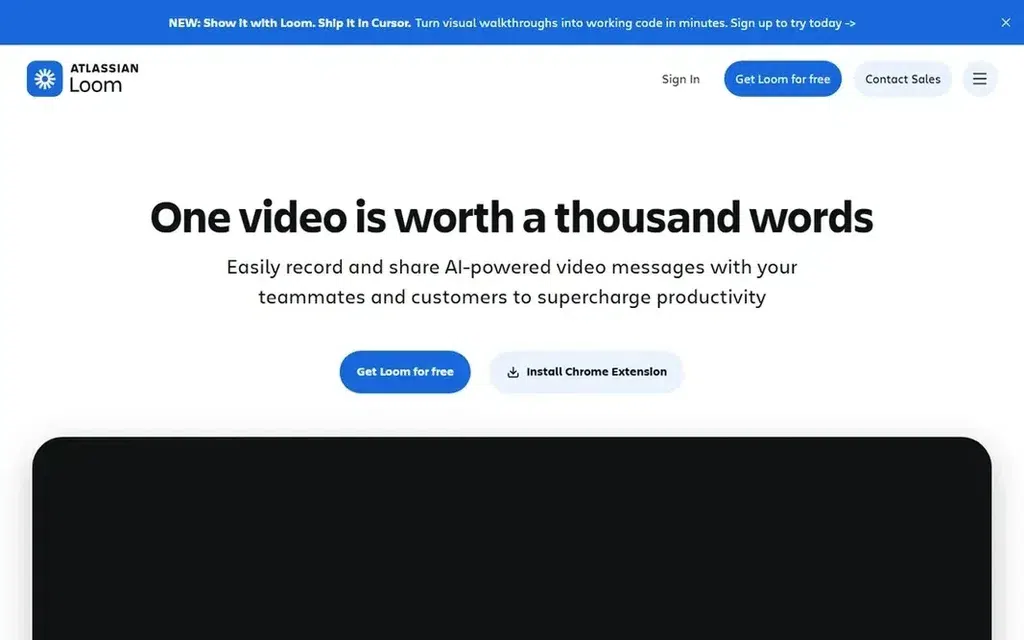
Think of Loom for fast screen recordings and easy sharing. Its page describes online recording, advanced video editing and video storage, which suits startups that want teammates to record short demos, walkthroughs or updates without a heavy production process.
Also, pick something else when you need deep timeline editing or complicated multi-scene productions instead of quick capture and distribution. Loom starts at: $18 per user per month. Loom has a free plan.
Downsides: Restricted advanced editing depth.
- Works on Mac and PC
- Straightforward recording and sharing flow
- Less suited to long training productions
Screencastify is designed for browser-based recording and editing. Screencastify is a browser-based screen recorder for recording, editing and sharing videos for example lessons, how-tos, assignments, training and assessments.
Worth adding: since it is browser-based, Screencastify may not match desktop tools for advanced capture or heavy editing. In practice, startups without dedicated video hardware can use it to capture fast explainers and training clips straight from the browser. Screencastify cost at the entry level: $7 per user per month. Free access exists with Screencastify.
Trade-offs to know: Less suited to heavy production editing.
- Suited to lessons and how-to videos
- Recording and editing in one place
- Browser-based workflow may limit advanced capture
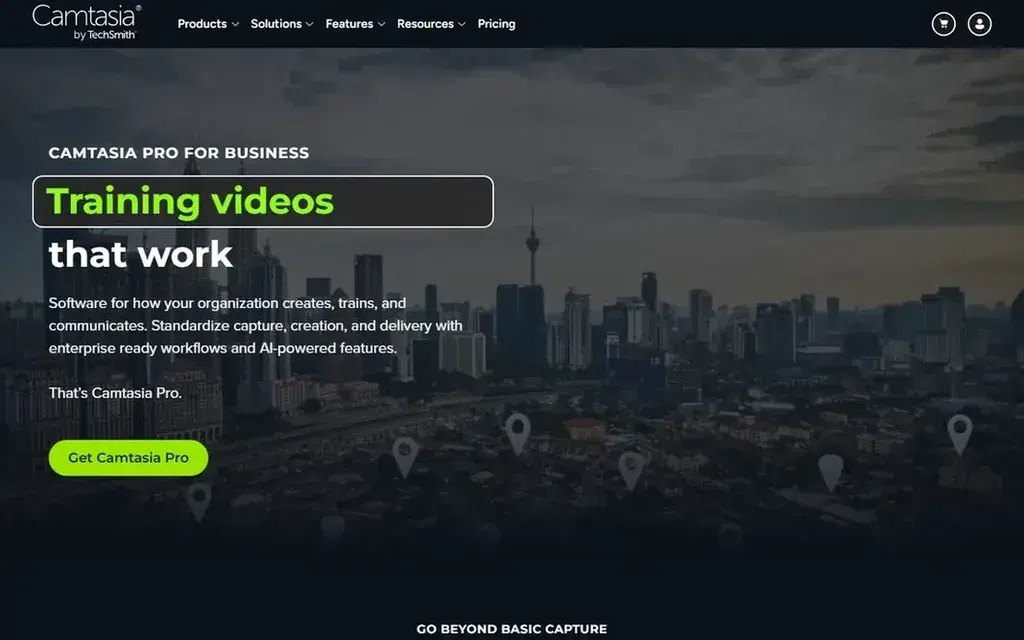
Where Camtasia fits: edited tutorials and software demos. Startups that require to produce refined explainer or onboarding content in house will find the recording and editing combination handy for building a repeatable content process.
On top of that, if your team largely sends short informal clips, a more straightforward recorder may be quicker, whereas Camtasia fits teams that plan to edit and reuse footage. No starting price is listed for Camtasia here; confirm pricing on the vendor site. Free access: Not stated.
Points against: Editing workflow takes learning.
- Screen recording plus video editing
- Available for professional demo creation
- Heavier than quick-capture tools
How these tools were picked
We compared the tools on published pricing, free plan or trial availability, feature coverage for screen and video capture software for startups, and the limits each vendor documents. Plan names, prices and limits change often. Treat the figures here as a starting point and verify them with the vendor. Position on the page reflects fit for a typical buyer first, with price clarity and free access breaking ties. Treat it as a guide, not a ruling.
Things to verify first
- Ask OBS Studio, Vidyard and Camtasia for a written quote, since no starting price is shown.
- Look at free plan limits closely: Vidyard, Loom and Screencastify have one, and the caps decide whether it is usable for real work.
- Read the limits listed for OBS Studio first: setup can be technical.
- Total up the real monthly cost of Loom, including add-ons, extra users and usage-based fees.
- See whether Camtasia offers onboarding or training, and whether it is included in the price.
FAQ
Can I try these tools before paying?
Often, yes. Vidyard, Loom and Screencastify have a free plan. Use your own data and a real task during the test, and check what the free tier or trial limits before you rely on it.
Is open source recording software a solid fit for startups?
OBS Studio is free and open source and supports recording and streaming to numerous providers. It provides solid control but needs more setup, so it suits teams comfortable with configuration or those running live events.
What is the cheapest option for screen and video capture software for startups in this list?
On published monthly entry prices, Screencastify is the lowest here at $7 per user per month. Entry price is only part of the cost, because seats, add-ons and billing terms can change the total. All 5 picks in this screen and video capture software for startups comparison list a starting price, free plan details and the main limits on their cards above.
Which options for screen and video capture software for startups have a free plan?
On this list, Vidyard, Loom and Screencastify include a free plan. Caps on seats, usage or features are common, so test the free plan against your real workload.
When should a startup choose a business video platform?
Vidyard is oriented toward virtual sales and marketing teams and video-driven lead and pipeline work. Choose it when video supports customer-facing sales and marketing, and choose a more straightforward recorder for internal how-tos and documentation.
Do these tools publish their prices?
Not all of them. OBS Studio, Vidyard and Camtasia publish no starting price, so expect a quote request for those. The rest, Loom included, show a starting price, though seats and billing terms still change the final cost.
Sources
- https://obsproject.com
- https://www.vidyard.com
- https://www.loom.com
- https://www.screencastify.com
- https://www.techsmith.com/camtasia.html