Best Video Effects Software for Startups in 2026: Prices, Free Plans and 6 Picks
Best video effects software for startups: 6 tools compared on price, free plans and fit. Hidden costs and gaps are flagged. Current for November 2026.
- Editor's choice
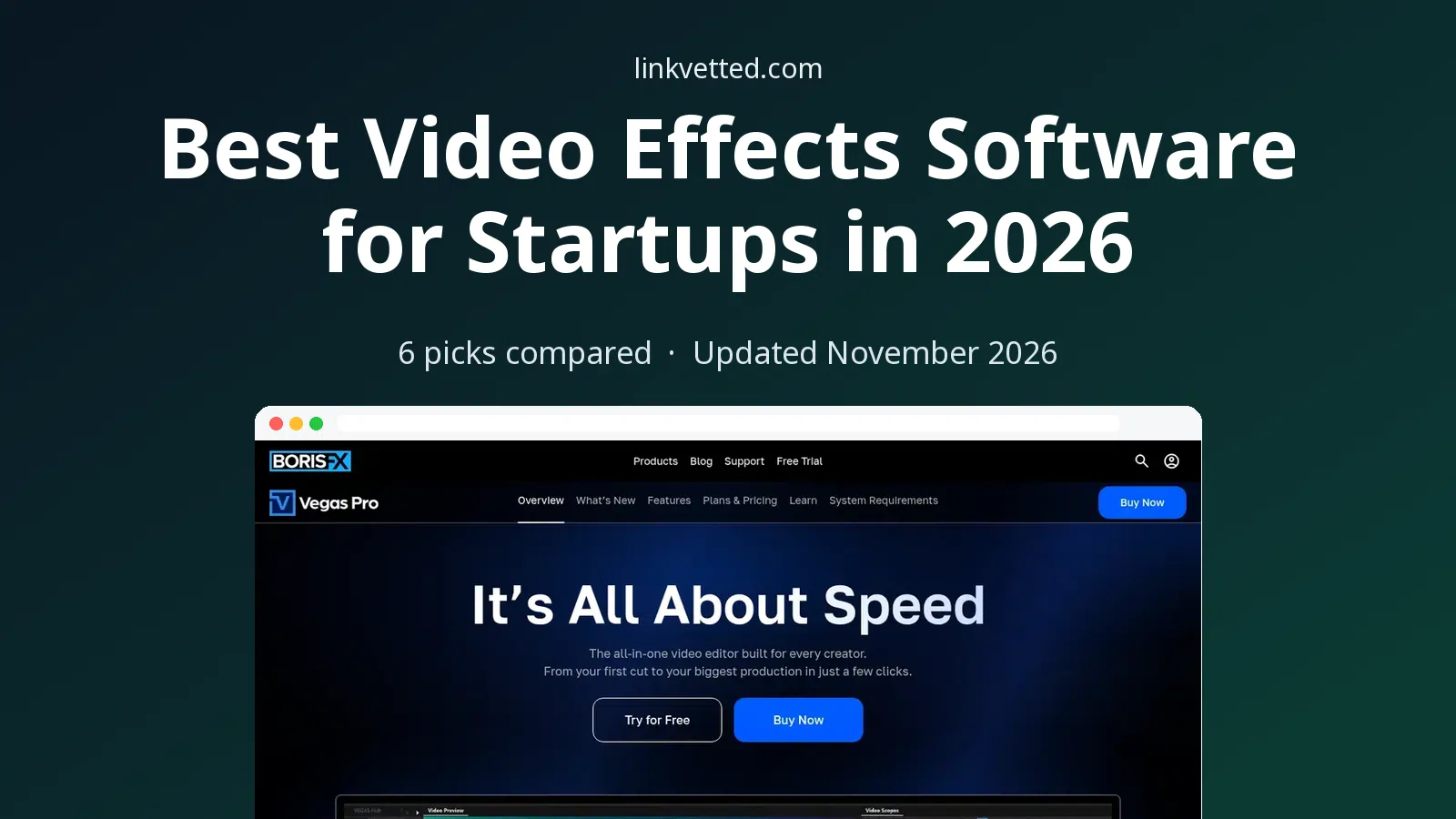
 VEGAS Pro
Windows editing with AI and VFX
Starts atSee websiteVisit vegascreativesoftware.comFull review - Great alternative
 Camtasia
Tutorials, training and software demos
Starts at$20 per yearVisit techsmith.comFull review - Also consider
 DaVinci Resolve
All-in-one editing, color and VFX
Starts atSee websiteVisit blackmagicdesign.comFull review
Direct answer
VEGAS Pro is the first pick on this list for Windows editing with AI and VFX. Listed starting prices: Camtasia from $20 per year and CyberLink PowerDirector from $54.99 a month. Camtasia is better for Tutorials, training and software demos, and DaVinci Resolve is better for all-in-one editing, color and VFX. Details, prices and limits for the rest of the 6 tools are below.
TL;DR:
- Top of the list is VEGAS Pro, which targets Windows editing with AI and VFX.
- For approachable editing for small teams, Corel VideoStudio is worth a look.
- One limit worth knowing about DaVinci Resolve: dense interface for beginners.
- CyberLink PowerDirector is the lowest-priced starter here at $54.99 per month.
Last checked November 2026. Prices and plan details were read from the vendors' own pages in November 2026; vendors change plans often, so confirm the current price on the vendor site before you buy.
Quick comparison
| Tool | Best for | Starts at | Free plan? | |
|---|---|---|---|---|
| VEGAS Pro | Windows editing with AI and VFX | See website | Not stated | Visit |
| Camtasia | Tutorials, training and software demos | $20 per year | Not stated | Visit |
| DaVinci Resolve | All-in-one editing, color and VFX | See website | Not stated | Visit |
 CyberLink PowerDirector | Quick AI-assisted editing with effects | $54.99 a month | Not stated | Visit |
 Adobe After Effects | Advanced motion graphics and visual effects | See website | Not stated | Visit |
| Corel VideoStudio | Approachable editing for small teams | See website | Not stated | Visit |
Tool-by-tool breakdown
Choosing video effects software for startups usually comes down to price, fit and limits. This LinkVetted guide sets 6 tools side by side on those three points, with the facts kept short and checkable.
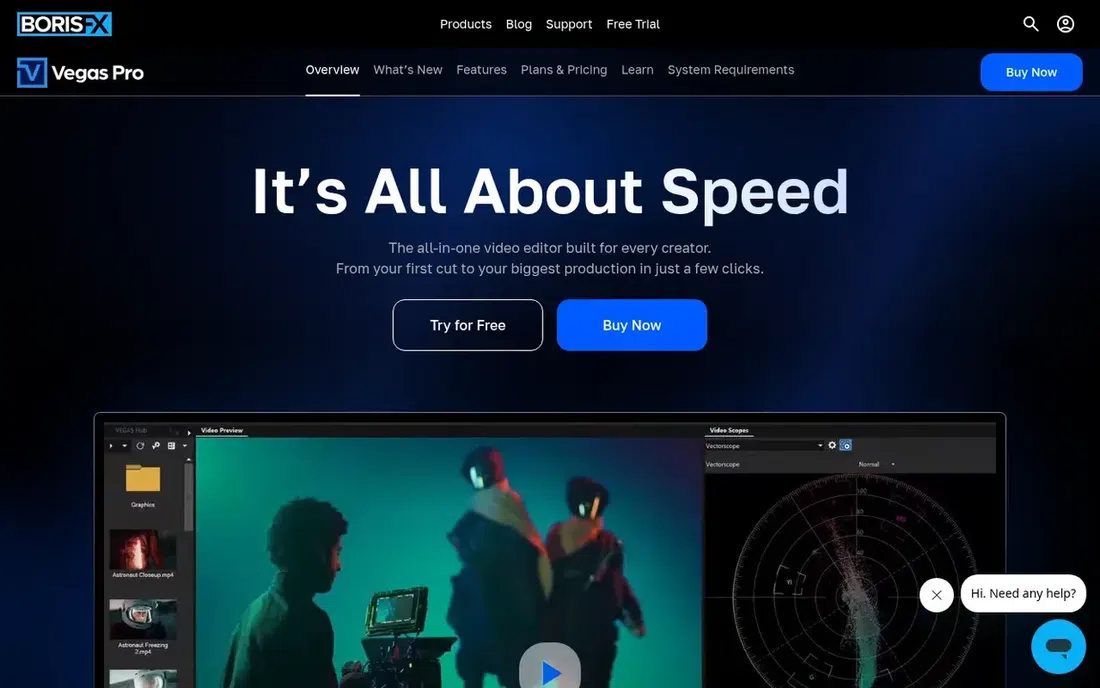
VEGAS Pro is aimed squarely at Windows editing with AI and VFX. The Windows-only requirement limits mixed-device teams, and the professional feature set takes time to master.
Downsides: Professional depth needs learning time.
No starting price is listed for VEGAS Pro here; confirm pricing on the vendor site. On free options: Not stated.
Main advantages: AI tools.
- Windows-focused professional editing
- Color grading and VFX
- Windows only
In short, Camtasia is for Tutorials, training and software demos. Camtasia is built around instructional content, so it is not the choice for advanced visual effects or film-style motion graphics.
Camtasia from Techsmith is a screen recorder and video editor for creating professional tutorials, training videos and software demos. Startups producing brand films or complicated animations should pair it with a dedicated effects tool. The starting price for Camtasia: $20 per year. As for free access: Not stated.
What works well: Aimed at tutorials and demos.
Downsides: Not targeted at cinematic VFX.
- Fits onboarding and product explainers
- Screen recording and editing together
- Effects focus is instructional
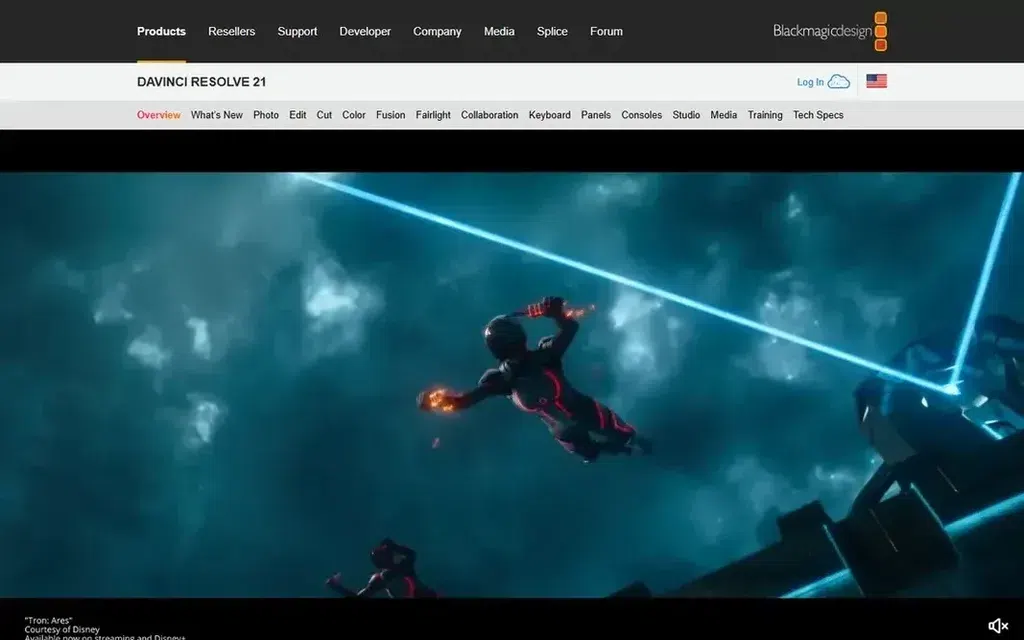
In short, DaVinci Resolve is for all-in-one editing, color and VFX. Startups focused purely on fast social edits may find a lighter editor quicker, but Resolve rewards teams that want room to grow. Since it spans so much, the interface can feel dense for newcomers and the feature depth takes time to absorb.
Where it shines: Windows and Linux.
DaVinci Resolve from Blackmagic Design bundles professional video editing, color correction, visual effects and audio post production in a single application. It runs on Mac, Windows and Linux, which helps startups with mixed hardware. No starting price is listed for DaVinci Resolve here; confirm pricing on the vendor site. On free options: Not stated. The main drawbacks: Dense interface for beginners.
- Wide professional feature coverage
- VFX and audio in one application
- Plenty of features to learn at once
For quick AI-assisted editing with effects, CyberLink PowerDirector is a natural candidate. CyberLink PowerDirector is video editing software with AI tools, pro-grade effects and a large royalty-free asset library.
It targets creators who want to make better videos quicker, which fits startups producing frequent marketing and social content. On cost, CyberLink PowerDirector starts like this: $54.99 per month. Free plan details: Not stated.
Honest limits: Feature volume can overwhelm.
- AI tools and pro-grade effects
- Large royalty-free asset library
- Advanced control is less deep than pro suites
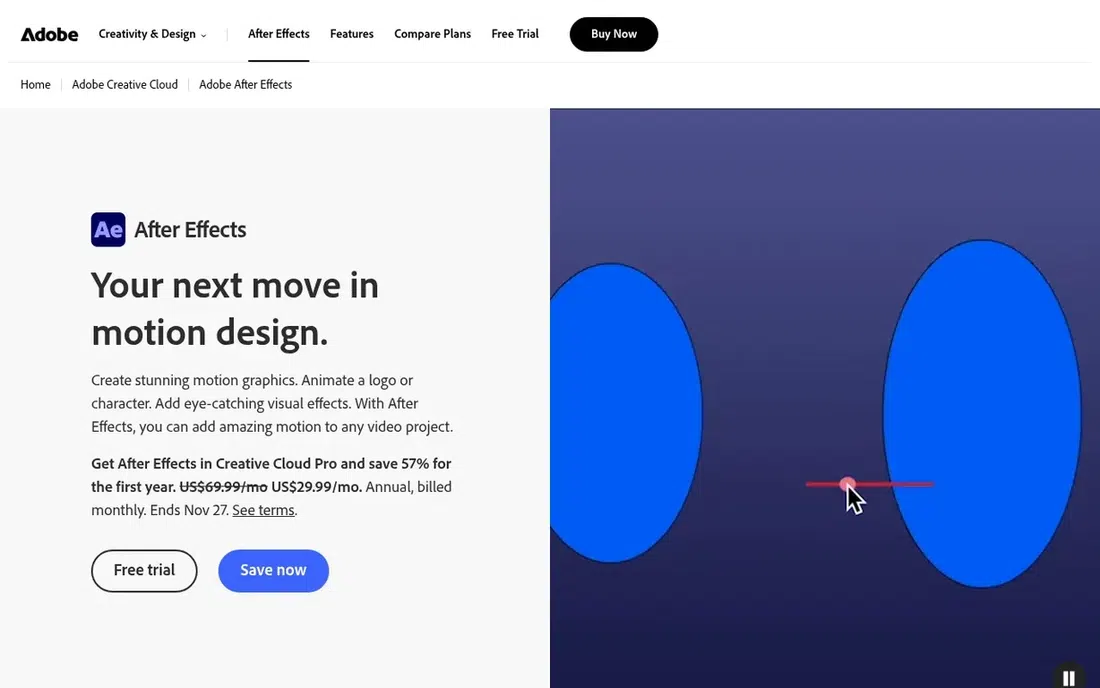
Choose Adobe After Effects for advanced motion graphics and visual effects. Adobe After Effects is motion graphics software built for taking an idea and making it move. It targets designers and editors producing animation and effects for film, TV, video and web.
More specifically, the trade-off is complexity: After Effects is not a quick-cut editor and rewards users who invest time in learning its workflow. In daily use, teams that primarily need quick edits, captions or screen demos may prefer a more straightforward tool and keep After Effects for hero animations. This comparison lists no price for Adobe After Effects; ask the vendor. Trial and free access: Not stated.
Limits to weigh: Heavier workflow than fast editors.
Highlights: Industry-standard motion graphics feature set.
- Fits film, TV
- Video and web output
- Ramp-up time for new editors
Corel VideoStudio
Best for: Approachable editing for small teams
Choose Corel VideoStudio for approachable editing for small teams. The official site supplies product information, updates, tutorials and videos, which helps small startup teams begin without formal training.
Startups planning ambitious motion graphics should pair it with a dedicated effects tool or choose a heavier editor from the start. This comparison lists no price for Corel VideoStudio; ask the vendor. Free plan details: Not stated.
What to check first: Effects choices are more guided.
- Fits fast marketing video projects
- Product information and tutorials on site
- Less depth than pro suites
How these tools were picked
Selection started from tools commonly considered for video effects software for startups, then narrowed to 6 that have clear pricing information or a clear quote process. Plan names, prices and limits change often. Treat the figures here as a starting point and verify them with the vendor. The order reflects how well each tool fits the most common buying scenario for video effects software for startups, then price clarity, then free plan access. It is a starting point, not a verdict.
Pre-purchase checklist
- Get a written quote from VEGAS Pro, DaVinci Resolve, Adobe After Effects and Corel VideoStudio; the list shows no starting price for them.
- Before choosing VEGAS Pro, weigh its main limit: Windows only.
- Confirm minimum seats and billing terms with CyberLink PowerDirector before you commit to an annual plan.
- Ask VEGAS Pro which support channels and response times come with the plan you would buy.
- Map your must-have features to a specific Adobe After Effects plan before you compare prices.
FAQ
Do these tools publish their prices?
Not all of them. VEGAS Pro, DaVinci Resolve, Adobe After Effects and Corel VideoStudio publish no starting price, so expect a quote request for those. The rest, Camtasia included, show a starting price, though seats and billing terms still change the final cost.
Do startups need professional effects software or a more straightforward editor?
It relies on output. Routine marketing and social content is commonly well served by more straightforward editors with built-in effects, whereas brand films and complicated animation benefit from professional tools. Plenty of teams start straightforward and add a dedicated effects tool as needs grow.
How are the tools for video effects software for startups ordered?
The order follows typical fit for video effects software for startups, with VEGAS Pro first and Corel VideoStudio last, then price clarity and free access. It is editorial judgement, not a score, so another team could rank the tools differently.
Does any tool for video effects software for startups here have a free plan?
No tool in this list, VEGAS Pro and Corel VideoStudio included, has a permanent free plan. Trials and quotes are the usual route, so plan a short evaluation period.
Is VEGAS Pro the right pick for everyone comparing video effects software for startups?
No single tool suits every team. VEGAS Pro comes first because it fits Windows editing with AI and VFX, while Camtasia suits Tutorials, training and software demos and DaVinci Resolve suits all-in-one editing, color and VFX. Match the tool to your own size, budget and workflow before deciding.
Sources
- https://www.vegascreativesoftware.com/us/vegas-pro
- https://www.techsmith.com/video-editor.html
- https://www.blackmagicdesign.com/products/davinciresolve
- https://www.cyberlink.com/products/powerdirector/overview_en_US.html
- https://www.adobe.com/products/aftereffects.html
- https://www.videostudiopro.com