Video Surveillance Software for Startups in 2026: The 6 Best Options Side by Side
Best video surveillance software for startups: 6 tools compared on price, free plans and fit. Every profile names its biggest catch. Narrow your shortlist.
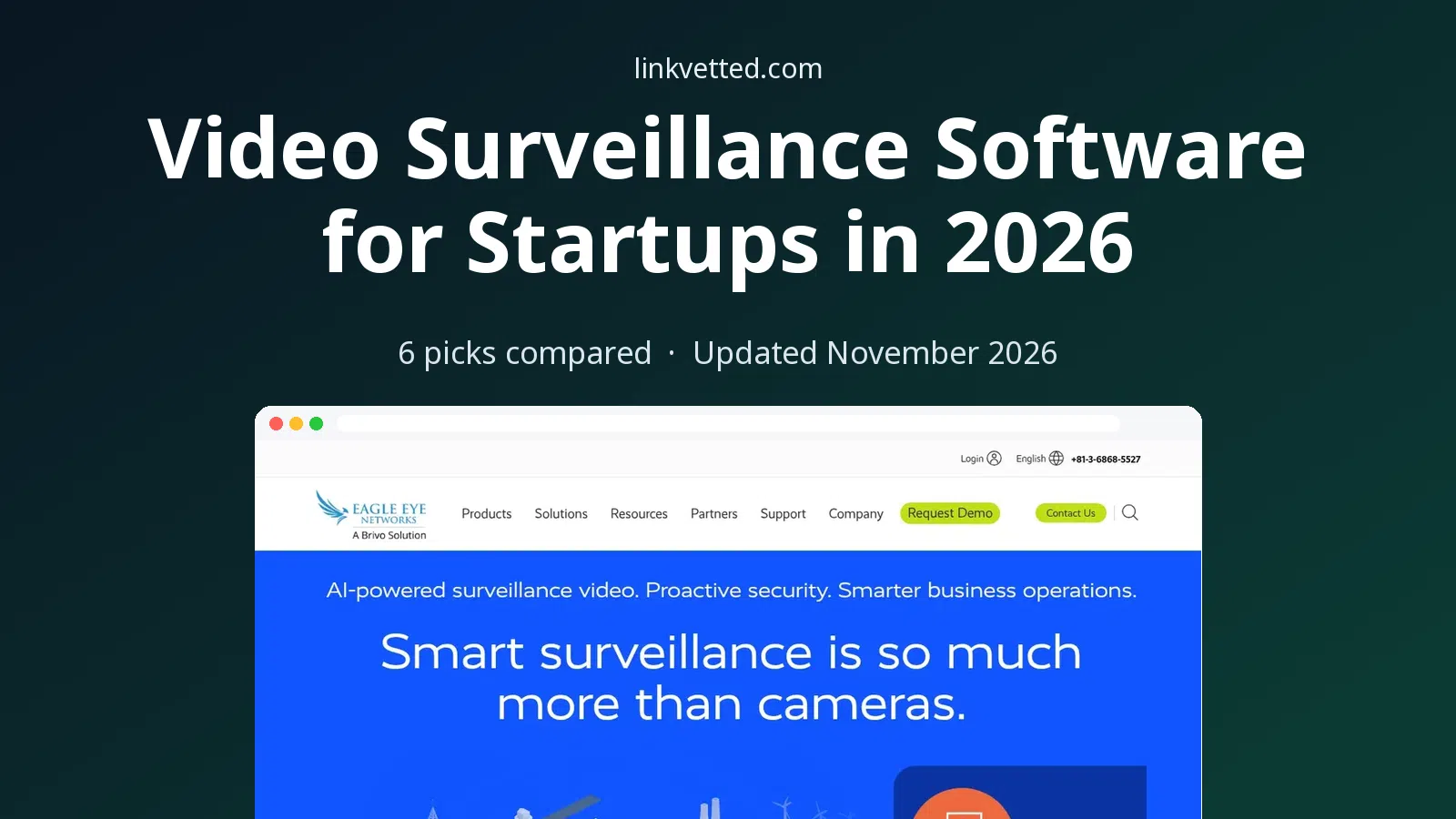
- Editor's choice
 Milestone XProtect
Adaptable video management software
Starts atSee websiteVisit milestonesys.comFull review - Great alternative
 Eagle Eye Networks
AI video surveillance with proactive security
Starts atSee websiteVisit een.comFull review - Also considerAvigilon Unity
End-to-end security with analytics
Starts atSee websiteVisit avigilon.comFull review
Direct answer
Milestone XProtect comes first here, mainly for adaptable video management software. Listed starting prices: Rhombus from $399 and Verkada from $799 USD MSRP. Alternatives: Eagle Eye Networks for AI video surveillance with proactive security, and Avigilon Unity for end-to-end security with analytics. The full list of 6 tools follows, with prices and free plan facts.
TL;DR:
- The list opens with Milestone XProtect, aimed at flexible video management software.
- A permanent free plan is missing from all 6 tools, Milestone XProtect and Verkada included; plan for a trial or a premium start.
- A fair warning about Milestone XProtect: needs more setup and administration.
- No starting price is published for Milestone XProtect, Eagle Eye Networks, Avigilon Unity and Axis Camera Station; expect a quote.
- Verkada is the one to check for integrated cloud cameras and access control.
Last checked November 2026. Prices and plan details were read from the vendors' own pages in November 2026; vendors change plans often, so confirm the current price on the vendor site before you buy.
Quick comparison
| Tool | Best for | Starts at | Free plan? | |
|---|---|---|---|---|
| Milestone XProtect | Adaptable video management software | See website | Not stated | Visit |
| Eagle Eye Networks | AI video surveillance with proactive security | See website | Not stated | Visit |
| Avigilon Unity | End-to-end security with analytics | See website | Not stated | Visit |
| Axis Camera Station | Camera-native surveillance software | See website | Not stated | Visit |
 Rhombus | Straightforward cloud commercial security | $399 | Not stated | Visit |
 Verkada | Integrated cloud cameras and access control | $799 USD MSRP | No | Visit |
6 video surveillance software for startups in detail
If you are comparing video surveillance software for startups, this page covers 6 tools in one place: what each is best for, what it costs to start, whether it has a free plan, and the main limit to know about.
Milestone XProtect targets adaptable video management software. Milestone XProtect is video management software from Milestone Systems, a vendor that also supplies cloud video services and analytics. It appeals to startups that want a software-centric approach and the freedom to choose cameras and servers instead of commit to one hardware ecosystem.
Limits to weigh: Needs more setup and administration.
Teams with some technical capacity, or plans to scale into a bigger deployment, commonly prefer this kind of adaptable management layer. Startups without IT staff, or those wanting a turnkey camera system, may be better served by a cloud-managed product. Pricing for Milestone XProtect is not stated here, so ask the vendor for current figures. Free options: Not stated.
- Open to numerous camera brands
- Widely used video management software
- Needs supporting hardware and planning
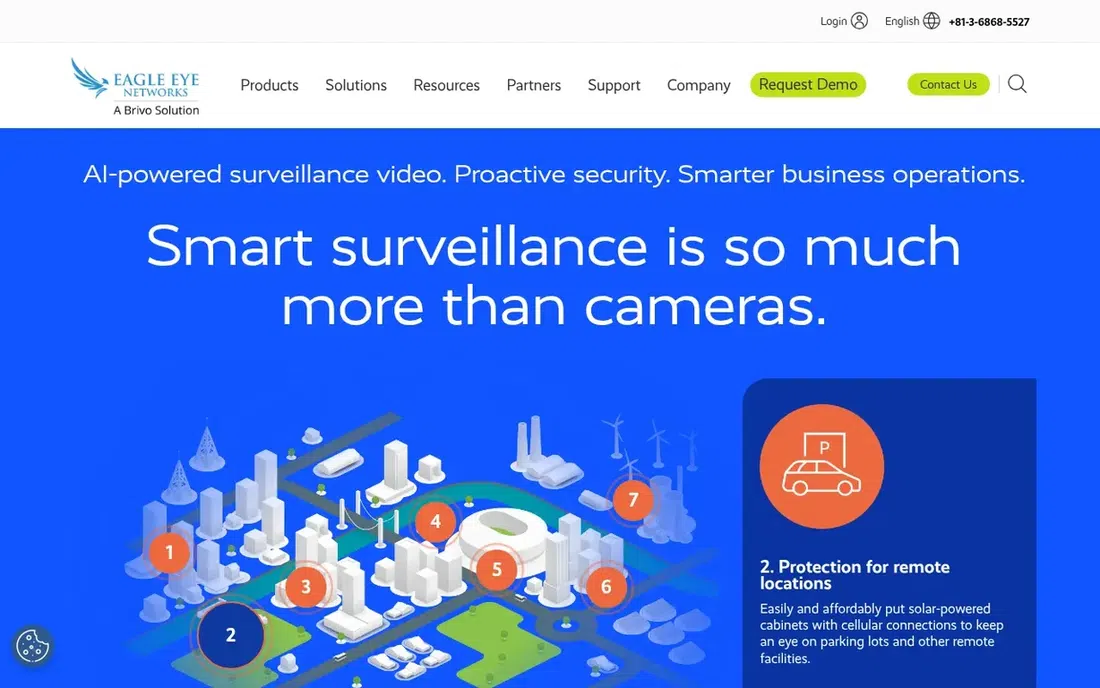
Eagle Eye Networks is designed for AI video surveillance with proactive security. If your priority is a minimal camera setup with the simplest possible management, a lighter cloud system may be simpler to adopt first.
Downsides: Cloud dependence may not suit every site.
Eagle Eye Networks shows no starting price here, so confirm the cost on the vendor site. As for free access: Not stated.
- Proactive security positioning
- Around-the-clock support stated by the vendor
- Feature depth may exceed small startup needs
Avigilon Unity
Best for: End-to-end security with analytics
Pick Avigilon Unity if this describes you: end-to-end security with analytics. Avigilon Unity handles end-to-end security options, with video management and access control products alongside the vendor's camera line. Teams that prefer a coordinated hardware and software approach commonly look here.
In daily use, startups that already own cameras from other brands, or want to stay hardware-agnostic, should confirm compatibility before committing. More specifically, since the offering spans multiple products, scoping the right combination takes more effort than picking a single cloud service. Check the vendor site for Avigilon Unity pricing; none is listed in this comparison. Free options: Not stated.
Points against: Best value likely with vendor hardware.
- Analytics-oriented product family
- End-to-end security solutions
- Wide product family can take time to scope
Axis Camera Station
Best for: Camera-native surveillance software
Axis Camera Station was built for Camera-native surveillance software. Axis Camera Station is surveillance software from Axis Communications, a vendor known for network cameras and security options spanning video, access control, intercom and audio.
Drawbacks to consider: Needs local setup and management.
Teams wanting a dependable, camera-first setup with room to add access control commonly find this a natural pairing. It also involves local setup and administration, which means startups without technical staff should weigh a managed cloud service instead. Axis Camera Station does not show a starting price in this comparison, so check the vendor site for current pricing. Free plan details: Not stated.
- Straightforward fit for Axis hardware
- Access control and audio
- Most natural with Axis cameras
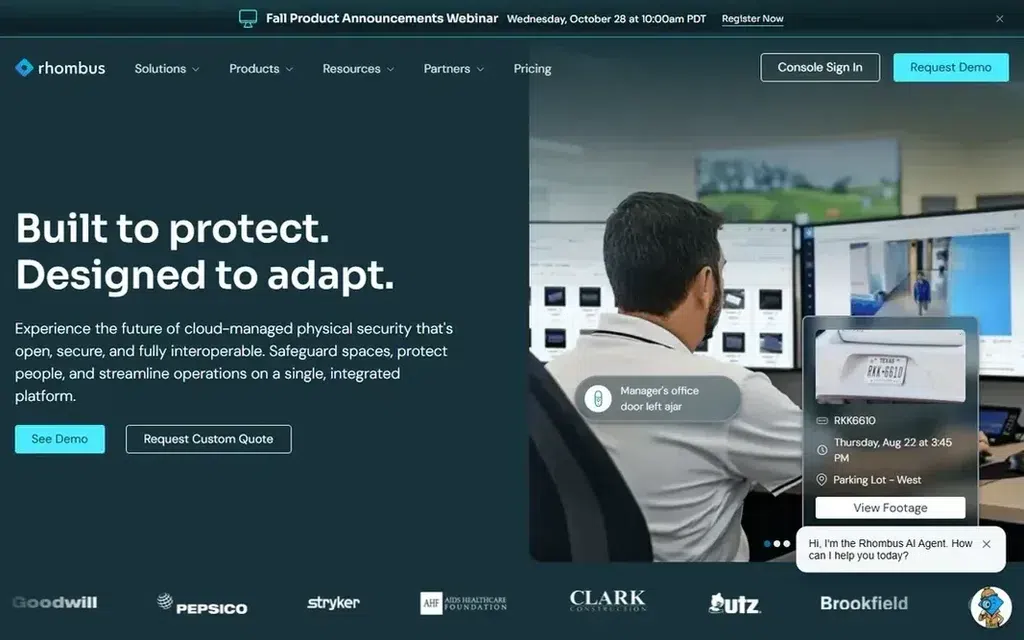
Rhombus is designed for simple cloud commercial security. Rhombus provides a cloud commercial security system that the vendor frames around deterring threats and simplifying operations.
As for the details, since the product leans on cloud management, sites with unreliable connectivity or strict local-only requirements should check how the system behaves offline. For everyday use, startups needing only one or two cameras may also find a broader commercial platform more than necessary at first. Rhombus starts at: $399. As for free access: Not stated.
Trade-offs to know: Smaller deployments may not use all features.
- Cloud commercial security system
- Also targeted at simplifying operations
- Cloud-first design may not fit offline sites
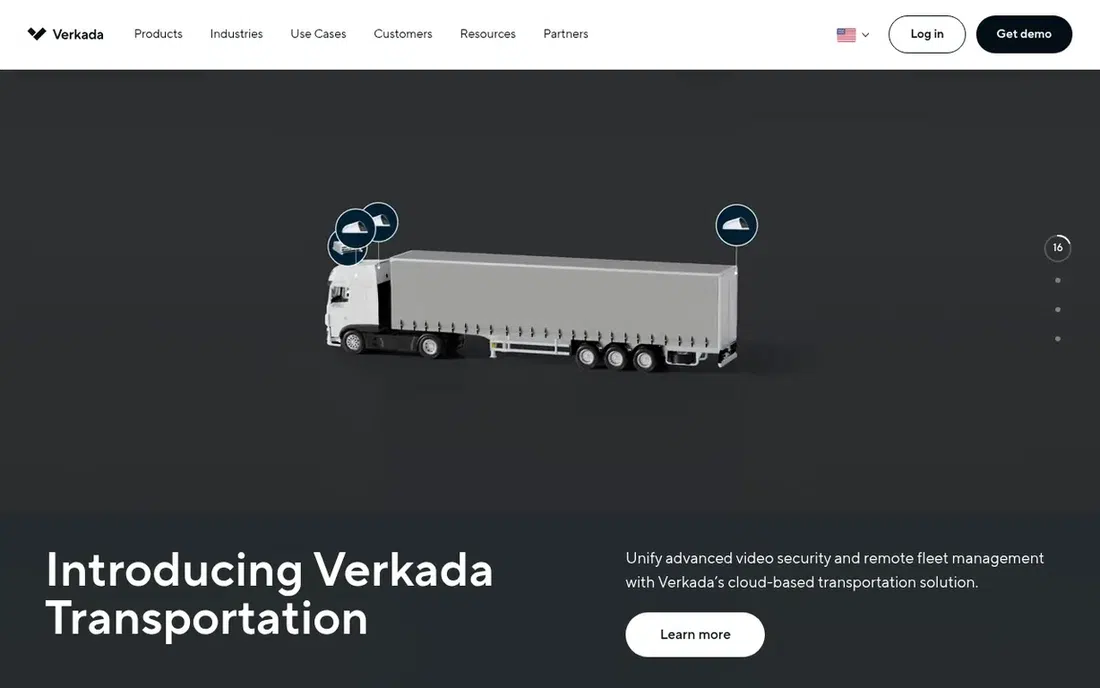
Where Verkada fits: integrated cloud cameras and access control. For a startup, the appeal is a single product that spans video and door access without stitching together separate products.
Watch-outs: Less suited to teams wanting to mix numerous external brands.
Startups with very small footprints or a preference for open, brand-agnostic video management may want to compare a software-first system instead. What you pay to start with Verkada: $799 USD MSRP. There is no free plan with Verkada.
- Smart building features in a single product
- Cloud-managed cameras and access control in one system
- Integrated hardware ecosystem can limit adaptability
How we built this list
LinkVetted used vendor pricing pages and product documentation as the base, then compared plans, free access and documented limits for 6 tools. Where a vendor does not publish a price, the entry says quote. Where a price depends on seats or billing term, the entry says so. The order reflects how well each tool fits the most common buying scenario for video surveillance software for startups, then price clarity, then free plan access. It is a starting point, not a verdict.
A buyer's checklist
- Get a written quote from Milestone XProtect, Eagle Eye Networks, Avigilon Unity and Axis Camera Station; the list shows no starting price for them.
- Before choosing Milestone XProtect, weigh its main limit: needs more setup and administration.
- Ask the daily users to test Milestone XProtect on a live task before you roll it out to everyone.
- Get the contract term, renewal terms and any onboarding fees from Verkada in writing.
- The entry price of Axis Camera Station is only the starting point; model the full cost with seats and extras.
FAQ
What should a startup look for in video surveillance software?
Prioritize quick setup, straightforward remote management and the capacity to add cameras or access control as you grow. Confirm whether you want a cloud-managed service or software you run yourself, since that choice shapes cost and staffing needs.
Do these tools publish their prices?
Not all of them. Milestone XProtect, Eagle Eye Networks, Avigilon Unity and Axis Camera Station publish no starting price, so expect a quote request for those. The rest, Rhombus included, show a starting price, though seats and billing terms still change the final cost.
Does any tool for video surveillance software for startups here have a free plan?
No tool in this list, Milestone XProtect and Verkada included, has a permanent free plan. Trials and quotes are the usual route, so plan a short evaluation period.
How are the tools for video surveillance software for startups ordered?
The order follows typical fit for video surveillance software for startups, with Milestone XProtect first and Verkada last, then price clarity and free access. It is editorial judgement, not a score, so another team could rank the tools differently.
Can I try these tools before paying?
Not by default. None of the tools, from Milestone XProtect to Verkada, lists a free plan or a free trial here, so ask each vendor for a demo before committing.
Sources
- https://www.milestonesys.com
- https://www.een.com
- https://www.avigilon.com
- https://www.axis.com
- https://www.rhombus.com
- https://www.verkada.com