6 Best Scheduling Software for Government Contractors for 2026, Vetted and Compared
Best scheduling software for government contractors, compared. 6 tools with published prices, free plans and limits. Caveats come with every verdict. No filler.
- Editor's choice
 Deltek Vantagepoint
Architecture, engineering and consulting project businesses
Starts atSee websiteVisit deltek.comFull review - Great alternative
 Smartsheet
Adaptable collaborative scheduling and governance
Starts at$12 per Member/monthVisit smartsheet.comFull review - Also consider
 Microsoft Project
In-depth project scheduling and resource tracking
Starts atSee websiteVisit microsoft.comFull review
Direct answer
Start with Deltek Vantagepoint if you need architecture, engineering and consulting project businesses. Listed starting prices: Smartsheet from $12 per Member/month. Smartsheet fits adaptable collaborative scheduling and governance; Microsoft Project fits in-depth project scheduling and resource tracking. The remaining 3 options are covered below with prices and limits.
TL;DR:
- This list starts with Deltek Vantagepoint, which is built for architecture, engineering and consulting project businesses.
- None of the 6 tools, from Deltek Vantagepoint to Deltek Costpoint, has a free plan, so budget for a subscription or use a trial.
- Smartsheet has the lowest monthly starting price in this list: $12 per Member/month.
- What to know about Unanet first: scheduling depth varies by setup.
Last checked November 2026. Prices and plan details were read from the vendors' own pages in November 2026; vendors change plans often, so confirm the current price on the vendor site before you buy.
Quick comparison
| Tool | Best for | Starts at | Free plan? | |
|---|---|---|---|---|
| Deltek Vantagepoint | Architecture, engineering and consulting project businesses | See website | Not stated | Visit |
| Smartsheet | Adaptable collaborative scheduling and governance | $12 per Member/month | Not stated | Visit |
| Microsoft Project | In-depth project scheduling and resource tracking | See website | Not stated | Visit |
| Unanet | Connecting projects, people and financials | See website | Not stated | Visit |
 Procore | Construction scheduling and site coordination | See website | Not stated | Visit |
| Deltek Costpoint | Government contract cost and compliance tracking | See website | Not stated | Visit |
The 6 tools in detail
Choosing scheduling software for government contractors usually comes down to price, fit and limits. This LinkVetted guide sets 6 tools side by side on those three points, with the facts kept short and checkable.
Deltek Vantagepoint
Best for: Architecture, engineering and consulting project businesses
Think of Deltek Vantagepoint for architecture, engineering and consulting project businesses. Deltek Vantagepoint is ERP for architecture, engineering and consulting businesses, managing projects, people and financials in one AI-powered solution. On top of that, adoption needs planning across teams.
Trade-offs to know: Wide system needs planning.
Contractors in design and consulting roles may find the combined resource and financial view handy for planning. Its focus on A&E and consulting means it may not match contractors with heavy manufacturing or cost-accounting demands. This comparison lists no price for Deltek Vantagepoint; ask the vendor. Free options: Not stated. Upsides: people and financials.
- Full project lifecycle view
- Merges projects
- Targeted at A&E and consulting, not all contractors
Smartsheet makes the most sense for adaptable collaborative scheduling and governance. Also, complicated dependency-heavy schedules can need careful configuration.
For everyday use, contractors can build timeline and tracking views that suit their workflows, which helps when schedules span several teams. It is not made for government contract cost accounting or audit reporting, so compliance work may need another system. Price to start with Smartsheet: $12 per Member/month. Free plan details: Not stated.
The main drawbacks: Less specialized for contract compliance.
- Governance and visibility features
- Adaptable spreadsheet-style planning
- Complicated schedules need careful setup
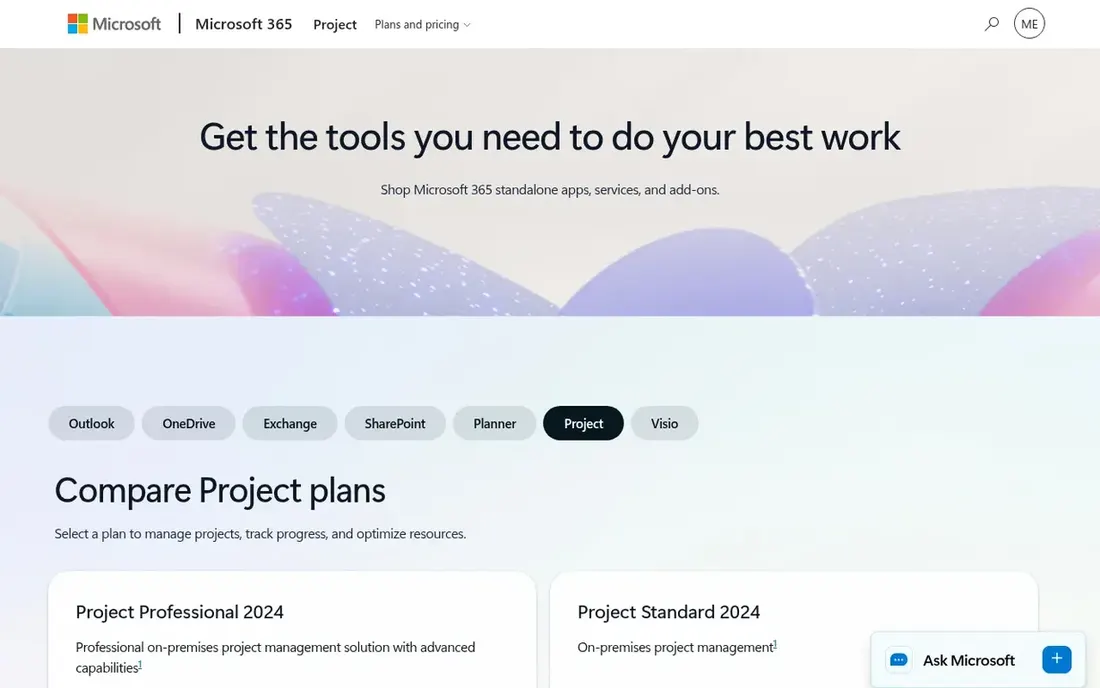
Microsoft Project is designed for in-depth project scheduling and resource tracking. Microsoft Project is a project management application for building schedules, assigning resources and tracking progress toward deliverables. Choose it when scheduling is the core need and finance runs elsewhere.
The main drawbacks: Restricted built-in contract cost accounting.
Look at a project ERP if you want schedule and contract costs in one place. In practice, for contractors, it does well as the scheduling layer, particularly when schedule detail and resource leveling matter more than contract accounting. Microsoft Project does not show a starting price in this comparison, so check the vendor site for current pricing. Trial and free access: Not stated.
- Resource and timeline management
- Suits Microsoft 365 environments
- Compliance features need extras
Unanet
Best for: Connecting projects, people and financials
Think of Unanet for connecting projects, people and financials. Unanet provides ERP and CRM options for project-driven companies, connecting projects, people and financials to support efficiency and decision making. Since it is a wide business system, scheduling may not be as deep as a dedicated project tool for highly complicated timelines.
Evaluate whether its project views include your dependency needs. Also, government contractors with project-based revenue can use it to keep teams and budgets aligned. Unanet shows no starting price here, so confirm the cost on the vendor site. Free options: Not stated.
Watch-outs: Scheduling depth varies by setup.
- Links projects and financials
- Supports project-driven firms
- Broader than scheduling alone
Procore targets construction scheduling and site coordination. Procore is a construction management product that links the site and the office, giving teams live visibility to deliver quality projects on time. Also, choose it when field coordination drives your schedule, and add a cost system if compliance reporting is required.
Honest limits: Not a contract cost ERP.
The product ties schedules to site activity, which helps when timelines rely on crews and physical progress. Its construction focus means it is not a general-purpose scheduler or contract cost accounting system. Businesses outside construction may find it a poor fit. Procore shows no starting price here, so confirm the cost on the vendor site. Free access: Not stated.
- Made for construction workflows
- Links site and office
- Centred on construction, not general contracting
Deltek Costpoint
Best for: Government contract cost and compliance tracking
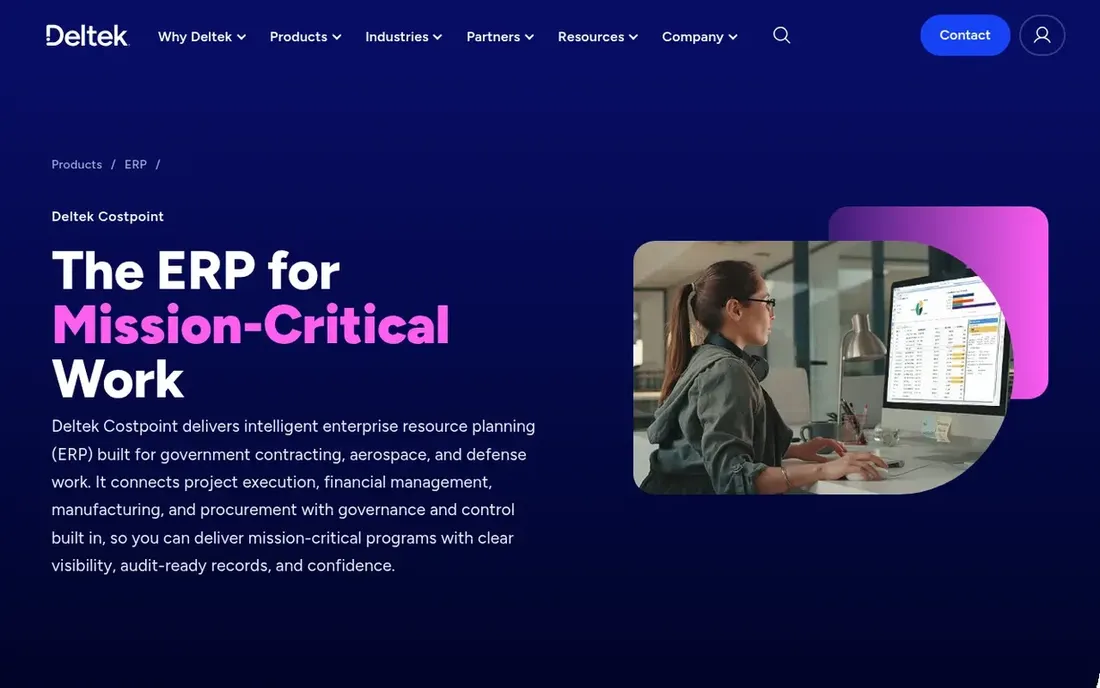
Deltek Costpoint is designed for government contract cost and compliance tracking. Deltek Costpoint is intelligent ERP made for government contractors, with tools to track costs, run contracts and stay audit-ready through built-in governance and control. As a full ERP, it carries more scope and setup effort than a standalone scheduler, which can be heavy for small businesses.
It is best when compliance and cost tracking are core requirements. Also, if you chiefly need timelines, a dedicated scheduling tool may be a lighter fit. Pricing for Deltek Costpoint is not stated here, so ask the vendor for current figures. Free options: Not stated.
Downsides: Implementation effort is significant.
- Contract cost tracking
- Aimed at government contractors
- Wide ERP scope may overwhelm small teams
What went into this list
Selection started from tools commonly considered for scheduling software for government contractors, then narrowed to 6 that have clear pricing information or a clear quote process. Where a price is missing, the vendor does not list one publicly or ties it to a quote. Always confirm before budgeting. The sequence is a judgement call: typical use case first, then pricing transparency, then free access. Use the profiles to check fit.
What to confirm before you sign up
- Ask Deltek Vantagepoint, Microsoft Project, Unanet and others for a written quote, since no starting price is shown.
- Before choosing Deltek Vantagepoint, weigh its main limit: geared toward A&E and consulting, not all contractors.
- Total up the real monthly cost of Microsoft Project, including add-ons, extra users and usage-based fees.
- Ask Unanet how an export works before you move any records in; an easy exit lowers the risk.
- Test the integrations you rely on with Procore before committing; some connectors sit on upper tiers.
FAQ
How are the tools for scheduling software for government contractors ordered?
The order follows typical fit for scheduling software for government contractors, with Deltek Vantagepoint first and Deltek Costpoint last, then price clarity and free access. It is editorial judgement, not a score, so another team could rank the tools differently.
Can I try these tools before paying?
Not by default. None of the tools, from Deltek Vantagepoint to Deltek Costpoint, lists a free plan or a free trial here, so ask each vendor for a demo before committing.
Is Deltek Vantagepoint the right pick for everyone comparing scheduling software for government contractors?
No single tool suits every team. Deltek Vantagepoint comes first because it fits architecture, engineering and consulting project firms, while Smartsheet suits flexible collaborative scheduling and governance and Microsoft Project suits detailed project scheduling and resource tracking. Match the tool to your own size, budget and workflow before deciding.
What is the cheapest option for scheduling software for government contractors in this list?
On published monthly entry prices, Smartsheet is the lowest here at $12 per Member/month. Entry price is only part of the cost, because seats, add-ons and billing terms can change the total. Each of the 6 options in this scheduling software for government contractors guide has its own card above with the price, free plan and limits.
What should government contractors look for in scheduling software?
Look for capable timeline and resource planning plus a clear path to contract cost tracking and audit-ready reporting. Decide whether you need one integrated ERP or a dedicated scheduler paired with finance software.
Sources
- https://www.deltek.com/en/products/project-erp/vantagepoint
- https://www.smartsheet.com
- https://www.microsoft.com/en-us/microsoft-365/project/project-management-software
- https://unanet.com
- https://www.procore.com
- https://www.deltek.com/en/products/project-erp/costpoint