6 Best Sales Engagement Software for Plumbers for 2026, Vetted and Compared
6 best sales engagement software for plumbers, compared on pricing, free plans and best-fit use. Strengths and weak spots are spelled out. Skim the table first.
- Editor's choice
 Jobber
Quoting, scheduling and invoicing in one place
Starts atSee websiteVisit getjobber.comFull review - Great alternative
 Outreach
Revenue teams running structured outreach
Starts atSee websiteVisit outreach.ioFull review - Also consider
 Salesforce
Plumbing firms with a dedicated sales team
Starts atSee websiteVisit salesforce.comFull review
Direct answer
Jobber comes first here, mainly for quoting, scheduling and invoicing in one place. Listed starting prices: Housecall Pro from $59 per month. Alternatives: Outreach for revenue teams running structured outreach, and Salesforce for plumbing businesses with a dedicated sales team. Details, prices and limits for the rest of the 6 tools are below.
TL;DR:
- Jobber is the opening pick, best for quoting, scheduling and invoicing in one place.
- Starting prices begin at $59 per month with Housecall Pro.
- Before buying ServiceTitan, weigh this: wide product may be more than small shops need.
- Podium suits automatic customer conversations and booking.
- Just one of the 6 tools, Salesforce, has a free plan.
Last checked November 2026. Prices and plan details were read from the vendors' own pages in November 2026; vendors change plans often, so confirm the current price on the vendor site before you buy.
Quick comparison
| Tool | Best for | Starts at | Free plan? | |
|---|---|---|---|---|
| Jobber | Quoting, scheduling and invoicing in one place | See website | Not stated | Visit |
| Outreach | Revenue teams running structured outreach | See website | Not stated | Visit |
| Salesforce | Plumbing firms with a dedicated sales team | See website | Yes | Visit |
 ServiceTitan | Home and commercial contractors at scale | See website | Free trial | Visit |
 Housecall Pro | Home service firms managing jobs and customers | $59 per month | Free trial | Visit |
 Podium | Automatic customer conversations and booking | See website | Not stated | Visit |
Sales Engagement Software for Plumbers profiles
LinkVetted compared 6 sales engagement software for plumbers. The goal is a practical shortlist: published prices, free plan facts, best-fit use cases and honest limits for every entry.
Think of Jobber for quoting, scheduling and invoicing in one place. Jobber is not positioned as a deep outbound sales engagement system, so sequenced prospecting and revenue forecasting may need another tool. In practice, Jobber presents its home and commercial service software as a way to organize a service business, with quoting, scheduling, invoicing and payment in one place.
Plumbers who sell jobs over the phone and then have to schedule and bill rapidly can keep that flow in a single app. The stated focus on sales, operations and customer service matches how small service firms actually work. No starting price is listed for Jobber here; confirm pricing on the vendor site. Free plan details: Not stated.
What works well: schedule and invoice in one place. Trade-offs to know: Advanced sales engagement features may be restricted.
- Quote
- Operations and customer service
- Large commercial operations may outgrow it
In short, Outreach is for revenue teams running structured outreach. It suits bigger plumbing organizations with a sales team that runs repeatable outreach to commercial clients, property managers or builders and wants a structured system for managing that activity.
Where it falls short: Not designed for field service operations.
As for the details, for a small plumbing business concentrated on answering calls and booking jobs, Outreach layers on complexity without field service features. Outreach does not show a starting price in this comparison, so check the vendor site for current pricing. On free options: Not stated.
- Targeted at closing and expanding accounts
- Supports forecasting and coaching
- Overkill for small plumbing shops
In short, Salesforce is for plumbing businesses with a dedicated sales team. Salesforce is not made for plumbing, so scheduling and dispatch need separate configuration or another product.
Where it falls short: Needs configuration and admin effort.
Pick it when your sales process is complicated enough to justify a full CRM, not when you primarily need help returning calls and booking jobs. Salesforce does not show a starting price in this comparison, so check the vendor site for current pricing. Salesforce has a free plan.
- AI features for customer connection
- Scales with complicated sales processes
- Field service workflows need add-on setup
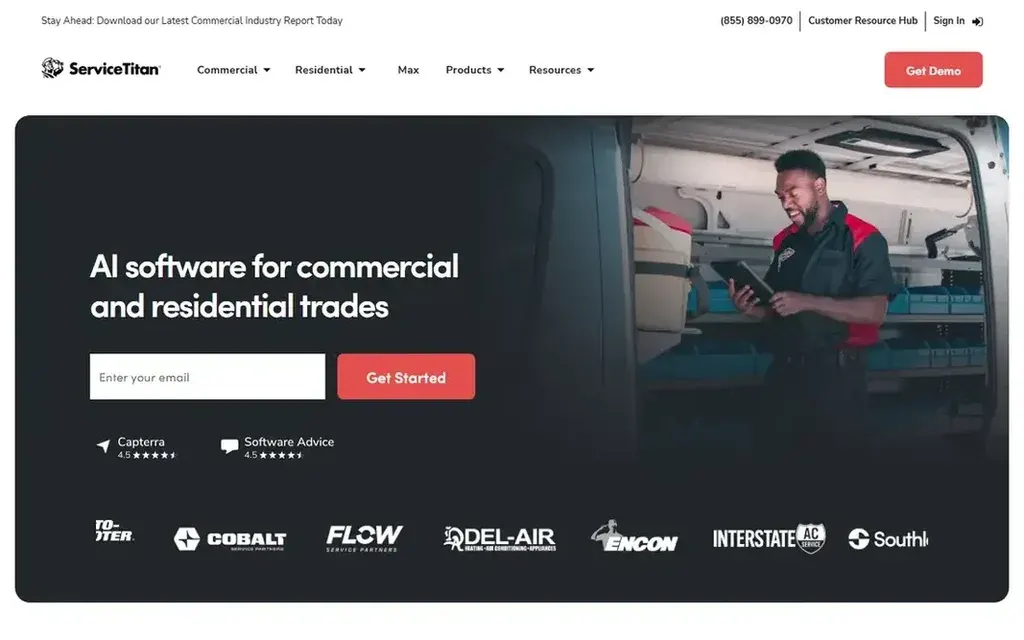
ServiceTitan serves home and commercial contractors at scale. ServiceTitan describes its all-in-one software as made for home and commercial contractors, keeping service visits and construction projects running smoothly.
Where it falls short: Wide product may be more than small shops need.
Consider it when you run several crews, commercial projects and a sales process that needs to connect to field operations. ServiceTitan shows no starting price here, so confirm the cost on the vendor site. On free options: Free trial.
- Includes service visits and construction projects
- Aimed at home and commercial trades
- Setup effort can be significant
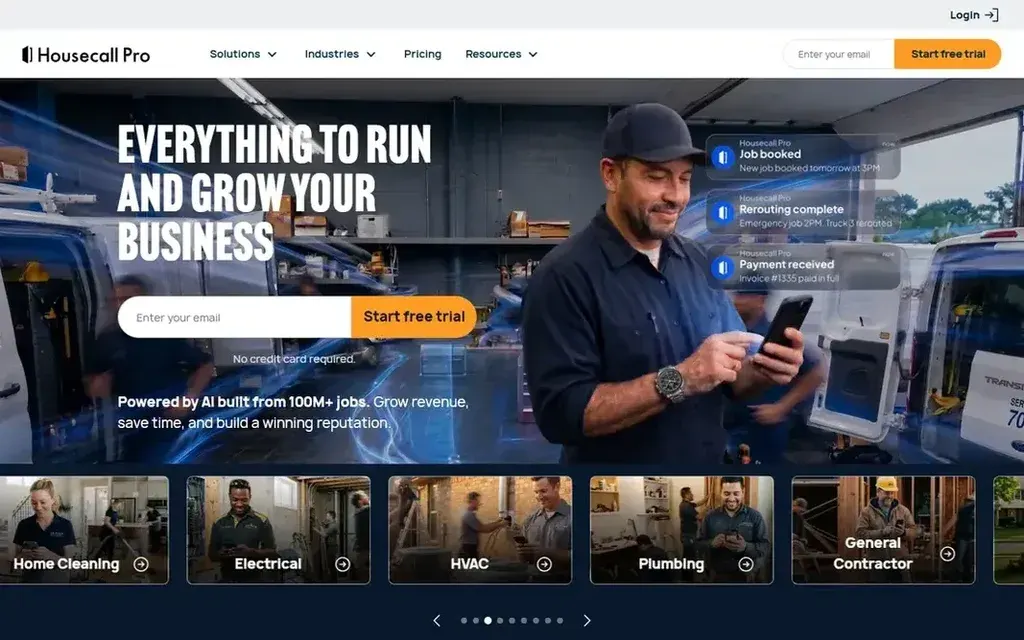
Housecall Pro is designed for home service companies managing jobs and customers. On top of that, the emphasis on home services means the workflows are shaped around service calls instead of generic B2B selling.
Trade-offs to know: Best value for firms with steady job volume.
If your plumbing company runs a separate outbound sales team with complicated pipelines, a dedicated sales engagement platform may offer more. Also, Housecall Pro is the better starting point when scheduling, customer records and job communication drive most of your revenue. Price to start with Housecall Pro: $59 per month. Free plan details: Free trial.
- Widely used by field service professionals
- Supports scheduling and customer communication
- Sales engagement depth may be narrower than dedicated CRMs
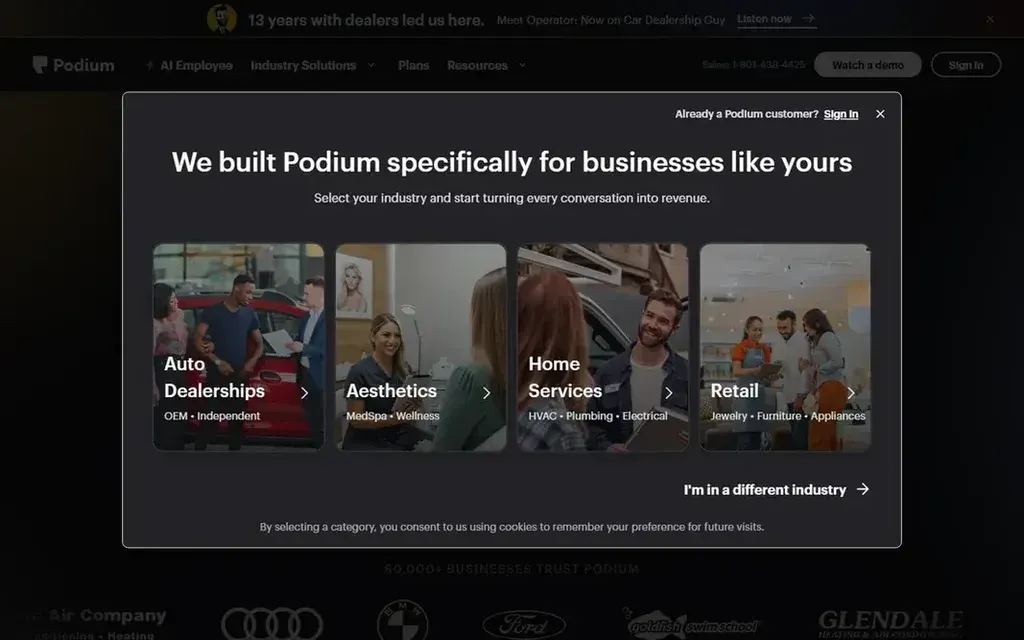
Podium is a good fit for automatic customer conversations and booking. Podium is positioned around AI Employees for local companies, with the goal of turning more conversations into revenue.
Choose it when conversation handling and appointment booking are the priority, and pair it with a field service tool if you need end-to-end job management. No starting price is listed for Podium here; confirm pricing on the vendor site. Trial and free access: Not stated.
Points against: Not a full field service management suite.
- Automatic follow-up on conversations
- AI Employees respond to customers around the clock
- Plumbing job scheduling may need another tool
How we compared the tools
The comparison looks at four things: starting price, free access, how well the feature set matches sales engagement software for plumbers, and the main limit of each tool. Figures are shown as the vendors publish them. Billing terms, seat minimums and add-ons can change the real cost. The sequence is a judgement call: typical use case first, then pricing transparency, then free access. Use the profiles to check fit.
What to check before you buy
- Confirm the entry price on the vendor page. For Jobber, Outreach, Salesforce and others that means a quote rather than a fixed price.
- Look at the free plan from Salesforce closely: its caps decide whether it is usable for real work.
- Use real work to test the free trial from ServiceTitan and Housecall Pro, rather than a demo project.
- Read the limits listed for Jobber first: advanced sales engagement features may be restricted.
- Map your must-have features to a specific Podium plan before you compare prices.
- Test how quickly Salesforce answers a pre-sales question; it hints at how support will feel later.
FAQ
Do these tools publish their prices?
Not all of them. Jobber, Outreach, Salesforce and others publish no starting price, so expect a quote request for those. The rest, Housecall Pro included, show a starting price, though seats and billing terms still change the final cost.
Which tool is a good match for a small plumbing business?
Jobber is the pick this page puts first, mainly for quoting, scheduling and invoicing in one place. If your situation differs, Outreach suits revenue teams running structured outreach, and Salesforce suits plumbing companies with a dedicated sales team. Compare price and limits before you decide.
Is Jobber the right pick for everyone comparing sales engagement software for plumbers?
No single tool suits every team. Jobber comes first because it fits quoting, scheduling and invoicing in one place, while Outreach suits revenue teams running structured outreach and Salesforce suits plumbing companies with a dedicated sales team. Match the tool to your own size, budget and workflow before deciding.
Which options for sales engagement software for plumbers have a free plan?
Salesforce is the only tool in this list with a free plan. Free plans usually cap users, projects or features, so check the limits on the vendor page. Several others offer a trial instead. Prices, free plan details and limits for all 6 tools in this sales engagement software for Plumbers roundup sit on the individual cards above.
Can I try these tools before paying?
Often, yes. Salesforce has a free plan and ServiceTitan and Housecall Pro offer a free trial. Use your own data and a real task during the test, and check what the free tier or trial limits before you rely on it.
Sources
- https://www.getjobber.com
- https://www.outreach.io
- https://www.salesforce.com
- https://www.servicetitan.com
- https://www.housecallpro.com
- https://www.podium.com