Choosing Appointment Scheduling Software for Government Contractors in 2026: 6 Options Compared
Best appointment scheduling software for government contractors in 2026: 6 contenders with entry costs and free tiers. Every profile names its biggest catch.
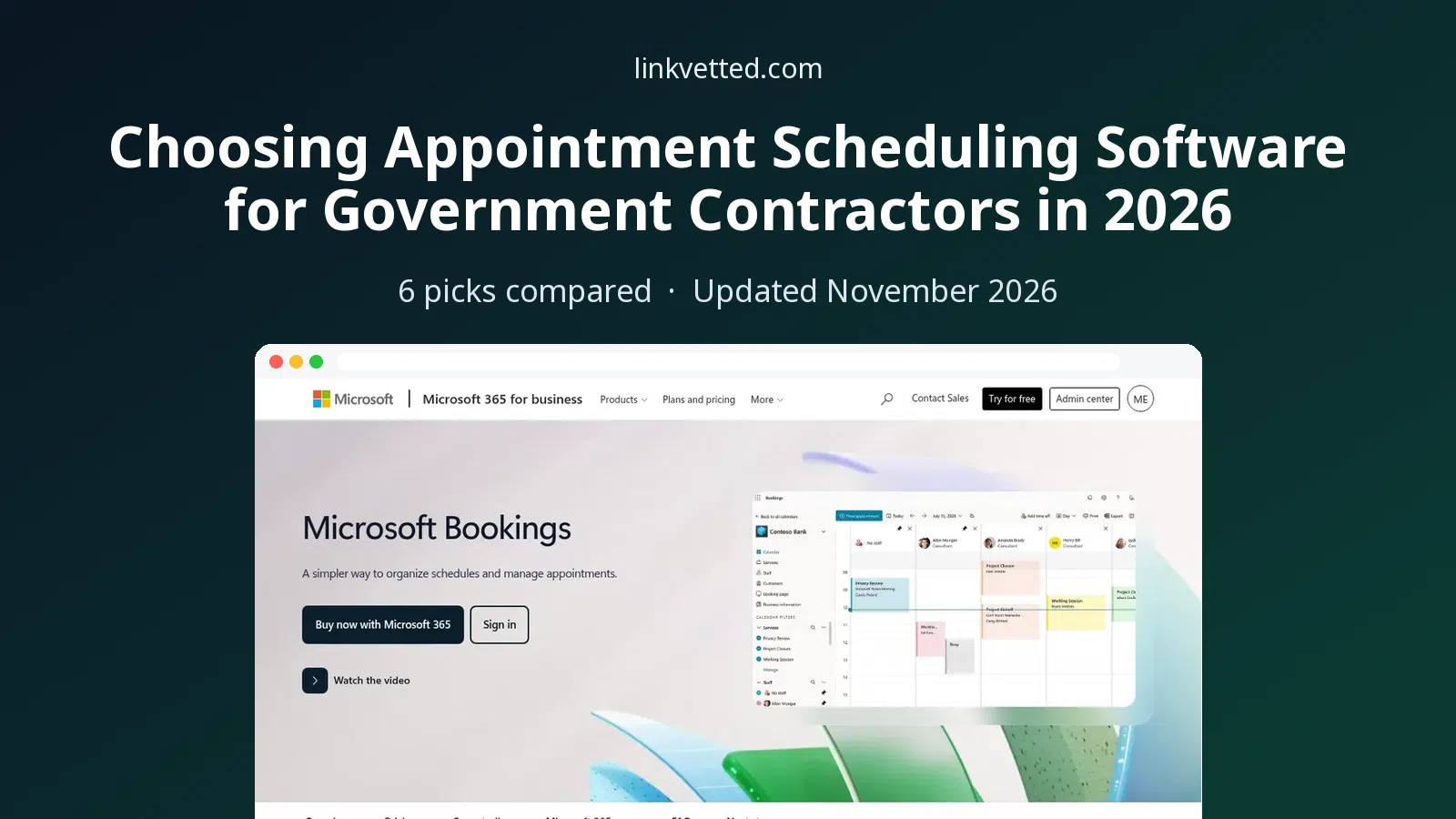
- Editor's choice
 Setmore
Straightforward online booking and reminders
Starts at$5 per user a monthVisit setmore.comFull review - Great alternativeMicrosoft Bookings
Organizations using Microsoft 365
Starts atSee websiteVisit microsoft.comFull review - Also consider
 Square Appointments
Synced scheduling with payment handling
Starts atSee websiteVisit squareup.comFull review
Direct answer
If you need straightforward online booking and reminders, Setmore is the first tool to look at here. Listed starting prices: Setmore from $5 per user a month, Calendly from $10 per seat a month and SimplyBook.me from $11.9 per month. Microsoft Bookings is the stronger choice for organizations using Microsoft 365, while Square Appointments suits synced scheduling with payment handling. Details, prices and limits for the rest of the 6 tools are below.
TL;DR:
- Setmore is the opening pick, best for straightforward online booking and reminders.
- A fair warning about Setmore: fewer advanced enterprise controls.
- Free plans exist at 3 of 6 tools (Setmore, Calendly, SimplyBook.me).
- Setmore is the lowest-priced starter here at $5 per user per month.
- Acuity Scheduling is the one to check for configurable scheduling and automation.
Last checked November 2026. Prices and plan details were read from the vendors' own pages in November 2026; vendors change plans often, so confirm the current price on the vendor site before you buy.
Quick comparison
| Tool | Best for | Starts at | Free plan? | |
|---|---|---|---|---|
| Setmore | Straightforward online booking and reminders | $5 per user a month | Yes | Visit |
| Microsoft Bookings | Organizations using Microsoft 365 | See website | Not stated | Visit |
| Square Appointments | Synced scheduling with payment handling | See website | Not stated | Visit |
 Calendly | General-purpose scheduling with automation | $10 per seat a month | Yes | Visit |
 SimplyBook.me | Booking website with reminders and payments | $11.9 per month | Yes | Visit |
 Acuity Scheduling | Configurable scheduling and automation | $16 per month | Free trial | Visit |
The full appointment scheduling software for government contractors list
If you are comparing appointment scheduling software for government contractors, this page covers 6 tools in one place: what each is best for, what it costs to start, whether it has a free plan, and the main limit to know about.
Setmore is designed for straightforward online booking and reminders. Bigger contractors should confirm whether its feature set meets their administrative and reporting requirements. Setmore supplies online appointment scheduling software that lets clients book around the clock and automates reminders.
Points against: Fewer advanced enterprise controls.
It is well suited to smaller government contractor teams or field offices that require a no-fuss way to accept bookings and cut scheduling back-and-forth. From a buyer's view, Setmore prioritizes simplicity, so organizations needing broad workflow customization, complicated routing, or deep enterprise integrations may outgrow it. The starting price for Setmore: $5 per user per month. Free access exists with Setmore.
- Automatic reminders cut no-shows
- Straightforward setup for small teams
- Restricted customization compared with deeper tools
Microsoft Bookings
Best for: Organizations using Microsoft 365
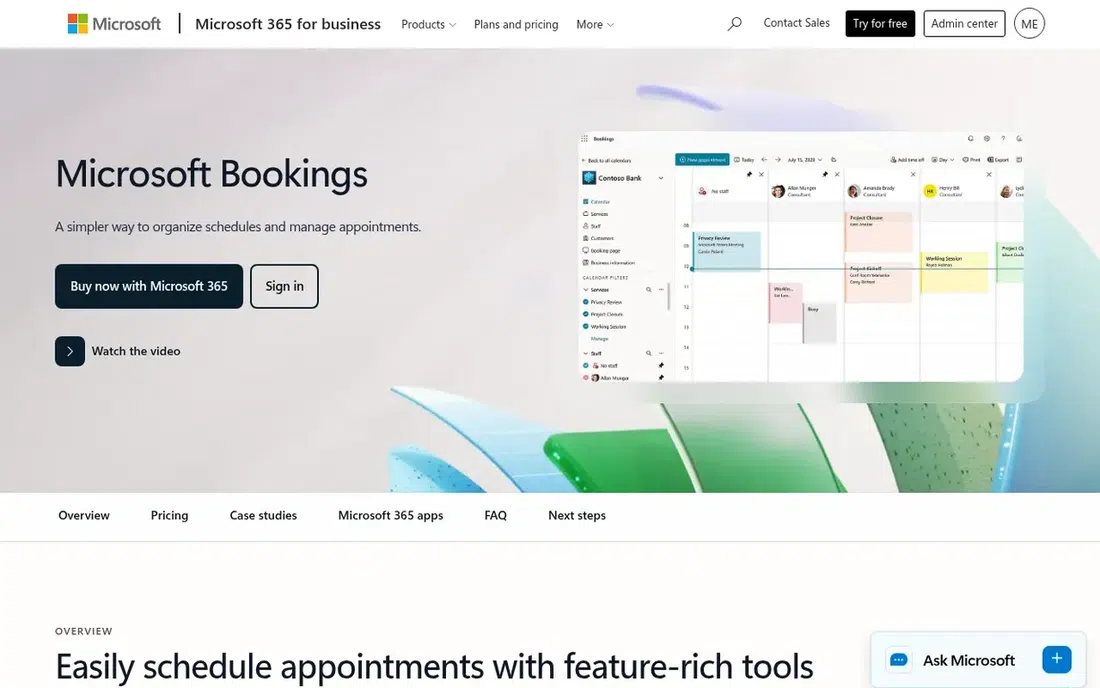
For organizations using Microsoft 365, Microsoft Bookings is a natural candidate. It supplies adaptability and customization for different departments, individuals, and appointment types. It is a natural fit for government contractors already standardized on Microsoft 365, where calendar and identity management are handled through the same environment.
For everyday use, teams needing advanced routing, payments, or specialized intake forms may find it less capable than dedicated scheduling products and should evaluate alternatives. Bookings performs best when your organization is committed to Microsoft 365; outside that ecosystem, its advantages diminish. Microsoft Bookings shows no starting price here, so confirm the cost on the vendor site. Trial and free access: Not stated.
Downsides: Best value within Microsoft ecosystem.
- Configurable booking pages for departments
- Plugs into Outlook and Microsoft 365
- Restricted advanced automation outside Microsoft tools
In short, Square Appointments is for synced scheduling with payment handling. Square Appointments is online booking and scheduling software that helps simplify and run appointments whereas keeping everything synced in live.
From a buyer's view, Square Appointments is most advantageous if you already use Square for payments or other operations. This comparison lists no price for Square Appointments; ask the vendor. Free access: Not stated.
Downsides: May lack specialized government features.
- Live syncing across devices
- Supports online booking
- Best experience within Square ecosystem
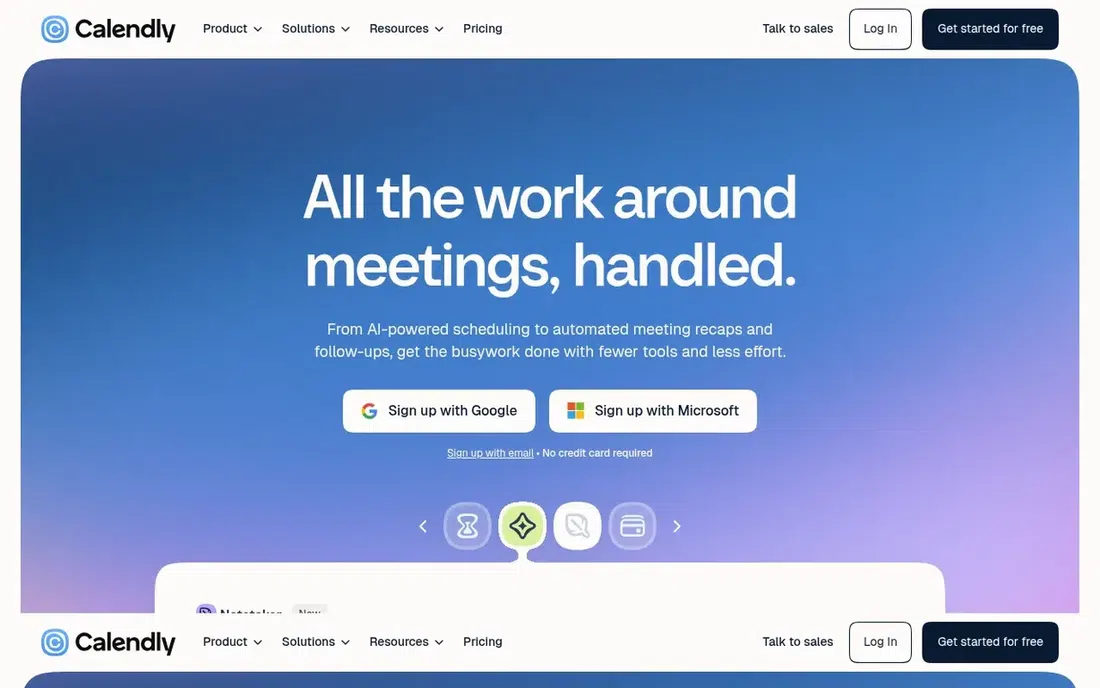
Calendly serves general-purpose scheduling with automation. Calendly is a widely used meeting scheduling product that links calendars and automates the work around meetings, including payments, meeting prep, and follow-up.
Honest limits: Advanced controls may need configuration.
Whereas Calendly is adaptable, it is a general-purpose tool instead of one designed for government-specific compliance or procurement workflows. Worth adding: contractors with strict data-residency or approval-chain needs should confirm capabilities on the vendor site or consider a system with deeper enterprise controls. The starting price for Calendly: $10 per seat per month. Calendly has a free plan.
- Automates meeting prep and follow-up
- Supports payments and contact management
- Less tailored to public-sector workflows
For booking website with reminders and payments, SimplyBook.me is a natural candidate. It fits government contractors that want a branded booking presence and automated client communication.
What to check first: Feature breadth may need configuration.
From a buyer's view, the system gives you numerous features, which can mean more setup and a busier interface than minimal tools. Starting cost for SimplyBook.me: $11.9 per month. SimplyBook.me offers a free plan.
- Booking widget for your own website
- Client reminders and online payments
- Interface can feel busy for straightforward needs
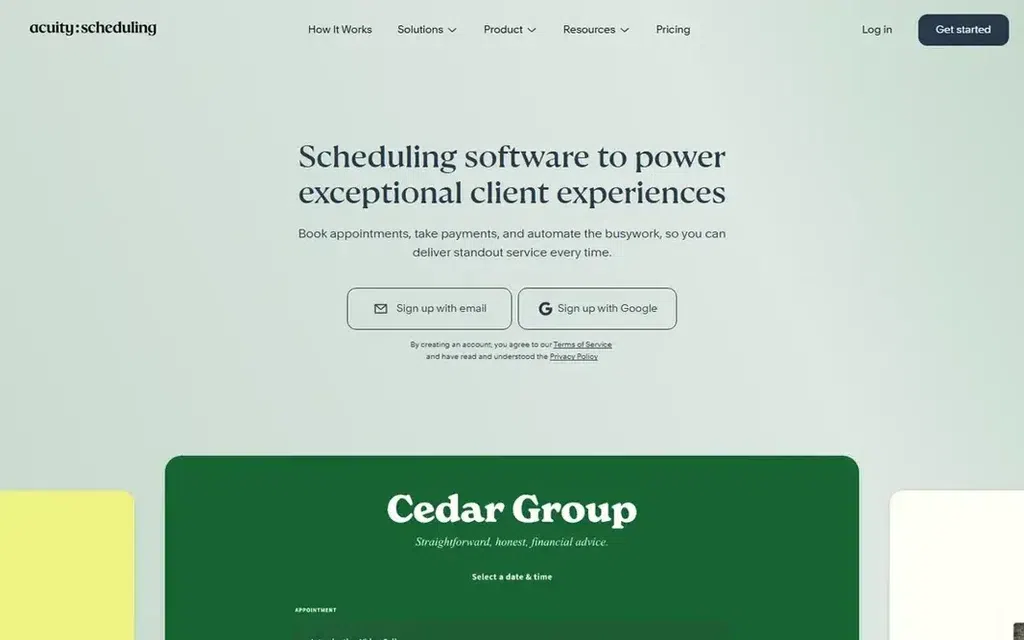
Acuity Scheduling makes the most sense for configurable scheduling and automation. Acuity Scheduling is an appointment booking software and scheduling app that emphasizes automation and full customization.
Trade-offs to know: Interface may feel complicated for straightforward needs.
More specifically, contractors seeking a fast, minimal scheduling option may prefer a lighter choice, whereas those with intricate workflows will find Acuity's adaptability valuable. For everyday use, the depth of customization can mean a steeper setup and a busier interface than more straightforward tools. What you pay to start with Acuity Scheduling: $16 per month. As for free access: Free trial.
- Scheduling automation for reminders and intake
- Supports complicated appointment types
- Can need setup time for advanced features
How these tools were picked
LinkVetted looked at what each vendor publishes: pricing, plan limits, feature coverage for appointment scheduling software for government contractors and stated drawbacks. No hands-on testing is claimed. Where a price is missing, the vendor does not list one publicly or ties it to a quote. Always confirm before budgeting. Position on the page reflects fit for a typical buyer first, with price clarity and free access breaking ties. Treat it as a guide, not a ruling.
What to check before you buy
- Get a written quote from Microsoft Bookings and Square Appointments; the list shows no starting price for them.
- Look at free plan limits closely: Setmore, Calendly and SimplyBook.me have one, and the caps decide whether it is usable for real work.
- Use real work to test the free trial from Acuity Scheduling, rather than a demo project.
- Before choosing Setmore, weigh its main limit: fewer advanced enterprise controls.
- Work out what Microsoft Bookings costs with your real seat count, add-ons and usage, not just the entry price.
- Confirm minimum seats and billing terms with Square Appointments before you commit to an annual plan.
FAQ
How are the tools for appointment scheduling software for government contractors ordered?
Setmore sits first and Acuity Scheduling last because the order follows typical fit for appointment scheduling software for government contractors, then price clarity and free access. It is a judgement call, so read each profile for fit and limits.
What should government contractors look for in scheduling software?
Prioritize security and data handling that align with your contract obligations, plus integration with your calendar and identity systems. Configurable intake forms and clear audit trails also help manage multi-party meetings and approvals.
Do these tools publish their prices?
Not all of them. Microsoft Bookings and Square Appointments publish no starting price, so expect a quote request for those. The rest, Setmore included, show a starting price, though seats and billing terms still change the final cost.
What is the cheapest option for appointment scheduling software for government contractors in this list?
On published monthly entry prices, Setmore is the lowest here at $5 per user per month. Entry price is only part of the cost, because seats, add-ons and billing terms can change the total. Each of the 6 options in this appointment scheduling software for government contractors guide has its own card above with the price, free plan and limits.
Can these tools deal with multi-party meetings with external clients?
Most of the tools listed support booking meetings with external participants through calendar integrations and booking links. For complicated routing or approval chains, check each vendor's documentation on group scheduling and permissions.
Is Microsoft Bookings a solid fit for contractors already using Microsoft 365?
Yes, since it links up with Outlook and Microsoft 365, letting you handle bookings within your existing environment. It is less advantageous if your organization does not standardize on Microsoft tools.
Sources
- https://www.setmore.com
- https://www.microsoft.com/en-us/microsoft-365/business/scheduling-and-booking-app
- https://squareup.com/us/en/appointments
- https://calendly.com
- https://simplybook.me
- https://acuityscheduling.com