Capital Planning Software in 2026: The 6 Best Options Side by Side
Best capital planning software in 2026: 6 tools with starting prices, free plans and limits. Read the caveats before you buy. Quick comparison inside.
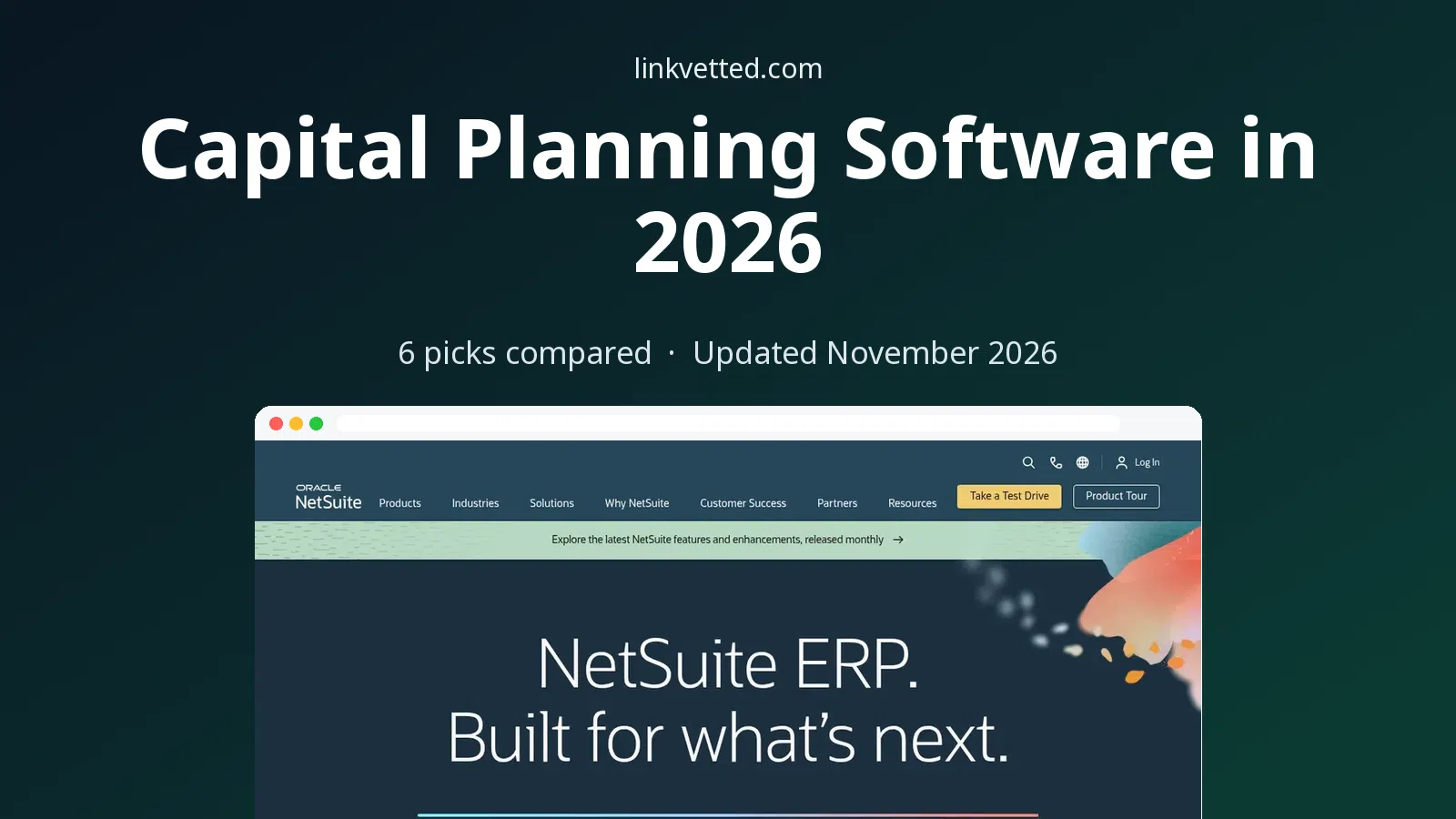
- Editor's choice
 Pigment
Adaptable modeling with AI assistance
Starts atPricing on requestVisit pigment.comFull review - Great alternative
 OneStream
Unified finance and operations EPM
Starts atPricing on requestVisit onestream.comFull review - Also considerSAP Analytics Cloud
Analytics-led planning and visualization
Starts atPricing on requestVisit sap.comFull review
Direct answer
For adaptable modeling with AI assistance, Pigment is where this list starts. If your case is different, OneStream suits unified finance and operations EPM and SAP Analytics Cloud suits Analytics-led planning and visualization. The full list of 6 tools follows, with free plan facts. None of these vendors publish plan prices, so pricing is on request for every option.
TL;DR:
- Pigment is the opening pick, best for adaptable modeling with AI assistance.
- Pigment comes with a trade-off: newer entrants may suit less complicated structures.
- Neither Pigment nor Workday Adaptive Planning, nor any of the other 4 tools, has a permanent free plan; trials and quotes are the norm.
- Pricing across the list, from Pigment to Workday Adaptive Planning, is by quote only.
Last checked November 2026. Pricing on request: vendors did not publish plan prices when this guide was last checked (November 2026), so ask each vendor for a written quote.
Quick comparison
| Tool | Best for | Starts at | Free plan? | |
|---|---|---|---|---|
| Pigment | Adaptable modeling with AI assistance | Pricing on request | Not stated | Visit |
| OneStream | Unified finance and operations EPM | Pricing on request | Not stated | Visit |
| SAP Analytics Cloud | Analytics-led planning and visualization | Pricing on request | Not stated | Visit |
 Oracle NetSuite | Capital planning inside a full cloud ERP | Pricing on request | Not stated | Visit |
 Anaplan | Scenario planning and connected analysis | Pricing on request | Not stated | Visit |
 Workday Adaptive Planning | Cross-functional budgeting and forecasting | Pricing on request | Not stated | Visit |
The full capital planning software list
Choosing capital planning software usually comes down to price, fit and limits. This LinkVetted guide sets 6 tools side by side on those three points, with the facts kept short and checkable.
Pigment is a good fit for adaptable modeling with AI assistance. For capital planning, its appeal is adaptable modeling that lets teams test assumptions and prepare for different outcomes.
Pigment is an integrated business planning platform powered by agentic AI that supports analyzing, modeling and planning. Pigment shows no starting price here, so confirm the cost on the vendor site. Free options: Not stated.
Drawbacks to consider: Newer entrants may suit less complicated structures.
- Integrated business planning product
- Agentic AI supports modeling and analysis
- Model governance needs attention as usage grows
OneStream was built for unified finance and operations EPM. OneStream presents itself as an AI operating system for modern finance and a unified EPM product that links finance and operations data.
The aim is to provide leaders a complete picture instead of one department's view, which helps when capital decisions rely on both financial and operational signals. The enterprise scope can be more than a small finance team needs, and implementation usually needs deliberate planning and internal ownership. Pricing for OneStream is not stated here, so ask the vendor for current figures. Free access: Not stated.
Where it falls short: Enterprise scope may be heavy for small teams.
- Links finance and operations data
- Unified EPM system for leaders
- Implementation usually needs planning
SAP Analytics Cloud
Best for: Analytics-led planning and visualization
SAP Analytics Cloud is built with Analytics-led planning and visualization in mind. SAP Analytics Cloud is a cloud analytics offering that brings business intelligence, planning and predictive analysis together with data visualization.
Upsides: Data visualization supports reporting.
It fits organizations already working within SAP environments that want analytics and planning in one cloud service. No starting price is listed for SAP Analytics Cloud here; confirm pricing on the vendor site. Free access: Not stated. Honest limits: Adoption can rely on existing SAP skills.
- Fits SAP-centered landscapes
- Planning and predictive tools
- Planning depth varies by configuration
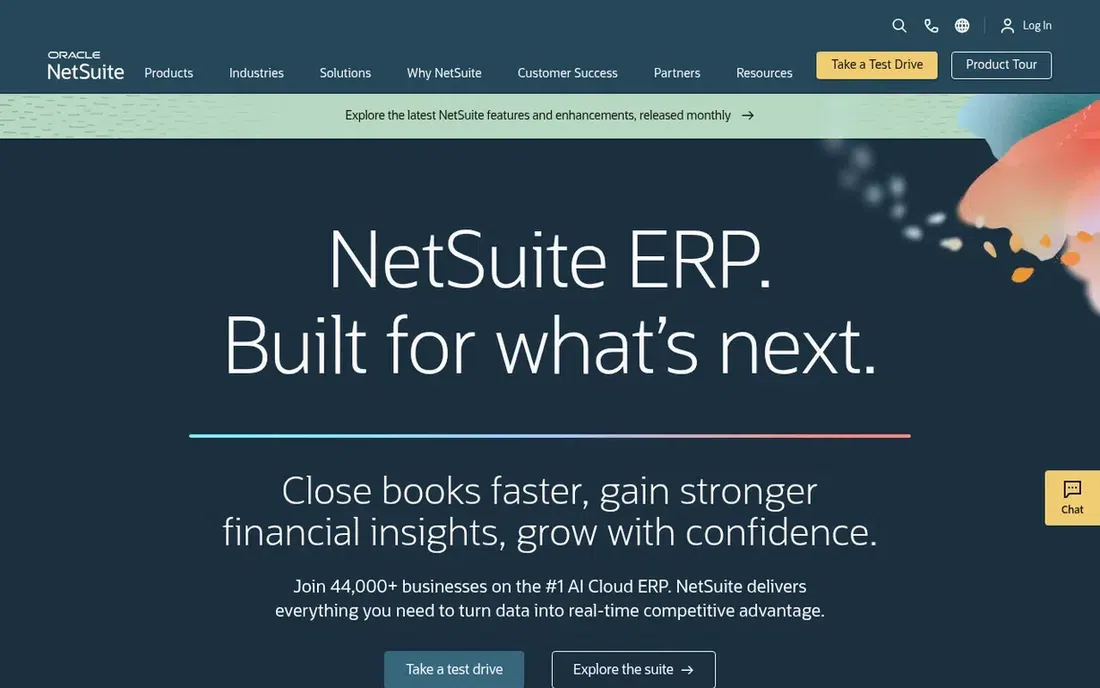
Oracle NetSuite is designed for capital planning inside a full cloud ERP. The breadth of the suite means setup and administration can take real effort. Teams with a narrow planning need may find it heavier than required.
Where it is weaker: Configuration effort can be substantial.
Reasons to shortlist it: Merges financials.
If your priority is specialized scenario modeling instead of integrated ERP records, a dedicated planning system may be a better match. Worth adding: Oracle NetSuite is a cloud ERP that brings financials, accounting, CRM and inventory management together with built-in AI. Oracle NetSuite shows no starting price here, so confirm the cost on the vendor site. Free access: Not stated.
- Accounting and planning
- Built-in AI supports data analysis
- Wide suite may exceed planning-only needs
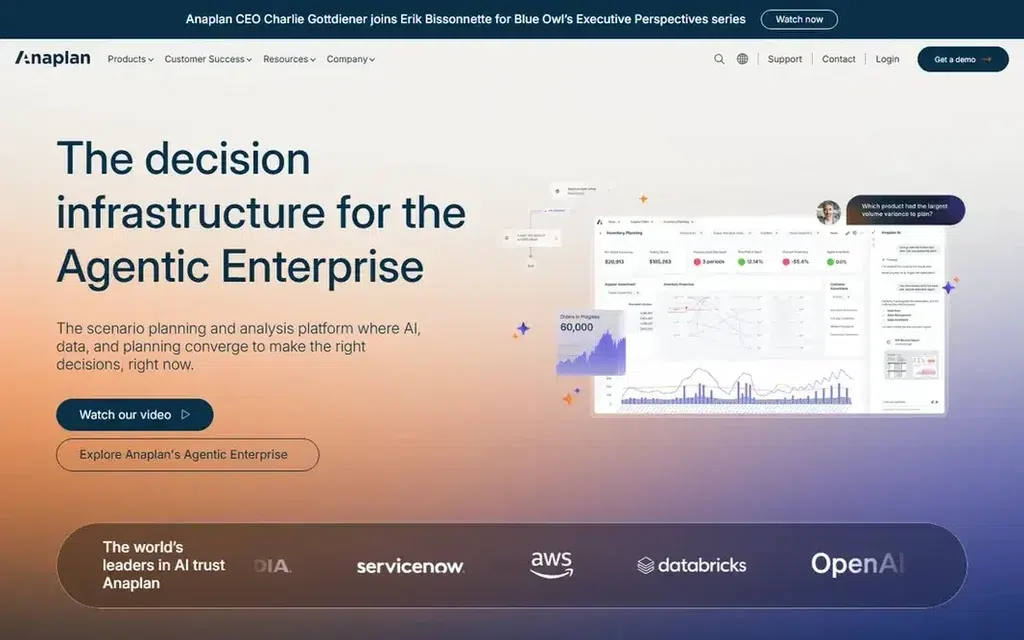
Anaplan serves scenario planning and connected analysis. Anaplan describes itself as a scenario planning and analysis product where AI, data and planning converge to support timely decisions. In daily use, building and maintaining models can need trained users or partner support, and a phased rollout is typical.
Trade-offs to know: Model building can demand trained users.
For capital planning, that means modeling different investment paths and adjusting assumptions as conditions change. If your capital planning needs are modest or you want planning tightly embedded in an existing ERP, a more straightforward or more integrated choice may serve you better. This comparison lists no price for Anaplan; ask the vendor. Free plan details: Not stated.
- Links AI
- Data and planning
- Wide product may need phased rollout
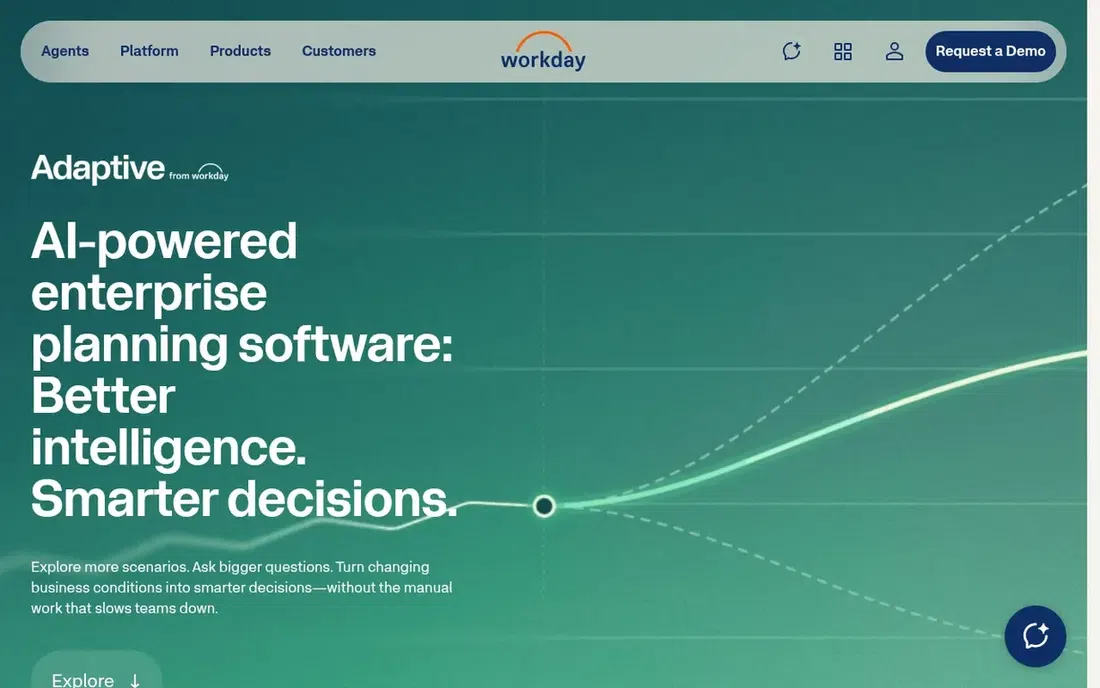
Workday Adaptive Planning is aimed squarely at cross-functional budgeting and forecasting. Adaptive from Workday is an enterprise planning system that links finance, workforce and operations data to support quicker, more confident decisions.
What to check first: Best value when paired with related Workday products.
Its AI-driven approach helps teams build forecasts and compare scenarios across departments. Also, teams wanting a lighter, Microsoft-centered planning experience may prefer to evaluate other choices first. No starting price is listed for Workday Adaptive Planning here; confirm pricing on the vendor site. Free options: Not stated.
- AI-driven planning and analysis
- Links finance
- Deep customization may need specialist help
How we chose
LinkVetted looked at what each vendor publishes: pricing, plan limits, feature coverage for capital planning software and stated drawbacks. No hands-on testing is claimed. Treat prices as a snapshot: vendors change plans often, so check the vendor site for the figure that applies today. We ordered the tools by general fit, then by how clearly pricing is shown, then by free access. A buyer with unusual needs may reorder them.
A buyer's checklist
- Request quotes from Pigment, Workday Adaptive Planning and the others; the list shows no fixed prices.
- Before choosing Pigment, weigh its main limit: newer entrants may suit less complicated structures.
- Verify that exporting from Workday Adaptive Planning is possible on your plan and covers all your records.
- Confirm that Anaplan connects to the apps your team already uses, on the plan you would actually buy.
- Check the support hours and onboarding help OneStream offers; smaller vendors vary a lot here.
FAQ
What should capital planning software do first?
At minimum, it should link capital plans to your financial records and support scenario comparison so leaders can weigh alternatives. Confirm these basics before evaluating advanced modeling features.
Do these tools publish their prices?
No. None of the tools, from Pigment to Workday Adaptive Planning, shows a fixed starting price here, so budget time for quotes.
How are the tools for capital planning software ordered?
Pigment sits first and Workday Adaptive Planning last because the order follows typical fit for capital planning software, then price clarity and free access. It is a judgement call, so read each profile for fit and limits.
Is Pigment the right pick for everyone comparing capital planning software?
No single tool suits every team. Pigment comes first because it fits flexible modeling with AI assistance, while OneStream suits unified finance and operations EPM and SAP Analytics Cloud suits Analytics-led planning and visualization. Match the tool to your own size, budget and workflow before deciding.
Does any tool for capital planning software here have a free plan?
No tool in this list, Pigment and Workday Adaptive Planning included, has a permanent free plan. Trials and quotes are the usual route, so plan a short evaluation period.
Sources
- https://www.pigment.com
- https://www.onestream.com
- https://www.sap.com/products/technology-platform/cloud-analytics.html
- https://www.netsuite.com
- https://www.anaplan.com
- https://www.workday.com/en-us/products/adaptive-planning/overview.html