Best Scheduling App for Contractors in 2026: Prices, Free Plans and 5 Picks
Need the best scheduling app for contractors? We compare 5 tools on cost, free access and who each suits. Every pick gets a straight assessment. Clear verdicts.
- Editor's choice
 Kickserv
Home service companies managing jobs and payments
Starts at$60 a monthVisit kickserv.comFull review - Great alternative
 Jobber
Small to midsize home service teams
Starts atSee websiteVisit getjobber.comFull review - Also consider
 Housecall Pro
Home service firms seeking scheduling and management
Starts at$59 a monthVisit housecallpro.comFull review
Direct answer
Kickserv leads the list, best for home service firms managing jobs and payments. Listed starting prices: Kickserv from $60 a month, Housecall Pro from $59 a month and ServiceM8 from $29 a month. Jobber is the stronger choice for small to midsize home service teams, while Housecall Pro suits home service firms seeking scheduling and management. All 5 tools are compared below on price, free plan and limits.
TL;DR:
- The list opens with Kickserv, aimed at home service companies managing jobs and payments.
- ServiceM8 stands alone as the one tool in this list with a free plan.
- For trade contractors reducing paperwork, ServiceM8 is worth a look.
- Before buying Jobber, weigh this: may lack deep construction project features.
- ServiceM8 has the lowest monthly starting price in this list: $29 per month.
Last checked November 2026. Prices and plan details were read from the vendors' own pages in November 2026; vendors change plans often, so confirm the current price on the vendor site before you buy.
Quick comparison
| Tool | Best for | Starts at | Free plan? | |
|---|---|---|---|---|
| Kickserv | Home service companies managing jobs and payments | $60 a month | Free trial | Visit |
| Jobber | Small to midsize home service teams | See website | Not stated | Visit |
| Housecall Pro | Home service firms seeking scheduling and management | $59 a month | Free trial | Visit |
 ServiceTitan | All-in-one scheduling for home and commercial trades | See website | Free trial | Visit |
 ServiceM8 | Trade contractors reducing paperwork | $29 a month | Yes | Visit |
Tool-by-tool breakdown
LinkVetted compared 5 scheduling app for contractors. The goal is a practical shortlist: published prices, free plan facts, best-fit use cases and honest limits for every entry.
Kickserv is designed for home service companies managing jobs and payments. Kickserv is field service management software that offers management of jobs, customers, communication, and payments for home service companies.
For everyday use, pick Kickserv when you need a straightforward scheduling and job management app for home service work. Contractors with specialized workflows might find customization restricted. Entry price for Kickserv: $60 per month. Free plan details: Free trial.
Watch-outs: May lack advanced construction features.
- Field service management focus
- Straightforward approach to scheduling
- Restricted customization for complicated workflows
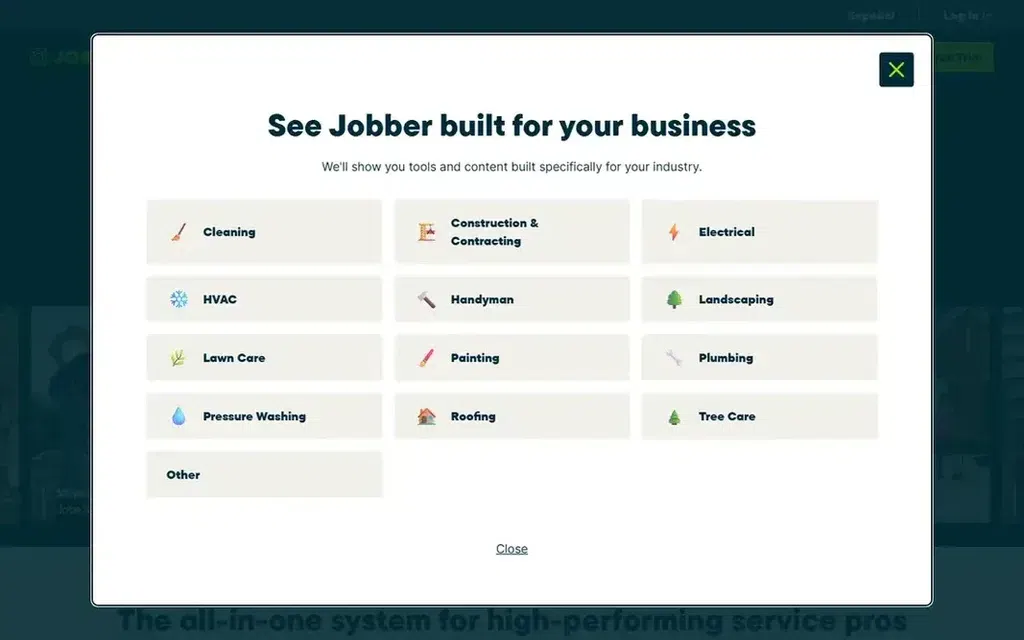
Jobber targets small to midsize home service teams. Choose Jobber when your focus is recurring service work and you value simplicity over broad customization. Jobber is home and commercial service software that helps organize a service business from quoting through scheduling to invoicing and payments.
Its app is meant to be simple to use and supports sales, operations, and customer service in one place. Jobber may not offer the depth of construction project management that specialty contractors need. Jobber shows no starting price here, so confirm the cost on the vendor site. Free options: Not stated.
Points against: May lack deep construction project features.
Main advantages: Easy-to-use app for service companies.
- Quote, schedule, invoice
- Get premium in one place
- Advanced customization may be restricted

For home service companies seeking scheduling and management, Housecall Pro is a natural candidate. For everyday use, Housecall Pro may not include the in-depth project scheduling and job costing that construction contractors need.
In daily use, pick Housecall Pro if your work is primarily home service and you want an integrated scheduling and management app. Companies with heavy new construction work should look at construction-specific tools. Housecall Pro cost at the entry level: $59 per month. On free options: Free trial.
Limits to weigh: May not fit construction-focused contractors.
- Made for home service firms
- Merges scheduling with business management
- Feature depth varies by business size

Think of ServiceTitan for all-in-one scheduling for home and commercial trades. Since ServiceTitan is a thorough system, smaller teams may find it heavier than necessary for entry-level scheduling.
The main drawbacks: May be more than small teams need.
This comparison lists no price for ServiceTitan; ask the vendor. On free options: Free trial.
- Made for home and commercial contractors
- All-in-one software approach
- Needs setup and training
ServiceM8 is built with trade contractors reducing paperwork in mind. ServiceM8 is smart job management software with job tracking and CRM for trade contractors and home service firms. It aims to cut paperwork and help teams get more jobs done whereas offering good service.
ServiceM8 may be too entry-level for bigger teams with complicated scheduling needs or for construction contractors who require in-depth project management. Choose ServiceM8 for straightforward trade service scheduling. What you pay to start with ServiceM8: $29 per month. ServiceM8 offers a free plan.
Drawbacks to consider: Restricted construction project features.
- Job tracking and CRM for trade contractors
- Aims to cut paperwork
- May be entry-level for bigger teams
What went into this list
LinkVetted used vendor pricing pages and product documentation as the base, then compared plans, free access and documented limits for 5 tools. Seat minimums, billing terms and add-ons can move the real cost, so the starting prices here are a guide and not a quote. The order reflects how well each tool fits the most common buying scenario for scheduling app for contractors, then price clarity, then free plan access. It is a starting point, not a verdict.
Before you commit
- Get a written quote from Jobber and ServiceTitan; the list shows no starting price for them.
- Test the free plan from ServiceM8 against your real workload before relying on it.
- Use real work to test the free trial from Kickserv, Housecall Pro and ServiceTitan, rather than a demo project.
- Read the limits listed for Kickserv first: may lack advanced construction features.
- Ask the daily users to test Kickserv on a live task before you roll it out to everyone.
- Ask whether ServiceTitan integrates with your current software, and whether that comes standard or as an add-on.
FAQ
What is the cheapest option for scheduling app for contractors in this list?
On published monthly entry prices, ServiceM8 is the lowest here at $29 per month. Entry price is only part of the cost, because seats, add-ons and billing terms can change the total. All 5 picks in this scheduling app for contractors comparison list a starting price, free plan details and the main limits on their cards above.
Do these tools publish their prices?
Not all of them. Jobber and ServiceTitan publish no starting price, so expect a quote request for those. The rest, Kickserv included, show a starting price, though seats and billing terms still change the final cost. For the full picture, the cards above cover all 5 entries of this scheduling app for contractors list, including price, free plan and limits.
What should contractors look for in a scheduling app?
Contractors should look for an app that matches their work type, whether home service or construction. Also consider simplicity and how well the app suits your team size and workflow.
How are the scheduling app for contractors ordered?
The order follows typical fit for scheduling app for contractors, with Kickserv first and ServiceM8 last, then price clarity and free access. It is editorial judgement, not a score, so another team could rank the tools differently.
Which scheduling app for contractors have a free plan?
ServiceM8 is the only tool in this list with a free plan. Free plans usually cap users, projects or features, so check the limits on the vendor page. Several others offer a trial instead. Prices, free plan details and limits for all 5 tools in this scheduling app for contractors roundup sit on the individual cards above.
Is ServiceTitan a good match for small contracting businesses?
It may be more full than a small business needs for entry-level scheduling. Smaller teams might prefer a lighter app like Jobber or ServiceM8, based on their workflow.
Sources
- https://www.kickserv.com
- https://www.getjobber.com
- https://www.housecallpro.com
- https://www.servicetitan.com
- https://www.servicem8.com