6 Construction Scheduling Software for Custom Home Builders Worth Shortlisting in 2026
Shortlisting the best construction scheduling software for custom home builders? 6 products compared on cost, free access and ideal buyer. Reviewed this month.
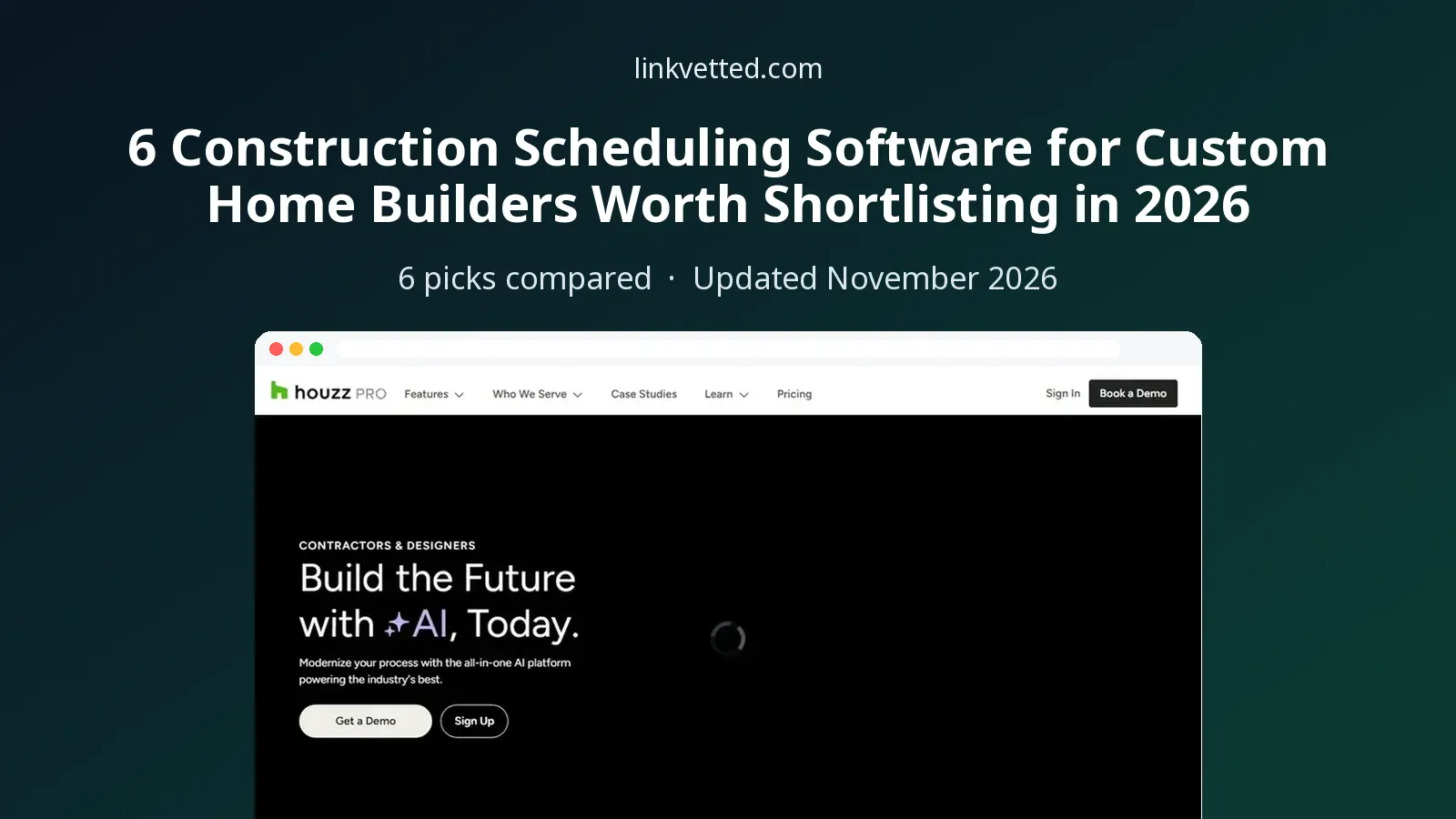
- Editor's choice
 Houzz Pro
Design-led builders needing client-facing tools
Starts atSee websiteVisit houzz.comFull review - Great alternative
 Buildxact
Builders concentrated on estimating and project control
Starts atSee websiteVisit buildxact.comFull review - Also consider
 Procore
Bigger custom builds needing field visibility
Starts atSee websiteVisit procore.comFull review
Direct answer
Houzz Pro comes first here, mainly for design-led builders needing client-facing tools. Listed starting prices: JobTread from $199 a month. Buildxact is better for builders concentrated on estimating and project control, and Procore is better for bigger custom builds needing field visibility. The full list of 6 tools follows, with prices and free plan facts.
TL;DR:
- Houzz Pro takes the first slot, best suited to design-led builders needing client-facing tools.
- For custom builders managing selections and clients, CoConstruct is worth a look.
- Check the limits for Contractor Foreman before you commit: interface can feel dense for new users.
- Houzz Pro, CoConstruct and the 4 others all need a premium plan or a trial, since no free plan is listed.
Last checked November 2026. Prices and plan details were read from the vendors' own pages in November 2026; vendors change plans often, so confirm the current price on the vendor site before you buy.
Quick comparison
| Tool | Best for | Starts at | Free plan? | |
|---|---|---|---|---|
| Houzz Pro | Design-led builders needing client-facing tools | See website | Not stated | Visit |
| Buildxact | Builders concentrated on estimating and project control | See website | Free trial | Visit |
| Procore | Bigger custom builds needing field visibility | See website | Not stated | Visit |
 Contractor Foreman | Smaller builders wanting wide features | See website | Not stated | Visit |
 JobTread | Teams wanting estimating and scheduling combined | $199 a month | No | Visit |
 CoConstruct | Custom builders managing selections and clients | See website | Not stated | Visit |
6 construction scheduling software for custom home builders in detail
Short on time? The summary and table above give the quick view of 6 construction scheduling software for custom home builders, and the profiles that follow give the detail behind each entry.

Choose Houzz Pro for design-led builders needing client-facing tools. Builders with heavy trade scheduling and in-depth critical-path needs may find the scheduling side less specialized than dedicated tools.
Where it falls short: Best value for design-heavy companies.
It rewards companies that lean on design and client presentation. More specifically, Houzz Pro is an all-in-one business system for builders, remodelers and designers, with AI features built around industry workflows. Houzz Pro shows no starting price here, so confirm the cost on the vendor site. Free access: Not stated.
- All-in-one system for builders and designers
- Solid fit for client-facing design work
- Scheduling may feel secondary to design tools
Buildxact is aimed squarely at builders concentrated on estimating and project control. Look at more specialized products if schedule complexity grows.
What to check first: Scheduling is one part of a broader tool.
More specifically, Buildxact is estimating and project management software meant to be straightforward to use for builders and contractors. The system positions itself around practical project and construction management instead of enterprise complexity. Buildxact shows no starting price here, so confirm the cost on the vendor site. As for free access: Free trial.
- Easy-to-use project management approach
- Estimating and management combined
- Less suited to very large project portfolios

Procore is built with bigger custom builds needing field visibility in mind. Scheduling sits within a broader management environment instead of as a standalone calendar.
Drawbacks to consider: Can be complicated for small residential teams.
Procore shows no starting price here, so confirm the cost on the vendor site. As for free access: Not stated.
- Links site and office in real time
- Wide construction management product
- May need dedicated admin time
Contractor Foreman is built with smaller builders wanting wide features in mind. Contractor Foreman is all-in-one construction management software handling estimates, scheduling, time cards and invoicing. More specifically, since it spans plenty of functions, the scheduling side may not match dedicated scheduling products for complicated custom builds.
Points against: Scheduling depth varies by project type.
Reasons to shortlist it: Estimates, scheduling. New users can find the breadth overwhelming at first. Worth adding: consider a more focused tool if precise schedule management is your primary need. No starting price is listed for Contractor Foreman here; confirm pricing on the vendor site. Trial and free access: Not stated.
- Straightforward all-in-one positioning
- Time cards and invoicing together
- Interface can feel dense for new users
JobTread is aimed squarely at teams wanting estimating and scheduling combined. Teams tired of stitching tools together commonly find the combined approach appealing. As for the details, pick it when integrated estimating and job management matter more than schedule sophistication.
Watch-outs: Less specialized in deep schedule logic.
Builders needing advanced scheduling logic, for example complicated dependency chains across plenty of trades, may want a more specialized system. For everyday use, JobTread is construction estimating and project management software that eases financials and resource handling from planning to completion. JobTread starts at: $199 per month. JobTread has no free tier.
- Covers planning through completion
- Estimating and project management in one system
- Newer to some established builder workflows
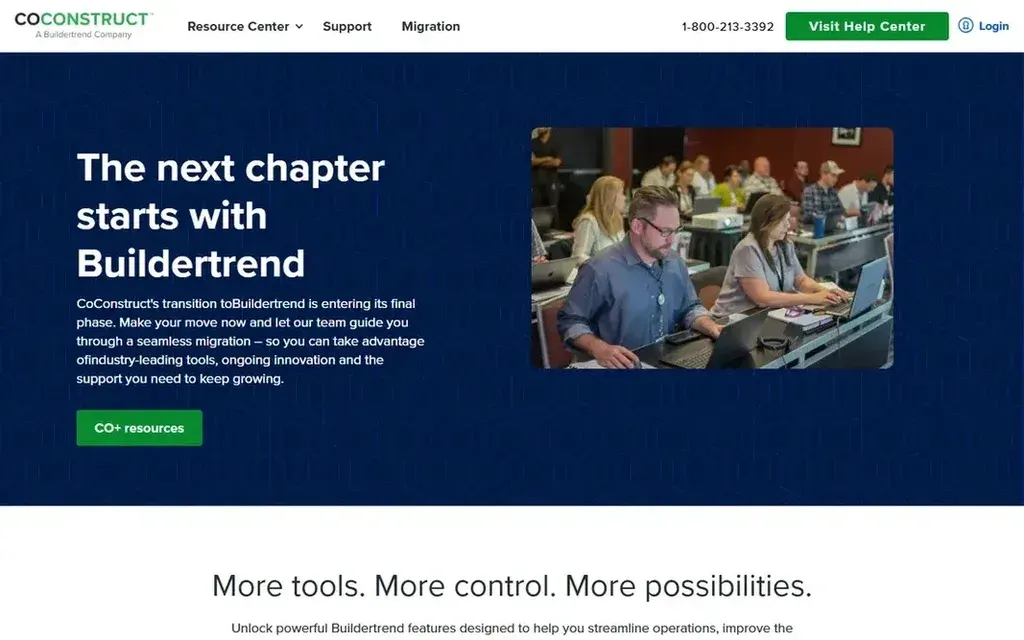
CoConstruct makes the most sense for custom builders managing selections and clients. Since selections and change orders feed into the schedule, it fits builders who want homeowners informed at every stage.
Beyond that, the product carries plenty of capability, which means onboarding and configuration take real effort. In practice, consider lighter tools when client-facing selections are not central to your process. No starting price is listed for CoConstruct here; confirm pricing on the vendor site. Free access: Not stated.
Where it is weaker: Feature depth can feel heavy for small teams.
- Scheduling tied to client selections and change orders
- Unified with Buildertrend under one brand
- Setup needs time to configure properly
Selection criteria
LinkVetted looked at what each vendor publishes: pricing, plan limits, feature coverage for construction scheduling software for custom home builders and stated drawbacks. No hands-on testing is claimed. Figures are shown as the vendors publish them. Billing terms, seat minimums and add-ons can change the real cost. The ranking is editorial: typical fit first, then clear pricing, then free access. If your needs are unusual, read the profiles rather than relying on position.
What to check before you buy
- Get a written quote from Houzz Pro, Buildxact, Procore and others; the list shows no starting price for them.
- Run a trial of Buildxact with real work before paying for a year; your own workflow is the best test.
- Read the limits listed for Houzz Pro first: scheduling may feel secondary to design tools.
- Find out whether the entry plan of Contractor Foreman covers your must-haves or only a trimmed-down version.
- Ask whether JobTread integrates with your current software, and whether that comes standard or as an add-on.
FAQ
How are the tools for construction scheduling software for custom home builders ordered?
Houzz Pro sits first and CoConstruct last because the order follows typical fit for construction scheduling software for custom home builders, then price clarity and free access. It is a judgement call, so read each profile for fit and limits.
Do these tools publish their prices?
Not all of them. Houzz Pro, Buildxact, Procore and others publish no starting price, so expect a quote request for those. The rest, JobTread included, show a starting price, though seats and billing terms still change the final cost.
Can I try these tools before paying?
Often, yes. Buildxact offers a free trial. Use your own data and a real task during the test, and check what the free tier or trial limits before you rely on it. For the full picture, the cards above cover all 6 entries of this construction scheduling software for custom home builders list, including price, free plan and limits.
Is Houzz Pro the right pick for everyone comparing construction scheduling software for custom home builders?
No single tool suits every team. Houzz Pro comes first because it fits design-led builders needing client-facing tools, while Buildxact suits builders focused on estimating and project control and Procore suits larger custom builds needing field visibility. Match the tool to your own size, budget and workflow before deciding.
What should custom home builders look for in scheduling software?
Prioritize scheduling that links to selections, change orders and client communication, since custom builds shift frequently. Also check how easily schedules are shared with trades and how the tool handles dependencies across phases.
Sources
- https://www.houzz.com/pro
- https://www.buildxact.com
- https://www.procore.com
- https://www.contractorforeman.com
- https://www.jobtread.com
- https://www.co-construct.com