Best Construction Takeoff Software for Custom Home Builders for 2026: Our 5 Vetted Picks
5 best construction Takeoff software for custom home builders, compared on pricing, free plans and best-fit use. Each tool is judged on the same checks.
- Editor's choice
 Kreo
AI-assisted takeoff and estimating
Starts at$100 per user a monthVisit kreo.netFull review - Great alternative
 On-Screen Takeoff
Takeoff with access to project data
Starts at$129 a monthVisit constructconnect.comFull review - Also consider
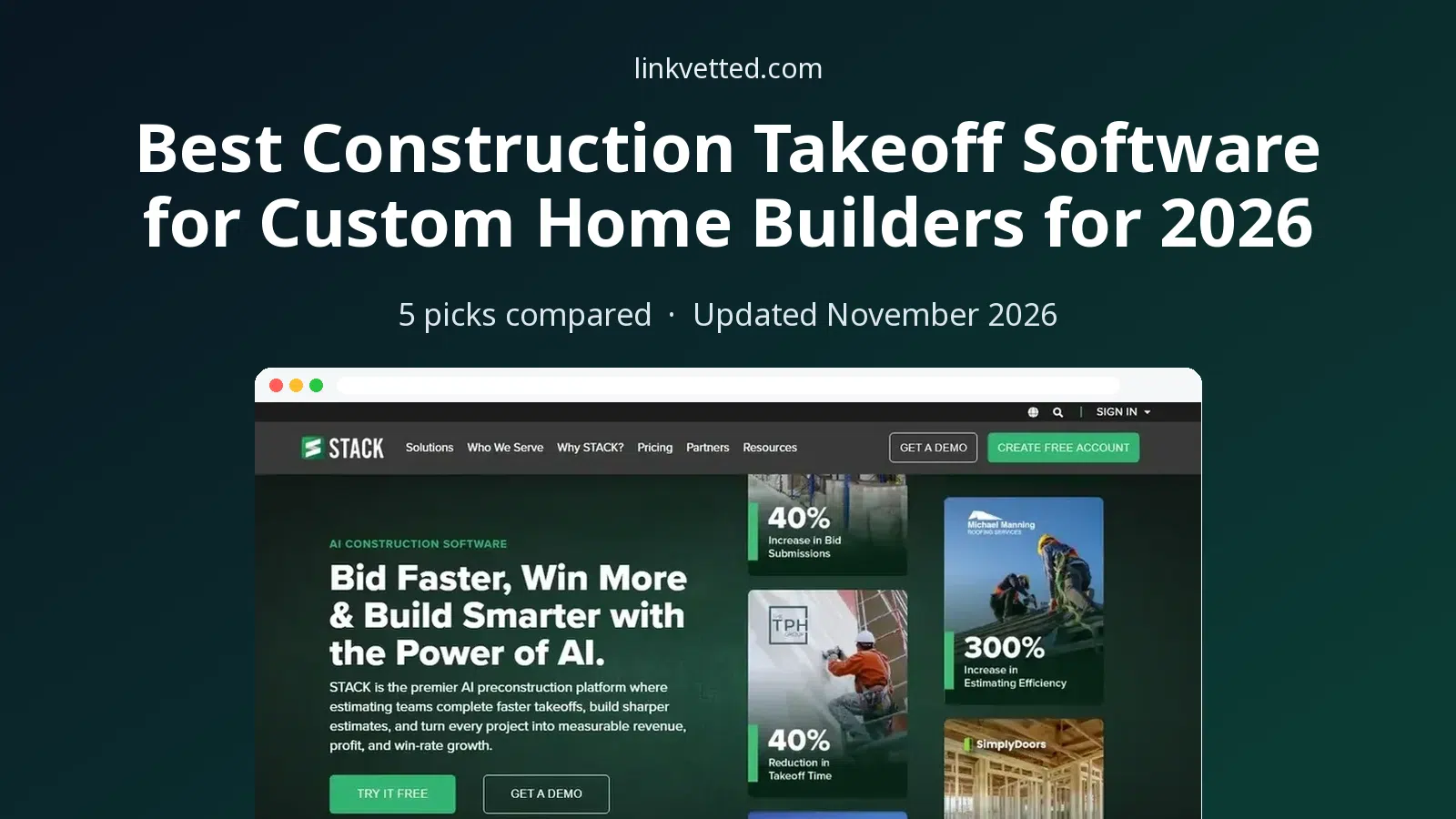
 Stack
Cloud-based takeoff and collaboration
Starts at$49 per user a monthVisit stackct.comFull review
Direct answer
This list puts Kreo first for AI-assisted takeoff and estimating. Listed starting prices: Kreo from $100 per user a month, On-Screen Takeoff from $129 a month and Stack from $49 per user a month. For a different need, On-Screen Takeoff covers Takeoff with access to project data and Stack covers cloud-based takeoff and collaboration. The remaining 2 options are covered below with prices and limits.
TL;DR:
- Top of the list is Kreo, which targets AI-assisted takeoff and estimating.
- The cheapest monthly starting price in the list is $49 per user per month, offered by Stack.
- The main caution on On-Screen Takeoff: primarily centred on bid-finding.
- CostOS is the one to check for advanced estimating and cost precision.
Last checked November 2026. Prices and plan details were read from the vendors' own pages in November 2026; vendors change plans often, so confirm the current price on the vendor site before you buy.
Quick comparison
| Tool | Best for | Starts at | Free plan? | |
|---|---|---|---|---|
| Kreo | AI-assisted takeoff and estimating | $100 per user a month | Free trial | Visit |
| On-Screen Takeoff | Takeoff with access to project data | $129 a month | Free trial | Visit |
| Stack | Cloud-based takeoff and collaboration | $49 per user a month | Free trial | Visit |
 Bluebeam Revu | Document collaboration and project management | See website | Free trial | Visit |
| CostOS | Advanced estimating and cost precision | See website | Not stated | Visit |
Our 5 construction Takeoff software for custom home builders
LinkVetted put together this guide to construction Takeoff software for custom home builders for readers who want a clear shortlist without reading every vendor page. It compares 5 tools on starting price, free plans, who each one suits and where each one falls short.
Kreo works best for AI-assisted takeoff and estimating. The system may be less established than some traditional takeoff tools. Choose Kreo if you are excited about AI automation and want to accelerate bid creation.
Trade-offs to know: AI features may require validation.
More specifically, Kreo gives you AI takeoff and estimating software for construction, built to automate measurements, eliminate errors, and build bids quicker. It uses artificial intelligence to assist with quantity takeoff from drawings. Price to start with Kreo: $100 per user per month. Free access: Free trial.
- AI automates measurements
- Aims to cut errors
- Relatively new to the market
On-Screen Takeoff works best for Takeoff with access to project data. On-Screen Takeoff is part of ConstructConnect, which gives you data and software to help contractors find, bid, and win construction jobs. For everyday use, builders who already have a solid project pipeline may not need the bid-finding features.
The tool lets users to perform takeoffs digitally and is integrated with ConstructConnect's project data. Custom home builders who want to combine takeoff with project discovery may benefit from this integration. It is a strong match for builders looking to simplify both finding projects and estimating them. The starting price for On-Screen Takeoff: $129 per month. Trial and free access: Free trial.
Downsides: Primarily concentrated on bid-finding.
- Integrated with ConstructConnect
- Simplifies takeoff process
- May need ConstructConnect subscription

Stack is built with cloud-based takeoff and collaboration in mind. Stack gives you cloud-based construction software that saves time, raises accuracy, and boosts collaboration from bid decision to project closeout. It bundles takeoff and estimating capabilities within a broader system.
Drawbacks to consider: May have a ramp-up time.
Choose Stack for its integrated, cloud-based approach to takeoff and project management. More specifically, some users may experience a learning curve when adopting the system. From a buyer's view, if you prefer on-premises software or need highly specialized takeoff features, consider other choices. The starting price for Stack: $49 per user per month. Free options: Free trial.
- Spans bid decision to closeout
- Cloud-based access from anywhere
- Needs internet connection
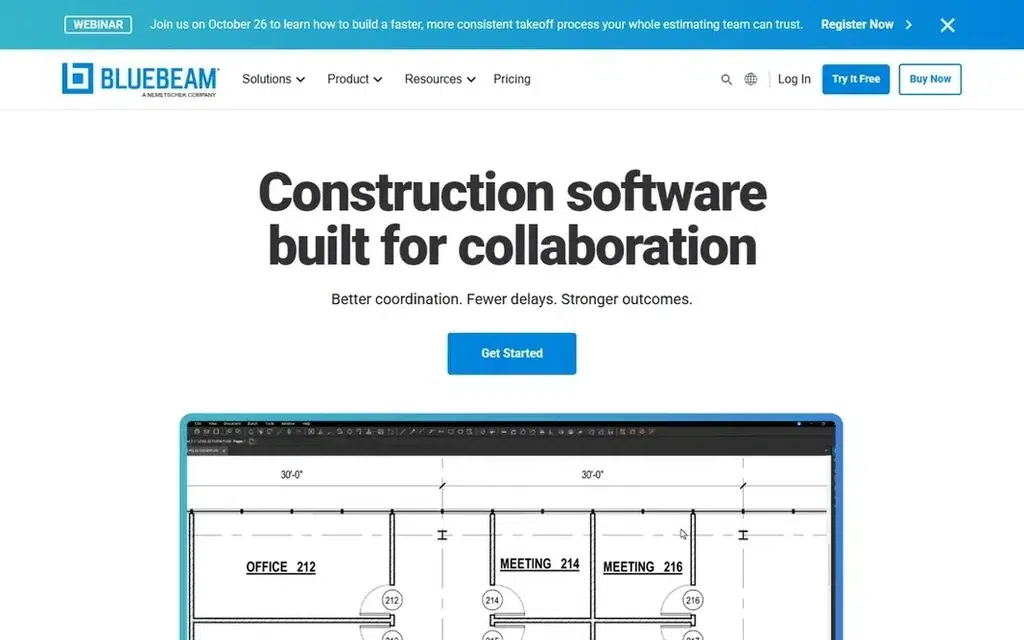
Where Bluebeam Revu fits: document collaboration and project management. It lets project teams to review and mark up drawings, run documents, and collaborate from design through completion.
Where it falls short: Not a dedicated takeoff tool.
As for the details, builders who require advanced quantity takeoff and cost estimating may have to pair it with specialized software. Check the vendor site for Bluebeam Revu pricing; none is listed in this comparison. As for free access: Free trial.
- Live collaboration on documents
- Supports projects from design to completion
- May need extras for full estimating
CostOS
Best for: Advanced estimating and cost precision
Where CostOS fits: advanced estimating and cost precision. It is made for in-depth cost estimation and may suit custom home builders who require solid estimating capabilities. In daily use, choose CostOS if you need advanced estimating features and are prepared to invest time in learning the software.
From a buyer's view, CostOS may be more complicated than needed for small custom home builders. It could need significant training to use effectively. Check the vendor site for CostOS pricing; none is listed in this comparison. Free access: Not stated.
The main drawbacks: Needs training for full use.
- Focus on project precision
- Advanced estimating tools
- May be complicated for small builders
How these tools were picked
For each of the 5 tools we noted price, free plan or trial, fit for construction Takeoff software for custom home builders and the main limit, using vendor pages and documentation. Where a price is missing, the vendor does not list one publicly or ties it to a quote. Always confirm before budgeting. The order reflects how well each tool fits the most common buying scenario for construction Takeoff software for custom home builders, then price clarity, then free plan access. It is a starting point, not a verdict.
A buyer's checklist
- Confirm the entry price on the vendor page. For Bluebeam Revu and CostOS that means a quote rather than a fixed price.
- Take the trial from Kreo, On-Screen Takeoff, Stack and Bluebeam Revu and push a live task through it before you pay.
- Read the limits listed for Kreo first: AI features may need validation.
- Run a one or two week pilot of On-Screen Takeoff with the people who will use it every day.
- The entry price of Stack is only the starting point; model the full cost with seats and extras.
FAQ
Why should custom home builders use takeoff software?
Takeoff software boosts accuracy, saves time, and helps win profitable jobs by supplying steady estimates. It also cuts manual errors and enhances collaboration.
Do these tools publish their prices?
Not all of them. Bluebeam Revu and CostOS publish no starting price, so expect a quote request for those. The rest, Kreo included, show a starting price, though seats and billing terms still change the final cost.
How does AI boost takeoff software?
AI can automate measurements and identify quantities from drawings, speeding up the takeoff process. More specifically, tools like Kreo use AI to cut errors and produce bids quicker.
Does any tool for construction Takeoff software for custom home builders here have a free plan?
No tool in this list, Kreo and CostOS included, has a permanent free plan. Kreo, On-Screen Takeoff, Stack, Bluebeam Revu offer a trial. Trials and quotes are the usual route, so plan a short evaluation period.
What is the cheapest option for construction Takeoff software for custom home builders in this list?
On published monthly entry prices, Stack is the lowest here at $49 per user per month. Entry price is only part of the cost, because seats, add-ons and billing terms can change the total. All 5 picks in this construction Takeoff software for custom home builders comparison list a starting price, free plan details and the main limits on their cards above.
Can I try these tools before paying?
Often, yes. Kreo, On-Screen Takeoff, Stack and Bluebeam Revu offer a free trial. Use your own data and a real task during the test, and check what the free tier or trial limits before you rely on it.
Sources
- https://www.kreo.net
- https://www.constructconnect.com
- https://www.stackct.com
- https://www.bluebeam.com
- https://www.nomitech.com