6 Construction Safety Inspection Software Worth Shortlisting in 2026
6 tools for the best construction safety inspection software, compared on pricing, free plans and best-fit use. Short verdicts, no fluff. Pick with confidence.
- Editor's choice
 Cority
EHS management with applied AI
Starts atSee websiteVisit cority.comFull review - Great alternativeeSUB
Subcontractor-focused construction management
Starts atSee websiteVisit esub.comFull review - Also consider
 SafetyCulture
Mobile safety inspections and site visibility
Starts at$24 per seat per monthVisit safetyculture.comFull review
Direct answer
For EHS management with applied AI, Cority is where this list starts. eSUB is better for subcontractor-focused construction management, and SafetyCulture is better for mobile safety inspections and site visibility. Listed starting prices: SafetyCulture from $24 per seat per month and Fieldwire from $39 per user per month. Details, prices and limits for the rest of the 6 tools are below.
TL;DR:
- This list starts with Cority, which is built for EHS management with applied AI.
- A free plan is available from 2 of the 6 tools: SafetyCulture, Fieldwire.
- SafetyCulture has the lowest monthly starting price in this list: $24 per seat per month.
- Procore fits inspections within construction project management.
Last checked November 2026. Prices and plan details were read from the vendors' own pages in November 2026; vendors change plans often, so confirm the current price on the vendor site before you buy.
Quick comparison
| Tool | Best for | Starts at | Free plan? | |
|---|---|---|---|---|
| Cority | EHS management with applied AI | See website | Not stated | Visit |
| eSUB | Subcontractor-focused construction management | See website | Not stated | Visit |
| SafetyCulture | Mobile safety inspections and site visibility | $24 per seat per month | Yes | Visit |
 Fieldwire | Live jobsite task and drawing management | $39 per user per month | Yes | Visit |
 Autodesk Construction Cloud | Collaborative project and safety documentation | See website | Not stated | Visit |
 Procore | Inspections within construction project management | See website | Not stated | Visit |
The best construction safety inspection software
Choosing construction safety inspection software usually comes down to price, fit and limits. This LinkVetted guide sets 6 tools side by side on those three points, with the facts kept short and checkable.
Cority serves EHS management with applied AI. For construction safety inspections, it suits organizations that want inspection data to feed occupational health, compliance, and environmental programs. It is geared toward teams with formal EHS functions instead of crews seeking a straightforward checklist app.
Drawbacks to consider: Enterprise focus may not suit small teams.
More specifically, Cority gives you EHS software that unify compliance, safety, and ESG performance, with applied AI intended to support quicker EHS management decisions. Organizations focused chiefly on project delivery should compare Procore or Autodesk Construction Cloud. Cority shows no starting price here, so confirm the cost on the vendor site. Free options: Not stated.
- Applied AI for EHS decisions
- Brings together compliance and safety
- Needs data discipline to be effective
eSUB
Best for: Subcontractor-focused construction management
For subcontractor-focused construction management, eSUB is a natural candidate. eSUB Cloud is construction management software oriented toward subcontractor workflows.
More specifically, general contractors seeking inspections inside a large project system may prefer Procore. For safety inspections, it can support documenting field conditions and communication between crews and office staff as part of broader project management. eSUB shows no starting price here, so confirm the cost on the vendor site. Free plan details: Not stated.
Honest limits: Less suited to owner-side EHS programs.
- Supports field-to-office communication
- Cloud-based construction management
- Safety inspection depth is restricted
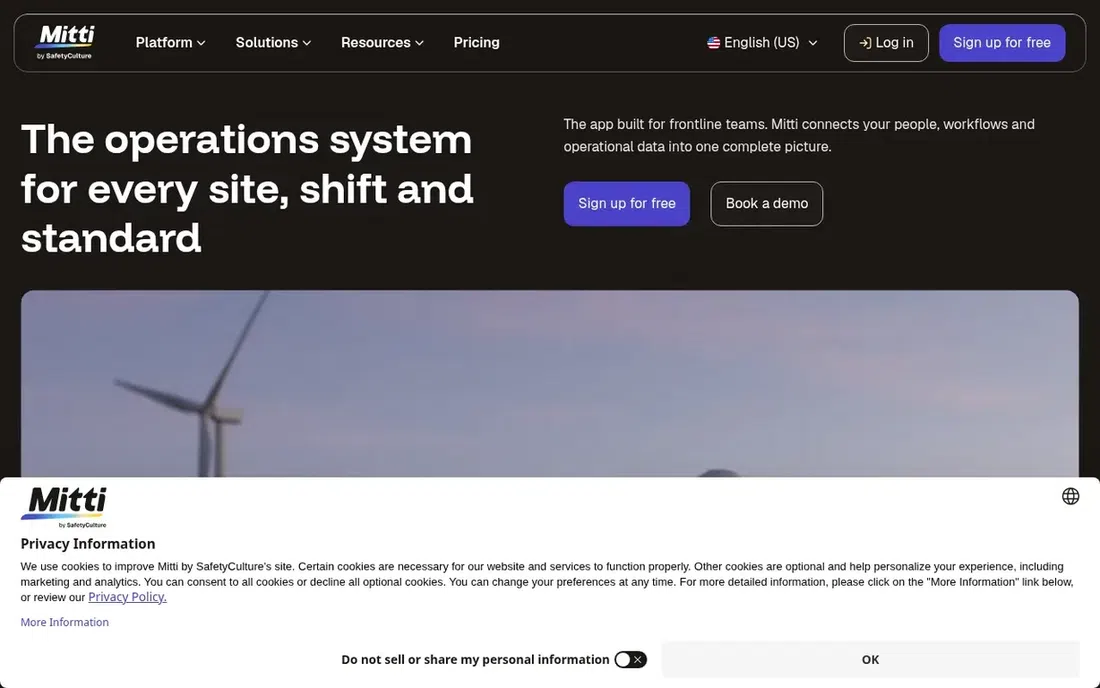
SafetyCulture was built for mobile safety inspections and site visibility. For construction safety inspections, that positioning suits teams that want a structured, repeatable way to capture site conditions and act on them.
Points against: Advanced needs may need integrations.
SafetyCulture presents itself as a workplace operations system that helps teams work safely, meet higher standards, and see what is happening across every site. From a buyer's view, organizations that chiefly want inspections embedded in project cost and schedule management should compare Procore. What you pay to start with SafetyCulture: $24 per seat per month. SafetyCulture includes a free tier.
- Cross-site operational visibility
- Field-friendly workflows
- Wide product may need configuration
For live jobsite task and drawing management, Fieldwire is a natural candidate. Fieldwire by Hilti concentrates on live jobsite management, letting teams track tasks, update drawings, and cut rework across owners, general contractors, and subcontractors. Teams wanting inspection checklists as the primary tool should look at SafetyCulture.
Best features of Fieldwire: Drawing updates in the field.
Points against: Safety inspection features are secondary.
Confirm how inspection forms and reporting fit alongside task and drawing management. Beyond that, safety inspections can be handled as field tasks tied to locations and drawings, which helps crews see and resolve issues in context. Starting cost for Fieldwire: $39 per user per month. Fieldwire includes a free tier.
- Task tracking on jobsite
- Used by owners and subcontractors
- Not a dedicated EHS system
Autodesk Construction Cloud
Best for: Collaborative project and safety documentation
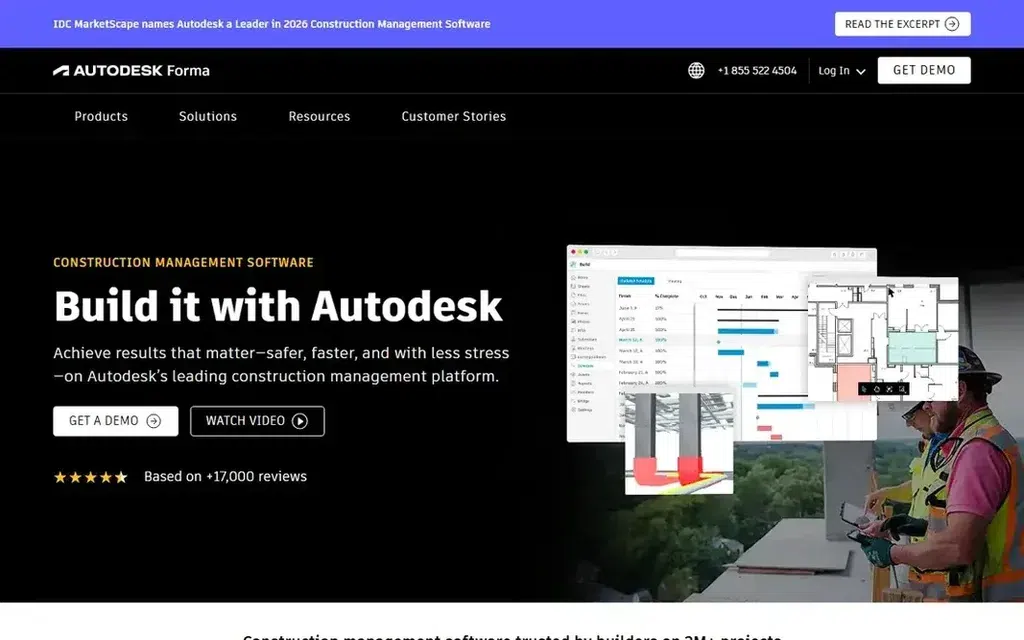
Autodesk Construction Cloud makes the most sense for collaborative project and safety documentation. Autodesk Construction Cloud, now associated with Autodesk Forma, concentrates on helping project teams collaborate securely and rapidly so projects finish on time and on budget.
Points against: Safety inspection depth varies by module.
Teams without Autodesk design workflows may see less benefit from the connected data model. In daily use, check which inspection capabilities are included in the modules you plan to use. Check the vendor site for Autodesk Construction Cloud pricing; none is listed in this comparison. As for free access: Not stated.
- Links design and construction data
- Supports on-time delivery goals
- Needs coordination across teams
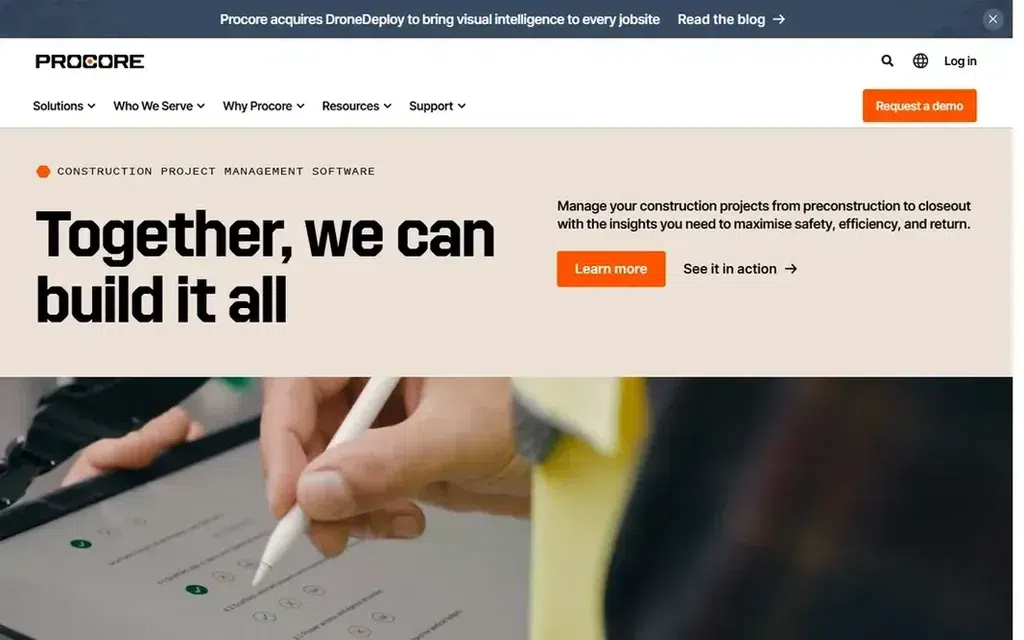
For inspections within construction project management, Procore is a natural candidate. Procore describes a construction management platform that links the site and the office and supplies live visibility to deliver quality projects on time. For everyday use, safety inspections fit naturally into that project context.
Watch-outs: Safety is one part of a bigger suite.
So teams can tie observations to the jobsite record instead of maintaining a separate system. As for the details, Procore is a wide system, so teams seeking a light inspection-only tool may prefer SafetyCulture. Verify how inspection forms, sign-offs, and reporting align with your safety program before committing. Procore shows no starting price here, so confirm the cost on the vendor site. As for free access: Not stated.
- Live project visibility
- Wide construction product
- Setup effort can be significant
Our selection method
For each of the 6 tools we noted price, free plan or trial, fit for construction safety inspection software and the main limit, using vendor pages and documentation. Prices and plan limits come from vendor pages and can change, so confirm them on the vendor site before you buy. Position on the page reflects fit for a typical buyer first, with price clarity and free access breaking ties. Treat it as a guide, not a ruling.
Questions to settle before buying
- Get a written quote from Cority, eSUB, Autodesk Construction Cloud and Procore; the list shows no starting price for them.
- Look at free plan limits closely: SafetyCulture and Fieldwire have one, and the caps decide whether it is usable for real work.
- Read the limits listed for Cority first: enterprise focus may not suit small teams.
- Check whether the features you need in Procore sit on the entry plan or only on higher tiers.
- Run a one or two week pilot of Fieldwire with the people who will use it every day.
FAQ
Which options for construction safety inspection software have a free plan?
On this list, SafetyCulture and Fieldwire include a free plan. Caps on seats, usage or features are common, so test the free plan against your real workload. Each of the 6 options in this construction safety inspection software guide has its own card above with the price, free plan and limits.
Do these tools publish their prices?
Not all of them. Cority, eSUB, Autodesk Construction Cloud and Procore publish no starting price, so expect a quote request for those. The rest, SafetyCulture included, show a starting price, though seats and billing terms still change the final cost.
How should we evaluate inspection software before buying?
Map your current inspection process, then test how each tool records findings, assigns actions, and reports results. Use the vendor's documentation and a structured demo to verify fit instead of relying on feature lists alone.
What should construction teams look for in safety inspection software?
Also check reporting and how inspection records link to project or EHS systems. The right fit relies on whether safety is your primary focus or one part of broader project management.
Can subcontractors use these tools for safety inspections?
Yes. Fieldwire and eSUB are oriented toward field and subcontractor workflows, and SafetyCulture is made for cross-site team use. From a buyer's view, subcontractors should confirm that inspection forms, notifications, and reporting suit their trade and client requirements. Bigger EHS suites may be more than a specialty contractor needs.
How are the tools for construction safety inspection software ordered?
Cority sits first and Procore last because the order follows typical fit for construction safety inspection software, then price clarity and free access. It is a judgement call, so read each profile for fit and limits.
Sources
- https://www.cority.com
- https://esub.com
- https://safetyculture.com
- https://www.fieldwire.com
- https://construction.autodesk.com
- https://www.procore.com