Best Construction Safety Software in 2026: 8 Tools Compared
Compare the best construction safety software for inspections, incidents, permits, and OSHA records, with pricing, free plans, and field-ready mobile apps.
- Editor's choice
 SafetyCulture
Inspections and field teams
Starts atSee websiteVisit safetyculture.comFull review - Great alternative
 Safesite
Small contractors starting free
Starts atSee websiteVisit safesitehq.comFull review - Also consider
 Procore
Safety inside project management
Starts atSee websiteVisit procore.comFull review
TL;DR:
- SafetyCulture and Safesite suit teams that want to start fast with inspections and mobile reporting.
- Procore and Autodesk suit larger contractors that need safety inside a full project platform.
- HammerTech suits major projects where inductions, permits, and subcontractor control matter most.
- Free plans help small crews go paperless, but analytics and OSHA reporting often need paid tiers.
- Test any tool with a real foreman on a real jobsite before rolling it out to all crews.
Quick comparison
| Tool | Best for | Starts at | Free plan? | |
|---|---|---|---|---|
| SafetyCulture | Inspections and field teams | See website | Yes | Visit |
| Safesite | Small contractors starting free | See website | Yes | Visit |
| Procore | Safety inside project management | See website | Free trial | Visit |
 Autodesk Construction Cloud | BIM-linked field safety | See website | Free trial | Visit |
 HammerTech | Large project safety control | See website | Free trial | Visit |
 SiteDocs | Simple safety documents | See website | Free trial | Visit |
 VelocityEHS | Enterprise EHS management | See website | Free trial | Visit |
 Intelex | Enterprise safety and compliance | See website | Free trial | Visit |
The best construction safety software
Construction safety software replaces paper checklists with mobile inspections, hazard reports, incident tracking, and training records that managers can actually find during an audit. The tools below range from free inspection apps to enterprise platforms, so a small crew and a major contractor can both find a fit.
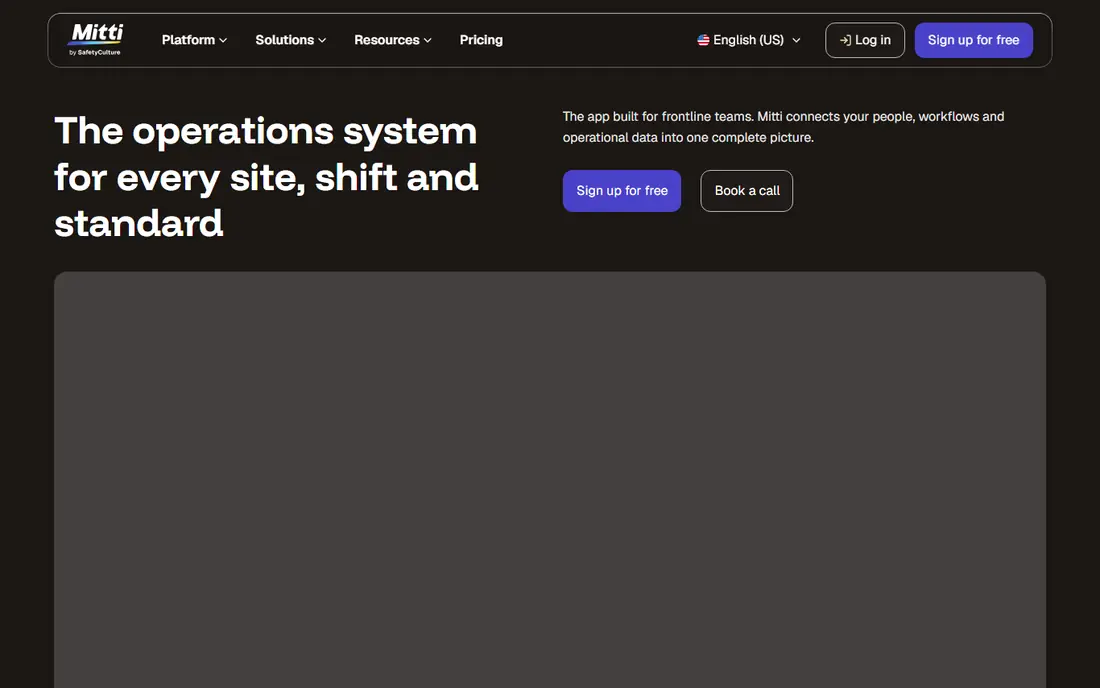
SafetyCulture, formerly iAuditor, is a strong all-round pick for inspections, audits, and corrective actions. Crews can complete checklists on a phone, attach photos, assign fixes, and track completion from the office. Templates cover common construction inspections, which helps a team go paperless without building every form from scratch.
The free plan suits small teams, but larger crews should budget per-user pricing carefully, since costs grow with headcount. Analytics and advanced reporting sit on paid tiers. For a team that needs inspections done well, with evidence that stands up in a review, SafetyCulture is a reliable starting point.
- Large inspection template library
- Strong mobile app
- Good analytics on paid plans
- Per-user costs add up for large crews
- Enterprise features need higher tiers
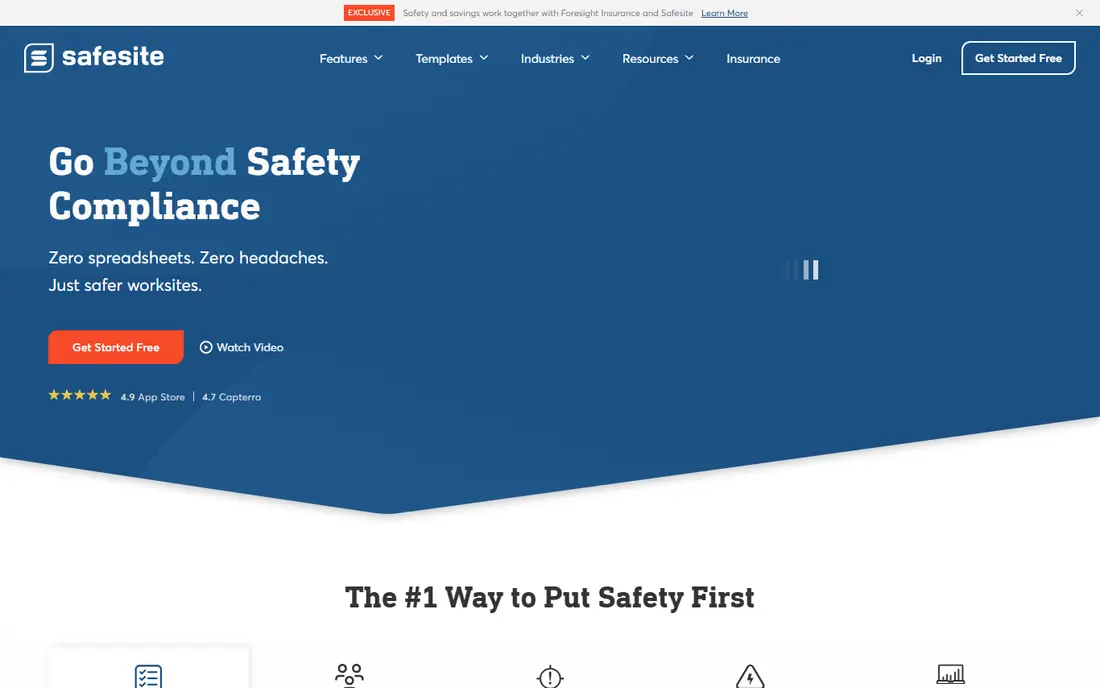
Safesite is built for contractors who want to digitise safety without a large upfront cost. The free tier lets a small crew run inspections, toolbox talks, hazard logs, and incident reports, which is enough to replace paper on a few projects. Paid plans add analytics, leading indicators, and root-cause tracking that help safety managers spot repeat problems.
The trade-offs are scale and breadth. The free tier is limited, and the platform is construction-focused rather than a full enterprise EHS suite. For a small or mid-size contractor taking its first step away from paper, Safesite offers low risk and a clear upgrade path.
- Free tier for small crews
- Easy hazard and incident reporting
- OSHA log support
- Free tier limited to small projects
- Fewer integrations than larger platforms
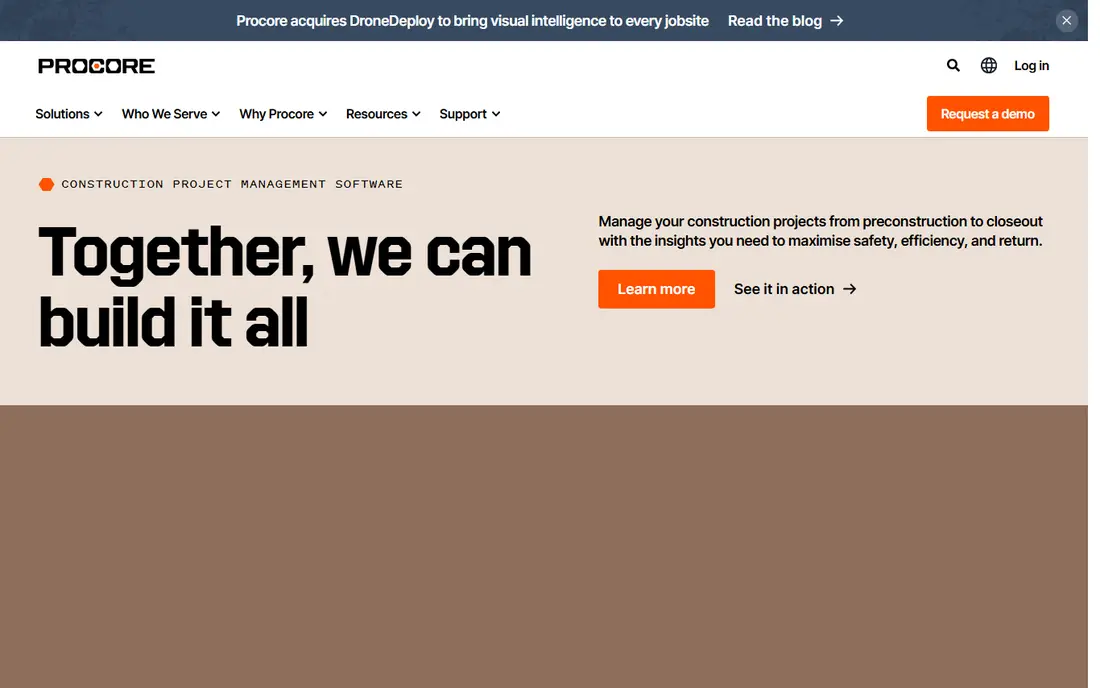
Procore suits contractors that already manage drawings, RFIs, budgets, and schedules in one platform and want safety records in the same place. Inspections, incidents, observations, and safety meetings link to project documents, which helps during audits and claims. Unlimited users on many contracts also help when subcontractors need access.
Pricing is custom and based on construction volume, so small contractors should get a written quote before assuming it fits. Implementation also takes training, especially for field teams new to a full platform. For mid-size and large contractors, keeping safety with project data is a real benefit.
- Safety tools inside a full project platform
- Strong document and drawing control
- Good for large teams
- Pricing is quote-based
- Implementation takes time and training
Autodesk Construction Cloud links safety issues to drawings, models, and documents, which helps when an observation relates to a specific location or design detail. Field teams can raise issues on mobile, attach photos, and track fixes through to closure. That link between safety and design data suits large, complex projects.
Smaller teams may find the platform complex and the pricing hard to compare across bundles. It earns its place when BIM, document control, and field management already sit with Autodesk, or when a project demands tight coordination between design and site safety. Get a bundle quote for your exact products before deciding.
- Strong BIM and document links
- Good field issue tracking
- Large ecosystem
- Complex for small teams
- Pricing varies by product bundle
HammerTech is built for major projects where safety is a full-time operation. Inductions, pre-starts, permits, incident tracking, and subcontractor prequalification run in one system, with insights that surface filed risks and automate reporting. Jobsite-based pricing means every worker and subcontractor can join without per-seat fees, which removes a barrier to field adoption.
That pricing model suits large projects better than small shops, since monthly jobsite costs are higher than a small inspection app. The platform is also construction-specific, which is a strength for contractors but a limit for firms that need broader EHS coverage. For major contractors, HammerTech is an enterprise-grade choice.
- Jobsite pricing, not per-seat
- Strong inductions and permits
- Subcontractor prequalification
- Cost suits large projects best
- Construction-only focus
SiteDocs focuses on making safety paperwork simple: forms, orientations, sign-offs, and worker records that field teams can complete on a phone. That simplicity helps adoption, since crews are more likely to use a tool that takes minutes, not training sessions. Procore integration helps teams that already use Procore for project management.
Larger firms that need deep analytics, environmental compliance, or complex workflows may outgrow SiteDocs. For contractors that mainly need clean, auditable safety documents and fast onboarding, it is a practical, field-friendly option.
- Simple safety forms and sign-offs
- Good worker onboarding
- Integrates with Procore
- Less depth than enterprise EHS suites
- Analytics are simpler
VelocityEHS suits firms that need safety plus broader environmental, health, and compliance management across many sites. Incident management, audits, inspections, and corrective actions sit in one system, with reporting that supports corporate and regulatory reviews. Multi-site firms benefit from consistent forms and data across locations.
Setup and pricing reflect that enterprise scope, so small contractors should look at Safesite or SafetyCulture first. For a company with several sites, complex compliance duties, or a dedicated EHS team, VelocityEHS offers depth that inspection-only apps cannot match.
- Broad EHS coverage
- Strong incident and audit tools
- Good for multi-site firms
- Enterprise pricing and setup
- More than small crews need
Intelex is a configurable EHS platform for firms that need safety workflows tailored to their own processes, from incident reporting to audits and permits. Reporting tools help leaders track trends and compliance across sites, and the platform suits regulated industries with strict documentation needs. Configuration, rather than a fixed template set, is its main strength.
That flexibility requires planning and implementation time, and pricing is quote-based, so teams should budget for setup as well as licences. For large firms with complex EHS needs, Intelex is a strong enterprise option. For a single crew, a simpler inspection app will be faster to adopt.
- Configurable EHS workflows
- Strong reporting
- Good for regulated industries
- Implementation needs planning
- Cost is quote-based
How we picked these
We compared official feature pages, pricing terms, mobile apps, and public reviews for tools that handle real construction safety work: inspections, incidents, permits, training, and OSHA-related records. We favoured tools with field-ready mobile apps, clear audit trails, and active support. We used See website where pricing is quote-based or varies by users and jobsites, rather than inventing a single price.
Choosing safety software that crews will use
Start with the field test, not the demo. Give a foreman and two crew members the app on a real jobsite for a week, with poor signal and gloves on, and watch where they struggle. Check offline access, photo uploads, and how fast an incident report reaches a supervisor. A tool that works in the office but fails on site will not improve safety, no matter how good its dashboard looks.
Inspections, incidents, and OSHA records
Make sure inspections, near-miss reports, and incident forms use your own checklists, not only vendor templates. Confirm how OSHA logs are generated and exported, how corrective actions are assigned and closed, and how training and certification expiry alerts work. Those details matter during an audit, when a missing record costs more than a missing feature. Review analytics monthly, and act on repeat hazards rather than collecting reports no one reads.
FAQ
What is the best construction safety software for small contractors?
Safesite and SafetyCulture are strong for small contractors, thanks to free plans, simple mobile apps, and ready inspection templates. Start with inspections and incident reporting, then add analytics or training tracking once crews use the app daily.
Does construction safety software help with OSHA compliance?
Yes, it helps by creating consistent inspection records, incident logs, corrective actions, and training evidence that are easier to find during an inspection. Software does not replace a safety programme or legal advice, so keep your safety plan, training, and site controls up to date alongside the tool.
What is the best construction safety app for field crews?
SafetyCulture, Safesite, and SiteDocs all offer mobile-first apps that crews can learn quickly. Test offline use, photo capture, and form speed on your actual devices, since dead zones and older phones reveal problems that a desktop demo hides.
How much does construction safety software cost?
Costs range from free for small crews to custom enterprise quotes for large firms. Inspection apps often charge per user per month, while HammerTech charges per jobsite. Get a written quote for your crew size and project count, and include training and implementation in the total.
Can safety software integrate with Procore?
Yes, several tools, including HammerTech, SiteDocs, and SALUS-style integrations, connect with Procore, and Procore itself includes safety tools. If your project data lives in Procore, prioritise vendors with a real integration, not just a file export, and test the link before rollout.