Choosing Restoration Industry Software in 2026: 6 Options Compared
Weighing the best restoration industry software? We lined up 6 products by cost, free access and fit. Where a tool struggles is spelled out. Updated for 2026.
- Editor's choice
 Housecall Pro
Home service firms managing field work
Starts at$59 a monthVisit housecallpro.comFull review - Great alternativeMICA
Custom software and system development
Starts atSee websiteVisit micasoftware.comFull review - Also considerEncircle
Field documentation to estimate
Starts at$285 a monthVisit getencircle.comFull review
Direct answer
This list puts Housecall Pro first for home service companies managing field work. Listed starting prices: Housecall Pro from $59 a month and Encircle from $285 a month. If your case is different, MICA suits custom software and product development and Encircle suits field documentation to estimate. All 6 tools are compared below on price, free plan and limits.
TL;DR:
- This list starts with Housecall Pro, which is built for home service firms managing field work.
- What to know about FieldEdge first: not positioned as restoration estimating software.
- Starting prices begin at $59 per month with Housecall Pro.
- For bigger contractors managing service and projects, ServiceTitan is worth a look.
- None of the 6 tools, from Housecall Pro to ServiceTitan, has a free plan, so budget for a subscription or use a trial.
Last checked November 2026. Prices and plan details were read from the vendors' own pages in November 2026; vendors change plans often, so confirm the current price on the vendor site before you buy.
Quick comparison
| Tool | Best for | Starts at | Free plan? | |
|---|---|---|---|---|
| Housecall Pro | Home service firms managing field work | $59 a month | Free trial | Visit |
| MICA | Custom software and system development | See website | Not stated | Visit |
| Encircle | Field documentation to estimate | $285 a month | Not stated | Visit |
 FieldEdge | Tracking customers, dispatches, and history | See website | No | Visit |
| Xactimate | Property claims estimating and scoping | See website | Not stated | Visit |
 ServiceTitan | Bigger contractors managing service and projects | See website | Free trial | Visit |
6 options for restoration industry software in detail
Short on time? The summary and table above give the quick view of 6 tools for restoration industry software, and the profiles that follow give the detail behind each entry.
Housecall Pro is built with home service firms managing field work in mind. Housecall Pro is home services business management software positioned for field service companies.
Teams that split time between restoration jobs and general home services may find the shared operational model practical. Very specialized restoration workflows may not map cleanly. On cost, Housecall Pro starts like this: $59 per month. Trial and free access: Free trial.
Drawbacks to consider: Advanced claims estimating is outside its core.
- Aimed at home service operations
- Wide business management scope
- General home services focus, not restoration-specific
MICA
Best for: Custom software and system development
Pick MICA if this describes you: custom software and system development. MICA Software is a Dubai-based software company that develops custom software, mobile applications, artificial intelligence, and scalable digital products.
Organizations with unusual workflows that standard tools do not include may explore a custom build. Most restoration firms are better served by packaged software. MICA shows no starting price here, so confirm the cost on the vendor site. Free access: Not stated.
Downsides: Needs a development project and budget.
- Scalable digital product builds
- Mobile app and AI work
- Not an off-the-shelf restoration product
Encircle
Best for: Field documentation to estimate
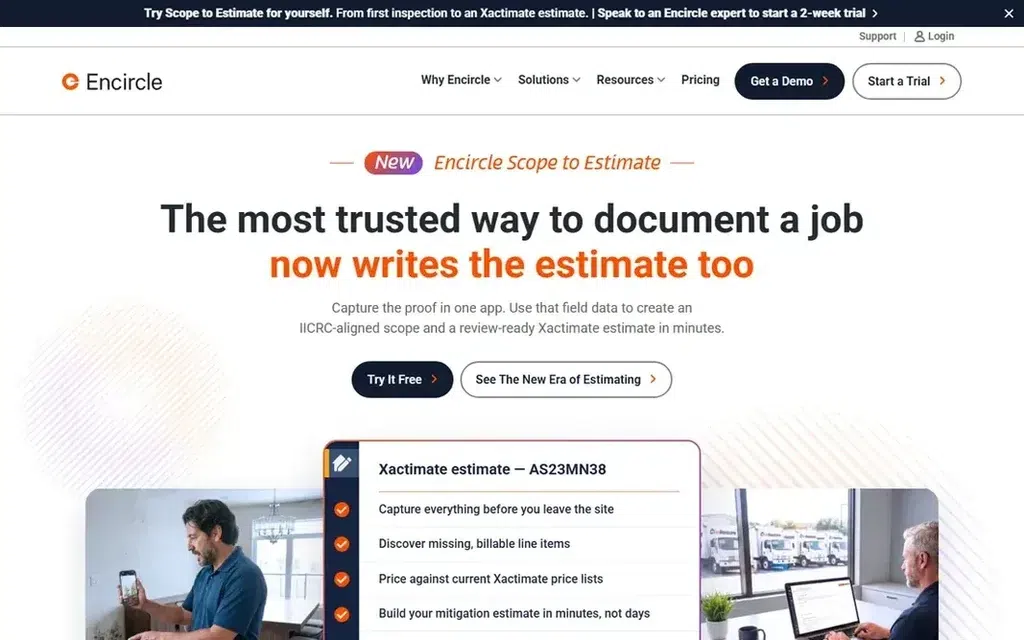
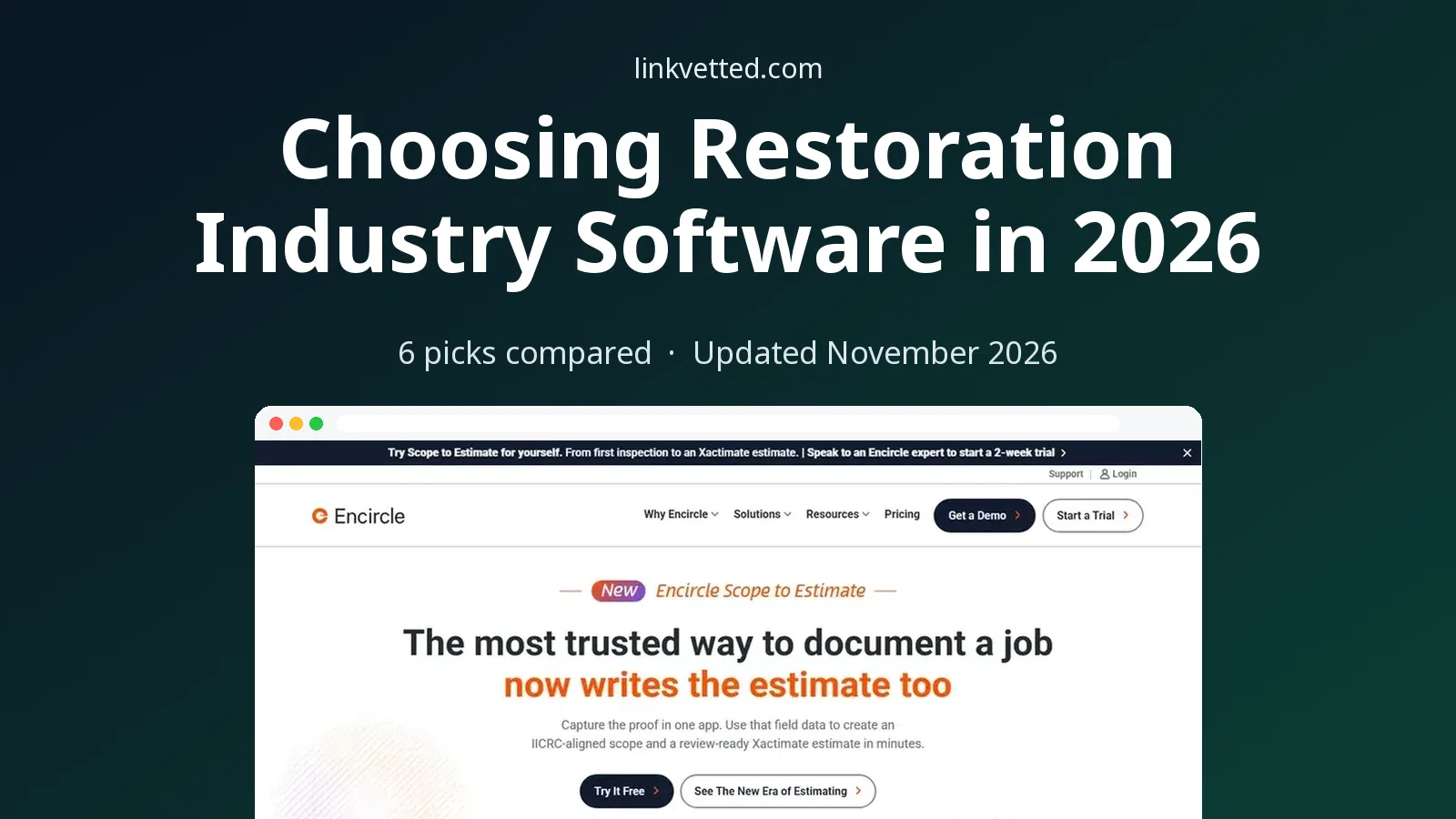
Encircle serves field documentation to estimate. Encircle is concentrated on documentation and scoping instead of running the entire business, so scheduling and invoicing typically come from another system.
As for the details, results rely on technicians capturing complete field data. Also, Encircle helps restoration contractors capture details in the field, convert that data into a scope, and move toward a Xactimate estimate. Entry price for Encircle: $285 per month. Trial and free access: Not stated.
Honest limits: Value relies on consistent field data capture.
- Records field details in one place
- Links documentation to Xactimate estimates
- Narrower than full business management suites
Choose FieldEdge for tracking customers, dispatches, and history. Restoration businesses handling repeat service visits may find the history tracking handy for continuing customer relationships. More specifically, evaluation starts with a demo request, which slows comparison shopping.
Downsides: Not positioned as restoration estimating software.
Beyond that, FieldEdge is general field service management instead of restoration-specific estimating, so scope writing and claims documentation likely need another tool. Beyond that, look elsewhere if restoration estimating is your primary requirement. This comparison lists no price for FieldEdge; ask the vendor. FieldEdge has no permanent free option.
- Field service app included
- Dispatch management features
- Demo request required before evaluating
Xactimate
Best for: Property claims estimating and scoping
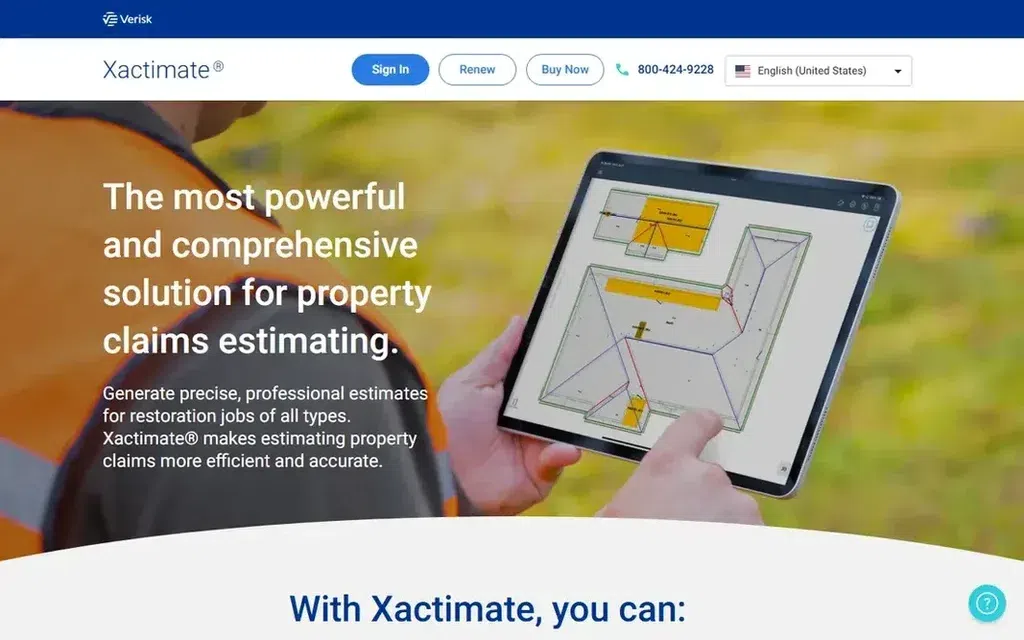
Xactimate works best for property claims estimating and scoping. Xactimate is property claims estimating software from Verisk built around sketching, scoping, localized pricing, and reporting. It runs across desktop, online, and mobile, which fits restoration estimators and claims teams that require consistent documentation of damage and repair scope.
For everyday use, if your core need is producing defensible estimates instead of managing dispatches or invoices, this is the natural starting point. In practice, pick something else if your priority is a single system for field service operations instead of claims estimating. Xactimate does not show a starting price in this comparison, so check the vendor site for current pricing. Free plan details: Not stated.
Best features of Xactimate: Localized pricing support.
Trade-offs to know: not full field service management.
- Sketching and scoping in one workflow
- Desktop, online
- Estimating focus
ServiceTitan was built for bigger contractors managing service and projects. ServiceTitan describes its all-in-one software as designed for home and commercial contractors to keep service visits and construction projects running smoothly. Beyond that, the scope leans toward operational control across teams.
Downsides: Wide product that can feel heavy for small teams.
Restoration-specific estimating may still need a separate tool. On top of that, since it spans service and project management, the system can feel substantial for a small crew, and getting set up takes planning. Smaller firms should weigh whether they need this breadth or a more straightforward scheduling and invoicing product. This comparison lists no price for ServiceTitan; ask the vendor. Free access: Free trial.
- Spans service visits and construction projects
- Designed for home and commercial trades
- Implementation demands time and planning
Selection criteria
For each of the 6 tools we noted price, free plan or trial, fit for restoration industry software and the main limit, using vendor pages and documentation. Plan names, prices and limits change often. Treat the figures here as a starting point and verify them with the vendor. The ranking is editorial: typical fit first, then clear pricing, then free access. If your needs are unusual, read the profiles rather than relying on position.
What to confirm before you sign up
- Confirm the entry price on the vendor page. For MICA, FieldEdge, Xactimate and ServiceTitan that means a quote rather than a fixed price.
- Take the trial from Housecall Pro and ServiceTitan and push a live task through it before you pay.
- Read the limits listed for Housecall Pro first: general home services focus, not restoration-specific.
- A short pilot of Encircle with your real workflow tells you more than a feature table.
- Ask whether Housecall Pro integrates with your current software, and whether that comes standard or as an add-on.
FAQ
When does custom software make sense for a restoration business?
Custom development, like the work MICA describes, fits organizations with workflows that packaged tools cannot accommodate. It needs a development project and continuing investment, so most firms should exhaust standard choices first and confirm scope carefully with the vendor.
Is Housecall Pro the right pick for everyone comparing restoration industry software?
No single tool suits every team. Housecall Pro comes first because it fits home service businesses managing field work, while MICA suits custom software and platform development and Encircle suits field documentation to estimate. Match the tool to your own size, budget and workflow before deciding.
Do these tools publish their prices?
Not all of them. MICA, FieldEdge, Xactimate and ServiceTitan publish no starting price, so expect a quote request for those. The rest, Housecall Pro included, show a starting price, though seats and billing terms still change the final cost.
Does any tool for restoration industry software here have a free plan?
A permanent free plan is not offered by Housecall Pro, ServiceTitan or the other tools here. Housecall Pro, ServiceTitan offer a trial. Plan a short evaluation period instead.
What is the cheapest option for restoration industry software in this list?
On published monthly entry prices, Housecall Pro is the lowest here at $59 per month. Entry price is only part of the cost, because seats, add-ons and billing terms can change the total. Prices, free plan details and limits for all 6 tools in this Restoration industry software roundup sit on the individual cards above.
Sources
- https://www.housecallpro.com
- https://www.micasoftware.com
- https://www.getencircle.com
- https://www.fieldedge.com
- https://www.verisk.com/insurance/products/xactimate
- https://www.servicetitan.com