Best Restaurant Labor Scheduling Software (2026): 5 Picks Checked on Vendor Pages
Best restaurant labor scheduling software, compared. 5 tools with published prices, free plans and limits. Cost notes and weak points included. Start here.
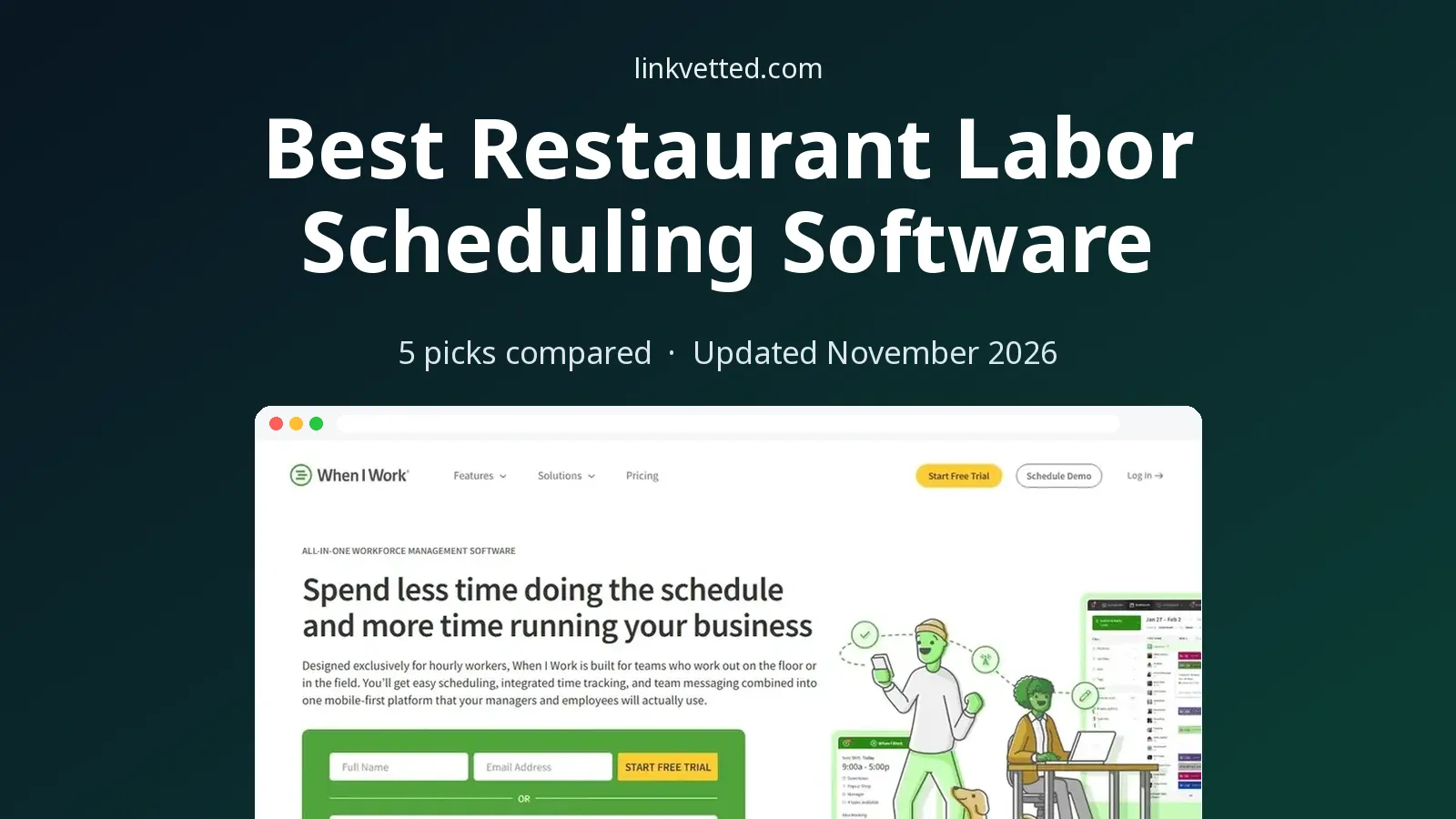
- Editor's choice
 When I Work
Shift scheduling with team messaging
Starts at$2.50 per user a monthVisit wheniwork.comFull review - Great alternative
 Deputy
Forecasting-driven scheduling and HR
Starts at$5 per user a monthVisit deputy.comFull review - Also consider
 Homebase
Small hourly teams wanting one app
Starts at$30 per location a monthVisit joinhomebase.comFull review
Direct answer
Start with When I Work if you need shift scheduling with team messaging. Listed starting prices: When I Work from $2.50 per user a month, Deputy from $5 per user a month and Homebase from $30 per location a month. If your case is different, Deputy suits forecasting-driven scheduling and HR and Homebase suits small hourly teams wanting one app. All 5 tools are compared below on price, free plan and limits.
TL;DR:
- When I Work sits first on this list: shift scheduling with team messaging.
- Restaurant365 fits restaurant accounting, operations and workforce.
- For the cheapest start, look at When I Work: $2.50 per user per month.
- Only Homebase offers a free plan among these 5 tools.
Last checked November 2026. Prices and plan details were read from the vendors' own pages in November 2026; vendors change plans often, so confirm the current price on the vendor site before you buy.
Quick comparison
| Tool | Best for | Starts at | Free plan? | |
|---|---|---|---|---|
| When I Work | Shift scheduling with team messaging | $2.50 per user a month | Free trial | Visit |
| Deputy | Forecasting-driven scheduling and HR | $5 per user a month | Free trial | Visit |
| Homebase | Small hourly teams wanting one app | $30 per location a month | Yes | Visit |
| HotSchedules | Hospitality-focused scheduling and engagement | See website | Not stated | Visit |
 Restaurant365 | Restaurant accounting, operations and workforce | See website | Not stated | Visit |
The full restaurant labor scheduling software list
LinkVetted compared 5 tools for restaurant labor scheduling software. The goal is a practical shortlist: published prices, free plan facts, best-fit use cases and honest limits for every entry.
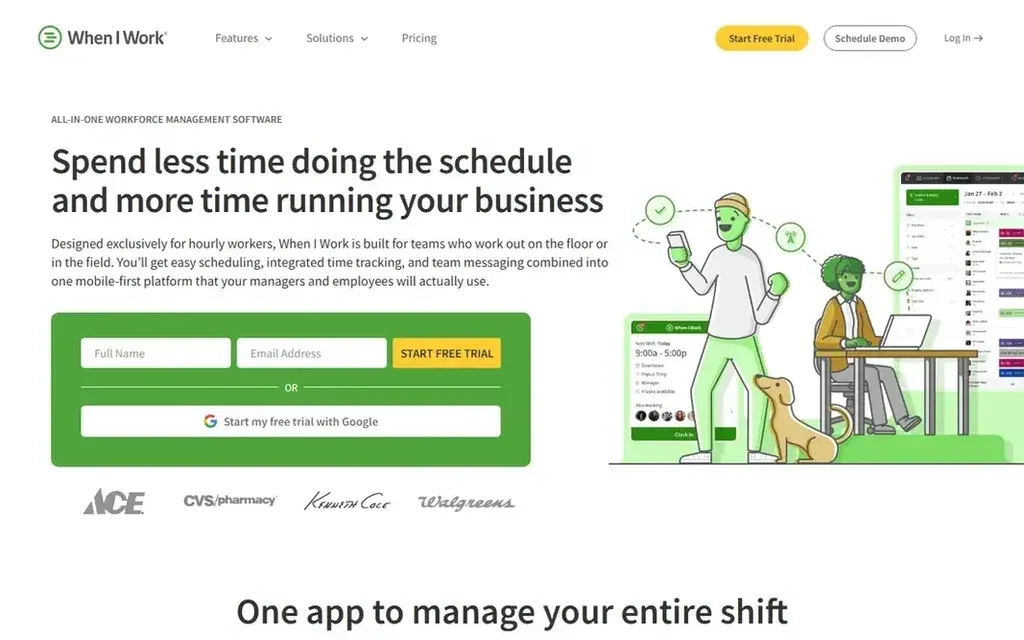
For shift scheduling with team messaging, When I Work is a natural candidate. Managers who want quick schedule publishing and straightforward swap handling tend to find it approachable.
Strengths: Designed for hourly workplaces.
On cost, When I Work starts like this: $2.50 per user per month. Free access: Free trial.
The main drawbacks: Less centred on restaurant accounting.
- Straightforward shift management
- Scheduling
- Forecasting depth is restricted
Deputy was built for forecasting-driven scheduling and HR. The breadth of features means more setup and learning than an entry-level scheduler, and very small teams may not use forecasting at all.
In daily use, the combination fits restaurants that want schedules informed by demand patterns instead of built by hand each week. What you pay to start with Deputy: $5 per user per month. As for free access: Free trial.
Drawbacks to consider: Setup takes some effort.
- AI labor forecasting included
- Aims to save admin time
- Feature depth may exceed small needs
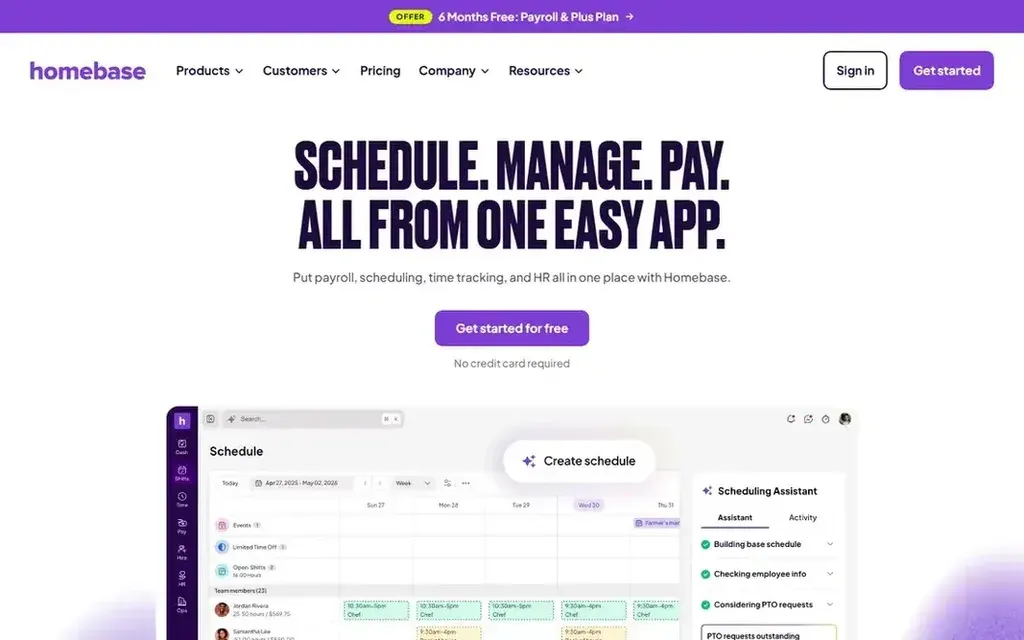
Homebase makes the most sense for small hourly teams wanting one app. Very small teams may only use a fraction of the features.
In practice, the all-in-one approach means some modules are general-purpose instead of restaurant-specific, so deep hospitality needs like advanced labor forecasting may call for a dedicated product. Price to start with Homebase: $30 per location per month. Homebase has a free plan.
Where it is weaker: Wide scope may overwhelm very small teams.
- Hiring tools included
- Time clocks and payroll together
- Restaurant-specific depth varies
HotSchedules
Best for: Hospitality-focused scheduling and engagement
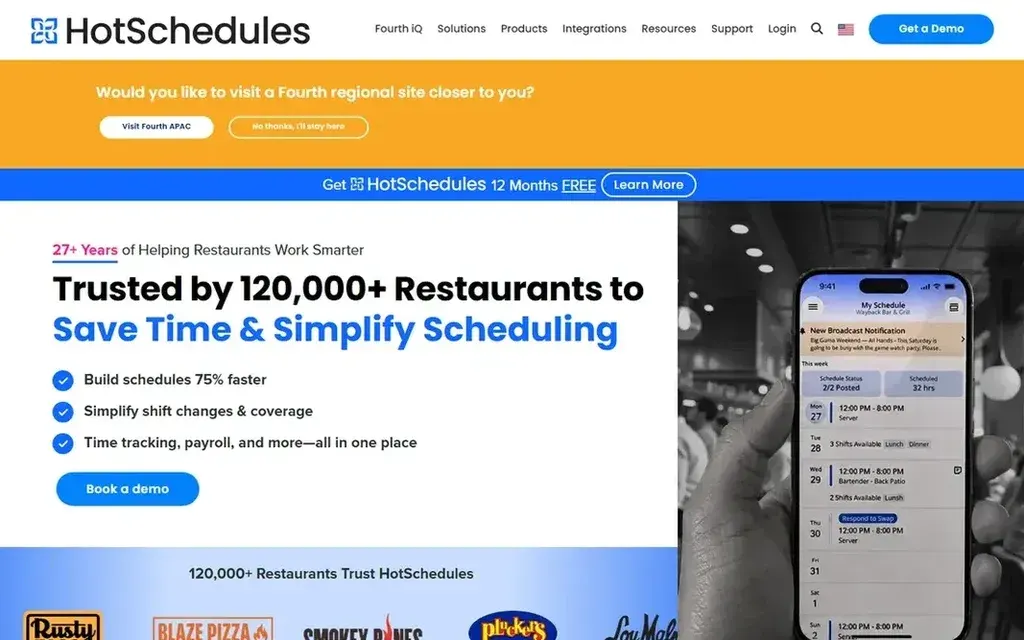
Think of HotSchedules for hospitality-focused scheduling and engagement. For restaurants that want a scheduling tool shaped around hospitality instead of general business, it is a natural starting point, and it suits owners who value team engagement alongside the schedule itself.
Choose HotSchedules when hospitality scheduling and staff engagement are the priority. This comparison lists no price for HotSchedules; ask the vendor. Free options: Not stated.
Points against: May be more than tiny teams need.
- Merges scheduling with engagement
- Aimed at hospitality operations
- Narrower non-scheduling feature set
Restaurant365 is built with restaurant accounting, operations and workforce in mind. Restaurant365 is cloud-based restaurant management software that helps leaders run accounting, operations and workforce together. Beyond that, the product is wide, so adoption takes more planning than a simple scheduler.
A very small restaurant may not need accounting and operations modules at all. For everyday use, restaurants that want labor decisions tied to accounting and operations reporting tend to see the value in that combined view, particularly as they run several locations. In daily use, choose Restaurant365 when workforce management should link to accounting and operations. Restaurant365 shows no starting price here, so confirm the cost on the vendor site. As for free access: Not stated.
Downsides: Broad system, heavier setup.
- Geared toward profit-focused leaders
- Cloud-based restaurant management
- May be excess for single small sites
How the list was put together
Selection started from tools commonly considered for restaurant labor scheduling software, then narrowed to 5 that have clear pricing information or a clear quote process. Seat minimums, billing terms and add-ons can move the real cost, so the starting prices here are a guide and not a quote. Position on the page reflects fit for a typical buyer first, with price clarity and free access breaking ties. Treat it as a guide, not a ruling.
Things to verify first
- Confirm the entry price on the vendor page. For HotSchedules and Restaurant365 that means a quote rather than a fixed price.
- Look at the free plan from Homebase closely: its caps decide whether it is usable for real work.
- Run a trial of When I Work and Deputy with real work before paying for a year; your own workflow is the best test.
- Read the limits listed for When I Work first: less centred on restaurant accounting.
- Confirm you can export your data from Deputy, so leaving later does not mean losing records.
- List the apps you already depend on and check that Homebase supports each one on the plan you would buy.
FAQ
Which options for restaurant labor scheduling software have a free plan?
Homebase is the only tool in this list with a free plan. Free plans usually cap users, projects or features, so check the limits on the vendor page. Several others offer a trial instead. Each of the 5 options in this restaurant labor scheduling software guide has its own card above with the price, free plan and limits.
What is the cheapest option for restaurant labor scheduling software in this list?
On published monthly entry prices, When I Work is the lowest here at $2.50 per user per month. Entry price is only part of the cost, because seats, add-ons and billing terms can change the total. All 5 picks in this restaurant labor scheduling software comparison list a starting price, free plan details and the main limits on their cards above.
How are the tools for restaurant labor scheduling software ordered?
The order follows typical fit for restaurant labor scheduling software, with When I Work first and Restaurant365 last, then price clarity and free access. It is editorial judgement, not a score, so another team could rank the tools differently.
Is When I Work the right pick for everyone comparing restaurant labor scheduling software?
No single tool suits every team. When I Work comes first because it fits shift scheduling with team messaging, while Deputy suits forecasting-driven scheduling and HR and Homebase suits small hourly teams wanting one app. Match the tool to your own size, budget and workflow before deciding.
Sources
- https://wheniwork.com
- https://www.deputy.com
- https://www.joinhomebase.com
- https://www.hotschedules.com
- https://www.restaurant365.com