Best Resource Scheduling Software for Consulting Teams (2026): 6 Picks Checked on Vendor Pages
Best resource scheduling software for consulting teams in 2026: 6 contenders with entry costs and free tiers. Short verdicts, no fluff. Prices included.
- Editor's choice
 BigTime
Combining resourcing with project finance
Starts at$20 per user a monthVisit bigtime.netFull review - Great alternativeHarvest Forecast
Straightforward team scheduling and workload visibility
Starts atSee websiteVisit getharvest.comFull review - Also consider
 Resource Guru
Adaptable, accurate visual scheduling
Starts at$5 per person per monthVisit resourceguruapp.comFull review
Direct answer
BigTime comes first here, mainly for combining resourcing with project finance. Listed starting prices: BigTime from $20 per user a month and Resource Guru from $5 per person per month. Harvest Forecast is the stronger choice for straightforward team scheduling and workload visibility, while Resource Guru suits flexible, accurate visual scheduling. Prices, free plans and limits for all 6 tools follow.
TL;DR:
- BigTime sits first on this list: combining resourcing with project finance.
- Resource Guru is the lowest-priced starter here at $5 per person per month.
- Neither BigTime nor Kantata, nor any of the other 4 tools, has a permanent free plan; trials and quotes are the norm.
- What to know about BigTime first: wide scope requires configuration.
- Kantata suits connecting scoping, resourcing and forecasting.
Last checked November 2026. Prices and plan details were read from the vendors' own pages in November 2026; vendors change plans often, so confirm the current price on the vendor site before you buy.
Quick comparison
| Tool | Best for | Starts at | Free plan? | |
|---|---|---|---|---|
| BigTime | Combining resourcing with project finance | $20 per user a month | Not stated | Visit |
| Harvest Forecast | Straightforward team scheduling and workload visibility | See website | Not stated | Visit |
| Resource Guru | Adaptable, accurate visual scheduling | $5 per person per month | Free trial | Visit |
| Mavenlink | Teams moving to professional services automation | See website | Not stated | Visit |
 Float | Clear daily team scheduling | See website | Free trial | Visit |
 Kantata | Connecting scoping, resourcing and forecasting | See website | Not stated | Visit |
Resource Scheduling Software for Consulting Teams profiles
LinkVetted compared 6 resource scheduling software for consulting teams. The goal is a practical shortlist: published prices, free plan facts, best-fit use cases and honest limits for every entry.
Think of BigTime for combining resourcing with project finance. For consulting businesses that want staffing decisions to reflect project profitability and budgets, having resourcing alongside financial management in one place can be handy.
From a buyer's view, teams that only need a visual booking board may find it heavier than necessary, whereas finance-linked consultancies may see value in the combined view. Entry price for BigTime: $20 per user per month. Trial and free access: Not stated.
What to check first: Wide scope needs configuration.
- Project portfolio management included
- Pitched at professional services businesses
- More than a pure scheduling tool
Harvest Forecast
Best for: Straightforward team scheduling and workload visibility
In short, Harvest Forecast is for straightforward team scheduling and workload visibility. Forecast keeps to scheduling and workload visibility, so it does not attempt full project accounting or pipeline forecasting.
Points against: Centred on scheduling instead of PSA.
No starting price is listed for Harvest Forecast here; confirm pricing on the vendor site. Free access: Not stated.
- Helps confirm projects are staffed
- Keeps an eye on team workload
- Less depth for complicated forecasting
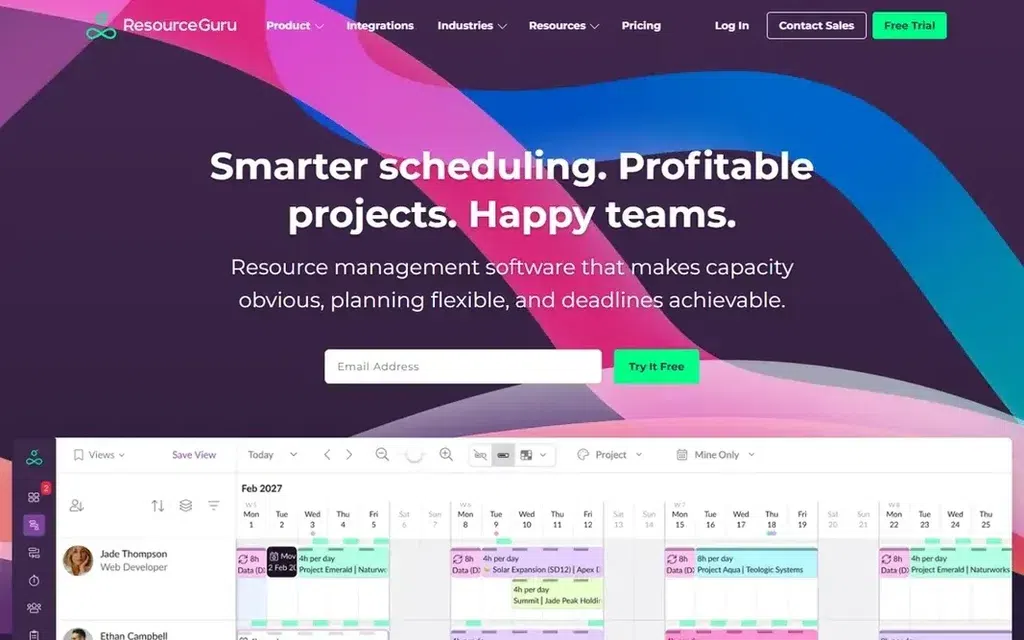
Resource Guru is designed for adaptable, accurate visual scheduling. Resource Guru is resource management and scheduling software positioned around adaptability and accuracy. More specifically, the homepage describes clear resource management that adapts as schedules change.
Where it falls short: Narrower than full PSA suites.
Consulting teams that book people across plenty of short engagements frequently value a tool that stays readable when the calendar gets busy. This product is built around that daily scheduling picture. Since it centers on scheduling, Resource Guru is not a full professional services automation product. Starting cost for Resource Guru: $5 per person per month. Free options: Free trial.
- Clear resource management and scheduling
- Centred on accuracy of bookings
- Less depth for project financials
Mavenlink
Best for: Teams moving to professional services automation
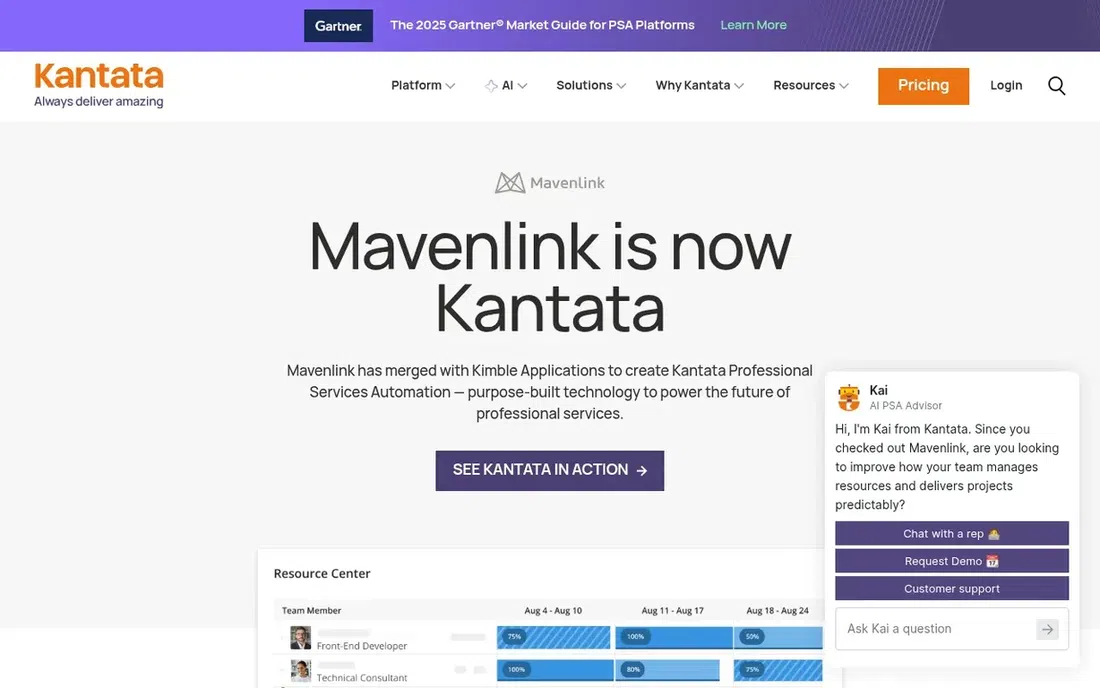
Mavenlink was built for teams moving to professional services automation. Mavenlink is now presented as part of Kantata Professional Services Automation, following its merger with Kimble Applications.
Beyond that, the homepage frames it as purpose-built for professional services organizations. Mavenlink shows no starting price here, so confirm the cost on the vendor site. Trial and free access: Not stated.
Honest limits: Now presented under the Kantata name.
- Professional services automation focus
- Resource management included
- Heavier than straightforward scheduling tools
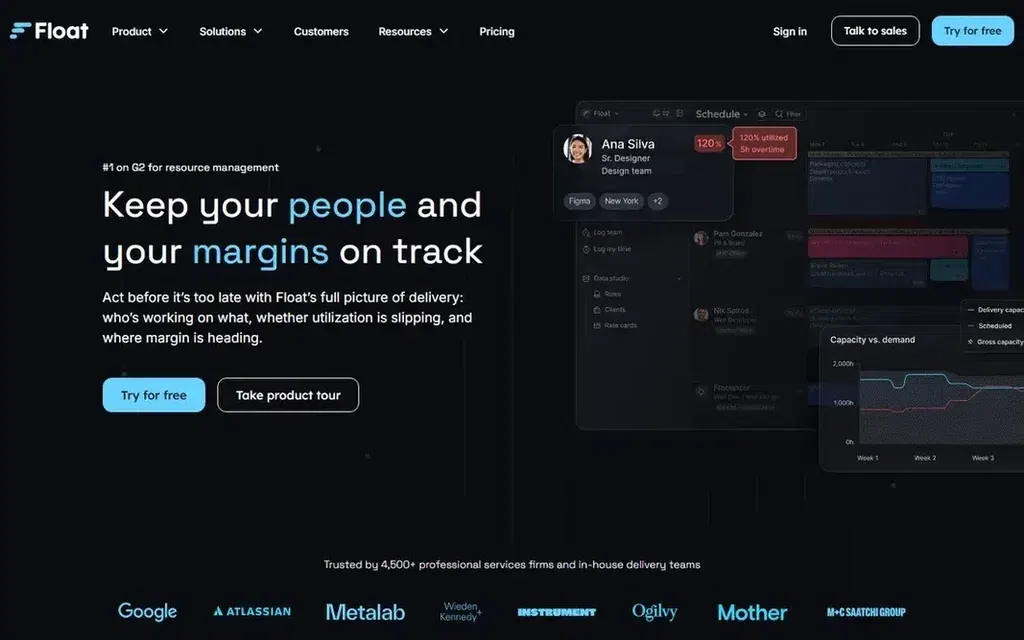
Think of Float for clear daily team scheduling. Float is resource management software built around scheduling and planning.
Its homepage emphasizes a clear view of who is working on what, whether things are on track, and how to take on what comes next. Also, for consulting teams that live in a weekly staffing rhythm, that focus keeps the tool simple to read and fast to update as engagements shift. Pricing for Float is not stated here, so ask the vendor for current figures. On free options: Free trial.
Where it is weaker: Most useful for scheduling over full PSA.
- Supports planning for upcoming work
- Visual view of who works on what
- Restricted finance and billing depth
In short, Kantata is for connecting scoping, resourcing and forecasting. Kantata is a professional services automation product that links scoping, resourcing and forecasting. Its homepage stresses helping professional services teams deliver consistent, profitable projects.
Watch-outs: Broader product than scheduling alone.
Where Kantata stands out: Forecasting built into the product.
In daily use, Kantata is a system instead of a single-purpose scheduler, so implementation and process alignment take effort. In daily use, businesses that just have to see who is booked next week may prefer a lighter tool, whereas bigger consultancies with formal delivery processes may benefit from the wider scope. This comparison lists no price for Kantata; ask the vendor. As for free access: Not stated.
- Links scoping with resourcing
- Aimed at professional services delivery
- Needs setup to match processes
How we compared the tools
Each tool was reviewed on what its vendor publishes: price, plan limits, core features and stated drawbacks. We did not run hands-on tests. Prices and plan limits come from vendor pages and can change, so confirm them on the vendor site before you buy. The order reflects how well each tool fits the most common buying scenario for resource scheduling software for consulting teams, then price clarity, then free plan access. It is a starting point, not a verdict.
A buyer's checklist
- Ask Harvest Forecast, Mavenlink, Float and Kantata for a written quote, since no starting price is shown.
- Take the trial from Resource Guru and Float and push a live task through it before you pay.
- Read the limits listed for BigTime first: wide scope needs configuration.
- Before rolling out Mavenlink, verify the integrations your workflow depends on.
- Before you load data into Resource Guru, check what an export looks like and who can run it.
FAQ
How do Mavenlink and Kantata relate?
Mavenlink is now presented as part of Kantata Professional Services Automation after merging with Kimble Applications. Also, buyers should confirm the current product structure and naming on the vendor site before deciding.
Do these tools publish their prices?
Not all of them. Harvest Forecast, Mavenlink, Float and Kantata publish no starting price, so expect a quote request for those. The rest, BigTime included, show a starting price, though seats and billing terms still change the final cost.
Does any tool for resource scheduling software for consulting teams here have a free plan?
No tool in this list, BigTime and Kantata included, has a permanent free plan. Resource Guru, Float offer a trial. Trials and quotes are the usual route, so plan a short evaluation period.
What is the cheapest option for resource scheduling software for consulting teams in this list?
On published monthly entry prices, Resource Guru is the lowest here at $5 per person per month. Entry price is only part of the cost, because seats, add-ons and billing terms can change the total. All 6 picks in this resource scheduling software for Consulting teams comparison list a starting price, free plan details and the main limits on their cards above.
Can these tools manage consultants split across multiple projects?
Scheduling-focused tools are usually built around partial bookings and shifting allocations, which fits consultants shared across engagements. Confirm how each tool displays partial availability and how rapidly bookings can be adjusted when priorities change.
Can I try these tools before paying?
Often, yes. Resource Guru and Float offer a free trial. Use your own data and a real task during the test, and check what the free tier or trial limits before you rely on it.
Sources
- https://www.bigtime.net
- https://www.getharvest.com/forecast
- https://resourceguruapp.com
- https://www.mavenlink.com
- https://www.float.com
- https://www.kantata.com