Choosing Resource Scheduling Software for Consulting Firms in 2026: 6 Options Compared
Best resource scheduling software for consulting firms, compared. 6 tools with published prices, free plans and limits. Each profile ends with a plain caveat.
- Editor's choice
 Resource Guru
Straightforward, accurate team availability planning
Starts at$5 per person per monthVisit resourceguruapp.comFull review - Great alternativeSaviom
Enterprise resource and workforce planning
Starts atSee websiteVisit saviom.comFull review - Also consider
 BigTime
Resourcing plus finance in one product
Starts at$20 per user per monthVisit bigtime.netFull review
Direct answer
Resource Guru comes first here, mainly for straightforward, accurate team availability planning. Listed starting prices: Resource Guru from $5 per person per month and BigTime from $20 per user per month. Saviom fits enterprise resource and workforce planning; BigTime fits resourcing plus finance in one platform. Prices, free plans and limits for all 6 tools follow.
TL;DR:
- Resource Guru sits first on this list: straightforward, accurate team availability planning.
- Starting prices begin at $5 per person per month with Resource Guru.
- None of the 6 tools, from Resource Guru to Harvest Forecast, has a free plan, so budget for a subscription or use a trial.
- Harvest Forecast suits scheduling teams across upcoming projects.
- Before buying Saviom, weigh this: enterprise focus may be excessive for small businesses.
Last checked November 2026. Prices and plan details were read from the vendors' own pages in November 2026; vendors change plans often, so confirm the current price on the vendor site before you buy.
Quick comparison
| Tool | Best for | Starts at | Free plan? | |
|---|---|---|---|---|
| Resource Guru | Straightforward, accurate team availability planning | $5 per person per month | Free trial | Visit |
| Saviom | Enterprise resource and workforce planning | See website | Not stated | Visit |
| BigTime | Resourcing plus finance in one product | $20 per user per month | Not stated | Visit |
| Mavenlink | Professional services automation with resourcing | See website | Not stated | Visit |
 Float | Visual scheduling of consultants across projects | See website | Free trial | Visit |
| Harvest Forecast | Scheduling teams across upcoming projects | See website | Not stated | Visit |
The 6 tools in detail
If you are comparing resource scheduling software for consulting firms, this page covers 6 tools in one place: what each is best for, what it costs to start, whether it has a free plan, and the main limit to know about.
Resource Guru
Best for: Straightforward, accurate team availability planning
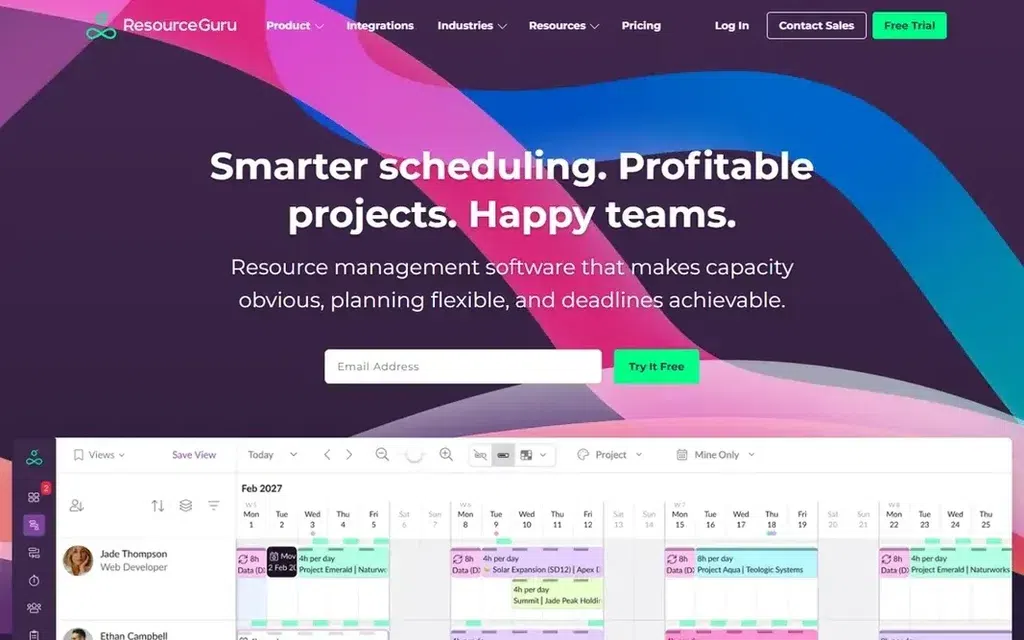
Resource Guru serves straightforward, accurate team availability planning. Resource Guru is resource management and scheduling software centred on flexible, accurate planning of people and their time.
Honest limits: Advanced portfolio features are modest.
In daily use, consulting teams use it to see availability, book consultants onto engagements and avoid double-booking specialists. It is not a full professional services automation suite, so businesses that require integrated time, billing and project financials should look at broader products. Resource Guru pricing: $5 per person per month. Trial and free access: Free trial.
- Adaptable scheduling views
- Suited to expanding consulting teams
- Restricted deep project accounting
Saviom
Best for: Enterprise resource and workforce planning
Saviom works best for enterprise resource and workforce planning. Saviom brings together resource management, workforce planning, PSA, PMO and PPM with AI-powered intelligence targeted at improving forecasting, utilization, profitability and delivery predictability. The enterprise scope means more configuration and a steeper ramp-up time than light schedulers.
Where it is weaker: Configuration demands time.
In practice, businesses that chiefly need daily assignment clarity may find a more straightforward tool sufficient. Consulting businesses managing plenty of concurrent engagements and specialist skill sets can use it to plan supply and demand more systematically. Saviom shows no starting price here, so confirm the cost on the vendor site. As for free access: Not stated.
- AI-supported forecasting features
- Brings together resource management and PSA
- Enterprise focus may be excessive for small businesses
BigTime makes the most sense for resourcing plus finance in one product. The combined scope means more setup and administration than a dedicated scheduling tool.
Also, businesses whose central pain is simply booking consultants may prefer a more straightforward choice and add finance software separately. The starting price for BigTime: $20 per user per month. Trial and free access: Not stated.
Drawbacks to consider: May overwhelm very small teams.
- Resourcing and finance together
- Pitched at professional services profitability
- Wide scope takes time to configure
Mavenlink
Best for: Professional services automation with resourcing
Think of Mavenlink for professional services automation with resourcing. Mavenlink is now Kantata Professional Services Automation, formed when Mavenlink merged with Kimble Applications. If your firm only needs to see who is booked when, a lighter scheduling tool will be quicker to adopt.
Worth adding: for consulting businesses that have outgrown standalone schedulers, it provides a single environment for staffing decisions and engagement execution. The system is purpose-built for professional services organizations, pairing resource management with project delivery and financial visibility. No starting price is listed for Mavenlink here; confirm pricing on the vendor site. Free access: Not stated.
Drawbacks to consider: Heavier setup for small businesses.
- Now part of the Kantata product
- Aimed at professional services businesses
- More complexity than pure schedulers
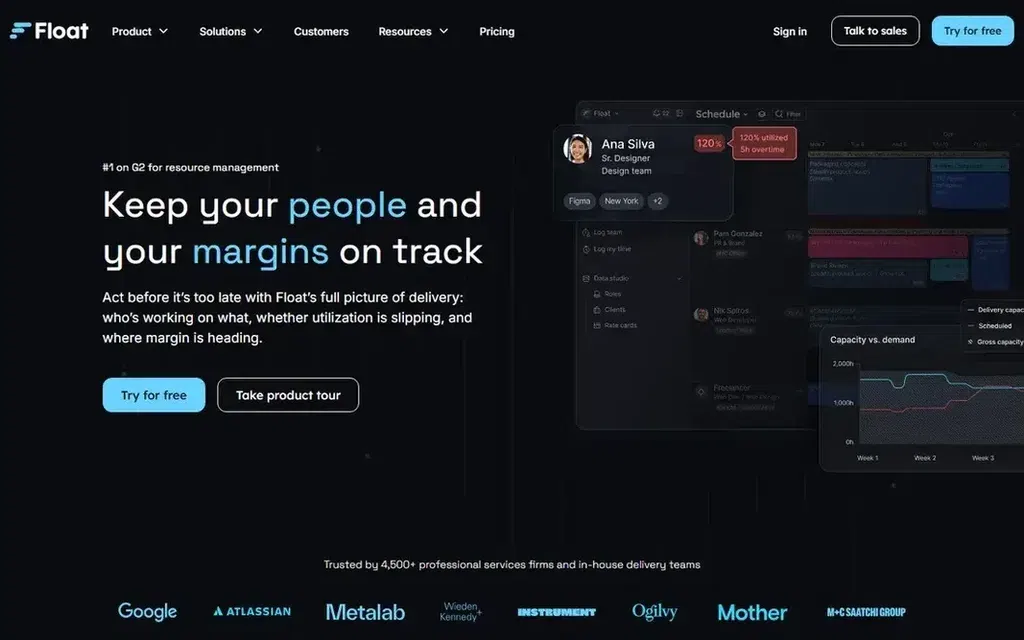
Think of Float for visual scheduling of consultants across projects. For consulting businesses, that means assigning consultants to engagements and spotting overbooking before it becomes a delivery problem.
Since Float centers on scheduling and planning, businesses needing integrated billing, invoicing or full project accounting may find it incomplete on its own. Float is a resource management and scheduling system built around a clear view of who is working on what, whether work is on track and how much capacity remains for what comes next. Float shows no starting price here, so confirm the cost on the vendor site. As for free access: Free trial.
Limits to weigh: Lighter on deep financial management.
- Clear view of who is working on what
- Supports planning for upcoming capacity
- Large businesses may need more automation
Harvest Forecast
Best for: Scheduling teams across upcoming projects

Choose Harvest Forecast for scheduling teams across upcoming projects. Harvest Forecast is a team scheduling and resource planning tool that makes it simple to schedule people across upcoming projects.
It helps consulting businesses confirm that engagements are completely staffed and watch individual workload. Worth adding: Forecast concentrates on scheduling and workload visibility, so financial management, CRM and deep project accounting sit outside it. Harvest Forecast does not show a starting price in this comparison, so check the vendor site for current pricing. Free options: Not stated.
Where it falls short: Deeper reporting is restricted.
- Presents whether projects are completely staffed
- Keeps workload visible
- Narrower than full PSA suites
How these tools were picked
We compared the tools on published pricing, free plan or trial availability, feature coverage for resource scheduling software for consulting firms, and the limits each vendor documents. Where a vendor does not publish a price, the entry says quote. Where a price depends on seats or billing term, the entry says so. Position on the page reflects fit for a typical buyer first, with price clarity and free access breaking ties. Treat it as a guide, not a ruling.
Things to verify first
- Get a written quote from Saviom, Mavenlink, Float and Harvest Forecast; the list shows no starting price for them.
- Take the trial from Resource Guru and Float and push a live task through it before you pay.
- Before choosing Resource Guru, weigh its main limit: restricted deep project accounting.
- Make sure Float lets you export your data in a format another tool can read.
- Pick one real project and run it in Resource Guru first; a small pilot shows fit faster than a checklist.
FAQ
Does any tool for resource scheduling software for consulting firms here have a free plan?
No tool in this list, Resource Guru and Harvest Forecast included, has a permanent free plan. Resource Guru, Float offer a trial. Trials and quotes are the usual route, so plan a short evaluation period.
What is the cheapest option for resource scheduling software for consulting firms in this list?
On published monthly entry prices, Resource Guru is the lowest here at $5 per person per month. Entry price is only part of the cost, because seats, add-ons and billing terms can change the total. Each of the 6 options in this resource scheduling software for Consulting firms guide has its own card above with the price, free plan and limits.
Is a dedicated scheduler enough, or do we need full PSA software?
Full professional services automation, as offered by Kantata, BigTime or Saviom, layers on project delivery and financial control but demands more configuration.
Do these tools publish their prices?
Not all of them. Saviom, Mavenlink, Float and Harvest Forecast publish no starting price, so expect a quote request for those. The rest, Resource Guru included, show a starting price, though seats and billing terms still change the final cost.
How are the tools for resource scheduling software for consulting firms ordered?
The order follows typical fit for resource scheduling software for consulting firms, with Resource Guru first and Harvest Forecast last, then price clarity and free access. It is editorial judgement, not a score, so another team could rank the tools differently.
Sources
- https://resourceguruapp.com
- https://www.saviom.com
- https://www.bigtime.net
- https://www.mavenlink.com
- https://www.float.com
- https://www.getharvest.com/forecast