Best Resource Planning Software in 2026: 8 Tools Compared
Compare the best resource planning software for teams, with capacity, scheduling, utilization, leave, and project forecasting compared in detail for 2026.

- Editor's choice
 Float
Visual scheduling for agencies and studios
Starts at$7 per scheduled person per monthVisit float.comFull review - Great alternative
 Resource Guru
Simple people scheduling at low cost
Starts at$5 per person per monthVisit resourceguruapp.comFull review - Also consider
 Teamdeck
Scheduling plus time tracking and leave
Starts at$6 per full member per monthVisit teamdeck.ioFull review
TL;DR:
- Dedicated planners like Float, Resource Guru, and Runn show capacity fastest, while suites like monday.com and Wrike add capacity to wider project work.
- Starting prices are low, from 5 to 7 dollars per person per month for dedicated tools, but check which tier includes forecasting and reporting.
- Leave, holidays, and part-time hours must be in the plan, or utilization numbers will mislead managers.
- A two-week trial with real projects beats a feature list, because scheduling feel and conflict handling differ sharply.
Quick comparison
| Tool | Best for | Starts at | Free plan? | |
|---|---|---|---|---|
| Float | Visual scheduling for agencies and studios | $7 per scheduled person per month | Free trial | Visit |
| Resource Guru | Simple people scheduling at low cost | $5 per person per month | Free trial | Visit |
| Teamdeck | Scheduling plus time tracking and leave | $6 per full member per month | Free trial | Visit |
 Runn | Capacity plus project forecasting | $7 per resource per month | Free trial | Visit |
 Ganttic | Booking people and equipment together | Free | Yes | Visit |
 Hub Planner | Scheduling, leave, and timesheets together | $7 per resource per month | Free trial | Visit |
 Forecast | Services firms tying resourcing to finance | $29 per seat per month | Free trial | Visit |
 monday.com | Project work plus workload views | $12 per seat per month | Yes | Visit |
The best resource planning software
We compared vendor pricing pages and feature pages for tools that plan people and other resources, track capacity, and forecast utilization. These eight cover dedicated planners and wider platforms.
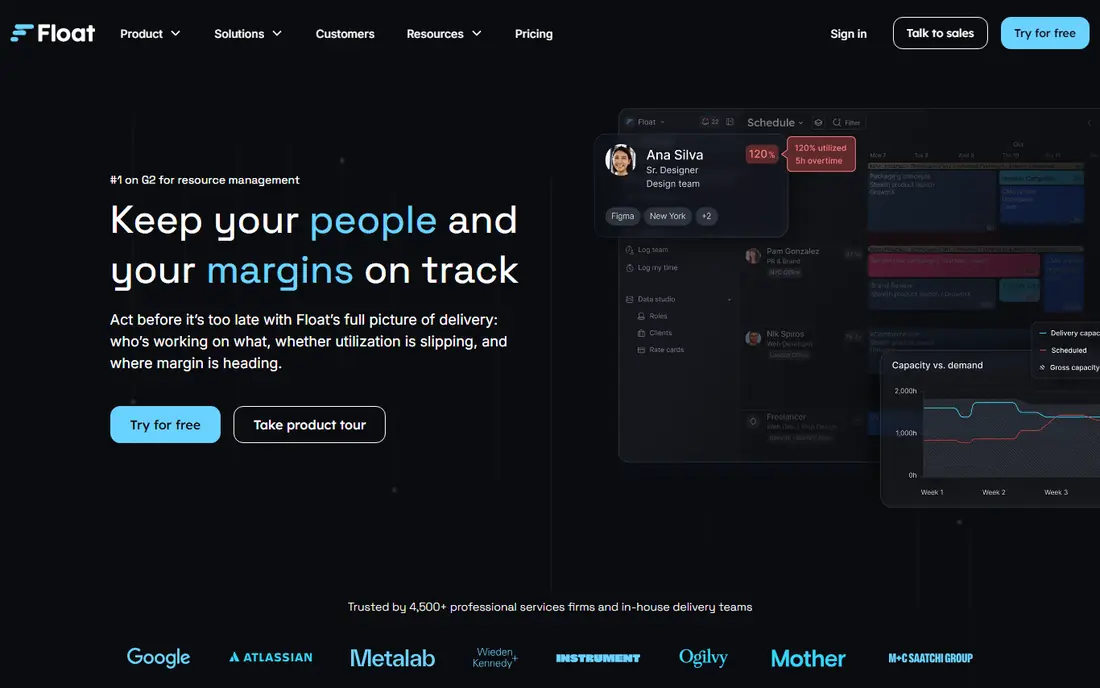
Float is the visual scheduling tool many creative, marketing, and professional services teams choose first. Its drag-and-drop schedule shows who is booked, who is free, and where conflicts sit across projects, which makes weekly planning meetings faster and more honest. Project budgets and time tracking sit alongside scheduling, so managers can see whether a project is on track as well as who is working on it.
Float pricing starts at 7 dollars per scheduled person per month on the Starter plan billed annually, with a 30-day trial. The limit is depth: advanced reporting and forecasting features sit on higher plans, and teams that book rooms or equipment alongside people should check Ganttic instead. For people-first scheduling, Float is easy to adopt and easy to keep current.
- Clear visual schedule across projects
- Capacity and availability views
- 30-day trial
- Deeper reporting needs higher tiers
- Best for people, not equipment booking
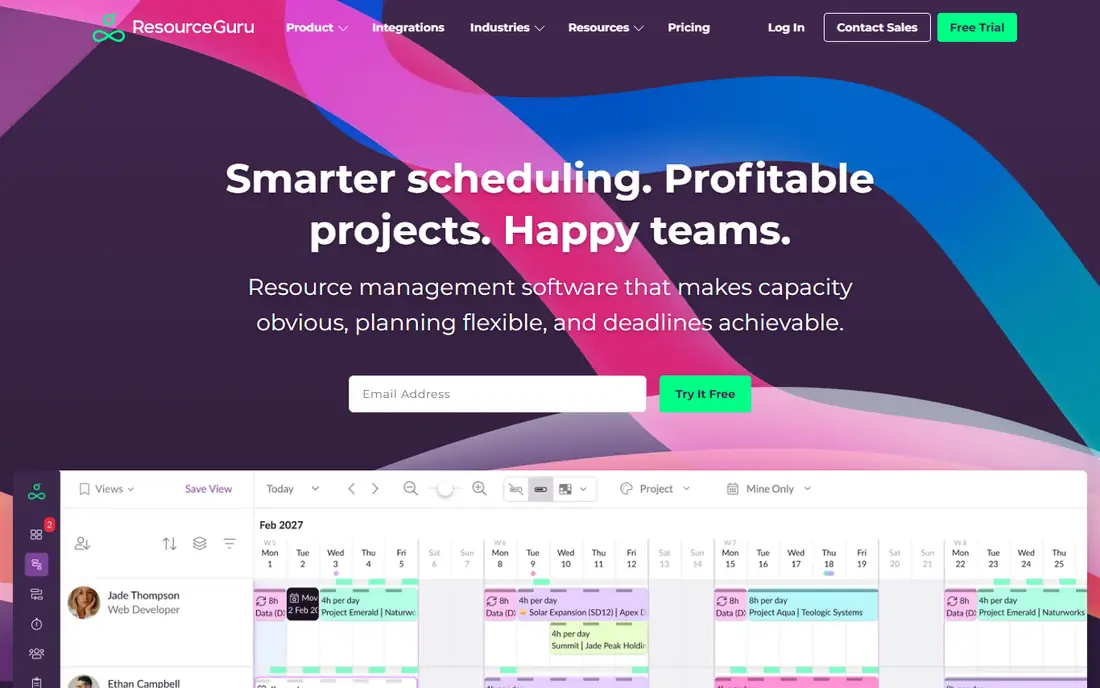
Resource Guru keeps resource planning simple: book people and equipment on a visual calendar, manage leave and availability, and avoid double-booking with clash detection. Its Grasshopper plan starts at 5 dollars per person per month, making it the lowest-cost dedicated planner on this list, with a 30-day trial. Small and mid-sized teams that replaced spreadsheets often find Resource Guru is the first tool that actually sticks, because it does not ask them to adopt a full project system.
The trade-off is scope. Resource Guru does not try to be a project management suite, and its reporting is simpler than Runn, Forecast, or Kantata. If your main need is clear, conflict-free scheduling with leave handled, that simplicity is a strength. If you need revenue forecasting tied to staffing, look at Runn or Forecast.
- Lowest starting price among dedicated tools
- Fast clash-free scheduling
- Leave management included
- Limited project management depth
- Reporting is simpler than Runn or Forecast
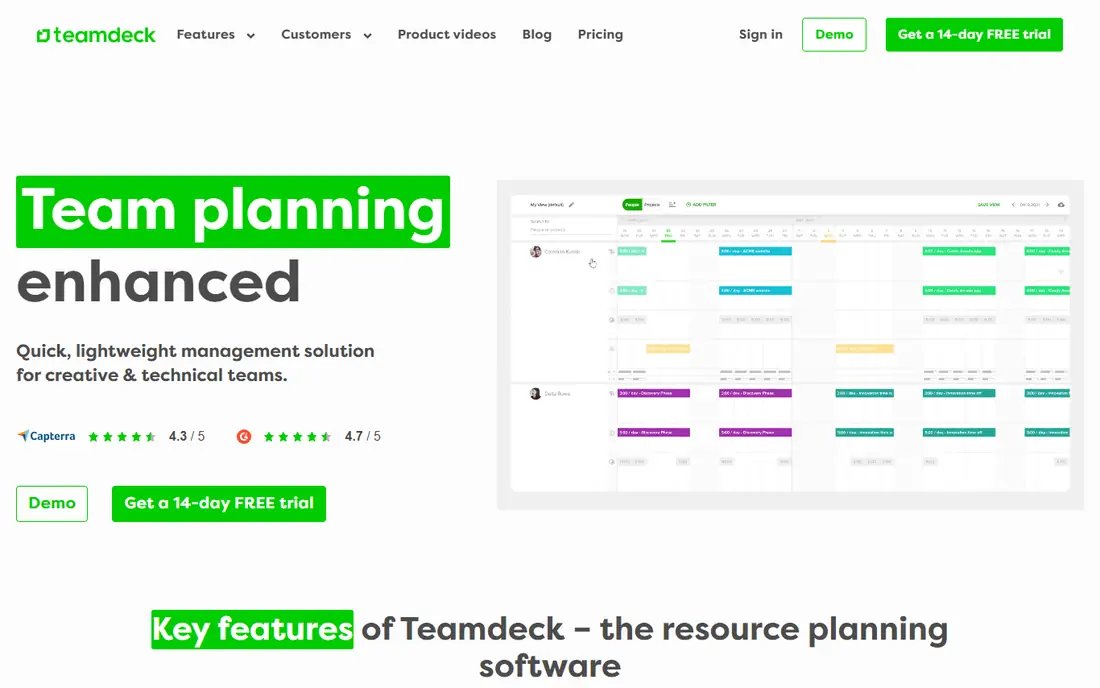
Teamdeck combines resource scheduling with time tracking, leave management, and custom reporting, which suits agencies and software teams that want actual hours compared with planned hours. Managers can schedule work, track what was delivered, and adjust future plans based on real capacity, not just booked time. Pricing starts at 6 dollars per full member per month, with a 14-day trial in recent listings.
Teamdeck has fewer integrations than monday.com or Wrike, and its customization is more limited than enterprise resource tools. For a team that wants one affordable tool for scheduling, time, and leave, without a wider project suite, Teamdeck offers strong value.
- Scheduling, time tracking, and leave in one tool
- Custom reports
- Good value
- Fewer integrations than larger suites
- Customization is limited compared with enterprise tools
Runn is built for firms that need to answer two questions at once: who is available, and what will that staffing cost or earn. Its Lite plan starts at 7 dollars per resource per month, with utilization, capacity, and project forecasting in the same view. IT, software, and consulting firms use Runn to test whether a new project is staffable, what it will cost, and how it affects margins before committing.
Runn reports minimum seat levels on some plans, so small teams should confirm the entry cost for their size. For firms that plan by project economics, not just by hours, Runn gives a clearer forward view than simpler schedulers like Resource Guru.
- Utilization and project cost in one view
- Revenue and budget forecasting
- 30-day trial on Lite and Standard
- Minimum seat requirements reported on some plans
- Deeper features need higher tiers
Ganttic is the planner to choose when resources are not only people. It books staff, rooms, vehicles, and equipment on the same charts, with a free plan for up to 10 resources and paid plans from 25 dollars per month flat for up to 20 resources. That flat pricing, rather than per-person pricing, suits teams with many viewers and a smaller set of bookable resources.
Ganttic is less polished than Float and less project-focused than monday.com, but its resource breadth is unique at this price. Hospitals, schools, rental firms, and production teams that schedule equipment alongside staff will find it a practical fit.
- Free plan for up to 10 resources
- Unlimited viewers
- Books people, rooms, vehicles, and equipment
- Interface is functional rather than polished
- Project features are lighter than suites
Hub Planner combines resource scheduling with leave management and timesheets, plus capacity reporting for mid-sized consultancies and IT services firms. Its Plug and Play plan starts at 7 dollars per resource per month billed annually in recent listings. Managers can see booked time, leave, and actual hours together, which makes utilization reporting more accurate than a schedule-only tool.
Hub Planner has a smaller integration ecosystem than larger suites, so firms with complex tool stacks should check connections early. For a mid-sized firm that wants scheduling, leave, and timesheets without buying a full professional services suite, Hub Planner is a balanced choice.
- Scheduling, leave, and timesheets in one tool
- Capacity reporting
- Good for mid-sized firms
- Smaller ecosystem than monday.com
- Trial terms vary by listing
Forecast, now part of the wider professional services market, ties resource planning to project budgets, rates, and finances, which suits firms that bill clients by project and need to protect margins. Its Lite plan starts at 29 dollars per seat per month billed annually, with a 14-day trial in recent listings. Resource, project, and finance views share the same data, so a staffing change shows its budget impact at once.
The price and depth put Forecast above simple schedulers, and small teams may find it more than they need. For a professional services firm that plans staffing and money together, Forecast offers a depth that Float and Resource Guru do not aim for.
- Resourcing tied to project finances
- AI-assisted planning
- Strong professional services depth
- Higher starting price than dedicated schedulers
- More system than a small team needs
Monday.com is a work management platform whose workload views add resource planning to project tracking. Teams can manage tasks, timelines, and docs in one workspace, then switch to workload views to see who is over capacity and rebalance work. Standard pricing starts at 12 dollars per seat per month billed annually, with a free plan for up to two seats.
Capacity features sit on higher tiers, so buyers should confirm which plan includes the workload views they need before comparing prices with dedicated planners. Monday.com fits firms that want projects and resourcing in one system and are willing to pay suite pricing for that breadth.
- Project tracking plus workload views in one workspace
- Free plan for up to two seats
- Broad integrations
- Workload and capacity features need higher tiers
- Per-seat pricing grows with team size
How we picked these
We compared vendor pricing pages and feature pages for tools that plan resources as a core job, including scheduling, capacity, utilization, and leave. We favored tools still sold in 2026, with clear resource views, and we excluded general task tools without capacity or workload features. Prices marked as Free trial mean no free plan was listed, but a trial is available.
How to plan resources without misleading numbers
Start by entering real availability: working hours, part-time patterns, holidays, and leave. A schedule built on 40 hours for everyone will overstate capacity for part-time staff and understate leave in holiday months. Next, separate booked time from tentative time, so managers can see firm commitments versus pipeline work that may not happen.
Then review utilization weekly, not monthly. Weekly reviews catch overload early, when work can still be moved, rather than after a deadline slips. Finally, compare planned hours with actual hours from timesheets, because the gap between plan and reality is where future estimates improve. Tools like Teamdeck, Hub Planner, and Runn make that comparison easier than schedule-only tools.
Choosing between a dedicated planner and a suite
Choose a dedicated planner when scheduling speed and capacity clarity matter most, and your project work already lives elsewhere. Choose a suite like monday.com when you want tasks, docs, and workload in one place and can accept higher-tier pricing. Many firms start dedicated, then move to a suite as project complexity grows, so check export options before committing.
FAQ
What is the best resource planning software for a small team?
Float and Resource Guru are the strongest small-team picks, with Float leading on visual scheduling and Resource Guru leading on low cost and simplicity. Teamdeck is a good alternative when time tracking and leave matter in the same tool.
What is the best software for resource planning in an agency?
Float, Runn, and Forecast suit agencies, with Float for visual scheduling, Runn for capacity plus project forecasting, and Forecast for resourcing tied to client project finances. The right choice depends on whether you plan by hours, by project cost, or by both.
What is the best tool for resource planning with equipment?
Ganttic leads here, because it books people, rooms, vehicles, and equipment on the same charts, with a free plan for up to 10 resources. Resource Guru also books equipment, but Ganttic offers broader resource types at flat pricing.
Is there free resource planning software?
Yes, with limits. Ganttic is free for up to 10 resources, monday.com offers a free plan for up to two seats, and most dedicated tools offer trials rather than free plans. Free plans suit very small teams, while larger teams will need a paid tier for reporting and forecasting.
How do I measure utilization in resource planning software?
Utilization is usually booked or actual hours divided by available hours, after leave and holidays are removed. The most useful view separates billable, non-billable, and leave time, because a high total utilization driven by internal work is not the same as profitable billable utilization.