Choosing Remote Connect Software in 2026: 6 Options Compared
Best remote connect software, compared. 6 tools with published prices, free plans and limits. Cost notes and weak points included. Read before you buy.
- Editor's choice
 AnyDesk
Light remote desktop connections
Starts atSee websiteVisit anydesk.comFull review - Great alternativeN-able Take Control
Managed service providers resolving issues
Starts atSee websiteVisit n-able.comFull review - Also consider
 Splashtop
Secure remote access and support
Starts at$6 a monthVisit splashtop.comFull review
Direct answer
This list puts AnyDesk first for light remote desktop connections. Listed starting prices: Splashtop from $6 a month and RemotePC from $1.84 a month. N-able Take Control fits managed service providers resolving issues; Splashtop fits secure remote access and support. The remaining 3 options are covered below with prices and limits.
TL;DR:
- Number one here is AnyDesk, a fit for light remote desktop connections.
- Starting prices begin at $1.84 per month with RemotePC.
- A permanent free plan is missing from all 6 tools, AnyDesk and RemotePC included; plan for a trial or a premium start.
- RemotePC is the one to check for cross-platform remote access.
Last checked November 2026. Prices and plan details were read from the vendors' own pages in November 2026; vendors change plans often, so confirm the current price on the vendor site before you buy.
Quick comparison
| Tool | Best for | Starts at | Free plan? | |
|---|---|---|---|---|
| AnyDesk | Light remote desktop connections | See website | Not stated | Visit |
| N-able Take Control | Managed service providers resolving issues | See website | Not stated | Visit |
| Splashtop | Secure remote access and support | $6 a month | Free trial | Visit |
 TeamViewer | All-around remote access and support | See website | Free trial | Visit |
 Chrome Remote Desktop | Straightforward browser-based remote access | See website | Not stated | Visit |
 RemotePC | Cross-platform remote access | $1.84 a month | Free trial | Visit |
Tool-by-tool breakdown
Choosing remote connect software usually comes down to price, fit and limits. This LinkVetted guide sets 6 tools side by side on those three points, with the facts kept short and checkable.
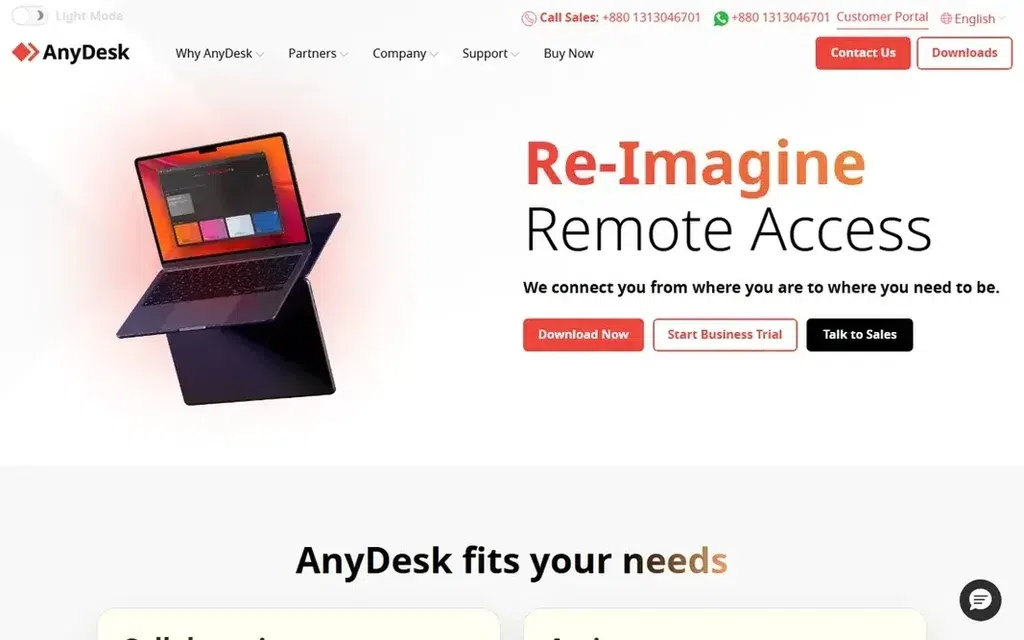
Think of AnyDesk for light remote desktop connections. AnyDesk is less oriented toward wide collaboration or helpdesk workflows, so organizations needing integrated support ticketing or management may have to pair it with other tools.
Highlights: responsive connections.
Limits to weigh: Fewer adjacent collaboration features.
For everyday use, AnyDesk is widely known as remote desktop software centred on fast, responsive connections between devices. Pricing for AnyDesk is not stated here, so ask the vendor for current figures. Free access: Not stated.
- Straightforward remote desktop focus
- Available across major products
- Advanced management needs separate tools
N-able Take Control
Best for: Managed service providers resolving issues
For managed service providers resolving issues, N-able Take Control is a natural candidate. The MSP orientation means Take Control is likely more than a home user or small office needs for occasional remote access. The vendor describes it as helping MSPs resolve issues rapidly whereas maintaining decent customer service.
What to check first: MSP focus narrows the audience.
On top of that, buyers outside managed services should compare it against more straightforward tools. Confirm integration with your existing management stack on the vendor site. Check the vendor site for N-able Take Control pricing; none is listed in this comparison. Free access: Not stated.
- Made for MSP remote support
- Remote control and support in one tool
- Overkill for personal remote access
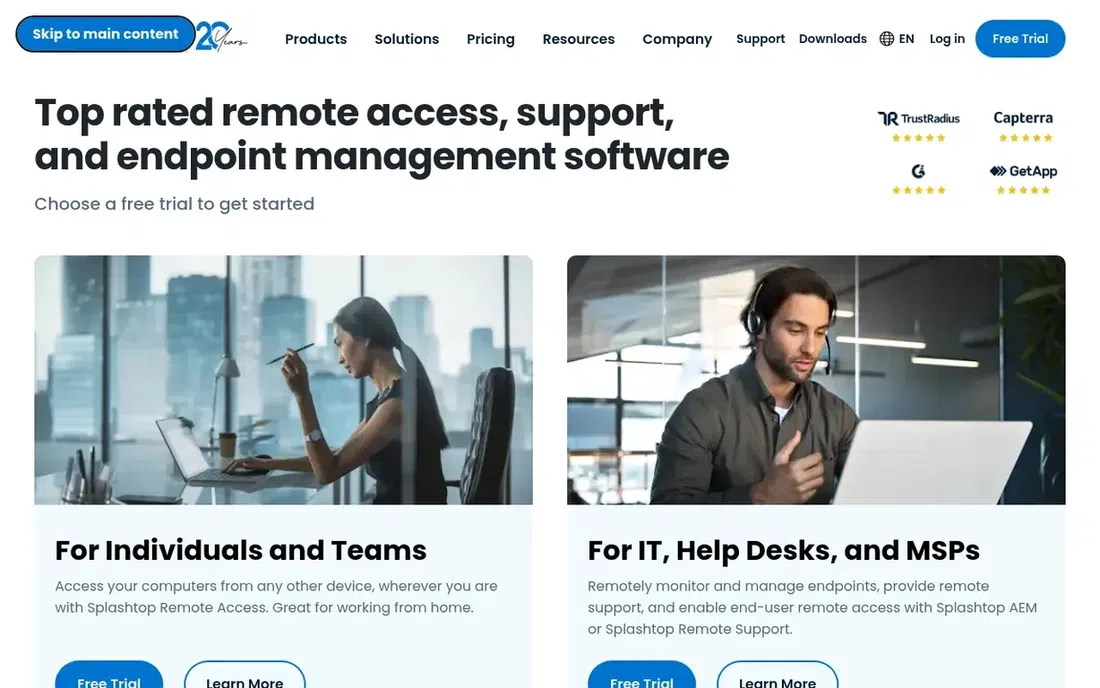
Splashtop makes the most sense for secure remote access and support. That makes it a reasonable candidate for teams that require both everyday access and assisted support.
What you pay to start with Splashtop: $6 per month. Free options: Free trial.
Limits to weigh: Best fit relies on the use case.
- Quick connections
- Remote access and remote support in one
- Product lines can be confusing to compare
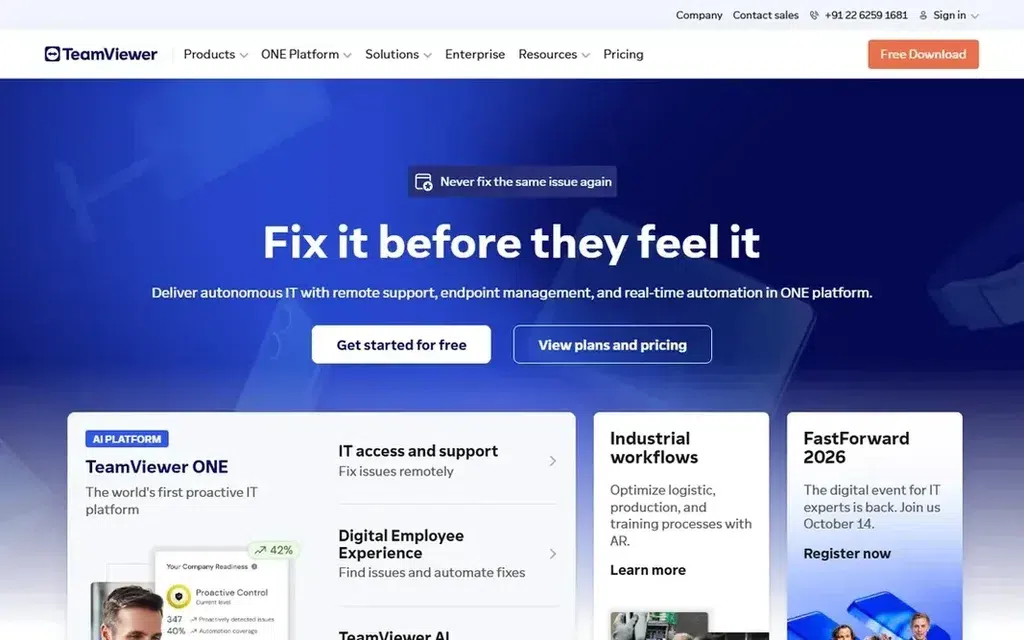
Pick TeamViewer if this describes you: all-around remote access and support. TeamViewer is a digital workplace system built around remote desktop access. On top of that, since TeamViewer spans access, support and collaboration, smaller users may find parts of the product unnecessary.
Limits to weigh: Feature set may exceed straightforward needs.
It is worth checking how personal and business use are separated before committing. From a buyer's view, teams that juggle support sessions and everyday remote work may find the combined approach convenient. TeamViewer shows no starting price here, so confirm the cost on the vendor site. Free plan details: Free trial.
- Works across typical desktop products
- Remote desktop access plus support tools
- Personal and business use differ
Chrome Remote Desktop
Best for: Straightforward browser-based remote access
Chrome Remote Desktop is built with straightforward browser-based remote access in mind. Chrome Remote Desktop is Google's remote desktop tool, accessed through the Chrome browser and a Google account. On top of that, Chrome Remote Desktop is entry-level by design, so organizations needing support workflows, management or audit features should look at dedicated tools.
Honest limits: Tied to Google account and Chrome.
It also relies on the Chrome and Google ecosystem. In practice, confirm current capabilities on the official page before relying on it for business use. Pricing for Chrome Remote Desktop is not stated here, so ask the vendor for current figures. Free access: Not stated.
- Runs through the Chrome ecosystem
- Straightforward setup for entry-level access
- Restricted for formal support teams
RemotePC serves cross-platform remote access. RemotePC gives you remote access for PCs, Macs, Linux machines and mobile devices according to its vendor page.
Trade-offs to know: Less emphasis on helpdesk workflows.
Main advantages: Straightforward remote access focus. That breadth makes it a candidate for users who require to reach a mix of systems from different devices. Starting cost for RemotePC: $1.84 per month. Free options: Free trial.
- Supports PC, Mac
- Linux and mobile
- Feature depth varies by product
Our selection method
For each of the 6 tools we noted price, free plan or trial, fit for remote connect software and the main limit, using vendor pages and documentation. Where a price is missing, the vendor does not list one publicly or ties it to a quote. Always confirm before budgeting. The order reflects how well each tool fits the most common buying scenario for remote connect software, then price clarity, then free plan access. It is a starting point, not a verdict.
Pre-purchase checklist
- Ask AnyDesk, N-able Take Control, TeamViewer and Chrome Remote Desktop for a written quote, since no starting price is shown.
- Use real work to test the free trial from Splashtop, TeamViewer and RemotePC, rather than a demo project.
- Read the limits listed for AnyDesk first: fewer adjacent collaboration features.
- Confirm you can export your data from RemotePC, so leaving later does not mean losing records.
- Let daily users try Splashtop on real work; their feedback beats any feature checklist.
FAQ
Can I try these options before paying?
Often, yes. Splashtop, TeamViewer and RemotePC offer a free trial. Use your own data and a real task during the test, and check what the free tier or trial limits before you rely on it.
Does any tool for remote connect software here have a free plan?
No tool in this list, AnyDesk and RemotePC included, has a permanent free plan. Splashtop, TeamViewer, RemotePC offer a trial. Trials and quotes are the usual route, so plan a short evaluation period.
Is browser-based remote access enough for business use?
Chrome Remote Desktop supplies straightforward access through the Chrome browser, which can suit entry-level needs. Companies needing management, support workflows or broader device coverage should compare dedicated tools.
Do these tools publish their prices?
Not all of them. AnyDesk, N-able Take Control, TeamViewer and Chrome Remote Desktop publish no starting price, so expect a quote request for those. The rest, Splashtop included, show a starting price, though seats and billing terms still change the final cost.
How are the tools for remote connect software ordered?
AnyDesk sits first and RemotePC last because the order follows typical fit for remote connect software, then price clarity and free access. It is a judgement call, so read each profile for fit and limits.
Sources
- https://anydesk.com
- https://www.n-able.com/products/take-control
- https://www.splashtop.com
- https://www.teamviewer.com
- https://remotedesktop.google.com
- https://www.remotepc.com