Best Reporting Software for Pharmacies for 2026: Our 6 Vetted Picks
Need the best reporting software for pharmacies? We compare 6 tools on cost, free access and who each suits. Read the caveats before you buy. See the full list.
- Editor's choiceLiberty Software
Community pharmacies needing scalable reporting
Starts atPricing on requestVisit libertysoftware.comFull review - Great alternativeComputer-Rx
Teams comparing choices in this category
Starts atPricing on requestVisit computer-rx.comFull review - Also considerPioneerRx
Teams comparing choices in this category
Starts atPricing on requestVisit pioneerrx.comFull review
Direct answer
If you need community pharmacies needing scalable reporting, Liberty Software is the first tool to look at here. For a different need, Computer-Rx covers teams comparing choices in this category and PioneerRx covers teams comparing choices in this category. All 6 tools are compared below on fit, free plan and limits. None of these vendors publish plan prices, so pricing is on request for every option.
TL;DR:
- Liberty Software sits first on this list: community pharmacies needing scalable reporting.
- Rx30 comes with a trade-off: restricted public details on reporting features.
- Liberty Software, BestRx and the 4 others all sell by quote; expect sales conversations before you see a price.
- Neither Liberty Software nor BestRx, nor any of the other 4 tools, has a permanent free plan; trials and quotes are the norm.
Last checked November 2026. Pricing on request: vendors did not publish plan prices when this guide was last checked (November 2026), so ask each vendor for a written quote.
Quick comparison
| Tool | Best for | Starts at | Free plan? | |
|---|---|---|---|---|
| Liberty Software | Community pharmacies needing scalable reporting | Pricing on request | Not stated | Visit |
| Computer-Rx | Teams comparing choices in this category | Pricing on request | Not stated | Visit |
| PioneerRx | Teams comparing choices in this category | Pricing on request | Not stated | Visit |
| Rx30 | Pharmacies needing eCare and DIR fee reporting | Pricing on request | Not stated | Visit |
| QS/1 | Retail community pharmacies using NRx or SystemOne | Pricing on request | Not stated | Visit |
| BestRx | Teams comparing choices in this category | Pricing on request | Not stated | Visit |
6 reporting software for pharmacies in detail
Short on time? The summary and table above give the quick view of 6 reporting software for pharmacies, and the profiles that follow give the detail behind each entry.
Liberty Software
Best for: Community pharmacies needing scalable reporting
Liberty Software serves community pharmacies needing scalable reporting. Its reporting capabilities are part of a system that supports several pharmacy operations.
If you need highly specialized reporting, other choices might be better suited. The system is right for community pharmacies seeking a scalable option with reporting features. Check the vendor site for Liberty Software pricing; none is listed in this comparison. On free options: Not stated.
Drawbacks to consider: May need training for full use.
- Revolutionary software design
- Made for all community pharmacy types
- Reporting details not specified
Computer-Rx
Best for: Teams comparing choices in this category
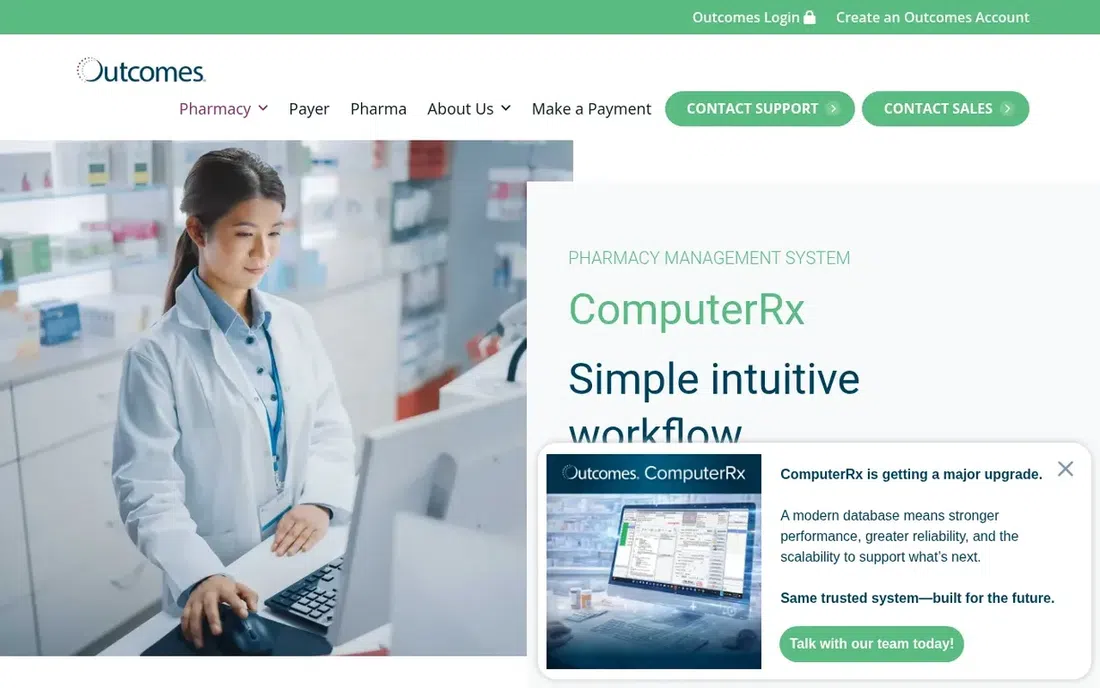
Computer-Rx makes the most sense for teams comparing choices in this category. The homepage does not dig deeply into specific reporting features, so pharmacies with advanced reporting needs should request an in-depth demo.
Also, whereas it includes numerous areas, it might not offer the depth of analytics found in specialized reporting tools. No starting price is listed for Computer-Rx here; confirm pricing on the vendor site. Free plan details: Not stated.
The main drawbacks: May lack specialized analytics.
- Includes dispensing, billing, POS
- Patient engagement features
- Reporting details not completely outlined
PioneerRx
Best for: Teams comparing choices in this category
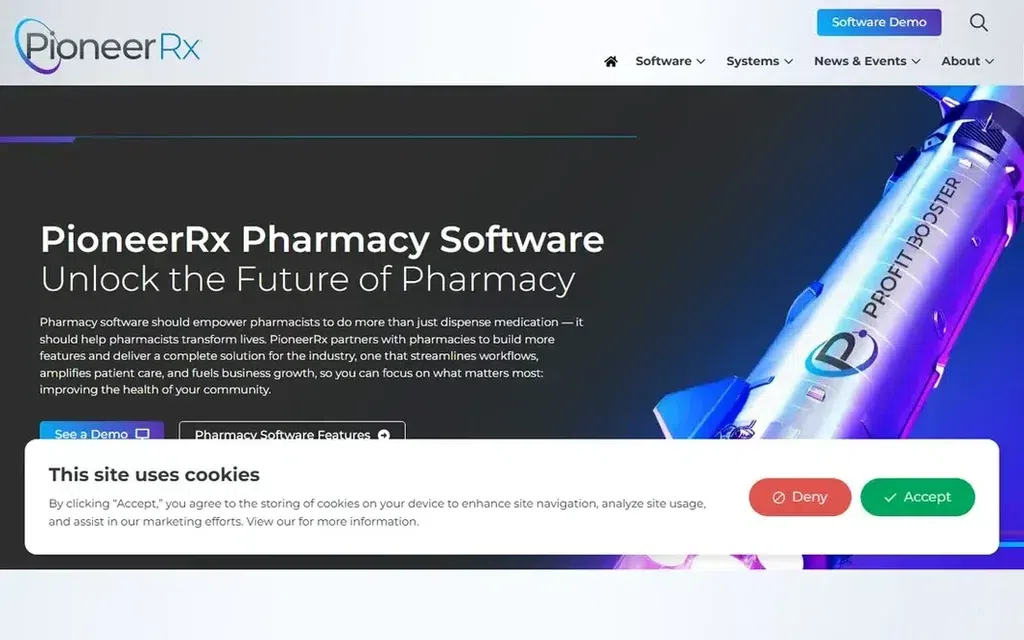
PioneerRx works best for teams comparing choices in this category. Whereas PioneerRx provides capable customization, it may not be the best fit for pharmacies seeking a purely out-of-the-box reporting tool with minimal setup. On top of that, in-depth pricing and specific reporting features are not publicly listed, so requesting a demo is advisable.
Watch-outs: May need training to use completely.
From a buyer's view, the system is built for pharmacy owners and managers who require flexible reporting to track performance and make data-driven decisions. For everyday use, consider alternatives if you need specialized automation or enterprise-level analytics. Pricing for PioneerRx is not stated here, so ask the vendor for current figures. On free options: Not stated.
- Integrated management options
- Configurable reporting and analytics
- Restricted information on external integrations
Rx30
Best for: Pharmacies needing eCare and DIR fee reporting
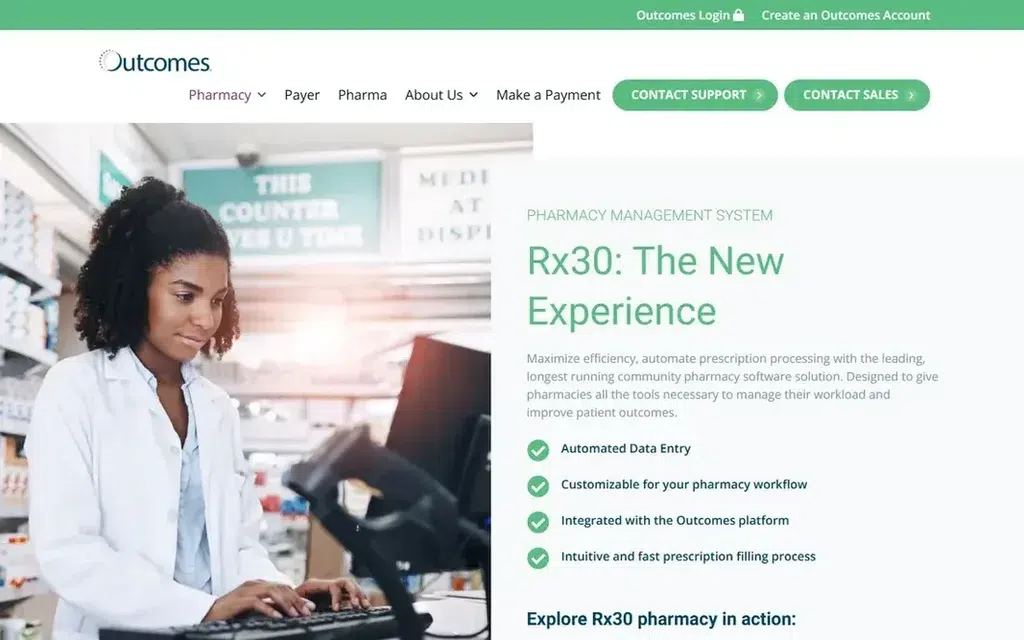
Think of Rx30 for pharmacies needing eCare and DIR fee reporting. Rx30 offers a complete pharmacy management system that contains reporting for eCare, DIR fees, and patient engagement.
Points against: Restricted public details on reporting features.
That said, Rx30 may be more complicated than needed for very small pharmacies or those without dedicated staff for reporting. Pricing for Rx30 is not stated here, so ask the vendor for current figures. Trial and free access: Not stated.
- Patient engagement tools
- Complete pharmacy management
- May be complicated for small pharmacies
QS/1
Best for: Retail community pharmacies using NRx or SystemOne
Choose QS/1 for retail community pharmacies using NRx or SystemOne. QS/1, a RedSail Technologies company, supplies pharmacy software with support for NRx and SystemOne, targeted at retail community pharmacies. Its reporting capabilities are part of a system meant to help pharmacies run operations and stay compliant.
Also, the system may be less adaptable for highly customized reporting compared with some competitors. If you need advanced customization, explore other choices like PioneerRx. The product is right for pharmacies already using or considering NRx or SystemOne who require integrated reporting. This comparison lists no price for QS/1; ask the vendor. Free plan details: Not stated.
- Focus on retail community pharmacies
- Backed by RedSail Technologies
- Restricted reporting details on homepage
BestRx
Best for: Teams comparing choices in this category
Choose BestRx for teams comparing choices in this category. Its reporting tools are integrated into a system that aims to be straightforward to use, making it a decent choice for pharmacies that want straightforward reporting without a steep ramp-up time.
From a buyer's view, Whereas BestRx emphasizes usability, it may not offer the depth of reporting or customization that bigger pharmacies or those with complicated needs need. BestRx does not show a starting price in this comparison, so check the vendor site for current pricing. Free plan details: Not stated.
Drawbacks to consider: Reporting specifics not in-depth.
- Thorough management features
- Approachable interface
- May lack advanced analytics
How the list was put together
LinkVetted used vendor pricing pages and product documentation as the base, then compared plans, free access and documented limits for 6 tools. Prices and plan limits come from vendor pages and can change, so confirm them on the vendor site before you buy. Tools are placed by general fit for reporting software for pharmacies, with price clarity and free access as tie-breakers. A different team can reasonably rank them differently.
Pre-purchase checklist
- Ask each vendor, from Liberty Software to BestRx, for a written quote; none of them publishes a starting price.
- Before choosing Liberty Software, weigh its main limit: reporting details not specified.
- Before rolling out Rx30, verify the integrations your workflow depends on.
- Test how quickly PioneerRx answers a pre-sales question; it hints at how support will feel later.
- A short pilot of Computer-Rx with your real workflow tells you more than a feature table.
FAQ
Can I try these tools before paying?
Not by default. None of the tools, from Liberty Software to BestRx, lists a free plan or a free trial here, so ask each vendor for a demo before committing.
Is Liberty Software the right pick for everyone comparing reporting software for pharmacies?
No single tool suits every team. Liberty Software comes first because it fits community pharmacies needing scalable reporting, while Computer-Rx suits teams comparing options in this category and PioneerRx suits teams comparing options in this category. Match the tool to your own size, budget and workflow before deciding.
What should I look for in pharmacy reporting software?
Look for software that provides configurable reports, links up with your existing systems, and gives you insights into financial and clinical performance.
Does any tool for reporting software for pharmacies here have a free plan?
A permanent free plan is not offered by Liberty Software, BestRx or the other tools here. Plan a short evaluation period instead.
Do these tools publish their prices?
No. None of the tools, from Liberty Software to BestRx, shows a fixed starting price here, so budget time for quotes.
Sources
- https://www.libertysoftware.com
- https://www.computer-rx.com
- https://www.pioneerrx.com
- https://www.rx30.com
- https://www.qs1.com
- https://www.bestrx.com