Best Ticket Tracking Tools With SLA Enforcement in 2026: 8 Tools Compared
Compare the best ticket tracking tools with sla enforcement, with response and resolution targets, escalation rules, hours and pricing for teams in 2026.

- Editor's choice
 Freshdesk
Small teams needing SLA fast
Starts at$15 per agent per monthVisit freshworks.comFull review - Great alternative
 Jira Service Management
IT and dev-adjacent teams
Starts at$20 per agent per monthVisit atlassian.comFull review - Also consider
 Freshservice
IT service management
Starts at$19 per agent per monthVisit freshworks.comFull review
TL;DR:
- SLA enforcement is more than a timer, so check escalation, business hours, breach alerts and reporting in one workflow.
- Freshdesk and Jira Service Management both offer SLA management, but they gate advanced SLA features at different plan levels.
- Multi-level SLAs matter when VIP customers, priority levels or time zones need different response and resolution targets.
- The best tool for a small team is often the one agents will use daily, not the ITSM suite with the longest feature list.
- Always test SLA rules with real ticket types before launch, since a badly set target creates breach alerts that teams learn to ignore.
Quick comparison
| Tool | Best for | Starts at | Free plan? | |
|---|---|---|---|---|
| Freshdesk | Small teams needing SLA fast | $15 per agent per month | Yes | Visit |
| Jira Service Management | IT and dev-adjacent teams | $20 per agent per month | Yes | Visit |
| Freshservice | IT service management | $19 per agent per month | Free trial | Visit |
 Zendesk | Omnichannel support at scale | See website | Free trial | Visit |
 Zoho Desk | Budget teams in Zoho ecosystem | See website | Yes | Visit |
 Help Scout | Simple shared inbox SLA | See website | Free trial | Visit |
 Salesforce Service Cloud | Salesforce CRM teams | See website | Free trial | Visit |
 ManageEngine ServiceDesk Plus | On-premise and ITIL teams | See website | Yes | Visit |
The best ticket tracking tools with SLA enforcement
We compared tools that track tickets and actively enforce service level agreements through targets, escalations and breach reporting.

Freshdesk is a quick route to SLA enforcement for small and mid-sized support teams. The free plan covers basic email ticketing, while the Growth plan at 15 dollars per agent per month on annual billing adds SLA management and business hours. Pro, at 49 dollars per agent per month on annual billing, adds multiple SLAs and time zones, which matters for teams serving customers in different regions.
The honest catch is plan gating. A team that needs different SLAs for different customer tiers or time zones must budget for Pro, not Growth. Freshdesk also works best when ticket categories and priorities are kept simple, since complex ITSM workflows suit other tools better. For a support team that wants clear timers, escalation and breach visibility without a long setup, Freshdesk is a strong starting point.
- SLA management from Growth plan
- Business hours and multiple SLAs on Pro
- Free plan to start
- Advanced SLA and time zone features need Pro
- Reporting depth grows with plan
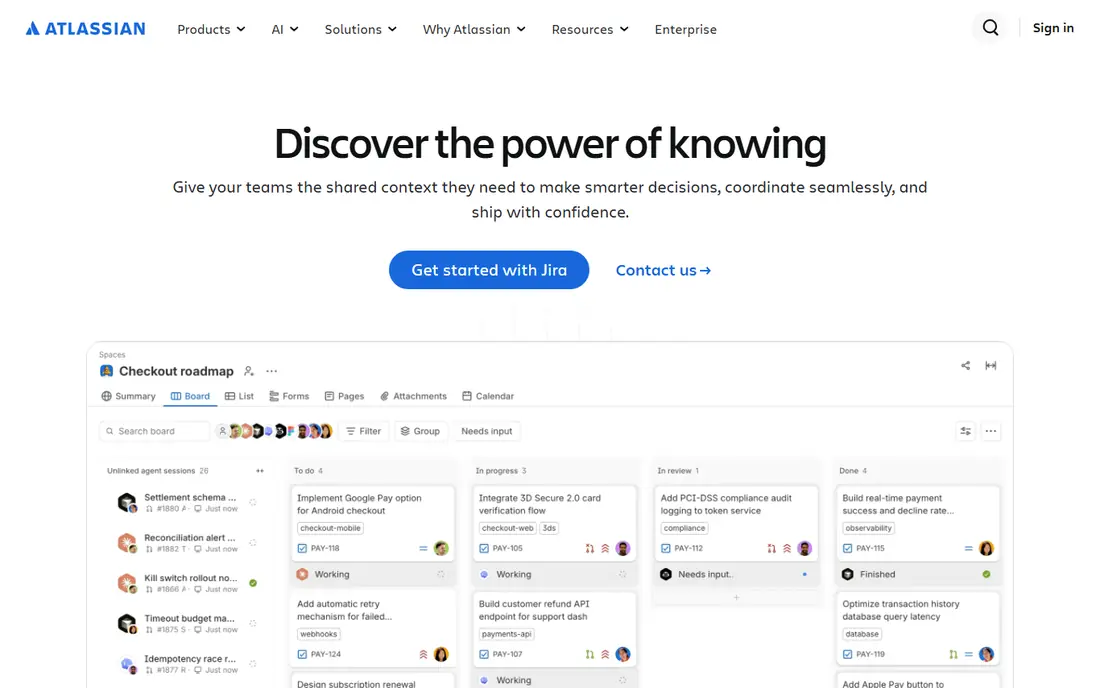
Jira Service Management stands out because SLA management is available on every plan, including the free plan for up to three agents. Standard starts at 20 dollars per agent per month, with Premium around 51 dollars per agent per month on monthly billing, adding change and problem management. Queues, automation and alerts help teams route tickets and spot breaches before customers complain.
The drawback is complexity. Teams without a dedicated administrator may find configuration heavier than a simple helpdesk, and single sign-on needs Atlassian Guard as a separate subscription except on Enterprise. For IT teams and teams close to development, though, that depth is a benefit. Tickets, incidents and changes live near the work that fixes them, and SLA reports sit next to the queues agents use daily.
- SLA tracking on every plan including Free
- Strong queues and automation
- Asset integration
- Setup can feel complex
- SSO needs separate Atlassian Guard except on Enterprise

Freshservice is Freshworks IT service desk, and it adds ITSM structure to the familiar Freshdesk style workflow. Starter starts at 19 dollars per agent per month on annual billing, while Growth at 49 dollars adds SLA management, business rules and a service catalog. Pro at 99 dollars adds change and problem management, which suits IT teams that need formal processes around incidents.
The catch is that SLA management is not on Starter, so a team buying on price alone may miss the feature it needs most. Freshservice also suits internal IT better than external customer support in some cases, since its catalog and asset features are IT focused. For an internal service desk that wants SLA enforcement with asset and change tracking, Freshservice is a balanced, mid-priced option.
- SLA management from Growth
- Service catalog and business rules
- Asset tracking
- No free plan, trial only
- Change management needs Pro and above
Zendesk is a well established choice for customer support teams that need tickets from email, chat, phone and social in one queue, with SLA policies to match. Teams can set response and resolution targets by priority, customer group or ticket type, then use triggers and automations to escalate as deadlines approach. Reporting shows breach rates and agent performance, which helps managers fix process problems rather than just chasing individual tickets.
The drawback is cost at scale. Zendesk pricing is tiered, and the most useful reporting and automation features sit on higher Suite plans. Small teams may find a simpler tool cheaper, while large teams will value Zendesk breadth. For an omnichannel support operation that needs SLA enforcement across many channels, Zendesk remains a reliable, well supported choice.
- SLA policies, triggers and reporting
- Omnichannel tickets
- Strong marketplace
- Pricing is tiered and can grow fast
- Advanced SLA reporting needs higher plans
Zoho Desk offers ticket tracking with SLA rules, escalation and multi-channel support at a price that suits budget conscious teams, especially those already using Zoho CRM or other Zoho apps. Teams can define response and resolution times, set escalation actions when targets are at risk, and track SLA performance in reports. The free plan lets small teams start without a subscription.
The honest weakness is polish. The interface can feel busy compared with Freshdesk or Help Scout, and some advanced automation and reporting features sit on higher plans. Teams outside the Zoho ecosystem gain less from its integrations. For a small business that wants SLA enforcement without a large monthly bill, and that already uses Zoho tools, Zoho Desk is a practical fit.
- SLA rules and escalation
- Multi-channel tickets
- Free plan available
- Interface can feel busy
- Some advanced features need higher plans
Help Scout suits teams that want SLA enforcement without ITSM complexity. Its shared inbox keeps email support simple, while workflows and SLA settings help teams meet response targets and escalate overdue conversations. The interface is calm and easy for new agents to learn, which helps small teams adopt it quickly and keep ticket hygiene high.
The limitation is scope. Help Scout is not an ITSM platform, so IT teams needing change management, asset tracking or formal incident processes should look at Jira Service Management or Freshservice. SLA depth also varies by plan, so check which features your tier includes. For a customer support team that lives mainly in email and chat, Help Scout offers SLA control with far less setup than an ITSM suite.
- Clean shared inbox
- SLA and workflow automation
- Strong email support
- Less ITSM depth
- SLA features vary by plan
Salesforce Service Cloud uses entitlements and milestones to enforce SLAs, which is a powerful model for teams that already run Salesforce CRM. A milestone can track first response, resolution or other stages, with actions when a milestone is at risk or breached. Omni-channel routing sends tickets to the right agent, and case data sits next to customer, order and account records.
The drawback is complexity and cost. Service Cloud setup often needs Salesforce expertise, and pricing varies by edition and add-ons, so a written quote is essential. Teams outside Salesforce will gain less and may find the platform heavier than a standalone helpdesk. For a Salesforce centred organisation, though, SLA enforcement tied directly to customer data is a strong advantage that standalone tools cannot match easily.
- Entitlements and milestones for SLA
- Deep CRM integration
- Omni-channel routing
- Pricing is quote based for many teams
- Setup needs Salesforce expertise
ManageEngine ServiceDesk Plus is a long standing ITSM tool with SLA policies, escalation rules and ITIL aligned incident, problem and change processes. A free Standard edition supports small technician teams, while paid editions add more automation, asset management and reporting. On-premise deployment is available, which suits organisations with strict data hosting requirements.
The honest catch is user experience. Some users find the interface dated compared with newer cloud helpdesks, and pricing varies by edition, technicians and add-ons. For IT teams that need ITIL structure, on-premise control or a free starting edition, ServiceDesk Plus remains a credible option. For a small customer support team, a simpler cloud helpdesk will usually be faster to adopt.
- SLA policies and escalation
- ITIL processes
- Free Standard edition for small teams
- Interface feels dated to some users
- Pricing varies by edition and technicians
How we picked these
We compared official feature pages, pricing pages and independent comparisons, and we favoured tools that offer response and resolution targets, escalation actions, business hours and breach reporting, not just a timer on a ticket. We included helpdesks and ITSM tools, since SLA needs differ for customer support and internal IT. Prices shown are annual billing starting rates where vendors publish them, and quote based where they do not, so confirm the current plan features before buying.
How to set SLAs that teams can actually meet
A tool enforces the rules you write, so badly written rules will create noise, not better service.
Start with ticket types, not one global target
Split tickets by priority, customer tier and type before setting targets. A password reset and a system outage should not share the same resolution clock, and a VIP customer may need a faster first response than a standard account. Use business hours for teams that do not work around the clock, and use separate calendars for regions with different holidays and working days.
Build escalation before breach
Set warnings at 50 percent and 80 percent of the target, with clear owners for each stage. An escalation should change something, such as reassigning the ticket, notifying a manager or adding resources, rather than just sending another email. Review breached tickets weekly to find root causes, such as unclear categories, missing information or staffing gaps, and fix those causes instead of simply tightening targets.
Report on outcomes, not just timers
Track first response, resolution, breach rate, reopen rate and CSAT together. A team can meet SLA timers by sending quick, unhelpful replies, so pair timer reports with quality checks. Share SLA reports with agents in a fair way, explain how targets were set, and review targets quarterly as volume, staffing and product changes shift what is realistic.
FAQ
What is SLA enforcement in ticket tracking?
SLA enforcement means a tool tracks agreed response and resolution targets for each ticket, warns agents as deadlines approach, escalates overdue tickets and reports breach rates. It turns a service promise into a visible workflow, rather than a note in a contract. Good enforcement also includes business hours, priority rules and escalation actions.
Do we need different SLAs for different customers?
Often, yes. VIP customers, enterprise accounts and high priority incidents usually need faster targets than standard requests. Most tools in this list support multiple SLAs, although some gate that feature on higher plans. Start with two or three tiers, test them, and add more only when a real customer group needs a different promise.
What happens when an SLA is breached?
It depends on the tool and your process. Common actions include escalating to a manager, reassigning the ticket, sending a customer update and logging the breach for reporting. Some contracts include credits or penalties, but the tool itself usually handles alerts and reporting. The important step is to review breaches regularly and fix the cause, not just the single ticket.
Should SLA timers pause outside business hours?
For most teams, yes. Business hours and holiday calendars stop the clock when no one is working, which keeps targets fair and reports honest. Teams with 24 hour support can use round the clock calendars instead. Check that your tool supports multiple calendars if you serve customers in different time zones.
How do we choose between a helpdesk and an ITSM tool?
Choose a helpdesk if your main work is customer support by email, chat and phone, with simple SLA rules. Choose an ITSM tool if you need change management, problem management, asset tracking and formal IT processes. Many teams start with a helpdesk and move to ITSM only when IT process needs grow beyond ticket tracking.