BI Software for Multi-Currency Reporting in 2026: The 6 Best Options Side by Side
Best BI software for Multi-Currency reporting: 6 tools compared on price, free plans and fit. Each entry gets a plain verdict. Current for November 2026.
- Editor's choice
 Domo
End-to-end data movement and dashboards
Starts atSee websiteVisit domo.comFull review - Great alternative
 Zoho Analytics
Smaller teams needing wide app connectivity
Starts atSee websiteVisit zoho.comFull review - Also considerIBM Cognos Analytics
Governed reporting with AI-assisted insights
Starts atSee websiteVisit ibm.comFull review
Direct answer
Our first pick is Domo, best for end-to-end data movement and dashboards. Listed starting prices: Tableau from $15 per user a month. Look at Zoho Analytics for smaller teams needing wide app connectivity, and at IBM Cognos Analytics for governed reporting with AI-assisted insights. The remaining 3 options are covered below with prices and limits.
TL;DR:
- The list opens with Domo, aimed at end-to-end data movement and dashboards.
- One limit worth knowing about Domo: wide product can take time to learn.
- Just one of the 6 tools, Tableau, has a free plan.
- SAP Analytics Cloud is the one to check for finance teams blending BI with planning.
- Tableau has the lowest monthly starting price in this list: $15 per user per month.
Last checked November 2026. Prices and plan details were read from the vendors' own pages in November 2026; vendors change plans often, so confirm the current price on the vendor site before you buy.
Quick comparison
| Tool | Best for | Starts at | Free plan? | |
|---|---|---|---|---|
| Domo | End-to-end data movement and dashboards | See website | Free trial | Visit |
| Zoho Analytics | Smaller teams needing wide app connectivity | See website | Not stated | Visit |
| IBM Cognos Analytics | Governed reporting with AI-assisted insights | See website | Not stated | Visit |
 Tableau | Adaptable visual analysis across plenty of data sources | $15 per user a month | Yes | Visit |
 Looker | Governed currency logic via a semantic layer | See website | Not stated | Visit |
| SAP Analytics Cloud | Finance teams blending BI with planning | See website | Not stated | Visit |
The best BI software for Multi-Currency reporting
LinkVetted put together this guide to BI software for Multi-Currency reporting for readers who want a clear shortlist without reading every vendor page. It compares 6 tools on starting price, free plans, who each one suits and where each one falls short.
Domo targets end-to-end data movement and dashboards. Review how currency logic will be maintained as sources change.
What to check first: Governance setup needs attention.
Pick Domo when data integration and delivery matter as much as the dashboards themselves. For everyday use, Domo positions itself around governed data for AI agents, with products that link and move data from any source, prepare and expand data access for exploration, and accelerate business-critical insights, based on its homepage. Check the vendor site for Domo pricing; none is listed in this comparison. On free options: Free trial.
- Links and moves data from numerous sources
- Data preparation and access expansion
- Wide system can take time to learn
Zoho Analytics works best for smaller teams needing wide app connectivity. Currency conversion logic should be planned carefully as data volumes grow.
Pick Zoho Analytics when fast setup and wide app connections matter more than heavy customization. Zoho Analytics does not show a starting price in this comparison, so check the vendor site for current pricing. Free options: Not stated.
Downsides: Complicated currency models need planning.
- Links to numerous apps
- Dashboard building and AI-powered insights
- Deep customization may be restricted
IBM Cognos Analytics
Best for: Governed reporting with AI-assisted insights
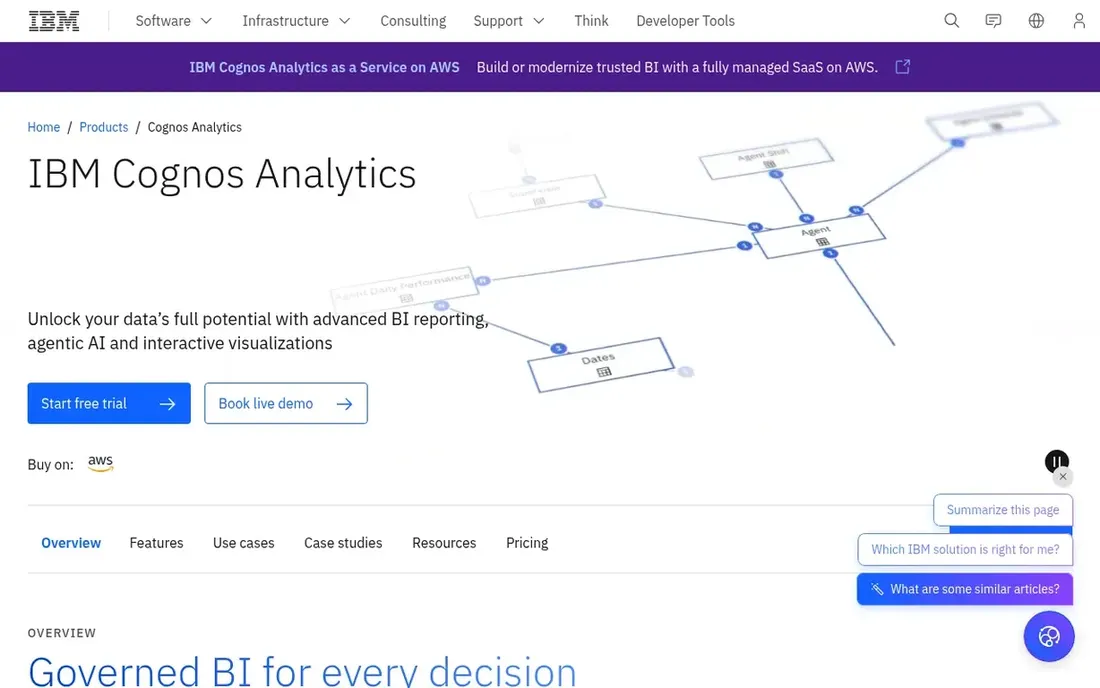
IBM Cognos Analytics makes the most sense for governed reporting with AI-assisted insights. Smaller teams may find the setup heavier than needed.
On top of that, the system is oriented toward structured enterprise reporting, so ad hoc visual exploration may feel less fluid than in dedicated visualization tools. Check the vendor site for IBM Cognos Analytics pricing; none is listed in this comparison. On free options: Not stated.
Trade-offs to know: Interface can feel dense for newcomers.
- AI-driven insights for trend discovery
- Report and dashboard building
- Modeling needs planning
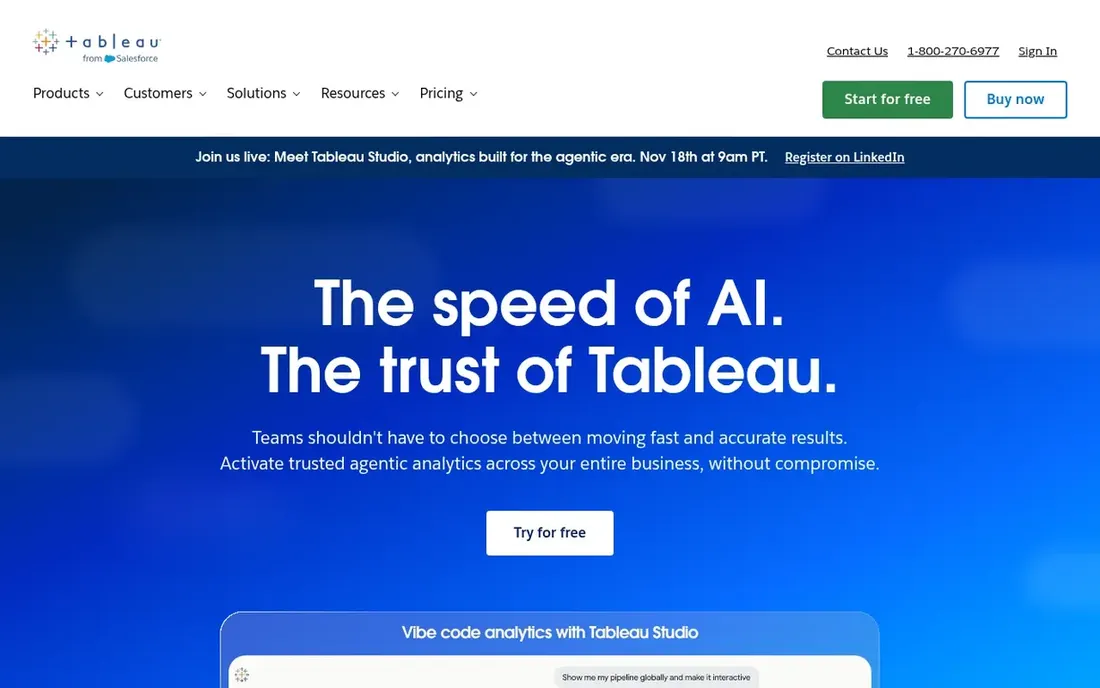
Tableau is designed for flexible visual analysis across many data sources. For multi-currency reporting, that adaptability lets analysts join currency rate tables and build conversion calculations inside workbooks, then present consolidated figures alongside local-currency detail.
More specifically, teams needing centrally enforced metric definitions may prefer a semantic-layer system. On cost, Tableau starts like this: $15 per user per month. Tableau includes a free tier.
Limits to weigh: Complicated models can need setup effort.
- Links to almost any database
- Simple sharing of dashboards
- Currency logic frequently built manually
Looker was built for governed currency logic via a semantic layer. Organizations without that foundation may face additional setup.
Choose Looker when consistent, centrally defined currency metrics across numerous reports and embedded applications are the central requirement. Check the vendor site for Looker pricing; none is listed in this comparison. Free plan details: Not stated.
Honest limits: Tied closely to Google Cloud.
- Embedded analytics capabilities
- Trusted semantic layer for metrics
- Needs modeling discipline
SAP Analytics Cloud
Best for: Finance teams blending BI with planning
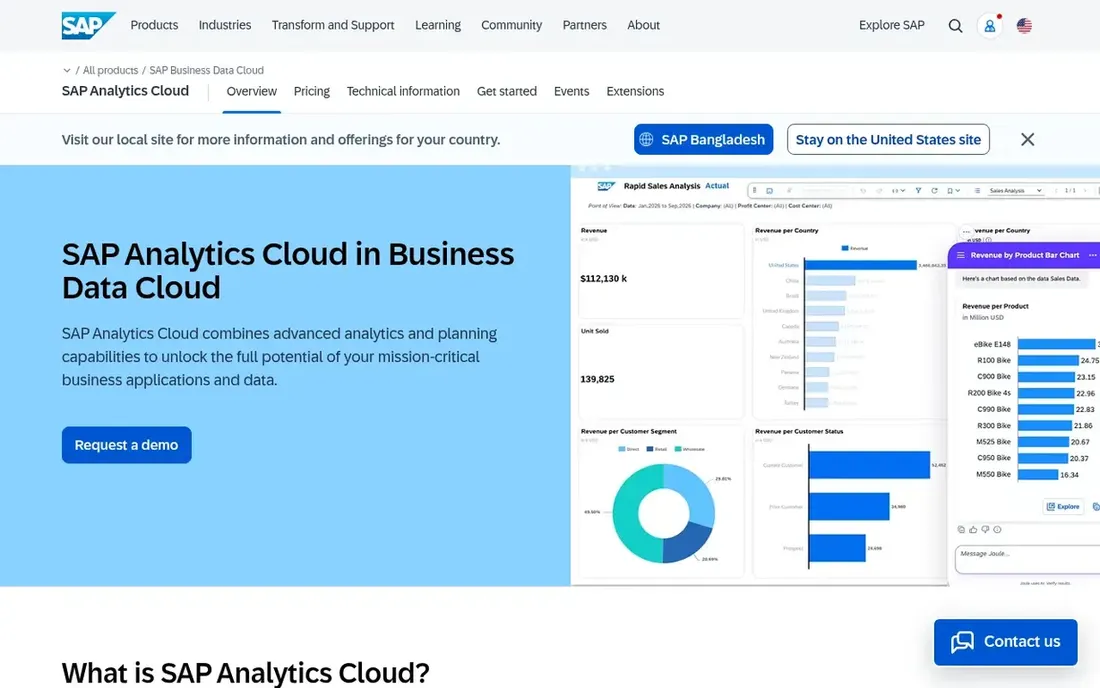
SAP Analytics Cloud works best for finance teams blending BI with planning. Pick SAP Analytics Cloud when planning, forecasting and reporting have to live in a single governed cloud product.
That combination suits finance teams that not only report across currencies but also plan and forecast in them, keeping actuals and plans in one environment with predictive analysis tools alongside. Check the vendor site for SAP Analytics Cloud pricing; none is listed in this comparison. On free options: Not stated.
Where SAP Analytics Cloud stands out: Suited to structured finance workflows.
Honest limits: Best value within SAP landscapes.
- Cloud-based analytics system
- Planning and predictive tools
- Configuration can be involved
How we compared the tools
LinkVetted used vendor pricing pages and product documentation as the base, then compared plans, free access and documented limits for 6 tools. Prices and plan limits come from vendor pages and can change, so confirm them on the vendor site before you buy. The order reflects how well each tool fits the most common buying scenario for BI software for Multi-Currency reporting, then price clarity, then free plan access. It is a starting point, not a verdict.
Things to verify first
- Ask Domo, Zoho Analytics, IBM Cognos Analytics and others for a written quote, since no starting price is shown.
- Test the free plan from Tableau against your real workload before relying on it.
- Run a trial of Domo with real work before paying for a year; your own workflow is the best test.
- Read the limits listed for Domo first: wide product can take time to learn.
- List the apps you already depend on and check that Zoho Analytics supports each one on the plan you would buy.
- Ask IBM Cognos Analytics which support channels and response times come with the plan you would buy.
FAQ
Is a semantic layer important for currency reporting?
It helps when numerous reports and teams need the same conversion rules. A semantic layer lets you define currency-aware metrics once, which cuts the risk of mismatched figures between dashboards. Products like Looker emphasize this approach.
Which options for BI software for Multi-Currency reporting have a free plan?
Tableau is the only tool in this list with a free plan. Free plans usually cap users, projects or features, so check the limits on the vendor page. One other tool offers a trial instead. Prices, free plan details and limits for all 6 tools in this BI software for Multi-Currency reporting roundup sit on the individual cards above.
What is the cheapest option for BI software for Multi-Currency reporting in this list?
On published monthly entry prices, Tableau is the lowest here at $15 per user per month. Entry price is only part of the cost, because seats, add-ons and billing terms can change the total. Each of the 6 options in this BI software for Multi-Currency reporting guide has its own card above with the price, free plan and limits.
Can I try these tools before paying?
Often, yes. Tableau has a free plan and Domo offers a free trial. Use your own data and a real task during the test, and check what the free tier or trial limits before you rely on it. All 6 picks in this BI software for Multi-Currency reporting comparison list a starting price, free plan details and the main limits on their cards above.
Do these tools publish their prices?
Not all of them. Domo, Zoho Analytics, IBM Cognos Analytics and others publish no starting price, so expect a quote request for those. The rest, Tableau included, show a starting price, though seats and billing terms still change the final cost.
Sources
- https://www.domo.com
- https://www.zoho.com/analytics
- https://www.ibm.com/products/cognos-analytics
- https://www.tableau.com
- https://cloud.google.com/looker
- https://www.sap.com/products/technology-platform/cloud-analytics.html