Best Reporting Software for School Districts for 2026: Our 6 Vetted Picks
Best reporting software for school districts, compared. 6 tools with published prices, free plans and limits. Read the caveats before you buy. Facts only.
- Editor's choice
 Zoho Analytics
All-in-one BI and dashboards
Starts atSee websiteVisit zoho.comFull review - Great alternativeSAP Analytics Cloud
BI with planning and predictive analysis
Starts atSee websiteVisit sap.comFull review - Also consider
 Sisense
Embedded analytics in district apps
Starts atSee websiteVisit sisense.comFull review
Direct answer
Zoho Analytics is the first pick on this list for all-in-one BI and dashboards. Listed starting prices: Tableau from $15 per user per month. SAP Analytics Cloud fits BI with planning and predictive analysis; Sisense fits embedded analytics in district apps. The full list of 6 tools follows, with prices and free plan facts.
TL;DR:
- Number one here is Zoho Analytics, a fit for all-in-one BI and dashboards.
- Tableau is the only tool of the 6 with a free plan.
- Looker Studio suits interactive dashboards on a budget.
- The cheapest monthly starting price in the list is $15 per user per month, offered by Tableau.
- One limit worth knowing about Sisense: centred on embedding rather than standalone BI.
Last checked November 2026. Prices and plan details were read from the vendors' own pages in November 2026; vendors change plans often, so confirm the current price on the vendor site before you buy.
Quick comparison
| Tool | Best for | Starts at | Free plan? | |
|---|---|---|---|---|
| Zoho Analytics | All-in-one BI and dashboards | See website | Not stated | Visit |
| SAP Analytics Cloud | BI with planning and predictive analysis | See website | Not stated | Visit |
| Sisense | Embedded analytics in district apps | See website | Free trial | Visit |
 Tableau | Districts needing advanced visualizations | $15 per user per month | Yes | Visit |
 Domo | Governed data and AI insights | See website | Free trial | Visit |
 Looker Studio | Interactive dashboards on a budget | See website | Not stated | Visit |
Every option for reporting software for school districts explained
Short on time? The summary and table above give the quick view of 6 reporting software for school districts, and the profiles that follow give the detail behind each entry.
Zoho Analytics was built for all-in-one BI and dashboards. Zoho Analytics is a data analytics software and AI-powered BI product that links to numerous apps, builds dashboards, and provides actionable insights immediately.
Where it is weaker: Interface may feel busy.
For everyday use, some users may find the interface busy, and advanced customization choices can be restricted compared with enterprise tools. For everyday use, districts with highly specialized reporting needs might evaluate Tableau or SAP Analytics Cloud. Zoho Analytics shows no starting price here, so confirm the cost on the vendor site. Trial and free access: Not stated.
- Provides actionable insights
- Builds dashboards rapidly
- Advanced customization can be restricted
SAP Analytics Cloud
Best for: BI with planning and predictive analysis
Pick SAP Analytics Cloud if this describes you: BI with planning and predictive analysis. The product can be complicated to configure and may be most beneficial for districts already using SAP systems. From a buyer's view, districts seeking a more straightforward, standalone reporting tool might consider Looker Studio or Zoho Analytics.
Where it is weaker: Can be complicated to configure.
SAP Analytics Cloud is a cloud analytics product that makes it possible for data visualization and improved business intelligence, with tools for BI, planning, and predictive analysis. More specifically, school districts that require to integrate reporting with budgeting and forecasting may find its combined capabilities handy. It is designed for organizations looking to link analytics with planning processes. SAP Analytics Cloud does not show a starting price in this comparison, so check the vendor site for current pricing. On free options: Not stated. Best features of SAP Analytics Cloud: Makes it possible for data visualization.
- Supports improved business intelligence
- Predictive tools
- May need SAP ecosystem familiarity
Pick Sisense if this describes you: embedded analytics in district apps. Districts wanting a traditional BI experience might prefer Tableau or Zoho Analytics.
From a buyer's view, for school districts that want to embed reports straight into their own portals or applications, Sisense offers an adaptable way to deliver analytics to staff and stakeholders without building a separate BI environment. Sisense provides AI-powered embedded analytics to unlock insights and convert data into revenue with pro-code, low-code, and no-code adaptability. Check the vendor site for Sisense pricing; none is listed in this comparison. Free options: Free trial.
Limits to weigh: Concentrated on embedding instead of standalone BI.
- Unlocks insights from data
- No-code adaptability
- May require developer involvement
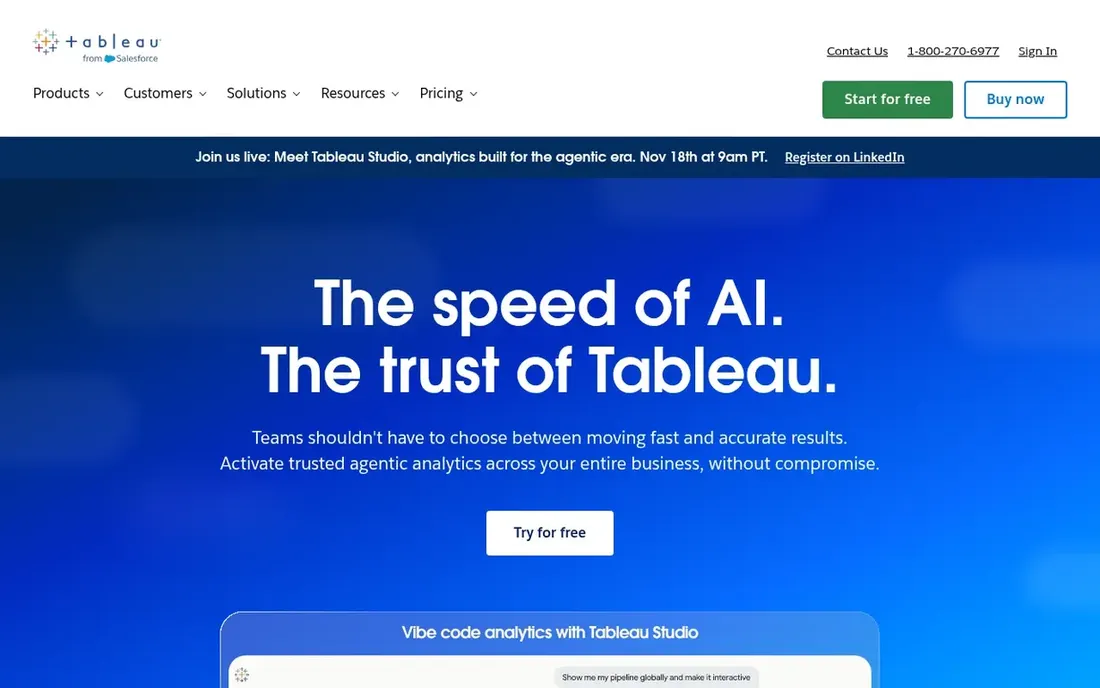
Tableau targets districts needing advanced visualizations. Tableau is a business intelligence and analytics system that helps users see and understand their data.
This makes it a fit for school districts that require to combine data from several systems and present it in clear, interactive views for administrators and school boards. Entry price for Tableau: $15 per user per month. Free access exists with Tableau.
Downsides: May be complex for straightforward reporting needs.
- Links to almost any database
- Share insights with a click
- Can need training for new users
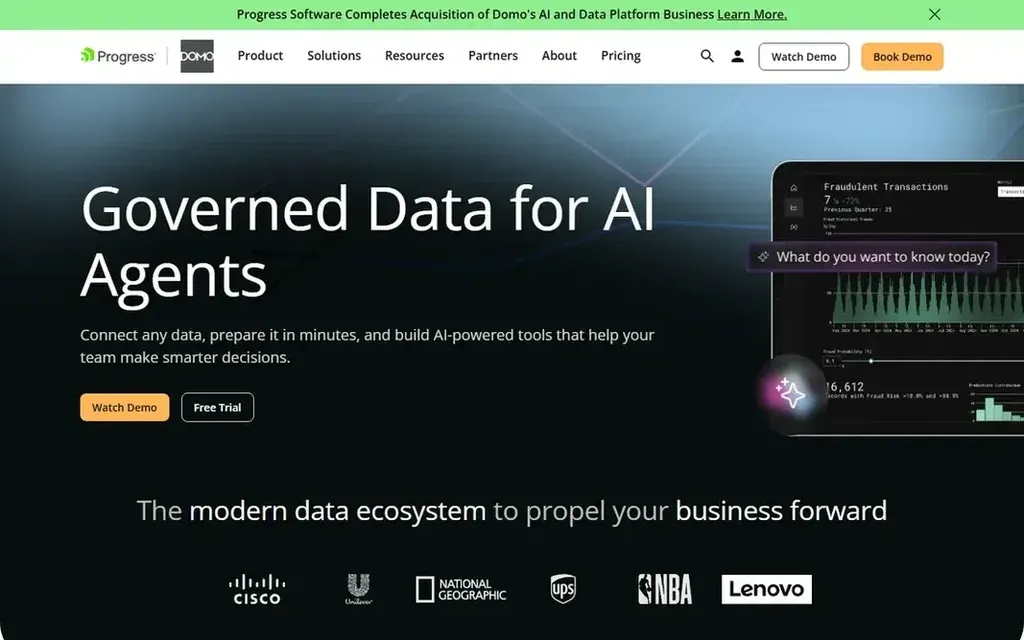
Domo is designed for governed data and AI insights. Domo strengthens the entire data journey with AI and data products. It links and moves data from any source, prepares and expands data access for exploration, and accelerates business-critical insights.
Best features of Domo: Accelerates business-critical insights.
Limits to weigh: Can be overwhelming for small teams.
Worth adding: school districts that require a governed data environment and want to use AI for reporting may find Domo a good fit. On top of that, districts prioritizing simplicity might prefer Looker Studio or Zoho Analytics. Domo can be complicated to implement and may need dedicated support, which could strain small district IT teams. Domo shows no starting price here, so confirm the cost on the vendor site. As for free access: Free trial.
- Prepares and expands data access
- Links and moves data from any source
- May need implementation support
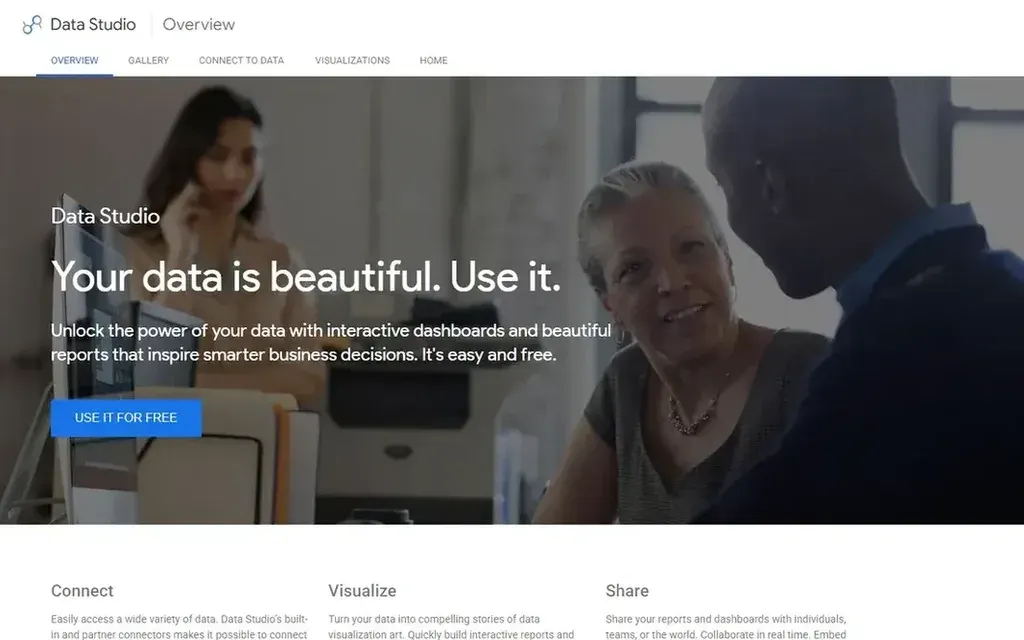
Pick Looker Studio if this describes you: interactive dashboards on a budget. Its straightforward approach helps teams share insights across departments and schools.
What to check first: May need data preparation.
Pricing for Looker Studio is not stated here, so ask the vendor for current figures. Trial and free access: Not stated.
- Produces interactive dashboards
- Supports smarter business decisions
- Restricted advanced modeling features
Our selection method
For each of the 6 tools we noted price, free plan or trial, fit for reporting software for school districts and the main limit, using vendor pages and documentation. Plan names, prices and limits change often. Treat the figures here as a starting point and verify them with the vendor. The ranking is editorial: typical fit first, then clear pricing, then free access. If your needs are unusual, read the profiles rather than relying on position.
Before you commit
- Confirm the entry price on the vendor page. For Zoho Analytics, SAP Analytics Cloud, Sisense and others that means a quote rather than a fixed price.
- Test the free plan from Tableau against your real workload before relying on it.
- Use real work to test the free trial from Sisense and Domo, rather than a demo project.
- Before choosing Zoho Analytics, weigh its main limit: interface may feel busy.
- Price Sisense for your actual team size; headline prices rarely include add-ons or overage.
- Test the integrations you rely on with Looker Studio before committing; some connectors sit on upper tiers.
FAQ
Is Zoho Analytics the right pick for everyone comparing reporting software for school districts?
No single tool suits every team. Zoho Analytics comes first because it fits all-in-one BI and dashboards, while SAP Analytics Cloud suits BI with planning and predictive analysis and Sisense suits embedded analytics in district apps. Match the tool to your own size, budget and workflow before deciding.
What should school districts look for in reporting software?
Districts should prioritize data connectivity, simplicity, and capable sharing features. Tools like Tableau and Looker Studio offer different strengths in these areas.
Which options for reporting software for school districts have a free plan?
Tableau is the only tool in this list with a free plan. Free plans usually cap users, projects or features, so check the limits on the vendor page. Several others offer a trial instead. All 6 picks in this reporting software for school Districts comparison list a starting price, free plan details and the main limits on their cards above.
Can I try these tools before paying?
Often, yes. Tableau has a free plan and Sisense and Domo offer a free trial. Use your own data and a real task during the test, and check what the free tier or trial limits before you rely on it. For the full picture, the cards above cover all 6 entries of this reporting software for school Districts list, including price, free plan and limits.
How are the tools for reporting software for school districts ordered?
The order follows typical fit for reporting software for school districts, with Zoho Analytics first and Looker Studio last, then price clarity and free access. It is editorial judgement, not a score, so another team could rank the tools differently.
Can these tools manage student data securely?
Most enterprise reporting tools bundle security features for example role-based access and data governance. Districts should confirm compliance with relevant regulations and review vendor documentation. Each tool's security details are available on vendor sites.
Sources
- https://www.zoho.com/analytics
- https://www.sap.com/products/technology-platform/cloud-analytics.html
- https://www.sisense.com
- https://www.tableau.com
- https://www.domo.com
- https://lookerstudio.google.com