The 5 Best Remote Support Software for Restaurants in 2026, Ranked
Need the best remote support software for restaurants? We compare 5 tools on cost, free access and who each suits. The catches are listed up front. Facts only.
- Editor's choice
 Splashtop
Quick, secure remote access
Starts at$6 a monthVisit splashtop.comFull review - Great alternativeN-able Take Control
MSP remote control and support
Starts atSee websiteVisit n-able.comFull review - Also consider
 RemotePC
Straightforward remote access across systems
Starts at$1.84 a monthVisit remotepc.comFull review
Direct answer
This list puts Splashtop first for quick, secure remote access. Listed starting prices: Splashtop from $6 a month, RemotePC from $1.84 a month and RustDesk from $11.88 a month. If your case is different, N-able Take Control suits MSP remote control and support and RemotePC suits straightforward remote access across products. The other 2 tools in the list cover narrower or pricier cases.
TL;DR:
- The list opens with Splashtop, aimed at quick, secure remote access.
- Only RustDesk offers a free plan among these 5 tools.
- Starting prices begin at $1.84 per month with RemotePC.
- RustDesk is the one to check for open-source self-hosted remote desktop.
Last checked November 2026. Prices and plan details were read from the vendors' own pages in November 2026; vendors change plans often, so confirm the current price on the vendor site before you buy.
Quick comparison
| Tool | Best for | Starts at | Free plan? | |
|---|---|---|---|---|
| Splashtop | Quick, secure remote access | $6 a month | Free trial | Visit |
| N-able Take Control | MSP remote control and support | See website | Not stated | Visit |
| RemotePC | Straightforward remote access across systems | $1.84 a month | Free trial | Visit |
| TeamViewer Remote | Wide device remote support | See website | Free trial | Visit |
 RustDesk | Open-source self-hosted remote desktop | $11.88 a month | Yes | Visit |
Tool-by-tool breakdown
LinkVetted put together this guide to remote support software for restaurants for readers who want a clear shortlist without reading every vendor page. It compares 5 tools on starting price, free plans, who each one suits and where each one falls short.
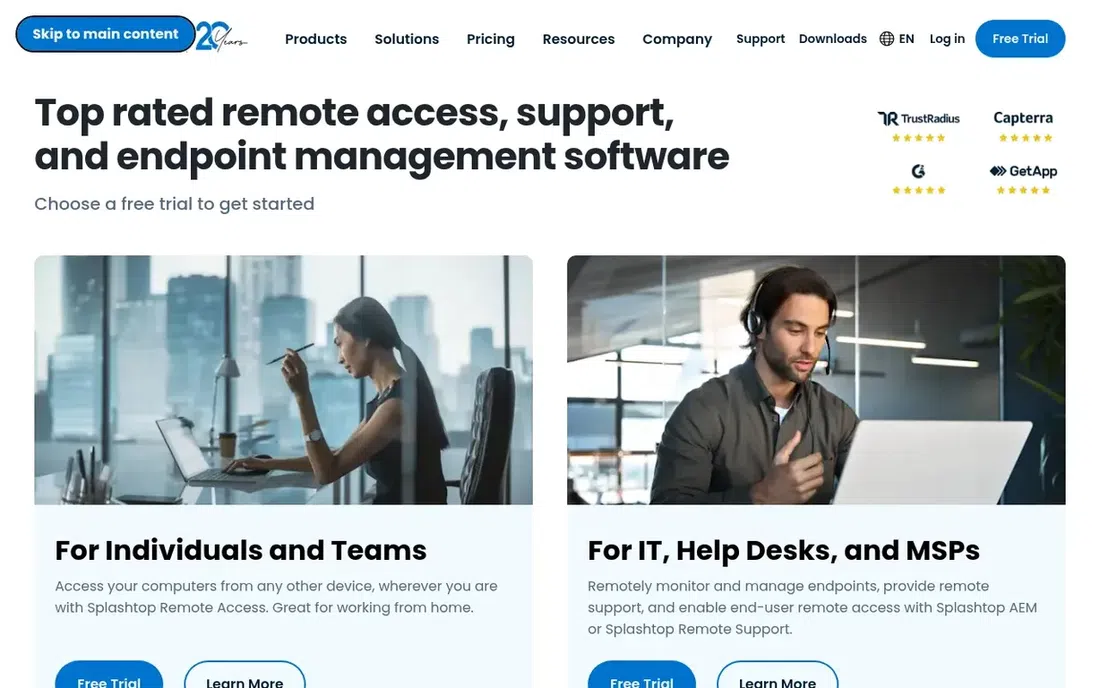
Splashtop targets quick, secure remote access. Restaurant IT teams can use it to reach back-office systems and assist staff at several sites.
Watch-outs: Best fit relies on your support workflow.
Also, restaurants that require deeper IT management features may have to pair it with another tool. Price to start with Splashtop: $6 per month. On free options: Free trial.
- Spans work and support scenarios
- Secure connection emphasis
- Less emphasis on endpoint management
N-able Take Control
Best for: MSP remote control and support
Where N-able Take Control fits: MSP remote control and support. Restaurant groups that work with a MSP may encounter it as part of their support arrangement.
N-able Take Control does not show a starting price in this comparison, so check the vendor site for current pricing. On free options: Not stated.
Trade-offs to know: MSP orientation may not suit in-house teams.
- Designed for MSP workflows
- Aims at swift issue resolution
- Not a general endpoint management suite
RemotePC is designed for simple remote access across systems. RemotePC is centered on remote access rather than full support or endpoint management.
A restaurant owner or IT contact can use it to reach back-office computers and manager devices from another location. RemotePC is a remote access option for PC, Mac, Linux, and mobile devices. Entry price for RemotePC: $1.84 per month. Free access: Free trial.
Limits to weigh: May lack broader IT management.
- Secure remote access positioning
- Linux and mobile
- Restricted support-specific features highlighted
TeamViewer Remote
Best for: Wide device remote support
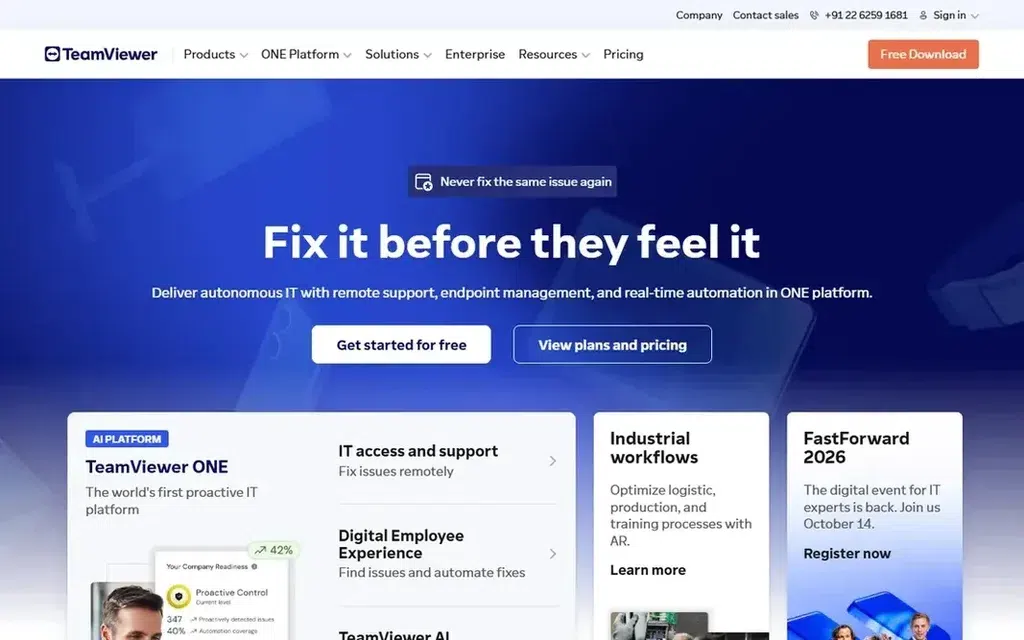
TeamViewer Remote serves wide device remote support. TeamViewer Remote is a remote desktop and support system that lets technicians connect to computers, offer support, and collaborate online. For restaurants, it can be used to reach back-office PCs, manager workstations, and other connected devices across locations.
Limits to weigh: Feature set can feel wide.
From a buyer's view, the product spans numerous use cases, so smaller restaurant teams may find some features beyond their needs. Its homepage notes personal-use availability, which does not necessarily map to commercial restaurant support. No starting price is listed for TeamViewer Remote here; confirm pricing on the vendor site. As for free access: Free trial.
- Collaboration features
- Broad system coverage
- Personal-use wording may not fit business needs
Think of RustDesk for open-source self-hosted remote desktop. RustDesk is open-source remote desktop software that can run with your own self-hosted server, positioned as an alternative for Windows, macOS, Linux, and Android. Also, if you prefer a vendor-managed experience, TeamViewer Remote or Splashtop are more direct choices.
On top of that, restaurant groups with in-house technical staff may value the self-hosted choice for control over their remote access setup. Worth adding: self-hosting brings setup and maintenance work that numerous restaurant operators may not want to take on. It also lacks the managed support features some IT teams expect. On cost, RustDesk starts like this: $11.88 per month. RustDesk has a free plan.
Where it is weaker: Fewer managed support features.
Reasons to shortlist it: Cross-platform support.
- Open-source model
- Self-hosted server choice
- Self-hosting needs technical effort
How the list was put together
Pricing pages, product documentation and feature lists were the main sources, and every entry carries at least one honest drawback. Seat minimums, billing terms and add-ons can move the real cost, so the starting prices here are a guide and not a quote. The order reflects how well each tool fits the most common buying scenario for remote support software for restaurants, then price clarity, then free plan access. It is a starting point, not a verdict.
Pre-purchase checklist
- Confirm the entry price on the vendor page. For N-able Take Control and TeamViewer Remote that means a quote rather than a fixed price.
- Look at the free plan from RustDesk closely: its caps decide whether it is usable for real work.
- Run a trial of Splashtop, RemotePC and TeamViewer Remote with real work before paying for a year; your own workflow is the best test.
- Read the limits listed for Splashtop first: less emphasis on endpoint management.
- List the apps you already depend on and check that TeamViewer Remote supports each one on the plan you would buy.
- Involve the people who will use N-able Take Control daily; a short pilot beats a long feature checklist.
FAQ
What is the cheapest option for remote support software for restaurants in this list?
On published monthly entry prices, RemotePC is the lowest here at $1.84 per month. Entry price is only part of the cost, because seats, add-ons and billing terms can change the total. All 5 picks in this remote support software for restaurants comparison list a starting price, free plan details and the main limits on their cards above.
Is Splashtop the right pick for everyone comparing remote support software for restaurants?
No single tool suits every team. Splashtop comes first because it fits fast, secure remote access, while N-able Take Control suits MSP remote control and support and RemotePC suits simple remote access across platforms. Match the tool to your own size, budget and workflow before deciding.
How are the tools for remote support software for restaurants ordered?
Splashtop sits first and RustDesk last because the order follows typical fit for remote support software for restaurants, then price clarity and free access. It is a judgement call, so read each profile for fit and limits.
Do these tools publish their prices?
Not all of them. N-able Take Control and TeamViewer Remote publish no starting price, so expect a quote request for those. The rest, Splashtop included, show a starting price, though seats and billing terms still change the final cost.
Sources
- https://www.splashtop.com
- https://www.n-able.com/products/take-control
- https://www.remotepc.com
- https://www.teamviewer.com
- https://rustdesk.com