Top 6 Remote Production Software for 2026 (Prices and Free Plans)
Searching for the best remote production software? Here are 6 options with prices and free plans. Every pick gets a straight assessment. Checked this month.
- Editor's choice
 Restream
Multistreaming to several channels
Starts at$239 per monthVisit restream.ioFull review - Great alternative
 OBS Studio
Open source recording and streaming
Starts atSee websiteVisit obsproject.comFull review - Also consider
 Zoom
Everyday remote meetings and webinars
Starts atSee websiteVisit zoom.usFull review
Direct answer
Our first pick is Restream, best for Multistreaming to several channels. Listed starting prices: Restream from $239 per month. Look at OBS Studio for open source recording and streaming, and at Zoom for everyday remote meetings and webinars. The other 3 tools in the list cover narrower or pricier cases.
TL;DR:
- Restream is the opening pick, best for Multistreaming to several channels.
- One limit worth knowing about OBS Studio: setup and scenes take learning.
- Starting prices begin at $239 per month with Restream.
- Cisco Webex fits AI-assisted collaboration with devices.
Last checked November 2026. Prices and plan details were read from the vendors' own pages in November 2026; vendors change plans often, so confirm the current price on the vendor site before you buy.
Quick comparison
| Tool | Best for | Starts at | Free plan? | |
|---|---|---|---|---|
| Restream | Multistreaming to several channels | $239 per month | Not stated | Visit |
| OBS Studio | Open source recording and streaming | See website | Not stated | Visit |
| Zoom | Everyday remote meetings and webinars | See website | Not stated | Visit |
 vMix | Live switching and streaming on Windows | See website | Not stated | Visit |
 Microsoft Teams | Organized team collaboration and meetings | See website | Not stated | Visit |
 Cisco Webex | AI-assisted collaboration with devices | See website | Yes | Visit |
Our 6 picks for remote production software
This LinkVetted guide covers 6 options for remote production software. Each profile lists a starting price, free plan details, strengths and drawbacks, so you can drop poor fits quickly.
Restream serves Multistreaming to several channels. Restream is a live video system that helps you build videos and multistream them to your favorite channels. For remote production, its value is distribution: sending one live feed to multiple destinations at once without building separate pipelines.
What to check first: Depends on a stable connection.
Performance also relies on a stable connection. Restream centres on broadcasting and distribution instead of scene switching and mixing, so complicated productions still need a switcher or encoder. On top of that, pick it when multichannel reach is the goal and your production setup is handled elsewhere. Restream pricing: $239 per month. As for free access: Not stated.
What works well: Multistreams to favorite channels.
- Tools for creating refined videos
- Simple live video system
- Not a full production switcher
OBS Studio is built with open source recording and streaming in mind. For remote production, it is an adaptable, widely used choice for capturing sources, building scenes and sending output where you need it.
Drawbacks to consider: Setup and scenes take learning.
No starting price is listed for OBS Studio here; confirm pricing on the vendor site. Free plan details: Not stated.
- Records and streams to numerous providers
- High quality H264 and AAC encoding
- Fewer built-in production extras
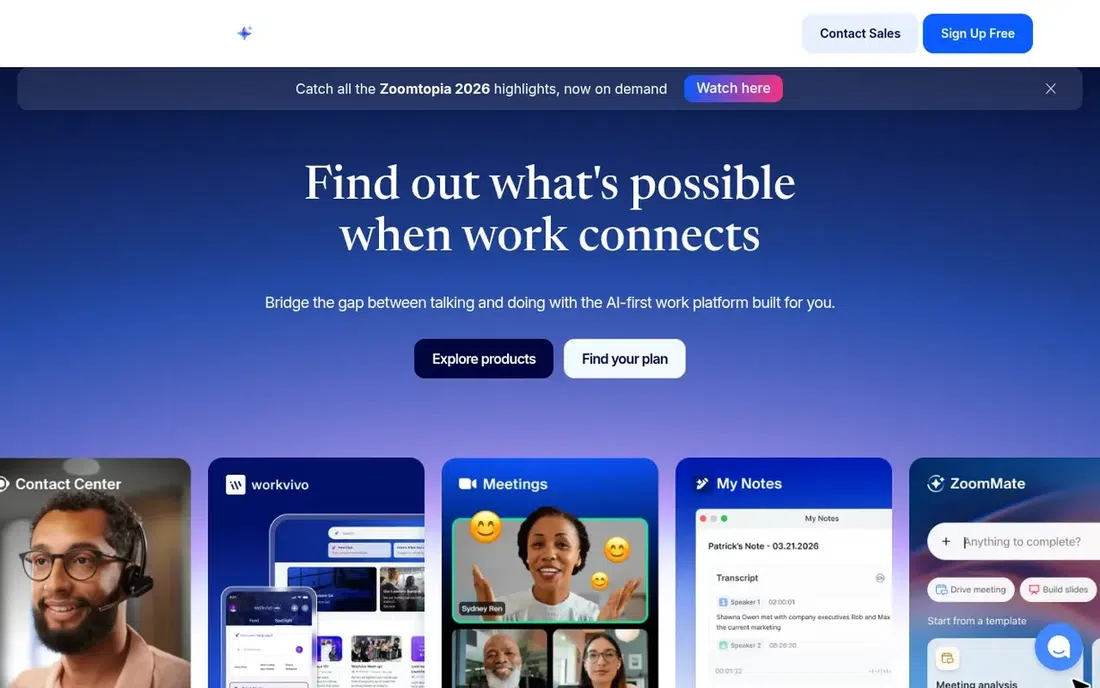
For everyday remote meetings and webinars, Zoom is a natural candidate. For remote production teams, it takes care of the human side of the workflow: planning calls, running webinars and keeping contributors connected.
From a buyer's view, Teams producing multicamera shows or overlays should pair it with dedicated production software. More specifically, Zoom is not a live video mixer, so it lacks the scene switching and encoding controls that broadcast-style production demands. Zoom shows no starting price here, so confirm the cost on the vendor site. Free options: Not stated.
Downsides: Live production switching is restricted.
- Meetings, chat
- Wide device and workflow compatibility
- Advanced broadcast features need other tools
vMix serves live switching and streaming on Windows. vMix is live streaming and live production software for Windows, acting as a video mixer and switcher. It lets producers combine sources, record and stream professional-looking content straight from a PC.
Honest limits: Windows only.
Best features of vMix: Produce.
It is also more complicated than a straightforward conferencing app, so casual users may find it heavy. Pick it when live switching and recording are central, and look elsewhere for entry-level meetings. vMix does not show a starting price in this comparison, so check the vendor site for current pricing. Free plan details: Not stated.
- Video mixing and switching for live presents
- Aimed at professional-looking output
- Needs capable hardware
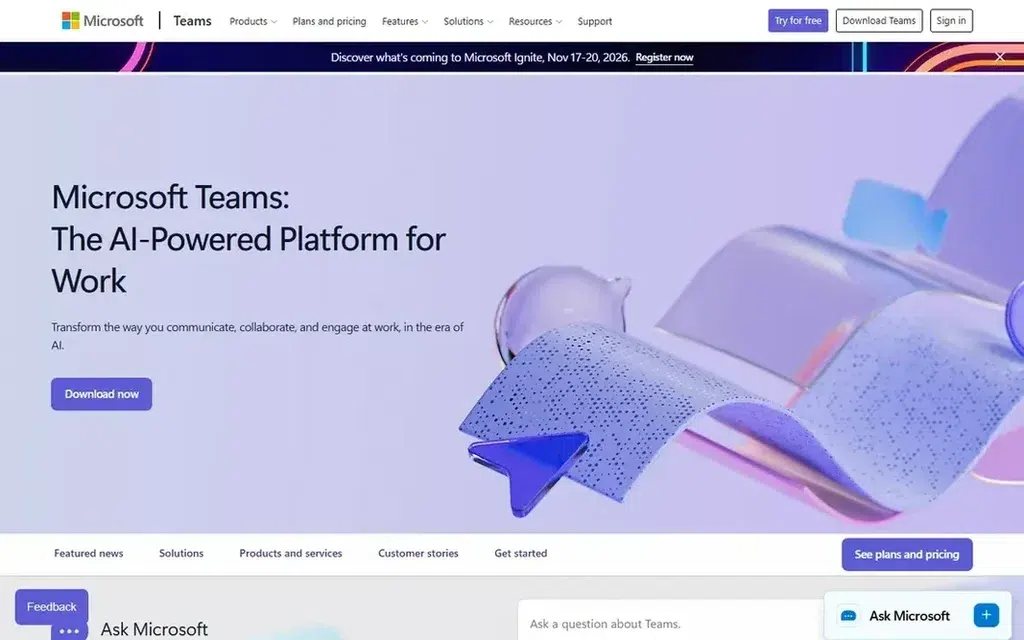
Microsoft Teams was built for organized team collaboration and meetings. Remote production crews can use it to coordinate schedules, share assets and hold production meetings without leaving the workspace.
Where it shines: Suits Microsoft-centered workplaces.
It fits organizations already working within Microsoft tools that want collaboration and video in a single environment. No starting price is listed for Microsoft Teams here; confirm pricing on the vendor site. Free options: Not stated.
Drawbacks to consider: Not designed for live video switching.
- Chat
- Meant to keep work organized
- Interface can feel busy for casual users

For AI-assisted collaboration with devices, Cisco Webex is a natural candidate. Cisco Webex presents itself as an AI-powered collaboration product spanning meetings, customer experience, devices and system options. For everyday use, for remote production, it is a good fit for bigger organizations that want meetings and communication tied to room hardware and broader infrastructure.
Webex is not made for live production switching, recording mixes or multistreaming, so broadcast tasks need separate software. Beyond that, the breadth of the product can also mean a steeper ramp-up time for small teams. Pricing for Cisco Webex is not stated here, so ask the vendor for current figures. Cisco Webex offers a free plan.
Points against: Production switching is outside its scope.
- AI-powered collaboration features
- Targeted at global brand workflows
- Wide feature set takes time to learn
Our selection method
A buyer's checklist
- Confirm the entry price on the vendor page. For OBS Studio, Zoom, vMix and others that means a quote rather than a fixed price.
- Look at the free plan from Cisco Webex closely: its caps decide whether it is usable for real work.
- Before choosing Restream, weigh its main limit: not a full production switcher.
- Ask OBS Studio how an export works before you move any records in; an easy exit lowers the risk.
- Pick one real project and run it in vMix first; a small pilot shows fit faster than a checklist.
FAQ
What is the cheapest option for remote production software in this list?
On published monthly entry prices, Restream is the lowest here at $239 per month. Entry price is only part of the cost, because seats, add-ons and billing terms can change the total. For the full picture, the cards above cover all 6 entries of this remote production software list, including price, free plan and limits.
Do these tools publish their prices?
Not all of them. OBS Studio, Zoom, vMix and others publish no starting price, so expect a quote request for those. The rest, Restream included, show a starting price, though seats and billing terms still change the final cost.
Is Restream the right pick for everyone comparing remote production software?
No single tool suits every team. Restream comes first because it fits Multistreaming to multiple channels, while OBS Studio suits open source recording and streaming and Zoom suits everyday remote meetings and webinars. Match the tool to your own size, budget and workflow before deciding.
How are the tools for remote production software ordered?
Restream sits first and Cisco Webex last because the order follows typical fit for remote production software, then price clarity and free access. It is a judgement call, so read each profile for fit and limits.
Can I stream to several products at once?
Yes, tools like Restream are built for multistreaming to several channels from one feed. Check each vendor's documented output choices before planning a display.
Sources
- https://restream.io
- https://obsproject.com
- https://zoom.us
- https://www.vmix.com
- https://www.microsoft.com/en-us/microsoft-teams/group-chat-software
- https://www.webex.com