Top 6 RFI Management Software for Site Superintendents for 2026 (Prices and Free Plans)
Searching for the best RFI management software for site superintendents? Here are 6 options with prices and free plans. Weaknesses are named for every tool.
- Editor's choice
 Autodesk Construction Cloud
Teams working inside the Autodesk design ecosystem
Starts atPricing on requestVisit autodesk.comFull review - Great alternativeKahua
Owners, GCs and agencies controlling programs
Starts atPricing on requestVisit kahua.comFull review - Also considerTrimble Viewpoint
Contractors tying field workflows to job costing
Starts atPricing on requestVisit viewpoint.comFull review
Direct answer
If you need teams working inside the Autodesk design ecosystem, Autodesk Construction Cloud is the first tool to look at here. If your case is different, Kahua suits owners, GCs and agencies controlling programs and Trimble Viewpoint suits contractors tying field workflows to job costing. The remaining 3 options are covered below with pricing notes and limits. None of these vendors publish plan prices, so pricing is on request for every option.
TL;DR:
- Autodesk Construction Cloud is the opening pick, best for teams working inside the Autodesk design ecosystem.
- Pricing across the list, from Autodesk Construction Cloud to Newforma, is by quote only.
- A fair warning about Kahua: program-level orientation may exceed single-site needs.
- For Centralizing project emails and files, Newforma is worth a look.
- None of the 6 tools, from Autodesk Construction Cloud to Newforma, has a free plan, so budget for a subscription or use a trial.
Last checked November 2026. Pricing on request: vendors did not publish plan prices when this guide was last checked (November 2026), so ask each vendor for a written quote.
Quick comparison
| Tool | Best for | Starts at | Free plan? | |
|---|---|---|---|---|
| Autodesk Construction Cloud | Teams working inside the Autodesk design ecosystem | Pricing on request | Not stated | Visit |
| Kahua | Owners, GCs and agencies controlling programs | Pricing on request | Not stated | Visit |
| Trimble Viewpoint | Contractors tying field workflows to job costing | Pricing on request | Not stated | Visit |
 Oracle Aconex | Complete project records across the lifecycle | Pricing on request | Not stated | Visit |
 Procore | Linking RFIs to field and drawing records | Pricing on request | Not stated | Visit |
 Newforma | Centralizing project emails and files | Pricing on request | Not stated | Visit |
Tool-by-tool breakdown
LinkVetted put together this guide to RFI management software for site superintendents for readers who want a clear shortlist without reading every vendor page. It compares 6 tools on starting price, free plans, who each one suits and where each one falls short.
Autodesk Construction Cloud
Best for: Teams working inside the Autodesk design ecosystem
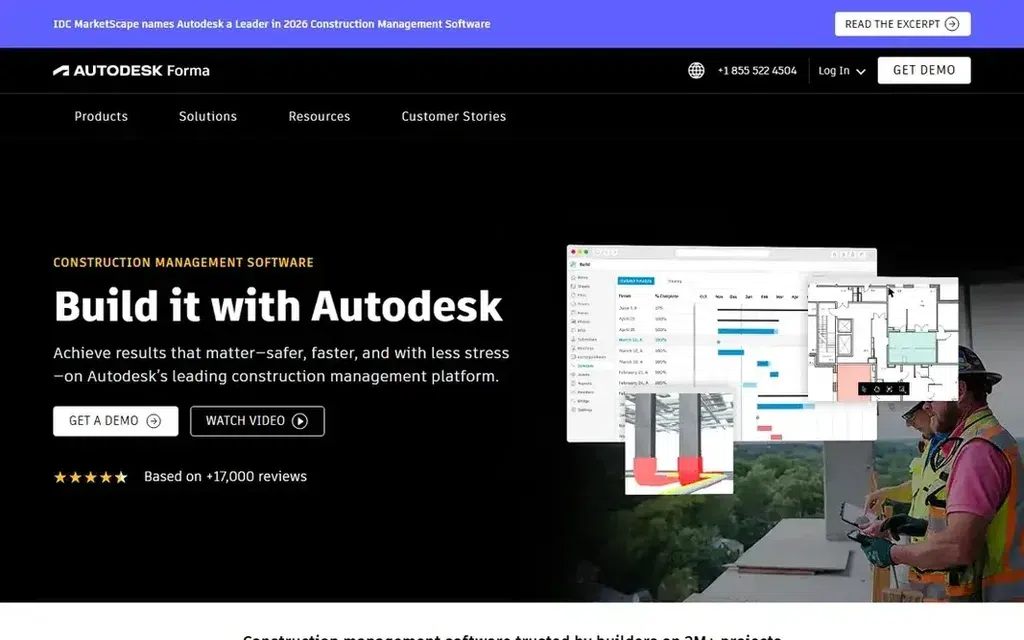
Autodesk Construction Cloud is aimed squarely at teams working inside the Autodesk design ecosystem. Autodesk Construction Cloud, now presented under Autodesk Forma, lets project teams collaborate securely and rapidly so projects can be delivered on time and on budget. Consider a more focused platform when field question tracking is the primary need.
The most solid fit is with teams already invested in Autodesk workflows; others may face additional integration effort. Superintendents on jobs where the design and coordination work already runs through Autodesk tools get a natural bridge between the model and the field question process. This comparison lists no price for Autodesk Construction Cloud; ask the vendor. On free options: Not stated.
Trade-offs to know: Setup effort grows with project complexity.
- On-budget delivery
- Targeted at on-time
- Most natural fit for Autodesk-centric teams
Kahua
Best for: Owners, GCs and agencies controlling programs
Kahua works best for owners, GCs and agencies controlling programs. Superintendents working under an owner or agency that runs its programs on Kahua will find RFIs handled within that shared structure. Its program-level orientation can be more than a single-site superintendent needs, and evaluation generally runs through a vendor demo.
Where it falls short: Demo-based evaluation required.
Also, pick Kahua when alignment across a capital program is the driving requirement. Teams wanting a fast standalone RFI log may prefer a narrower tool. No starting price is listed for Kahua here; confirm pricing on the vendor site. Free plan details: Not stated.
- GCs and agencies
- Targeted at owners
- Program-level orientation may exceed single-site needs
Trimble Viewpoint
Best for: Contractors tying field workflows to job costing
For contractors tying field workflows to job costing, Trimble Viewpoint is a natural candidate. For everyday use, the payoff grows when job costing and reporting data are actively used.
Where it falls short: Best value with connected financial data.
Also, if your organization keeps finances in a separate system, a standalone field tool may be more straightforward. Since it is oriented toward construction ERP and project management, teams seeking only RFI tracking may find it broader than needed. Trimble Viewpoint does not show a starting price in this comparison, so check the vendor site for current pricing. As for free access: Not stated.
- Simplifies job costing and reporting
- Handles projects
- ERP orientation may exceed pure RFI needs
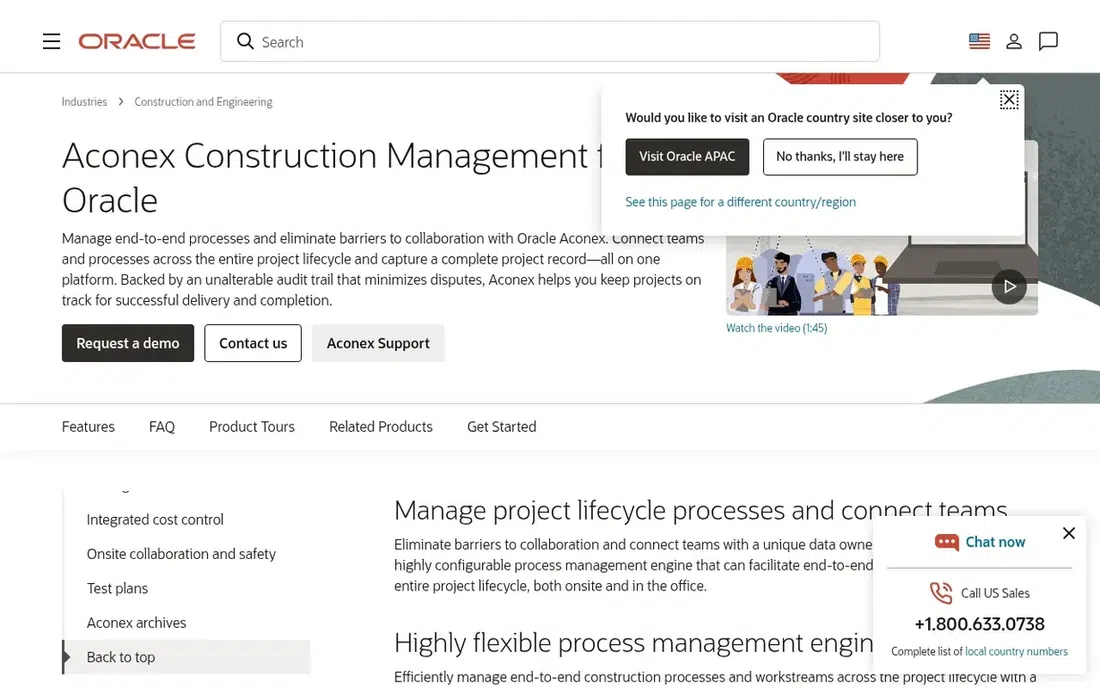
In short, Oracle Aconex is for complete project records across the lifecycle. Superintendents who want fast informal question tracking may prefer a lighter tool.
Honest limits: Structured for formal document control.
The system leans toward formal, controlled processes, which can feel heavy on smaller or fast-moving jobs. Worth adding: for superintendents, that means RFIs sit inside a formal correspondence trail that owners, consultants and contractors can all reference. This comparison lists no price for Oracle Aconex; ask the vendor. Free plan details: Not stated.
- Links teams and processes end to end
- Made for large
- May feel process-heavy on small jobs
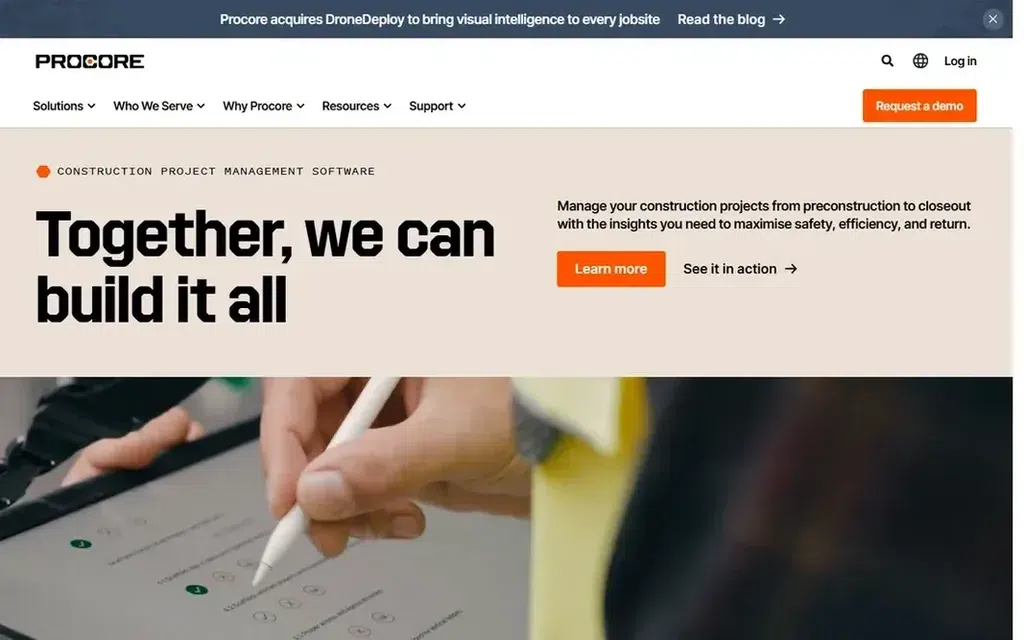
Procore makes the most sense for Linking RFIs to field and drawing records. Procore is a construction management product that links the site and the office, giving teams the live visibility needed to deliver quality projects on time. The product spans far more than RFIs, so a team that only needs question tracking may find the scope broader than required.
Drawbacks to consider: Wide product may feel heavy for small jobs.
For a site superintendent, that positioning matters since RFIs seldom live alone: they touch drawings, daily logs and coordination. Smaller crews with restricted administrative support should weigh whether they can keep the system current. Procore does not show a starting price in this comparison, so check the vendor site for current pricing. As for free access: Not stated.
- Wide construction management scope
- Links the site and the office
- Full value relies on team-wide adoption
Newforma makes the most sense for Centralizing project emails and files. The product centers on information management instead of field execution, so superintendents wanting drawing-linked field tools may have to pair it with something else.
Limits to weigh: Value relies on disciplined record keeping.
What works well: Centralizes files. Also, consider a field-first product when daily site workflows are the priority. Pricing for Newforma is not stated here, so ask the vendor for current figures. Free access: Not stated.
- Full AEC project visibility
- Emails and conversations
- Information-centric rather than field-first
How the list was put together
Things to verify first
- Ask each vendor, from Autodesk Construction Cloud to Newforma, for a written quote; none of them publishes a starting price.
- Before choosing Autodesk Construction Cloud, weigh its main limit: most natural fit for Autodesk-centric teams.
- Look at the renewal terms for Oracle Aconex: auto-renewal, notice periods and price changes can matter more than the first-year price.
- Add up seats, add-ons and usage charges for Kahua before comparing it with cheaper entries.
- Confirm you can export your data from Procore, so leaving later does not mean losing records.
FAQ
Does any tool for RFI management software for site superintendents here have a free plan?
A permanent free plan is not offered by Autodesk Construction Cloud, Newforma or the other tools here. Plan a short evaluation period instead.
Can RFI software help keep the project record complete?
Yes, when the tool records questions and answers alongside related correspondence and documents. Oracle Aconex and Newforma emphasize complete project records and centralized information.
Do these tools publish their prices?
No. None of the tools, from Autodesk Construction Cloud to Newforma, shows a fixed starting price here, so budget time for quotes.
Can I try these tools before paying?
Not by default. None of the tools, from Autodesk Construction Cloud to Newforma, lists a free plan or a free trial here, so ask each vendor for a demo before committing.
Is Autodesk Construction Cloud the right pick for everyone comparing RFI management software for site superintendents?
No single tool suits every team. Autodesk Construction Cloud comes first because it fits teams working inside the Autodesk design ecosystem, while Kahua suits owners, GCs and agencies controlling programs and Trimble Viewpoint suits contractors tying field workflows to job costing. Match the tool to your own size, budget and workflow before deciding.
Is a full construction system better than a standalone RFI tool?
A full system keeps RFIs connected to drawings, daily logs and project records, which fits teams already working in that environment. From a buyer's view, a standalone tool can be quicker to adopt when question tracking is the only need.
Sources
- https://www.autodesk.com/construction
- https://www.kahua.com
- https://www.viewpoint.com
- https://www.oracle.com/construction-engineering/aconex
- https://www.procore.com
- https://www.newforma.com