Best Film Production Management Software in 2026: 9 Products Compared
Looking for the best film production management software? We compare 9 tools for breakdowns, schedules, budgets, and call sheets in 2026. See prices now.
- Editor's choice
 StudioBinder
All in one production platform
Starts atFreeVisit studiobinder.comFull review - Great alternative
 Movie Magic Scheduling
Industry stripboards
Starts atSee websiteVisit entertainmentpartners.comFull review - Also consider
 Movie Magic Budgeting
Studio style budgets
Starts atSee websiteVisit entertainmentpartners.comFull review
TL;DR:
- Production management covers breakdowns, stripboards, call sheets, budgets, and crew coordination, and no single tool does all of it equally well.
- StudioBinder suits small to mid teams that want scripts, schedules, and call sheets in one browser tool.
- Movie Magic remains the industry standard for scheduling and budgeting on larger, financed productions.
- Check crew size pricing, mobile access, and export formats before you lock a show into one system.
Quick comparison
| Tool | Best for | Starts at | Free plan? | |
|---|---|---|---|---|
| StudioBinder | All in one production platform | Free | Yes | Visit |
| Movie Magic Scheduling | Industry stripboards | See website | Free trial | Visit |
| Movie Magic Budgeting | Studio style budgets | See website | Free trial | Visit |
 Celtx | Affordable pre-production suite | See website | Yes | Visit |
 Filmustage | AI script breakdowns | Free | Yes | Visit |
 Yamdu | Full production management | See website | Free trial | Visit |
 Gorilla Scheduling | Indie scheduling and budgeting | See website | Free trial | Visit |
 Dramatify | Fiction and TV production | See website | Free trial | Visit |
 Saturation | Collaborative film budgeting | $32 per month | Yes | Visit |
The best film production management software
We compared official feature pages, pricing pages, and public reviews to find tools that manage real productions, not just script writing alone.
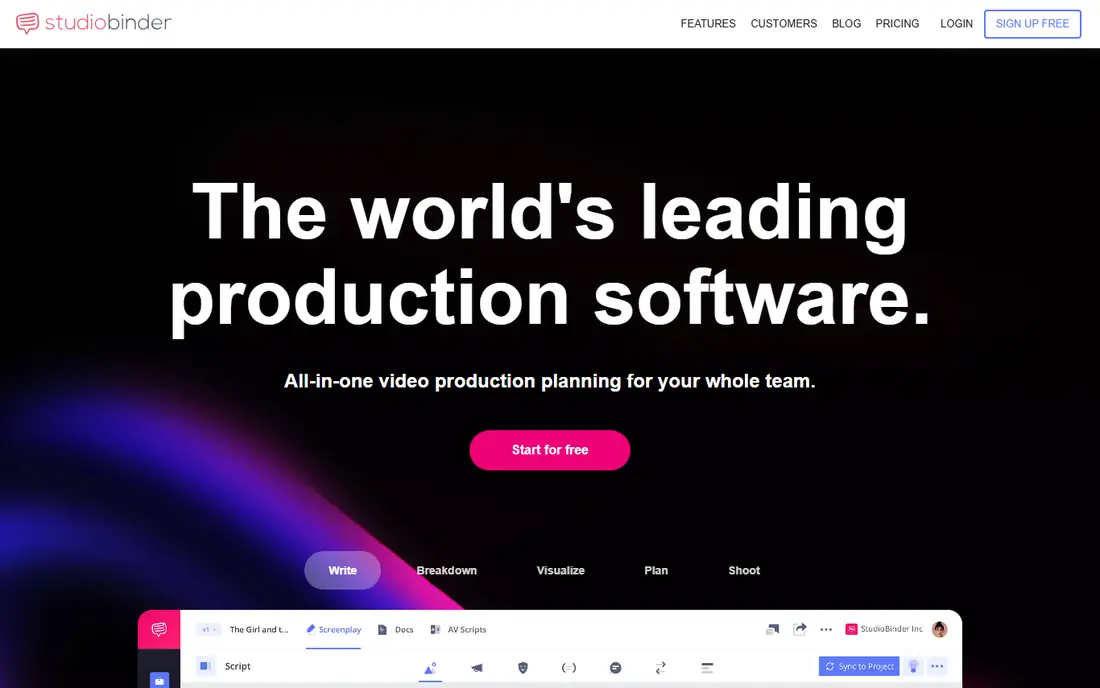
StudioBinder is the easiest all in one start for many productions. You can import a script, break it down, build a stripboard schedule, create shot lists and storyboards, and send call sheets that track opens and confirmations. That single flow saves time when a small team handles several jobs at once.
The free plan limits projects, and paid plans rise with seats and storage, so check current pricing for your crew size. For a production company that needs one shared workspace, StudioBinder covers more of the pipeline than most rivals.
- Scripts, breakdowns, schedules, shot lists, and call sheets in one place
- Easy to learn
- Collaborators can join free
- Paid plans can be costly for indie teams
- Script editor is less focused than dedicated writing tools
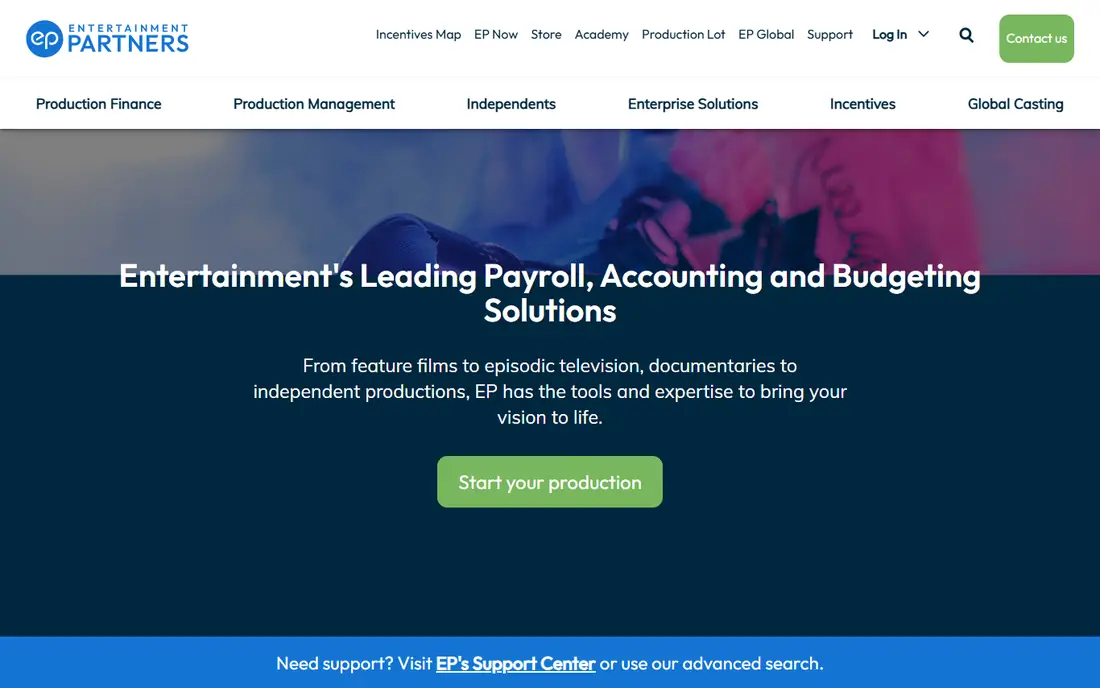
Movie Magic Scheduling has been the standard stripboard tool for decades, and its redesigned version adds cleaner layouts and conflict alerts. First assistant directors and producers use it to group scenes by location, cast, and day, then produce day out of days reports that financiers and crews expect. That familiarity matters on larger shows.
It is a specialist tool, not a full production suite, so you will still need call sheet and budgeting tools beside it. For a feature or series with a real crew, the standard format often justifies the cost and learning time.
- Industry standard stripboard format
- Conflict alerts
- Links to Movie Magic Budgeting
- Subscription pricing
- Desktop focused workflow takes learning
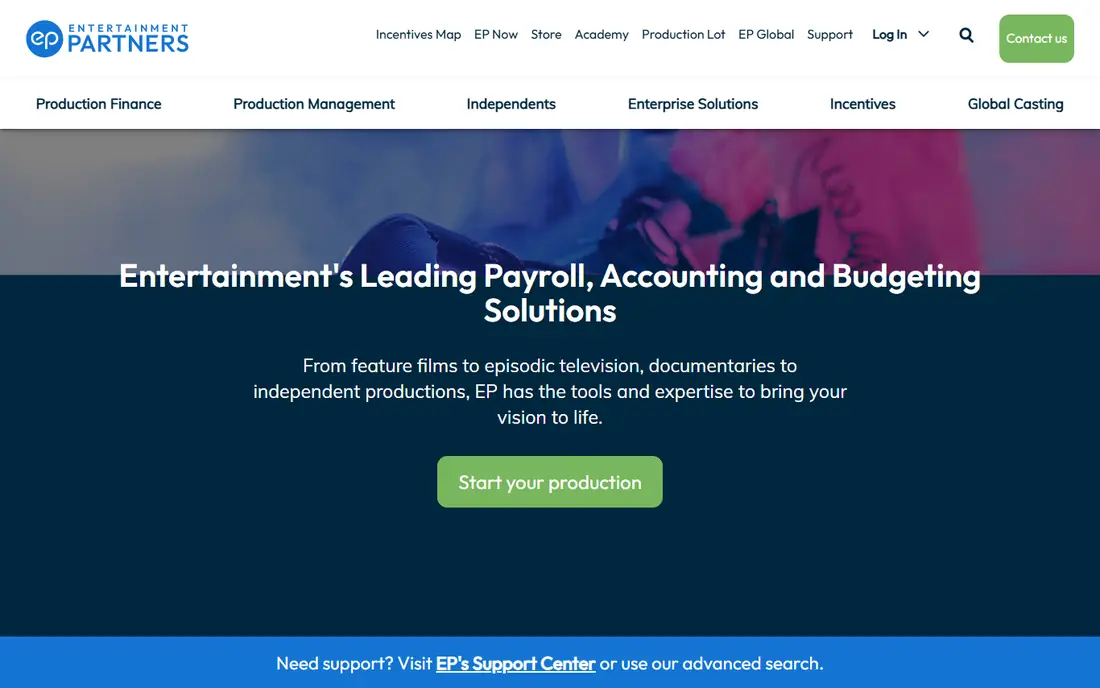
Movie Magic Budgeting is the companion tool for studio style budgets. It handles account hierarchies, fringes, globals, and actuals in a format that production accountants and financiers recognize. When a budget must pass studio review, that standard structure saves back and forth.
New users should expect training time, and smaller indie teams may find a simpler budgeting tool faster. For financed features and series, Movie Magic Budgeting remains a safe and expected choice.
- Standard budget structure with fringes and globals
- Links to scheduling
- Trusted by studios and networks
- Learning curve for new budgeters
- Subscription pricing
Celtx suits indie teams that want pre-production in one affordable suite. You can write a script, break it down, schedule scenes, and send call sheets without buying several specialist tools. That breadth helps student and indie productions with tight budgets.
Larger productions may still need Movie Magic for scheduling or budgeting depth. For a small team that wants one login for pre-production, Celtx offers a practical balance of price and coverage.
- Script writing, breakdowns, schedules, and call sheets
- Lower cost than StudioBinder
- Team collaboration
- Some advanced production features are thinner
- Budgeting tools vary by plan
Filmustage speeds up the slowest part of pre-production: reading a script and tagging every element. Its AI extracts cast, props, locations, wardrobe, and effects, then builds a stripboard, day out of days, budget items, and call sheets from that breakdown. When a script changes, linked items update, which saves rework.
AI breakdowns still need a human pass, since implied props and actions can be missed. For teams that want fast first drafts and are willing to verify each scene, Filmustage can cut days from pre-production.
- AI reads scripts and tags cast, props, and locations
- Builds schedules and budgets from breakdowns
- Syncs changes
- AI tags need human checking
- Advanced plans add cost for full features
Yamdu is a full production management platform for film, TV, commercials, and documentaries. It covers script breakdowns, shooting schedules, call sheets, day out of days, time cards, and budgeting in one system. That depth suits productions that want crew, cast, and budget data linked together.
Smaller teams may find Yamdu more than they need for a short project. For a series or a production company running several shows, the linked workflow helps keep departments in sync.
- Breakdowns, schedules, call sheets, time cards, and budgeting
- Supports film, TV, and commercials
- Interface takes learning
- Pricing depends on production size and seats
Gorilla, from Jungle Software, offers scheduling and budgeting tools aimed at independent filmmakers. The combo pack pairs Gorilla Scheduling with Gorilla Budgeting, giving indie producers a familiar desktop workflow without studio level pricing. That makes it useful for features and shorts with a traditional crew structure.
Browser based teams may miss live collaboration and mobile access. For indie producers who prefer desktop software and a clear stripboard and budget, Gorilla remains a relevant option.
- Desktop scheduling and budgeting for indie films
- Combo pack covers both
- One time and subscription options listed
- Interface feels dated
- Cloud collaboration is thinner than browser tools
Dramatify covers production management for fiction, TV, and related formats, with breakdowns, schedules, budgets, and call sheets. Its plans include team seats, which helps when cast and crew need access without extra per user surprises. That structure suits European and international productions as well as US teams.
US indie teams should check whether collaborators already use Dramatify, since familiarity affects adoption. For a TV or fiction production that wants one system for planning and shooting, Dramatify is worth a trial.
- Production management for fiction and TV
- Breakdowns, schedules, and call sheets
- Team seats included on plans
- Less known in the US indie market
- Pricing varies by production type and seats
Saturation focuses on film budgeting done well in a browser. Teams can collaborate on a budget, track actuals against lines, and import budgets from Movie Magic or Excel. That focus suits line producers and production accountants who need a shared, current budget without desktop files passing by email.
It is not a full production suite, so you will still need scheduling and call sheet tools. For a production where budget accuracy and collaboration matter most, Saturation offers a clear and modern option.
- Collaborative budgeting with actuals
- Imports Movie Magic and Excel budgets
- Cloud based
- Focused on budgeting, not full scheduling and call sheets
- Advanced features need higher plans
How we picked these
We compared official feature pages, pricing pages, and public reviews for tools that are live today and manage production work beyond writing alone. We favored tools with breakdowns, schedules, call sheets, or budgets, and we mixed all in one platforms, specialist scheduling and budgeting tools, and AI breakdown tools. We also noted crew size pricing and export formats, since those details affect a real show.
We did not claim hands-on testing. Where pricing was not published in a simple form, we listed See website and advised readers to confirm seat and project limits for their crew size.
What to check before you commit a show
Map your pipeline first
List the steps your show actually needs: script, breakdown, schedule, budget, call sheets, shot lists, and payroll. A tool that covers your weakest step may matter more than a tool with the longest feature list.
Test with a real script
Import a real script during a trial, not a demo file. Check breakdown accuracy, schedule grouping, call sheet output, and budget import. A tool that looks good on a sample may struggle with your script format.
Check crew access and mobile use
Crew members need call sheets and schedules on phones, often with poor signal on location. Confirm mobile access, offline views, and how confirmations are tracked. A tool only producers can open will not help on set.
Confirm exports for financiers and accountants
Ask whether schedules and budgets export in formats your financiers, accountants, and payroll providers accept. A beautiful in app view does not help if you must rebuild a budget for review.
FAQ
What is film production management software?
It is software that plans and runs a film or TV production, covering script breakdowns, shooting schedules, budgets, call sheets, shot lists, and crew coordination. Some tools cover the full pipeline, while others focus on scheduling or budgeting alone.
Do I need production software for a short film?
Not always, but it helps once a cast and crew grow beyond a few people. A free plan from StudioBinder, Celtx, or Filmustage can handle a short with a schedule and call sheets. For a solo shoot, a script tool and a spreadsheet may be enough.
What is a script breakdown?
A script breakdown tags every scene with cast, props, locations, wardrobe, effects, and other needs. That list then drives the schedule, budget, and call sheets. AI tools can draft a breakdown fast, but a human should verify it before locking a schedule.
What is a stripboard?
A stripboard, also called a shooting schedule, groups scenes by location, cast, and time of day rather than story order. It helps a production shoot efficiently and produce day out of days reports for cast availability.
Can production software handle budgets and actuals?
Some tools can, especially Movie Magic Budgeting, Gorilla Budgeting, and Saturation, which track spending against budget lines. All in one tools may offer estimates rather than full accounting, so check actuals support if you need it.
Should I use one tool or several specialist tools?
One tool suits small teams that want a shared workspace and simple handoffs. Larger productions often pair a specialist scheduler and budgeter with a call sheet tool, since each job has different standards. Choose based on crew size and who must accept your outputs.