The 5 Best File Sharing Software for Media Production in 2026, Ranked
Best file sharing software for media production in 2026: 5 contenders with entry costs and free tiers. Each tool gets a one-line verdict. Plain facts.
- Editor's choice
 Google Drive
Straightforward, familiar cloud sharing
Starts atSee websiteVisit workspace.google.comFull review - Great alternativeIconik
Managing assets from ingest to delivery
Starts at$9 a monthVisit iconik.ioFull review - Also considerAspera
Quick transfers in hybrid and multi-cloud setups
Starts atSee websiteVisit ibm.comFull review
Direct answer
Google Drive is the first pick on this list for straightforward, familiar cloud sharing. Listed starting prices: Iconik from $9 a month and Signiant Media Shuttle from $13,000 per year. For a different need, Iconik covers managing assets from ingest to delivery and Aspera covers fast transfers in hybrid and multi-cloud setups. All 5 tools are compared below on price, free plan and limits.
TL;DR:
- Google Drive takes the first slot, best suited to straightforward, familiar cloud sharing.
- Frame.io is the one to check for review and approval in one place.
- Check the limits for Iconik before you commit: broader media management scope.
- Google Drive, Frame.io and the 3 others all need a premium plan or a trial, since no free plan is listed.
Last checked November 2026. Prices and plan details were read from the vendors' own pages in November 2026; vendors change plans often, so confirm the current price on the vendor site before you buy.
Quick comparison
| Tool | Best for | Starts at | Free plan? | |
|---|---|---|---|---|
| Google Drive | Straightforward, familiar cloud sharing | See website | Not stated | Visit |
| Iconik | Managing assets from ingest to delivery | $9 a month | Free trial | Visit |
| Aspera | Quick transfers in hybrid and multi-cloud setups | See website | Not stated | Visit |
| Signiant Media Shuttle | Quick large-file transfer with branded portals | $13,000 per year | No | Visit |
 Frame.io | Review and approval in one place | See website | Not stated | Visit |
Tool-by-tool breakdown
This LinkVetted guide covers 5 options for file sharing software for media production. Each profile lists a starting price, free plan details, strengths and drawbacks, so you can drop poor fits quickly.
Google Drive is built with straightforward, familiar cloud sharing in mind. Choose it for everyday sharing and reach for a dedicated tool when files get large. In daily use, Google Drive is not built for very large media files or frame-accurate review, so heavy production work can outgrow it.
Also, Google Drive is a file sharing system that gives you personal, secure cloud storage so you can share content with other users. Transfer speed and review tooling are restricted compared to media-specific systems. Google Drive does not show a starting price in this comparison, so check the vendor site for current pricing. Trial and free access: Not stated.
Trade-offs to know: Restricted creative review tooling.
- Performs well for documents and light media
- Familiar to most collaborators
- Not aimed at large media transfer
Iconik
Best for: Managing assets from ingest to delivery
Think of Iconik for managing assets from ingest to delivery. From ingest to delivery, it includes more of the production lifecycle.
Points against: Broader media management scope.
Also, since Iconik is a media management system, it involves more setup and structure than a straightforward sharing tool. What you pay to start with Iconik: $9 per month. Trial and free access: Free trial.
- Automate workflows across tools
- Supports distributed teams and storage
- Needs planning to set up
Aspera
Best for: Quick transfers in hybrid and multi-cloud setups
Aspera is designed for quick transfers in hybrid and multi-cloud setups. IBM Aspera offers quick, secure large-file transfer that aims to eliminate slow, unreliable data movement and supports demanding workflows in hybrid and multi-cloud environments. It is a transfer technology first and a collaboration space second.
More specifically, choose a review-centric tool if feedback is the priority, and consider Aspera when transfer performance across environments is the deciding factor. Beyond that, Aspera is enterprise-focused, so smaller creative teams may find it more than they need and less convenient than a review product. It does not replace comment and approval workflows. No starting price is listed for Aspera here; confirm pricing on the vendor site. Free plan details: Not stated.
Limits to weigh: Enterprise-oriented setup.
- Quick
- Addresses slow
- Not made for creative review
Signiant Media Shuttle
Best for: Quick large-file transfer with branded portals
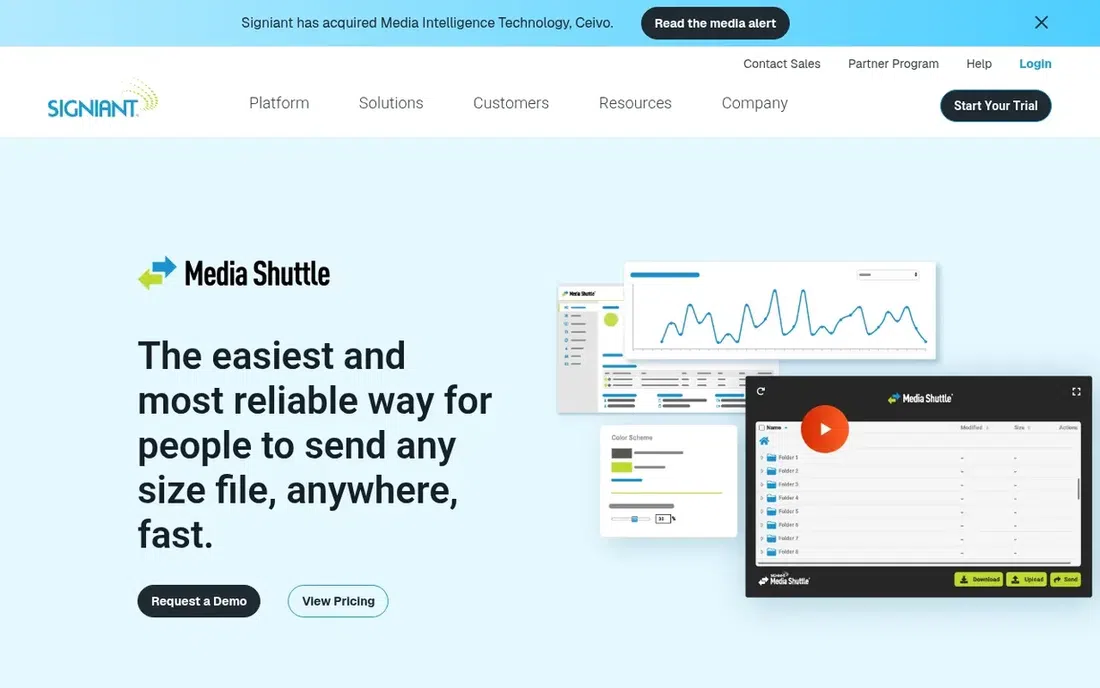
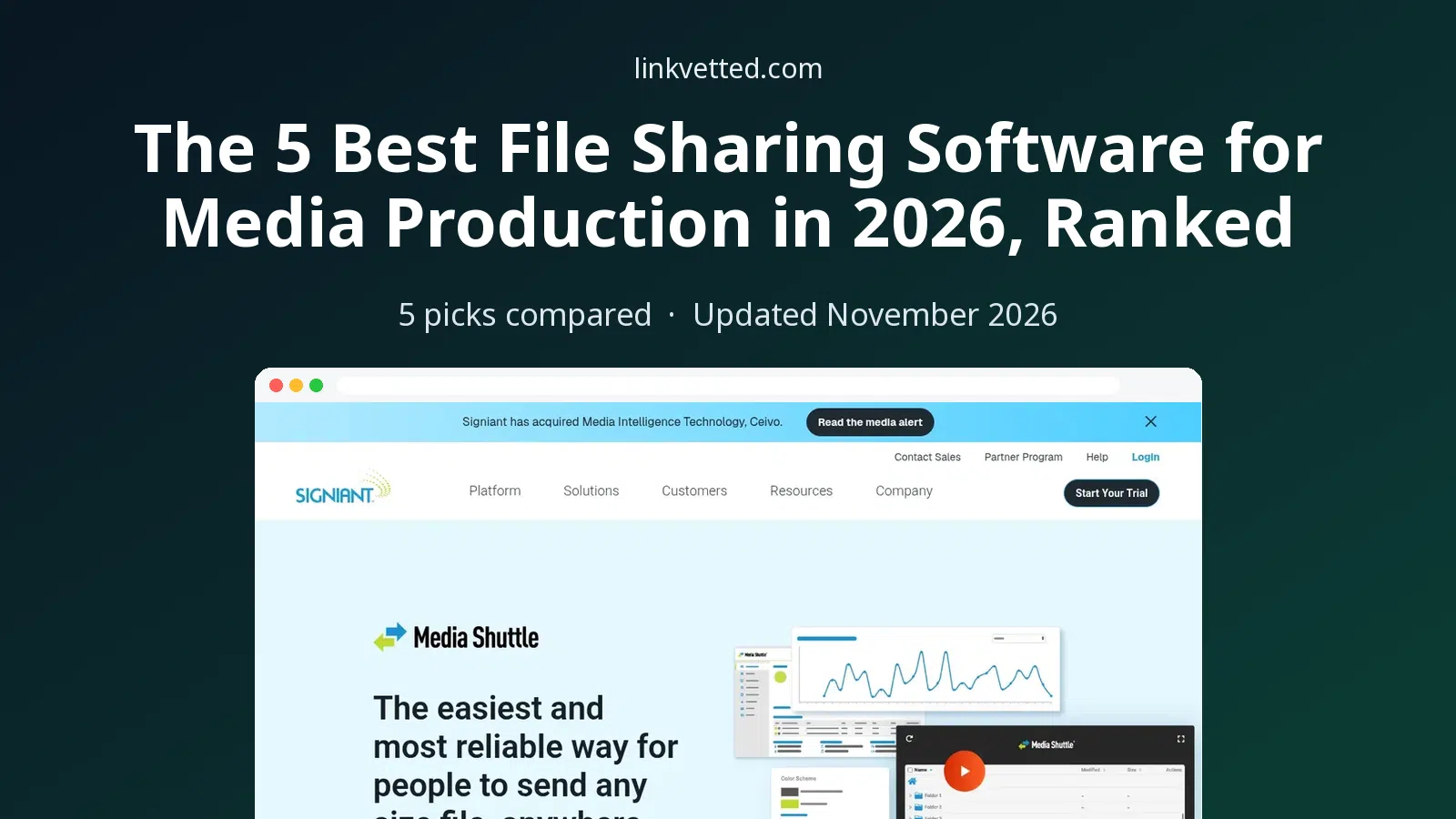
Think of Signiant Media Shuttle for fast large-file transfer with branded portals. Media Shuttle concentrates on transfer instead of creative review, so comment threads and frame-accurate markup are not its core purpose.
Also, consider it when reliable, quick delivery of large files is the central problem. Starting cost for Signiant Media Shuttle: $13,000 a year. Signiant Media Shuttle does not include a free plan.
Drawbacks to consider: Setup is targeted at organizations.
- Send any-size files globally
- Branded portals for recipients
- Not a review and approval tool
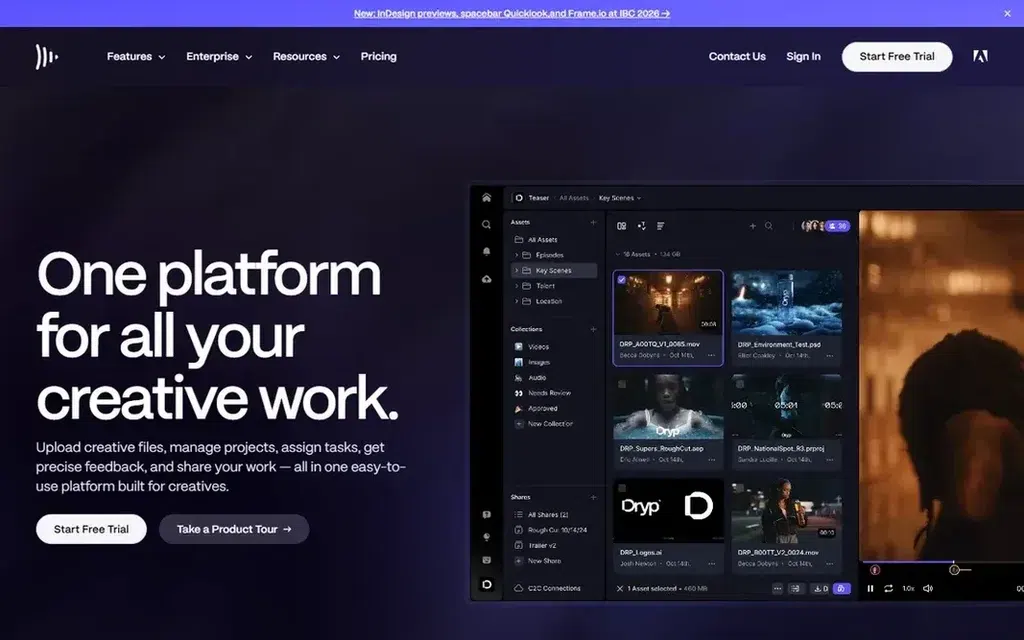
Pick Frame.io if this describes you: review and approval in one place. If your bottleneck is scattered feedback instead of moving massive camera files, this is a natural starting point. As for the details, choose something else if your primary need is branded delivery portals or raw transfer throughput.
What to check first: May overlap with tools you already use.
Since it is built around review and approval, Frame.io is not primarily a high-speed transfer engine for very large media files. Also, teams that on a regular basis move huge masters across continents may want a dedicated acceleration tool alongside it. Frame.io does not show a starting price in this comparison, so check the vendor site for current pricing. Free plan details: Not stated.
- Centralizes files
- Feedback and people
- Concentrated on review instead of raw transfer speed
How we compared the tools
What to check before you buy
- Confirm the entry price on the vendor page. For Google Drive, Aspera and Frame.io that means a quote rather than a fixed price.
- Run a trial of Iconik with real work before paying for a year; your own workflow is the best test.
- Read the limits listed for Google Drive first: not designed for large media transfer.
- Check whether Aspera bills monthly or annually, and what cancelling early costs.
- Total up the real monthly cost of Google Drive, including add-ons, extra users and usage-based fees.
FAQ
How are the tools for file sharing software for media production ordered?
Google Drive sits first and Frame.io last because the order follows typical fit for file sharing software for media production, then price clarity and free access. It is a judgement call, so read each profile for fit and limits.
What is the best file sharing tool for video review?
The first pick on this list is Google Drive, because it suits straightforward, familiar cloud sharing. Iconik is better for managing assets from ingest to delivery, and Aspera for quick transfers in hybrid and multi-cloud setups. Check price and limits against your own needs before choosing.
What is the cheapest option for file sharing software for media production in this list?
On published monthly entry prices, Iconik is the lowest here at $9 per month. Entry price is only part of the cost, because seats, add-ons and billing terms can change the total.
Is Google Drive the right pick for everyone comparing file sharing software for media production?
No single tool suits every team. Google Drive comes first because it fits simple, familiar cloud sharing, while Iconik suits managing assets from ingest to delivery and Aspera suits fast transfers in hybrid and multi-cloud setups. Match the tool to your own size, budget and workflow before deciding.
Do these tools publish their prices?
Not all of them. Google Drive, Aspera and Frame.io publish no starting price, so expect a quote request for those. The rest, Iconik included, show a starting price, though seats and billing terms still change the final cost.
Sources
- https://workspace.google.com/products/drive
- https://www.iconik.io
- https://www.ibm.com/products/aspera
- https://www.signiant.com/products/media-shuttle
- https://frame.io