Choosing Prototyping Software for Mobile Apps in 2026: 5 Options Compared
Best prototyping software for mobile apps: 5 tools compared on price, free plans and fit. Strengths and weak spots are spelled out. Budget notes included.
- Editor's choice
 Framer
Design-to-launch prototyping
Starts at$10 a monthVisit framer.comFull review - Great alternative
 Sketch
Designer-focused prototyping and handoff
Starts at$12 per editor a monthVisit sketch.comFull review - Also consider
 Axure RP
Complicated, specification-heavy prototypes
Starts at$29 per user a monthVisit axure.comFull review
Direct answer
If you need design-to-launch prototyping, Framer is the first tool to look at here. Listed starting prices: Framer from $10 a month, Sketch from $12 per editor a month and Axure RP from $29 per user a month. Look at Sketch for designer-focused prototyping and handoff, and at Axure RP for complicated, specification-heavy prototypes. Prices, free plans and limits for all 5 tools follow.
TL;DR:
- Framer takes the first slot, best suited to design-to-launch prototyping.
- Check the limits for Adobe XD before you commit: restricted updates in recent years.
- Framer stands alone as the one tool in this list with a free plan.
- Figma fits collaborative design and prototyping.
- Figma is the lowest-priced starter here at $3 per month.
Last checked November 2026. Prices and plan details were read from the vendors' own pages in November 2026; vendors change plans often, so confirm the current price on the vendor site before you buy.
Quick comparison
| Tool | Best for | Starts at | Free plan? | |
|---|---|---|---|---|
| Framer | Design-to-launch prototyping | $10 a month | Yes | Visit |
| Sketch | Designer-focused prototyping and handoff | $12 per editor a month | Free trial | Visit |
| Axure RP | Complicated, specification-heavy prototypes | $29 per user a month | Not stated | Visit |
 Adobe XD | Adobe ecosystem users | See website | Not stated | Visit |
 Figma | Collaborative design and prototyping | $3 per month | Not stated | Visit |
Tool-by-tool breakdown
If you are comparing prototyping software for mobile apps, this page covers 5 tools in one place: what each is best for, what it costs to start, whether it has a free plan, and the main limit to know about.
Framer is built with design-to-launch prototyping in mind. Framer is described as a free website builder with a design agent that takes you from idea to launch, with changes staying editable and hosting, CMS, analytics, SEO, and AEO built in. Pick Framer if your mobile app prototype is web-based and you value an all-in-one design and launch product.
Points against: Primarily for websites.
Also, Framer is primarily oriented toward websites instead of native mobile app prototypes. So it may not be the best choice for teams centred on iOS or Android interaction design. It also emphasizes web publishing features that may be unnecessary for pure prototyping. For mobile app prototyping, Framer can be used to prototype responsive web apps and marketing sites, making it a fit for teams that want to design and publish in one place. The starting price for Framer: $10 per month. Framer offers a free plan.
- Editable changes
- AI design agent
- May not suit native app prototyping
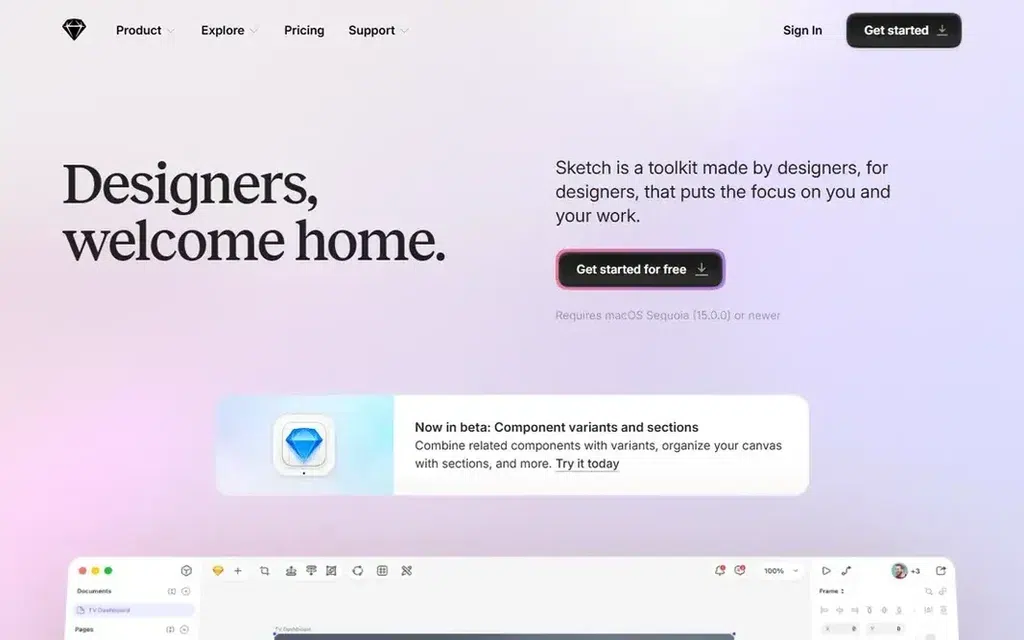
Sketch is designed for designer-focused prototyping and handoff. Sketch is described on its homepage as a tool that puts the focus back on you and your work, made by designers for designers.
What to check first: Restricted live collaboration compared with some tools.
It includes design, prototyping, collaboration, and handoff in one application. What you pay to start with Sketch: $12 per editor per month. Free plan details: Free trial.
- Handoff features
- Prototyping and collaboration
- Mac-only system
In short, Axure RP is for complicated, specification-heavy prototypes. Axure RP is an all-in-one software design tool for creating prototypes, specifications, and diagrams, as stated on its homepage. It is well suited for mobile app projects that need in-depth interaction logic and full documentation.
Watch-outs: Steeper ramp-up time.
Pick Axure RP when your mobile app prototype demands intricate interactions and in-depth specs for developers. As for the details, Axure RP has a steeper ramp-up time than more straightforward prototyping tools. It is primarily desktop-based, which can limit live collaboration. It may be overkill for fast, low-fidelity prototypes. Teams that require to model complicated behaviors and produce thorough specifications will find Axure RP a capable choice. Axure RP starts at: $29 per user per month. As for free access: Not stated. Where it shines: All-in-one tool for prototypes, specs, diagrams.
- In-depth documentation
- Advanced interaction modeling
- Desktop-based with restricted live collaboration
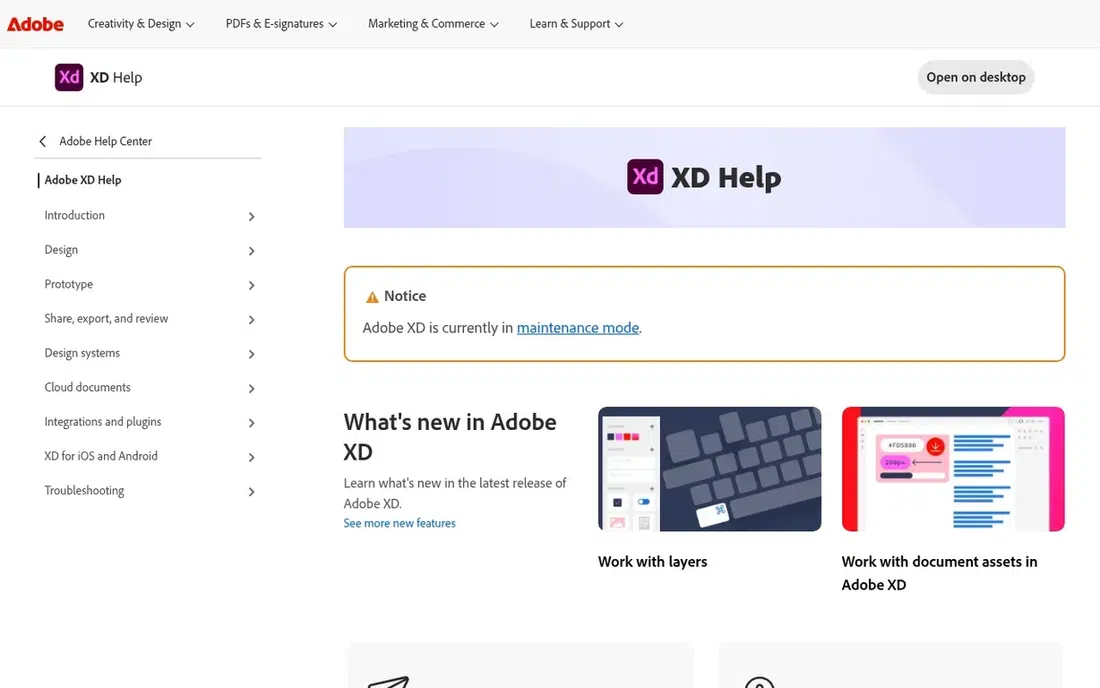
Adobe XD serves Adobe ecosystem users. Choose Adobe XD if you are deeply integrated with Adobe tools and need a dependable prototyping option. In practice, Adobe XD has seen limited feature updates in recent years.
The main drawbacks: Restricted updates in recent years.
Some teams may find its collaboration features less advanced than newer tools. It also requires an Adobe subscription, which may not suit those outside the ecosystem. Also, Adobe XD is a design and prototyping tool from Adobe, widely known for its integration with other Adobe Creative Cloud applications. It lets designers to produce interactive prototypes for mobile apps and share them for feedback. No starting price is listed for Adobe XD here; confirm pricing on the vendor site. Free plan details: Not stated.
- Familiar interface for Adobe users
- Prototyping and design features
- Needs Adobe subscription
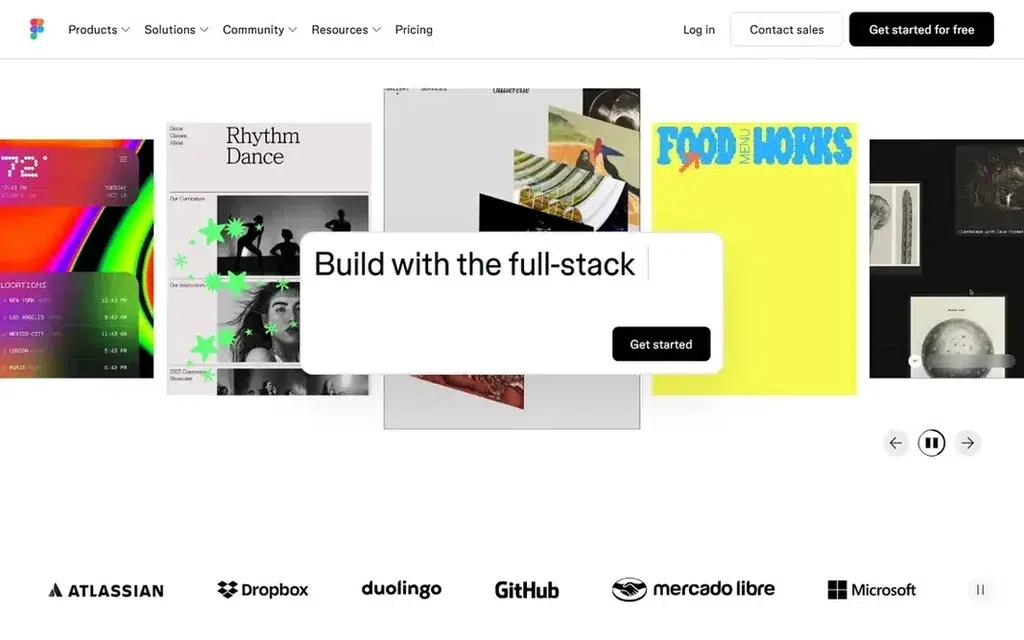
Where Figma fits: collaborative design and prototyping. It supports going from concept to production with your entire team in one place. This makes it a solid fit for mobile app teams that require to prototype and iterate together, particularly when designers and developers work in parallel.
Points against: Ramp-up time for advanced features.
Also, choose Figma when collaboration and a unified workspace are top priorities. In practice, Figma relies on a stable internet connection for its collaborative features, which can be a limitation in offline environments. Figma pricing: $3 per month. On free options: Not stated.
- AI integration
- Browser-based access
- Requires internet connection
How the list was put together
Pricing pages, product documentation and feature lists were the main sources, and every entry carries at least one honest drawback. Where a vendor does not publish a price, the entry says quote. Where a price depends on seats or billing term, the entry says so. Tools are placed by general fit for prototyping software for mobile apps, with price clarity and free access as tie-breakers. A different team can reasonably rank them differently.
What to check before you buy
- Get a written quote from Adobe XD; the list shows no starting price for them.
- Look at the free plan from Framer closely: its caps decide whether it is usable for real work.
- Run a trial of Sketch with real work before paying for a year; your own workflow is the best test.
- Before choosing Framer, weigh its main limit: primarily for websites.
- Test the integrations you rely on with Sketch before committing; some connectors sit on upper tiers.
- Test how quickly Adobe XD answers a pre-sales question; it hints at how support will feel later.
FAQ
How are the tools for prototyping software for mobile apps ordered?
The order follows typical fit for prototyping software for mobile apps, with Framer first and Figma last, then price clarity and free access. It is editorial judgement, not a score, so another team could rank the tools differently.
What is the cheapest option for prototyping software for mobile apps in this list?
On published monthly entry prices, Figma is the lowest here at $3 per month. Entry price is only part of the cost, because seats, add-ons and billing terms can change the total. Prices, free plan details and limits for all 5 tools in this Prototyping software for mobile apps roundup sit on the individual cards above.
Can I try these options before paying?
Often, yes. Framer has a free plan and Sketch offers a free trial. Use your own data and a real task during the test, and check what the free tier or trial limits before you rely on it. Each of the 5 options in this Prototyping software for mobile apps guide has its own card above with the price, free plan and limits.
What is the best prototyping software for mobile apps?
The first pick on this list is Framer, because it suits design-to-launch prototyping. Sketch is better for designer-focused prototyping and handoff, and Axure RP for complicated, specification-heavy prototypes. Check price and limits against your own needs before choosing.
Do these tools publish their prices?
Not all of them. Adobe XD publishes no starting price, so expect a quote request for it. The rest, Framer included, show a starting price, though seats and billing terms still change the final cost. All 5 picks in this Prototyping software for mobile apps comparison list a starting price, free plan details and the main limits on their cards above.
Sources
- https://www.framer.com
- https://www.sketch.com
- https://www.axure.com
- https://www.adobe.com/products/xd.html
- https://www.figma.com