5 Best Process Automation Software for Pharmacies for 2026, Vetted and Compared
5 best process automation software for pharmacies, compared on pricing, free plans and best-fit use. Verdicts stay brief and factual. Skim the table first.
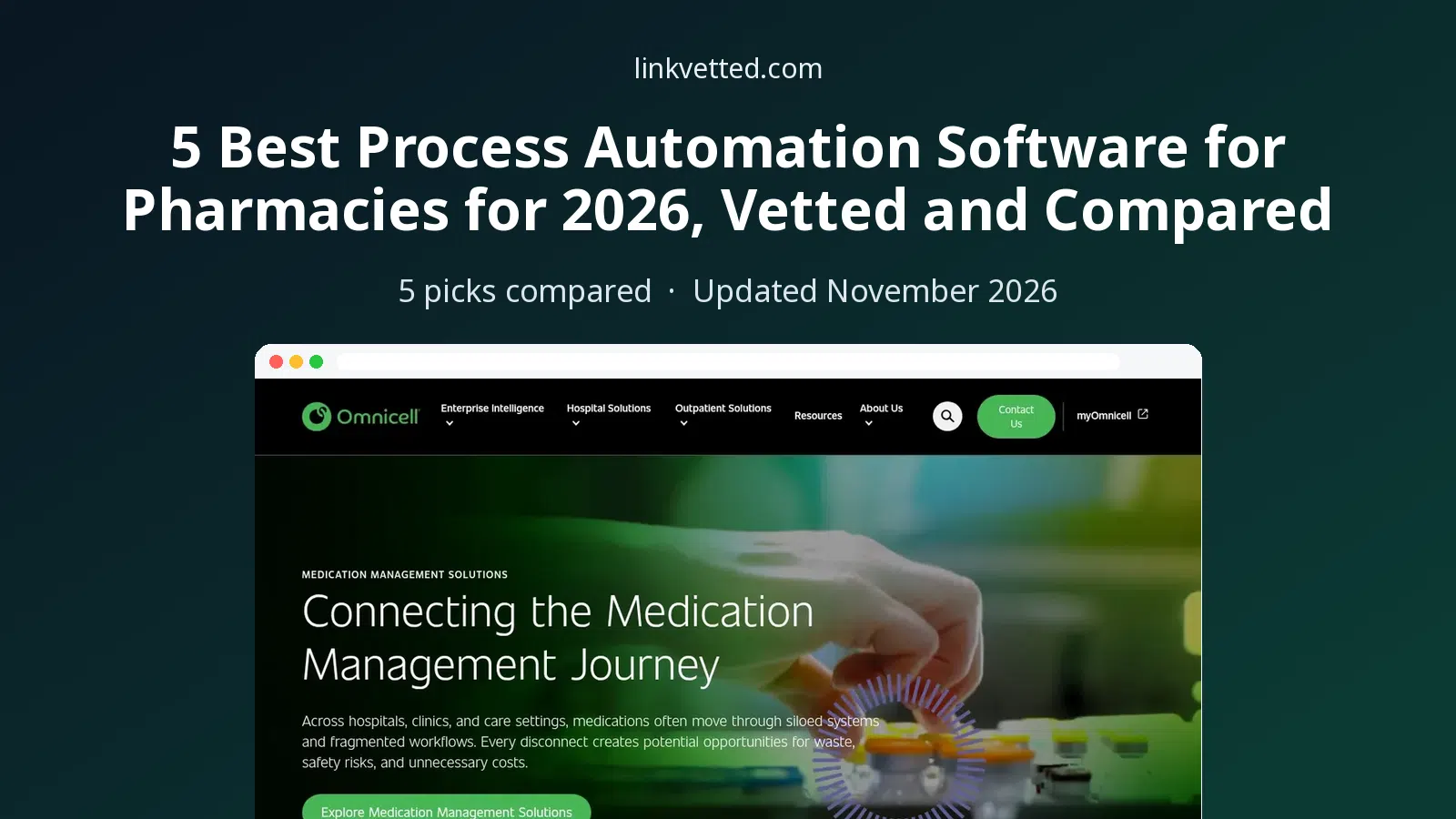
- Editor's choiceOmnicell
Medication management automation systems
Starts atPricing on requestVisit omnicell.comFull review - Great alternativeWillach
Pharmacy storage and shelving systems
Starts atPricing on requestVisit willach.comFull review - Also considerComputer-Rx
Teams comparing choices in this category
Starts atPricing on requestVisit computer-rx.comFull review
Direct answer
Our first pick is Omnicell, best for medication management automation systems. For a different need, Willach covers pharmacy storage and shelving systems and Computer-Rx covers teams comparing choices in this category. The remaining 2 options are covered below with pricing notes and limits. None of these vendors publish plan prices, so pricing is on request for every option.
TL;DR:
- Top of the list is Omnicell, which targets medication management automation systems.
- The main caution on Computer-Rx: feature depth varies by module.
- A permanent free plan is missing from all 5 tools, Omnicell and QS/1 included; plan for a trial or a premium start.
- No starting price is shown for any of the 5 tools, Omnicell and QS/1 included, so plan time for sales calls.
- For retail community pharmacy software, QS/1 is worth a look.
Last checked November 2026. Pricing on request: vendors did not publish plan prices when this guide was last checked (November 2026), so ask each vendor for a written quote.
Quick comparison
| Tool | Best for | Starts at | Free plan? | |
|---|---|---|---|---|
| Omnicell | Medication management automation systems | Pricing on request | Not stated | Visit |
| Willach | Pharmacy storage and shelving systems | Pricing on request | Not stated | Visit |
| Computer-Rx | Teams comparing choices in this category | Pricing on request | Not stated | Visit |
| PioneerRx | Teams comparing choices in this category | Pricing on request | Not stated | Visit |
| QS/1 | Retail community pharmacy software | Pricing on request | Not stated | Visit |
The full process automation software for pharmacies list
Choosing process automation software for pharmacies usually comes down to price, fit and limits. This LinkVetted guide sets 5 tools side by side on those three points, with the facts kept short and checkable.
Omnicell
Best for: Medication management automation systems
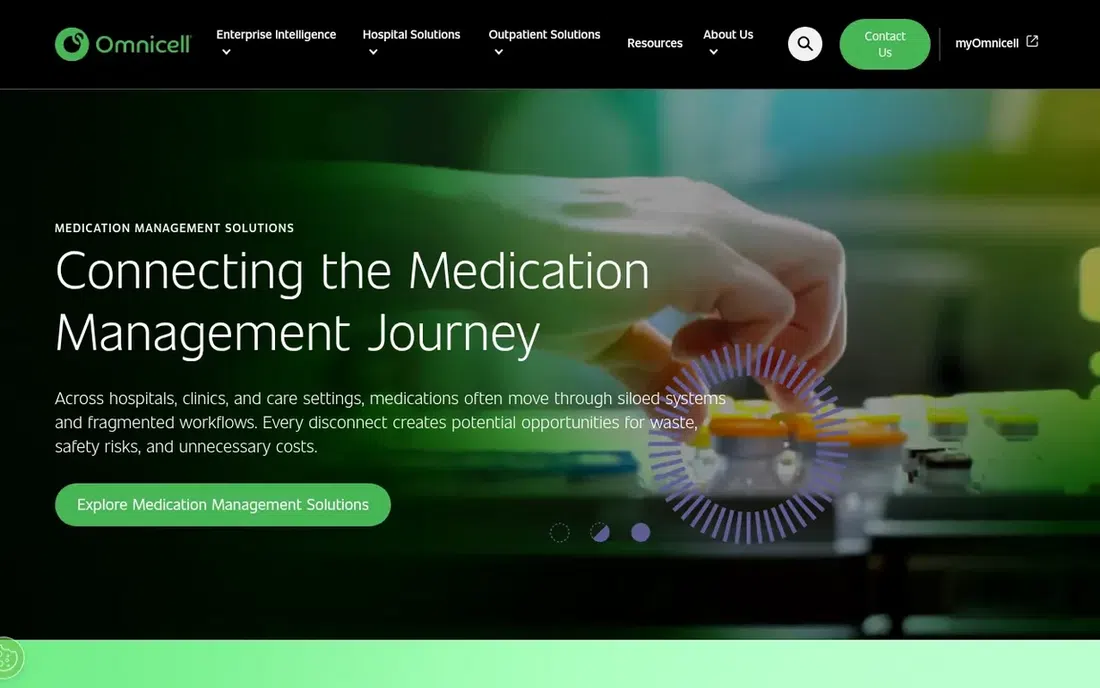
Think of Omnicell for medication management automation systems. It suits organizations that want to automate the storage, handling, and control of medications through dedicated systems instead of general pharmacy software.
No starting price is listed for Omnicell here; confirm pricing on the vendor site. Free options: Not stated.
Where it is weaker: Wide healthcare scope may feel complicated for small pharmacies.
- Healthcare technology specialization
- Serves healthcare settings and pharmacies
- Hardware-centric approach may not include all software needs
Willach
Best for: Pharmacy storage and shelving systems

Pick Willach if this describes you: pharmacy storage and shelving systems. It suits pharmacies that want to automate or organize physical storage and shelving instead of software workflows.
More specifically, the storage focus makes it a complement to a pharmacy management system, not a replacement. Check the vendor site for Willach pricing; none is listed in this comparison. Free plan details: Not stated.
Watch-outs: Page content is chiefly in German.
- Storage systems developed for pharmacies
- Long-standing manufacturing background
- Restricted to storage and fitting areas
Computer-Rx
Best for: Teams comparing choices in this category
Computer-Rx makes the most sense for teams comparing choices in this category. If medication management automation hardware is your priority, pair a management system with a dedicated automation vendor instead.
Computer-Rx does not show a starting price in this comparison, so check the vendor site for current pricing. As for free access: Not stated.
- Handles dispensing and billing
- Comes with POS and patient engagement
- Feature depth varies by module
PioneerRx
Best for: Teams comparing choices in this category
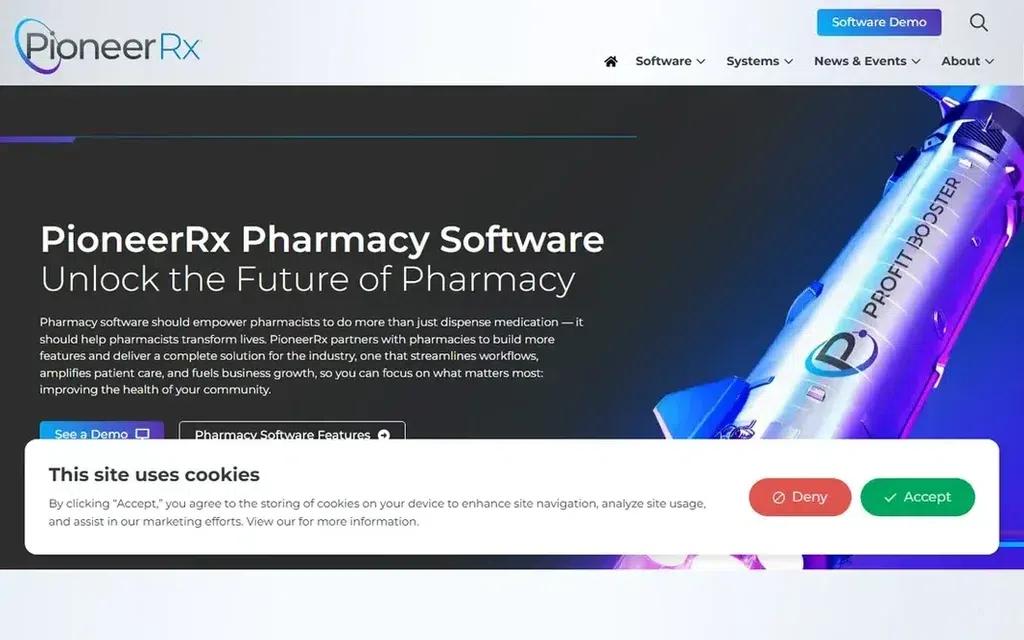
PioneerRx serves teams comparing choices in this category. If your central need is physical medication dispensing automation instead of management software, a dedicated automation vendor may be a better starting point.
Pricing for PioneerRx is not stated here, so ask the vendor for current figures. As for free access: Not stated.
- Wide workflow coverage
- Configurable pharmacy management system
- Specialty automation may need extras
QS/1
Best for: Retail community pharmacy software
QS/1 is built with retail community pharmacy software in mind. It suits community pharmacies that want an established software foundation for dispensing and operations with continuing support.
Beyond that, the retail focus keeps the system aligned with daily pharmacy counter workflows. This comparison lists no price for QS/1; ask the vendor. Free access: Not stated.
Trade-offs to know: Automation depth varies by module.
- Part of RedSail Technologies
- Pharmacy software for retail community pharmacies
- Retail community focus may limit specialty use
How the list was put together
Selection started from tools commonly considered for process automation software for pharmacies, then narrowed to 5 that have clear pricing information or a clear quote process. Prices and plan limits come from vendor pages and can change, so confirm them on the vendor site before you buy. We ordered the tools by general fit, then by how clearly pricing is shown, then by free access. A buyer with unusual needs may reorder them.
A buyer's checklist
- Confirm the entry price with every vendor: no tool from Omnicell to QS/1 shows a fixed starting price.
- Before choosing Omnicell, weigh its main limit: wide healthcare scope may feel complicated for small pharmacies.
- Pick one real project and run it in Willach first; a small pilot shows fit faster than a checklist.
- Check the support hours and onboarding help PioneerRx offers; smaller vendors vary a lot here.
- Check whether the features you need in Computer-Rx sit on the entry plan or only on higher tiers.
FAQ
How are the tools for process automation software for pharmacies ordered?
The order follows typical fit for process automation software for pharmacies, with Omnicell first and QS/1 last, then price clarity and free access. It is editorial judgement, not a score, so another team could rank the tools differently.
Does any tool for process automation software for pharmacies here have a free plan?
No tool in this list, Omnicell and QS/1 included, has a permanent free plan. Trials and quotes are the usual route, so plan a short evaluation period.
Can I try these tools before paying?
Not by default. None of the tools, from Omnicell to QS/1, lists a free plan or a free trial here, so ask each vendor for a demo before committing.
Do these tools publish their prices?
No. None of the tools, from Omnicell to QS/1, shows a fixed starting price here, so budget time for quotes.
Sources
- https://www.omnicell.com
- https://www.willach.com
- https://www.computer-rx.com
- https://www.pioneerrx.com
- https://www.qs1.com