6 Price Business Intelligence Software Worth Shortlisting in 2026
Best price business intelligence software in 2026: 6 tools with starting prices, free plans and limits. Each pick comes with its main catch. No filler.
- Editor's choice
 Looker Studio
No-cost interactive dashboards
Starts atSee websiteVisit lookerstudio.google.comFull review - Great alternative
 Zoho Analytics
Wide app connectivity and AI dashboards
Starts atSee websiteVisit zoho.comFull review - Also consider
 Domo
Governed data for AI agents
Starts atSee websiteVisit domo.comFull review
Direct answer
Looker Studio leads the list, best for no-cost interactive dashboards. Listed starting prices: Tableau from $15 per user per month. Zoho Analytics fits wide app connectivity and AI dashboards; Domo fits governed data for AI agents. Prices, free plans and limits for all 6 tools follow.
TL;DR:
- Top of the list is Looker Studio, which targets no-cost interactive dashboards.
- Amazon QuickSight suits AI-powered BI on AWS.
- The cheapest monthly starting price in the list is $15 per user per month, offered by Tableau.
- Tableau is the only tool of the 6 with a free plan.
- Before buying Zoho Analytics, weigh this: best value may rely on existing Zoho use.
Last checked November 2026. Prices and plan details were read from the vendors' own pages in November 2026; vendors change plans often, so confirm the current price on the vendor site before you buy.
Quick comparison
| Tool | Best for | Starts at | Free plan? | |
|---|---|---|---|---|
| Looker Studio | No-cost interactive dashboards | See website | Not stated | Visit |
| Zoho Analytics | Wide app connectivity and AI dashboards | See website | Not stated | Visit |
| Domo | Governed data for AI agents | See website | Free trial | Visit |
 Tableau | Visual analytics for analyst teams | $15 per user per month | Yes | Visit |
 Sisense | Embedded analytics in products | See website | Free trial | Visit |
 Amazon QuickSight | AI-powered BI on AWS | See website | Not stated | Visit |
6 options for price business intelligence software in detail
LinkVetted compared 6 tools for price business intelligence software. The goal is a practical shortlist: published prices, free plan facts, best-fit use cases and honest limits for every entry.
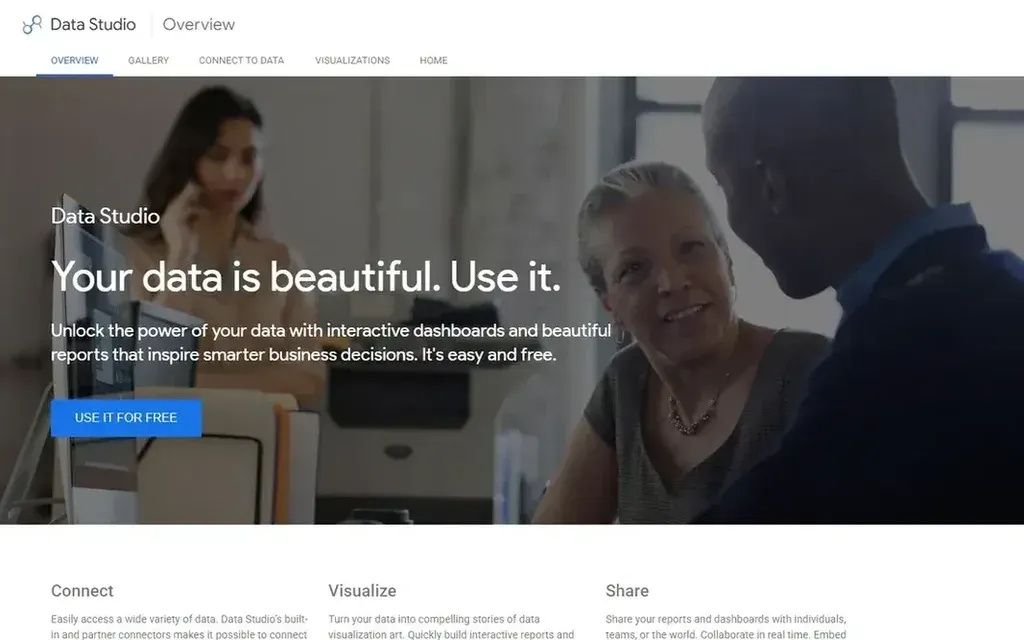
Choose Looker Studio for no-cost interactive dashboards. Looker Studio is a reporting and dashboard tool from Google that turns data into interactive dashboards and visual reports.
Choose Looker Studio for accessible dashboards and straightforward sharing. Pricing for Looker Studio is not stated here, so ask the vendor for current figures. Free plan details: Not stated.
Watch-outs: Complicated data prep may need other tools.
- Straightforward report sharing
- Fits Google-centric workflows
- Fewer advanced modeling features
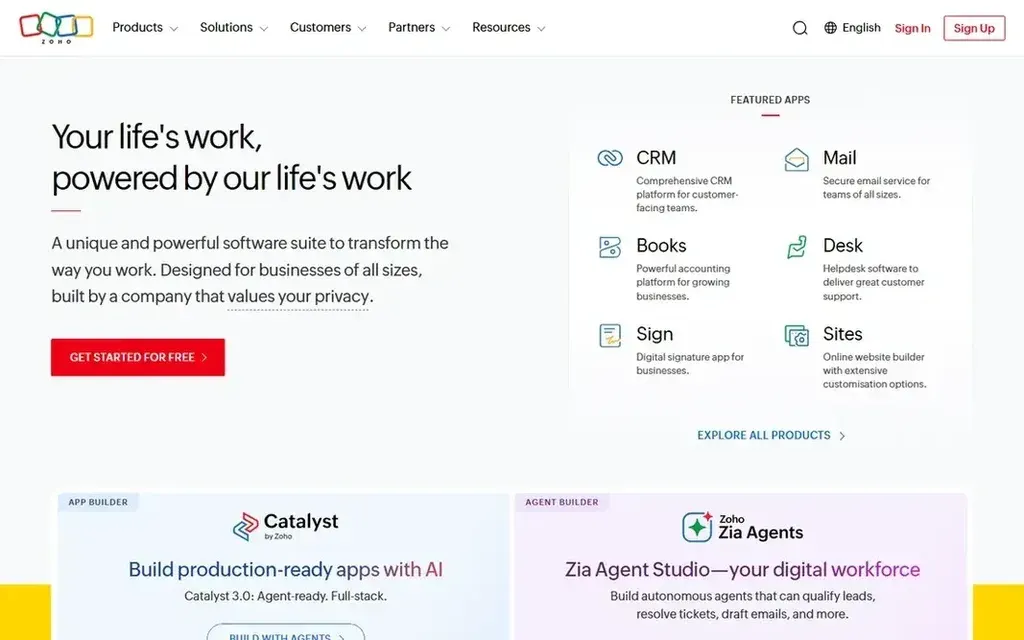
In short, Zoho Analytics is for wide app connectivity and AI dashboards. Zoho Analytics is a data analytics and business intelligence product that links to many different business applications and lets teams build dashboards.
What to check first: Advanced customization can need effort.
For everyday use, if you need only static reports, a more straightforward choice may be enough. Teams outside the Zoho ecosystem should check connector coverage and how well the system suits their existing data stack. This comparison lists no price for Zoho Analytics; ask the vendor. Free access: Not stated.
- Dashboard building for teams
- AI-powered insight features
- Best value may rely on existing Zoho use
For governed data for AI agents, Domo is a natural candidate. Domo supplies AI and data products that help organizations link and move data from numerous sources, prepare and expand access for exploration, and accelerate business-critical insights. The vendor frames the system around governed data for AI agents.
In daily use, if you want a focused visualization layer, a lighter choice may be simpler to adopt. Teams with straightforward dashboard needs may find the scope excessive. Domo shows no starting price here, so confirm the cost on the vendor site. Free plan details: Free trial.
What to check first: Wide system may need onboarding.
- Governed data access
- Data connection and movement tools
- Feature breadth can complicate selection
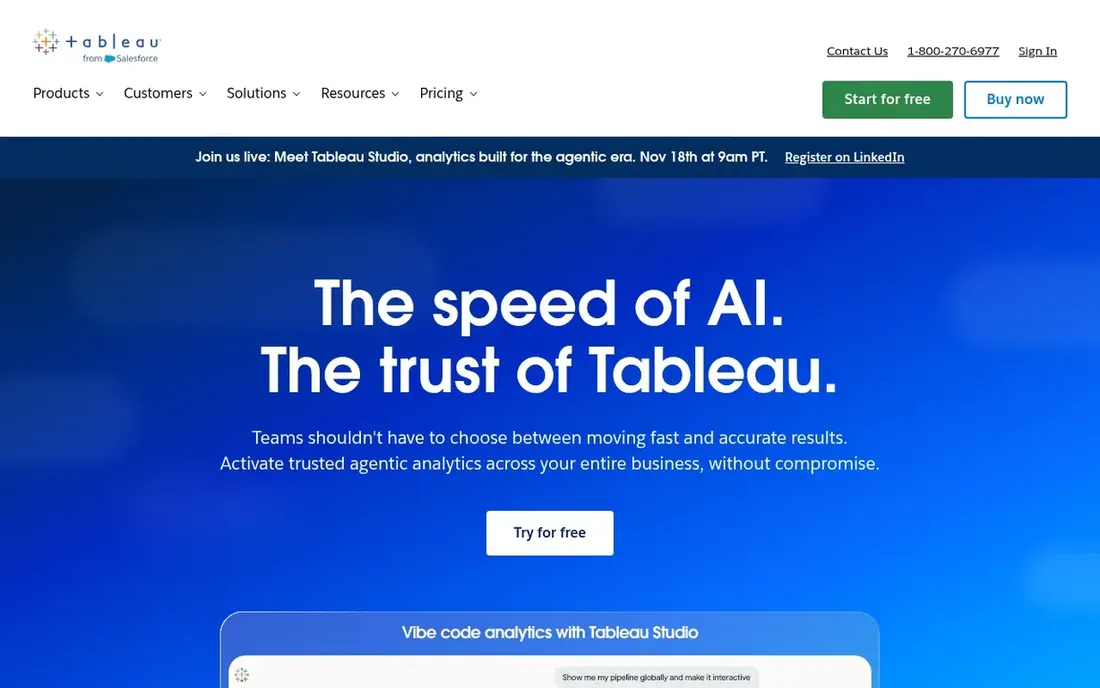
Tableau works best for visual analytics for analyst teams. Tableau is a business intelligence and analytics product built around visual exploration.
The product's breadth can mean a steeper ramp-up time for casual users, and smaller teams may not use its full depth. Beyond that, governance and deployment choices add planning work. On cost, Tableau starts like this: $15 per user per month. Free access exists with Tableau.
Where it is weaker: Advanced governance may need planning.
- Links to almost any database
- Drag-and-drop visualization building
- Feature depth can overwhelm new users
Choose Sisense for embedded analytics in products. Sisense is an AI-powered embedded analytics product built to help firms put insights into their own products and convert data into revenue. It gives you pro-code, low-code, and no-code adaptability, so different teams can build analytics experiences.
Honest limits: Embedded focus may exceed straightforward reporting needs.
From a buyer's view, the embedded orientation may be more than a standard internal reporting team needs. Beyond that, choose Sisense when analytics must live inside your product and serve external users. Beyond that, custom integrations and product-level builds can need developer involvement. Check the vendor site for Sisense pricing; none is listed in this comparison. Free access: Free trial.
- No-code choices
- AI-powered insight delivery
- Custom builds can need developer time
Amazon QuickSight serves AI-powered BI on AWS. Advanced customization and governance can need planning.
From a buyer's view, if you need a standalone desktop visualization tool, a different choice may be more straightforward. No starting price is listed for Amazon QuickSight here; confirm pricing on the vendor site. Trial and free access: Not stated.
Where it is weaker: Advanced customization may need setup.
- AI-powered business intelligence
- Actionable analytics for wide access
- Best fit for AWS-oriented stacks
How we chose
Selection started from tools commonly considered for price business intelligence software, then narrowed to 6 that have clear pricing information or a clear quote process. Where a vendor does not publish a price, the entry says quote. Where a price depends on seats or billing term, the entry says so. The order reflects how well each tool fits the most common buying scenario for price business intelligence software, then price clarity, then free plan access. It is a starting point, not a verdict.
Things to verify first
- Ask Looker Studio, Zoho Analytics, Domo and others for a written quote, since no starting price is shown.
- Test the free plan from Tableau against your real workload before relying on it.
- Take the trial from Domo and Sisense and push a live task through it before you pay.
- Before choosing Looker Studio, weigh its main limit: fewer advanced modeling features.
- Total up the real monthly cost of Amazon QuickSight, including add-ons, extra users and usage-based fees.
- Check whether Domo bills monthly or annually, and what cancelling early costs.
FAQ
Is AI a reason to pick a BI tool?
AI features can help surface patterns, but they should complement solid data governance and clear reporting needs. Evaluate whether the AI capabilities match your actual workflows.
Can I embed analytics in my own product?
Sisense is built around embedded analytics with pro-code, low-code, and no-code choices. Amazon QuickSight and other systems also support embedding, but you should confirm the specific capabilities and limits for your use case.
What is the cheapest option for price business intelligence software in this list?
On published monthly entry prices, Tableau is the lowest here at $15 per user per month. Entry price is only part of the cost, because seats, add-ons and billing terms can change the total. For the full picture, the cards above cover all 6 entries of this price business intelligence software list, including price, free plan and limits.
Is Looker Studio the right pick for everyone comparing price business intelligence software?
No single tool suits every team. Looker Studio comes first because it fits no-cost interactive dashboards, while Zoho Analytics suits broad app connectivity and AI dashboards and Domo suits governed data for AI agents. Match the tool to your own size, budget and workflow before deciding.
Do these tools publish their prices?
Not all of them. Looker Studio, Zoho Analytics, Domo and others publish no starting price, so expect a quote request for those. The rest, Tableau included, show a starting price, though seats and billing terms still change the final cost.
How are the tools for price business intelligence software ordered?
Looker Studio sits first and Amazon QuickSight last because the order follows typical fit for price business intelligence software, then price clarity and free access. It is a judgement call, so read each profile for fit and limits.
Sources
- https://lookerstudio.google.com
- https://www.zoho.com/analytics
- https://www.domo.com
- https://www.tableau.com
- https://www.sisense.com
- https://aws.amazon.com/quicksight