6 Best Portfolio Website Builder for Creatives for 2026, Vetted and Compared
6 best portfolio website builder for creatives, with entry costs, free tiers and the buyer each one serves. Strengths and gaps are listed per tool. Plain facts.

- Editor's choice
 Wix
All-in-one site and marketing tools
Starts atSee websiteVisit wix.comFull review - Great alternative
 Adobe Portfolio
Creative Cloud users showcasing work
Starts atSee websiteVisit portfolio.adobe.comFull review - Also consider
 Squarespace
Refined templates with simple editing
Starts at$12 per monthVisit squarespace.comFull review
Direct answer
Wix leads the list, best for all-in-one site and marketing tools. Listed starting prices: Squarespace from $12 per month, Webflow from $15 a month and Format from $10 a month. Adobe Portfolio is better for creative Cloud users showcasing work, and Squarespace is better for refined templates with simple editing. The full list of 6 tools follows, with prices and free plan facts.
TL;DR:
- This list starts with Wix, which is built for all-in-one site and marketing tools.
- Format fits creative professionals presenting and selling.
- Starting prices begin at $10 per month with Format.
- Before buying Adobe Portfolio, weigh this: tied to Creative Cloud.
Last checked November 2026. Prices and plan details were read from the vendors' own pages in November 2026; vendors change plans often, so confirm the current price on the vendor site before you buy.
Quick comparison
| Tool | Best for | Starts at | Free plan? | |
|---|---|---|---|---|
| Wix | All-in-one site and marketing tools | See website | Not stated | Visit |
| Adobe Portfolio | Creative Cloud users showcasing work | See website | Not stated | Visit |
| Squarespace | Refined templates with simple editing | $12 per month | Free trial | Visit |
 Webflow | Designers needing advanced control | $15 a month | Yes | Visit |
 Cargo | Designers wanting distinctive layouts | See website | Not stated | Visit |
 Format | Creative professionals presenting and selling | $10 a month | Free trial | Visit |
Every option for portfolio website builder for creatives explained
LinkVetted put together this guide to portfolio website builder for creatives for readers who want a clear shortlist without reading every vendor page. It compares 6 tools on starting price, free plans, who each one suits and where each one falls short.
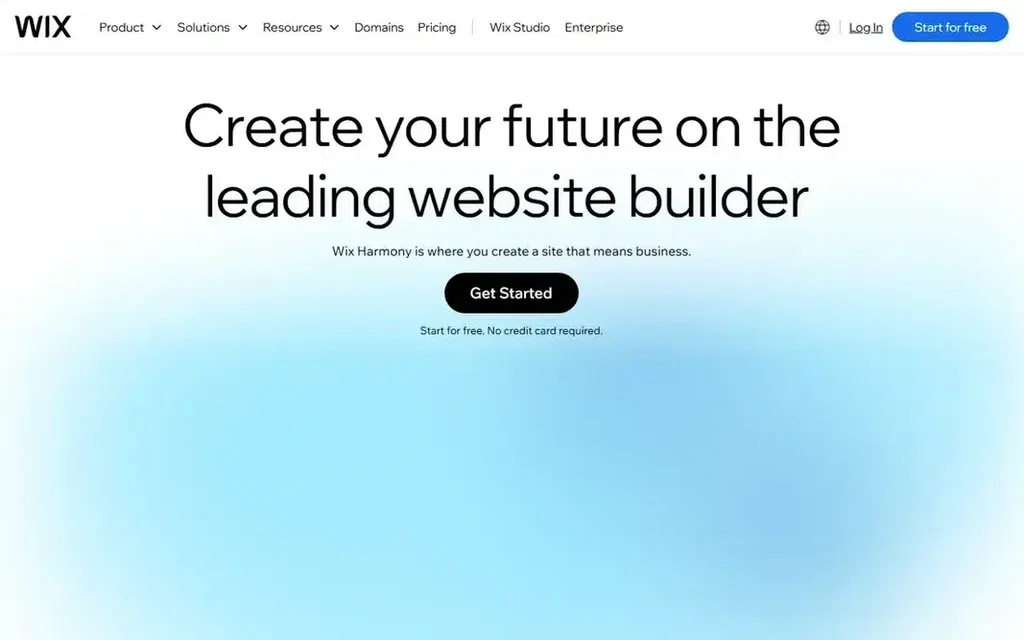
Wix is aimed squarely at all-in-one site and marketing tools. The breadth of choices can slow down straightforward portfolio projects, and the editor may feel cluttered to creatives who want a minimal workflow.
Its drag-and-drop editor lets you rearrange elements freely, which helps when a portfolio needs a specific arrangement. Wix shows no starting price here, so confirm the cost on the vendor site. As for free access: Not stated.
Points against: Editor can feel busy.
- Adaptable drag-and-drop editing
- Hosting and domains included
- Numerous features to learn
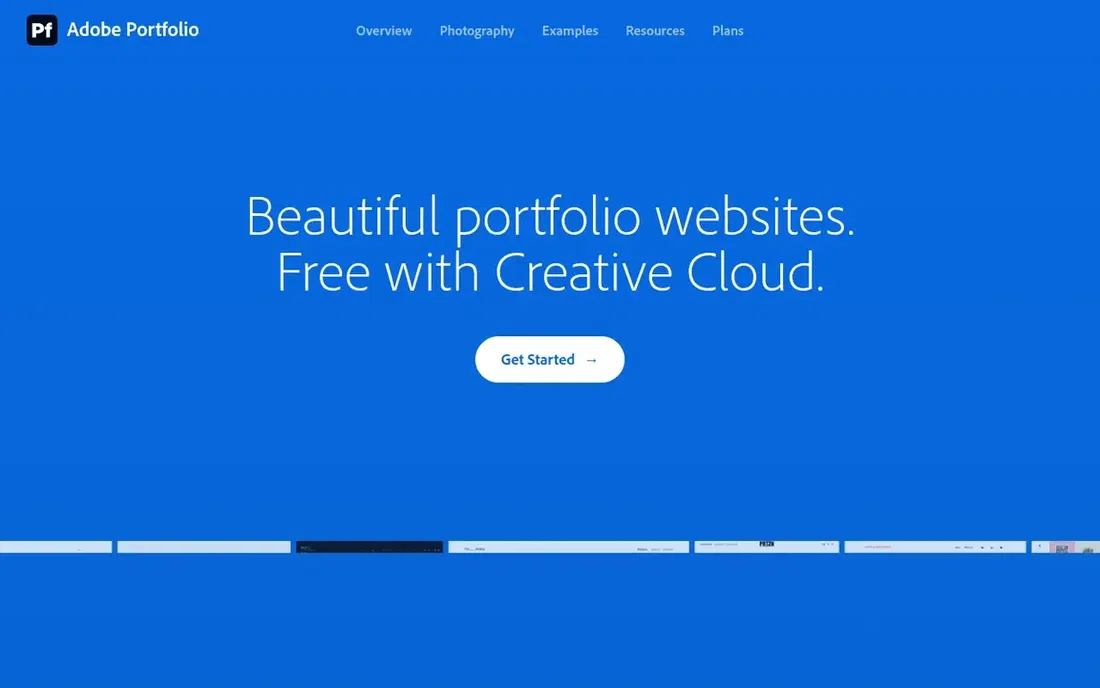
Adobe Portfolio is built with creative Cloud users showcasing work in mind. Choose Adobe Portfolio when a clean, straightforward portfolio is the central goal and Adobe tools are already part of your routine.
The main drawbacks: Tied to Creative Cloud.
For everyday use, creatives who are not in the Creative Cloud ecosystem may prefer a standalone builder. Pricing for Adobe Portfolio is not stated here, so ask the vendor for current figures. Free access: Not stated.
- Focused portfolio building
- Personalized site layouts
- Fewer business tools
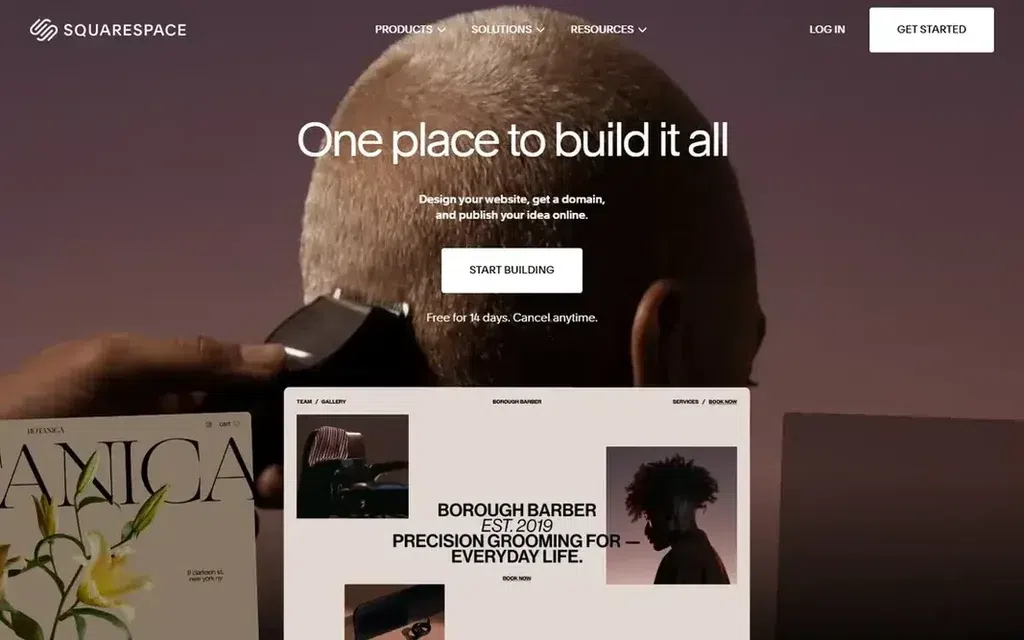
Think of Squarespace for polished templates with simple editing. From a buyer's view, creatives who require highly unusual layouts or deep custom code may find the template system limiting.
Worth adding: the template library and guided editing suit people who prefer a structured starting point over a blank canvas. Squarespace cost at the entry level: $12 per month. Trial and free access: Free trial.
Watch-outs: Less granular layout control.
- Built-in hosting and domains
- Refined
- Some templates feel similar
Webflow is built with designers needing advanced control in mind. That depth includes a steeper ramp-up time, and numerous straightforward portfolios do not need it.
As for the details, creatives who want to publish work rapidly may prefer a template-based builder. Webflow is the right choice when design control and structured content matter more than a quick, guided setup. Price to start with Webflow: $15 per month. Free access exists with Webflow.
What to check first: More than numerous portfolios need.
- CMS and hosting built in
- In-depth visual design control
- Steeper ramp-up time
For designers wanting distinctive layouts, Cargo is a natural candidate. Since it leans toward design control, it can be less guided for beginners who want a straightforward setup. The builder appeals to those comfortable experimenting with structure and presentation.
Honest limits: Less guided for beginners.
More specifically, creatives who prefer refined templates and step-by-step editing may be happier with Squarespace. As for the details, Cargo is a site builder for designers and artists, oriented toward people who care about layout and visual character. Cargo shows no starting price here, so confirm the cost on the vendor site. Free plan details: Not stated.
- Designer-oriented site building
- Distinctive layout choices
- Fewer built-in business tools
Format makes the most sense for creative professionals presenting and selling. Format describes itself as a website builder for creative professionals, pitched at presenting work, collaborating and expanding an online business.
It suits photographers, artists and designers who want a portfolio-first product instead of a general-purpose site builder. On cost, Format starts like this: $10 per month. On free options: Free trial.
Drawbacks to consider: Focus skews toward portfolios.
- Portfolio-focused templates
- Tools to present work and grow business
- Narrower than general builders
Selection criteria
The comparison looks at four things: starting price, free access, how well the feature set matches portfolio website builder for creatives, and the main limit of each tool. Seat minimums, billing terms and add-ons can move the real cost, so the starting prices here are a guide and not a quote. We ordered the tools by general fit, then by how clearly pricing is shown, then by free access. A buyer with unusual needs may reorder them.
Pre-purchase checklist
- Confirm the entry price on the vendor page. For Wix, Adobe Portfolio and Cargo that means a quote rather than a fixed price.
- Look at the free plan from Webflow closely: its caps decide whether it is usable for real work.
- Use real work to test the free trial from Squarespace and Format, rather than a demo project.
- Before choosing Wix, weigh its main limit: editor can feel busy.
- Test how quickly Format answers a pre-sales question; it hints at how support will feel later.
- Confirm that Webflow connects to the apps your team already uses, on the plan you would actually buy.
FAQ
Is Wix the right pick for everyone comparing portfolio website builder for creatives?
No single tool suits every team. Wix comes first because it fits all-in-one site and marketing tools, while Adobe Portfolio suits creative Cloud users showcasing work and Squarespace suits polished templates with easy editing. Match the tool to your own size, budget and workflow before deciding.
Which portfolio builder is a good match for photographers?
For most readers this guide would start with Wix, built for all-in-one site and marketing tools. Adobe Portfolio is the alternative for creative Cloud users showcasing work, and Squarespace for refined templates with simple editing. The right answer depends on budget and workflow.
What is the cheapest option for portfolio website builder for creatives in this list?
On published monthly entry prices, Format is the lowest here at $10 per month. Entry price is only part of the cost, because seats, add-ons and billing terms can change the total.
Can I try these tools before paying?
Often, yes. Webflow has a free plan and Squarespace and Format offer a free trial. Use your own data and a real task during the test, and check what the free tier or trial limits before you rely on it.
How are the portfolio website builder for creatives ordered?
Wix sits first and Format last because the order follows typical fit for portfolio website builder for creatives, then price clarity and free access. It is a judgement call, so read each profile for fit and limits.
Sources
- https://www.wix.com
- https://portfolio.adobe.com
- https://www.squarespace.com
- https://webflow.com
- https://cargo.site
- https://www.format.com