Top 6 Platforms for Software Usage Reporting for 2026 (Prices and Free Plans)
Compare 6 picks for the best platforms for software usage reporting, with prices, free plans and who each fits. Plain-spoken summaries throughout. Plain facts.
- Editor's choiceProductiv
SaaS engagement and usage analytics
Starts atPricing on requestVisit productiv.comFull review - Great alternative
 Lansweeper
Asset intelligence across IT, OT and cloud
Starts atPricing on requestVisit lansweeper.comFull review - Also consider
 Adobe Experience Manager
Digital experience and marketing reporting
Starts atPricing on requestVisit business.adobe.comFull review
Direct answer
If you need SaaS engagement and usage analytics, Productiv is the first tool to look at here. For a different need, Lansweeper covers asset intelligence across IT, OT and cloud and Adobe Experience Manager covers digital experience and marketing reporting. Details and limits for the rest of the 6 tools are below. None of these vendors publish plan prices, so pricing is on request for every option.
TL;DR:
- Top of the list is Productiv, which targets SaaS engagement and usage analytics.
- Torii fits SaaS and AI stack discovery.
- Every tool from Productiv to Torii works by quote, with no list price shown.
- Only Lansweeper offers a free plan among these 6 tools.
Last checked November 2026. Pricing on request: vendors did not publish plan prices when this guide was last checked (November 2026), so ask each vendor for a written quote.
Quick comparison
| Tool | Best for | Starts at | Free plan? | |
|---|---|---|---|---|
| Productiv | SaaS engagement and usage analytics | Pricing on request | Not stated | Visit |
| Lansweeper | Asset intelligence across IT, OT and cloud | Pricing on request | Yes | Visit |
| Adobe Experience Manager | Digital experience and marketing reporting | Pricing on request | Not stated | Visit |
| Snow Software | Hybrid IT software and cloud cost visibility | Pricing on request | Not stated | Visit |
| BetterCloud | AI governance and SaaS lifecycle control | Pricing on request | Free trial | Visit |
| Torii | SaaS and AI stack discovery | Pricing on request | Not stated | Visit |
The full platforms for software usage reporting list
If you are comparing platforms for software usage reporting, this page covers 6 tools in one place: what each is best for, what it costs to start, whether it has a free plan, and the main limit to know about.
Productiv
Best for: SaaS engagement and usage analytics
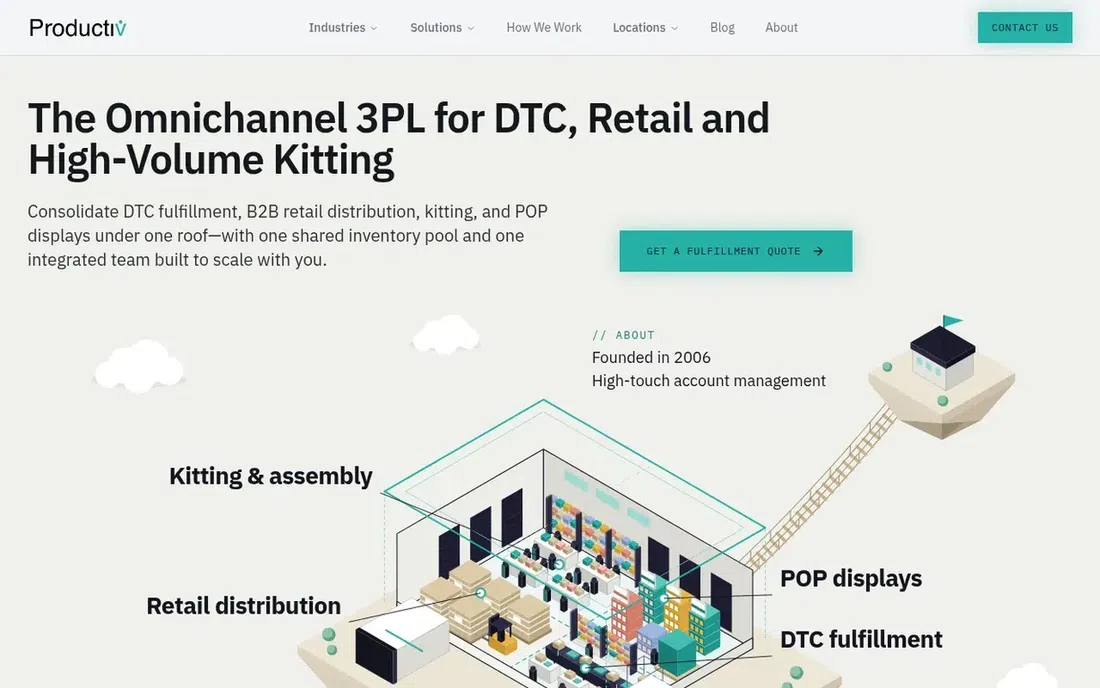
Productiv serves SaaS engagement and usage analytics. It helps teams understand which applications are adopted, how deeply they are used and where renewals deserve scrutiny.
If you need wide IT and OT asset intelligence, look to a discovery-focused product instead. Coverage relies on the SaaS applications and integrations you link, so results vary by stack. Check the vendor site for Productiv pricing; none is listed in this comparison. On free options: Not stated.
Watch-outs: Narrower than full IT asset systems.
- Pitched at application portfolio visibility
- Supports spend and renewal decisions
- Integration coverage shapes usefulness
Where Lansweeper fits: asset intelligence across IT, OT and cloud. If you want SaaS spend analytics instead of asset visibility, a SaaS management product may be the more direct choice.
Where it is weaker: Reporting depth relies on discovery scope.
Best features of Lansweeper: Offers visibility for asset intelligence.
Security and IT operations teams commonly use it to close gaps that agent-based tools miss. Very large or segmented networks need careful scoping. Pricing for Lansweeper is not stated here, so ask the vendor for current figures. Free access exists with Lansweeper.
- Includes IT
- Discovers managed and unmanaged assets
- Large environments need planning
Adobe Experience Manager
Best for: Digital experience and marketing reporting
For digital experience and marketing reporting, Adobe Experience Manager is a natural candidate. Adobe Experience Manager sits within Adobe's enterprise digital marketing offerings, which include personalized experiences plus analytics, commerce, AI and automation tools. It appears in software usage discussions chiefly when teams want reporting on digital experience and marketing tool usage across channels.
Where it falls short: Not a software asset or usage metering tool.
This is not a software asset management or license metering system, so it will not report installed application usage across endpoints. If your goal is tracking software entitlements and consumption, select a dedicated SAM or SaaS management tool. Pricing for Adobe Experience Manager is not stated here, so ask the vendor for current figures. Trial and free access: Not stated.
- Bundled with analytics and automation tools
- Suits marketing-led digital programs
- Wide suite needs specialist skills
Snow Software
Best for: Hybrid IT software and cloud cost visibility

Snow Software was built for hybrid IT software and cloud cost visibility. Snow Software, presented under Flexera's hybrid IT management offerings, centers on managing software spend, cloud costs and security risks in one place. If your priority is only SaaS discovery instead of full hybrid IT management, a narrower tool may be more straightforward.
Main advantages: Handles software spend.
More specifically, the product's breadth means onboarding takes planning, and smaller teams may find more capability than they need. Worth adding: confirm current module coverage on the vendor site before committing. Teams centred on software asset management, license reconciliation and cost optimization are the natural audience. Pricing for Snow Software is not stated here, so ask the vendor for current figures. Free plan details: Not stated.
Where it falls short: Wide scope can feel complicated for small teams.
- Made for hybrid IT environments
- Handy for reconciliation and optimization work
- Setup effort grows with environment size
BetterCloud
Best for: AI governance and SaaS lifecycle control
BetterCloud is built with AI governance and SaaS lifecycle control in mind. Also, the product's strengths sit in SaaS and AI contexts, so traditional on-premises software metering is not its center.
Where it falls short: Focus leans toward SaaS and AI environments.
On top of that, automation relies on clean identity data and well-defined policies. Check the vendor site for BetterCloud pricing; none is listed in this comparison. On free options: Free trial.
- Brings together AI governance with SaaS management
- Automates user and agent lifecycles
- Policy design needs upfront planning
Torii
Best for: SaaS and AI stack discovery
Torii serves SaaS and AI stack discovery. Beyond that, results rely on how well your identity and finance systems integrate.
Watch-outs: Automation quality relies on integrations.
In practice, if your reporting needs span servers, endpoints and network devices, pair it with a broader asset intelligence tool or choose one instead. Torii shows no starting price here, so confirm the cost on the vendor site. Free plan details: Not stated.
- Reclaims wasted spend
- Automates onboarding and offboarding
- SaaS-centric instead of full IT asset coverage
How we chose
The comparison looks at four things: starting price, free access, how well the feature set matches platforms for software usage reporting, and the main limit of each tool. Plan names, prices and limits change often. Treat the figures here as a starting point and verify them with the vendor. The sequence is a judgement call: typical use case first, then pricing transparency, then free access. Use the profiles to check fit.
A buyer's checklist
- Ask each vendor, from Productiv to Torii, for a written quote; none of them publishes a starting price.
- Look at the free plan from Lansweeper closely: its caps decide whether it is usable for real work.
- Run a trial of BetterCloud with real work before paying for a year; your own workflow is the best test.
- Before choosing Productiv, weigh its main limit: narrower than full IT asset products.
- Verify that exporting from Productiv is possible on your plan and covers all your records.
- Before rolling out Snow Software, verify the integrations your workflow depends on.
FAQ
Which options for platforms for software usage reporting have a free plan?
Lansweeper is the only tool in this list with a free plan. Free plans usually cap users, projects or features, so check the limits on the vendor page. One other tool offers a trial instead. Prices, free plan details and limits for all 6 tools in this platforms for software usage reporting roundup sit on the individual cards above.
Do these tools publish their prices?
No. None of the tools, from Productiv to Torii, shows a fixed starting price here, so budget time for quotes.
Can I try these tools before paying?
Often, yes. Lansweeper has a free plan and BetterCloud offers a free trial. Use your own data and a real task during the test, and check what the free tier or trial limits before you rely on it.
How are the tools for platforms for software usage reporting ordered?
The order follows typical fit for platforms for software usage reporting, with Productiv first and Torii last, then price clarity and free access. It is editorial judgement, not a score, so another team could rank the tools differently.
Sources
- https://productiv.com
- https://www.lansweeper.com
- https://business.adobe.com
- https://www.snowsoftware.com
- https://www.bettercloud.com
- https://www.toriihq.com