Best Platforms for Sales Team Communication for 2026: Our 6 Vetted Picks
Weighing the best platforms for sales team communication? We lined up 6 products by cost, free access and fit. Each profile ends with a plain caveat. No filler.
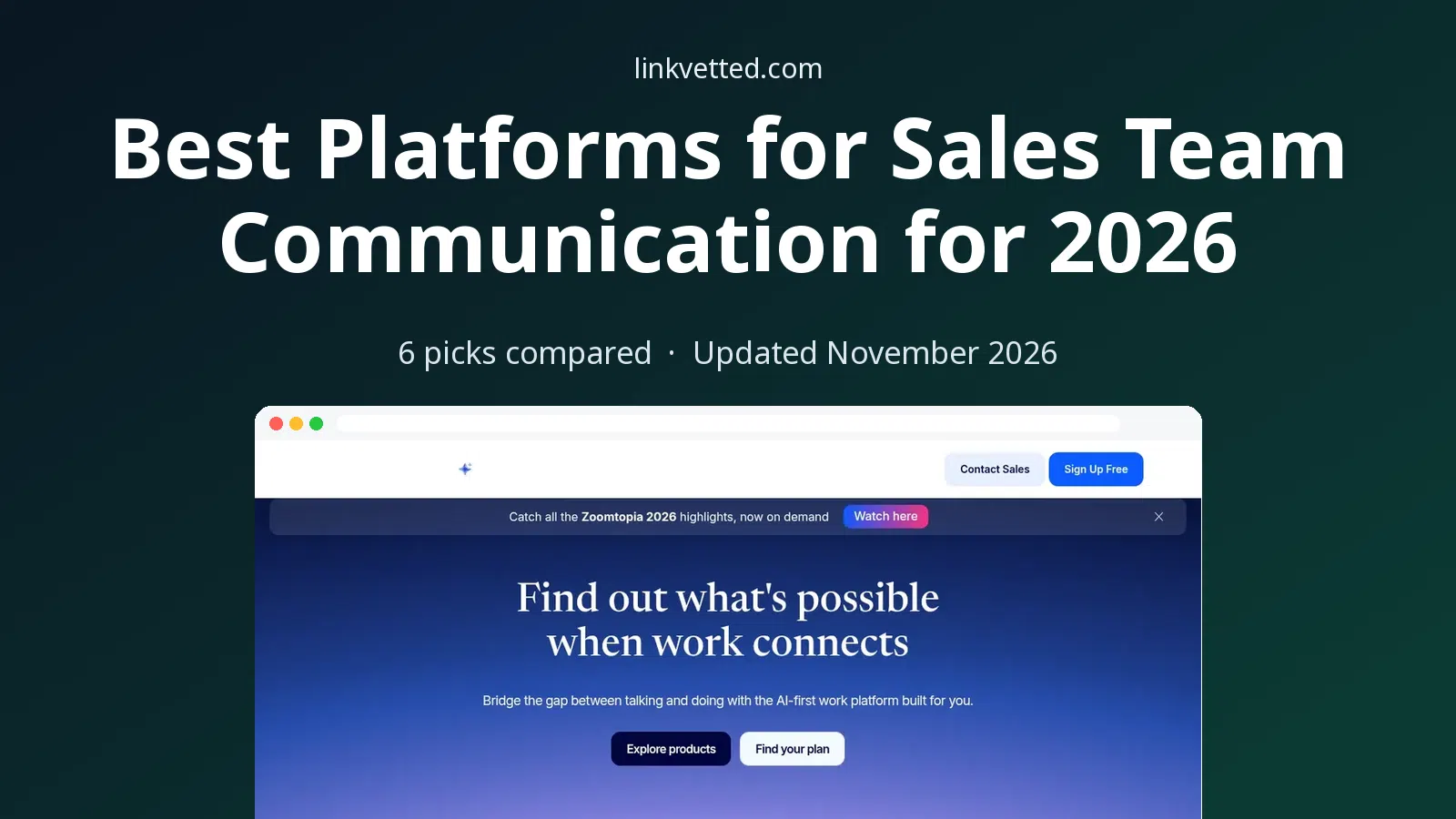
- Editor's choice
 Zoom
Video meetings plus team chat
Starts atSee websiteVisit zoom.usFull review - Great alternative
 HubSpot Sales Hub
Pipeline-focused sales communication
Starts atSee websiteVisit hubspot.comFull review - Also consider
 Microsoft Teams
Microsoft-centric chat and meetings
Starts atSee websiteVisit microsoft.comFull review
Direct answer
This list puts Zoom first for video meetings plus team chat. Listed starting prices: Slack from $4.38 per user a month. Alternatives: HubSpot Sales Hub for pipeline-focused sales communication, and Microsoft Teams for Microsoft-centric chat and meetings. The remaining 3 options are covered below with prices and limits.
TL;DR:
- The list opens with Zoom, aimed at video meetings plus team chat.
- Starting prices begin at $4.38 per user per month with Slack.
- Free plans exist at 2 of 6 tools (Slack, Salesforce).
- For conversation intelligence for sales calls, Gong is worth a look.
Last checked November 2026. Prices and plan details were read from the vendors' own pages in November 2026; vendors change plans often, so confirm the current price on the vendor site before you buy.
Quick comparison
| Tool | Best for | Starts at | Free plan? | |
|---|---|---|---|---|
| Zoom | Video meetings plus team chat | See website | Not stated | Visit |
| HubSpot Sales Hub | Pipeline-focused sales communication | See website | Not stated | Visit |
| Microsoft Teams | Microsoft-centric chat and meetings | See website | Not stated | Visit |
 Slack | Quick channel-based team messaging | $4.38 per user a month | Yes | Visit |
 Salesforce | CRM-centered sales communication records | See website | Yes | Visit |
 Gong | Conversation intelligence for sales calls | See website | Not stated | Visit |
The best platforms for sales team communication
Choosing platforms for sales team communication usually comes down to price, fit and limits. This LinkVetted guide sets 6 tools side by side on those three points, with the facts kept short and checkable.
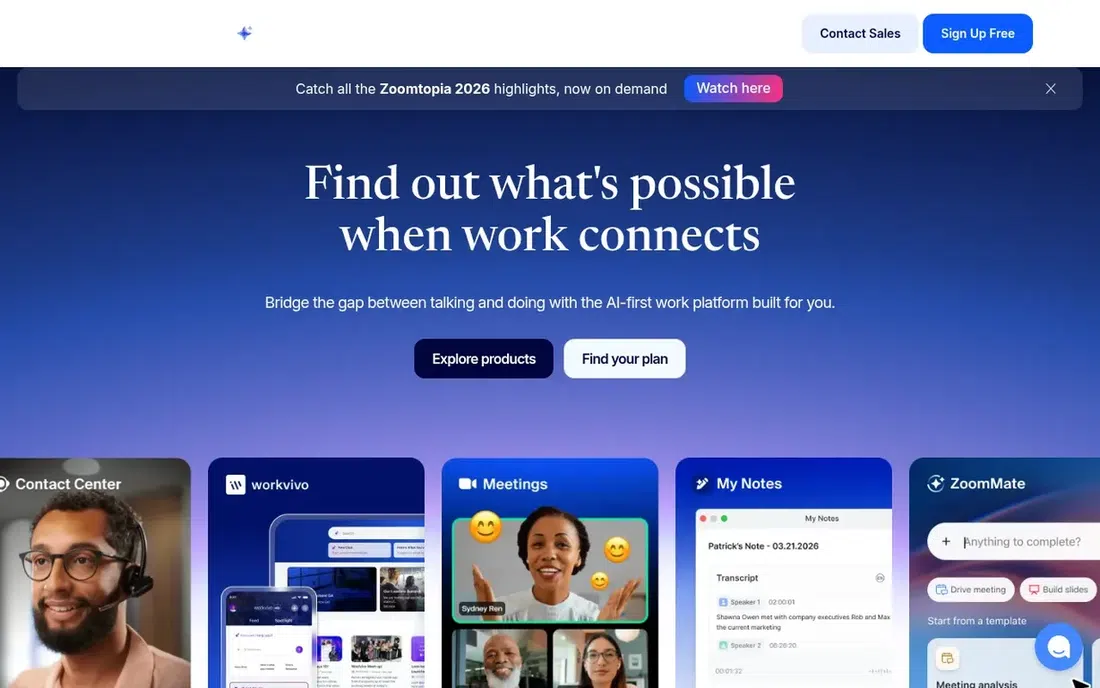
Zoom is designed for video meetings plus team chat. Zoom is meeting-first, so teams wanting rich persistent channels and deep workflow automation may find chat less central.
Also, consider a messaging-first product if most of your sales communication happens in text instead of calls. Zoom shows no starting price here, so confirm the cost on the vendor site. Free options: Not stated.
Honest limits: Chat is less central than in messaging-first tools.
- Dependable video meetings and webinars
- Phone and whiteboard in one product
- Plenty of features can need setup time
HubSpot Sales Hub makes the most sense for pipeline-focused sales communication. HubSpot Sales Hub is described as AI sales software for turning prospects into pipeline and conversations into closed deals, built on complete CRM data. In daily use, if you chiefly need internal chat and meetings, a communication-first system may fit better.
Points against: Best value inside the wider HubSpot system.
Beyond that, Sales Hub is oriented toward pipeline and CRM work instead of being a general team chat system. So most teams pair it with a messaging tool. Check the vendor site for HubSpot Sales Hub pricing; none is listed in this comparison. Trial and free access: Not stated.
- Built on complete CRM data
- Links conversations to deals
- Less suited as a standalone chat tool
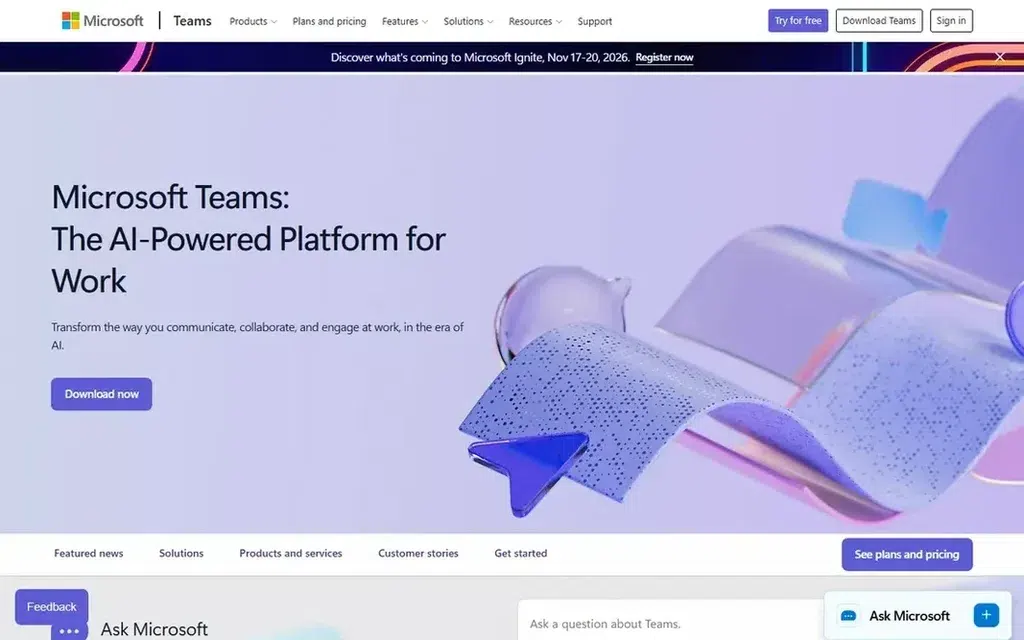
Microsoft Teams is a good fit for Microsoft-centric chat and meetings. For sales teams already using Microsoft productivity tools, it keeps conversations and documents close together and cuts the have to switch apps during customer work.
From a buyer's view, Microsoft Teams brings chat, video meetings, calling and shared files into one workspace meant to help teams link and stay organized. Microsoft Teams shows no starting price here, so confirm the cost on the vendor site. Free options: Not stated.
Where it falls short: Interface can feel busy for new users.
- Chat
- Organized team workspaces
- Best value relies on existing Microsoft setup
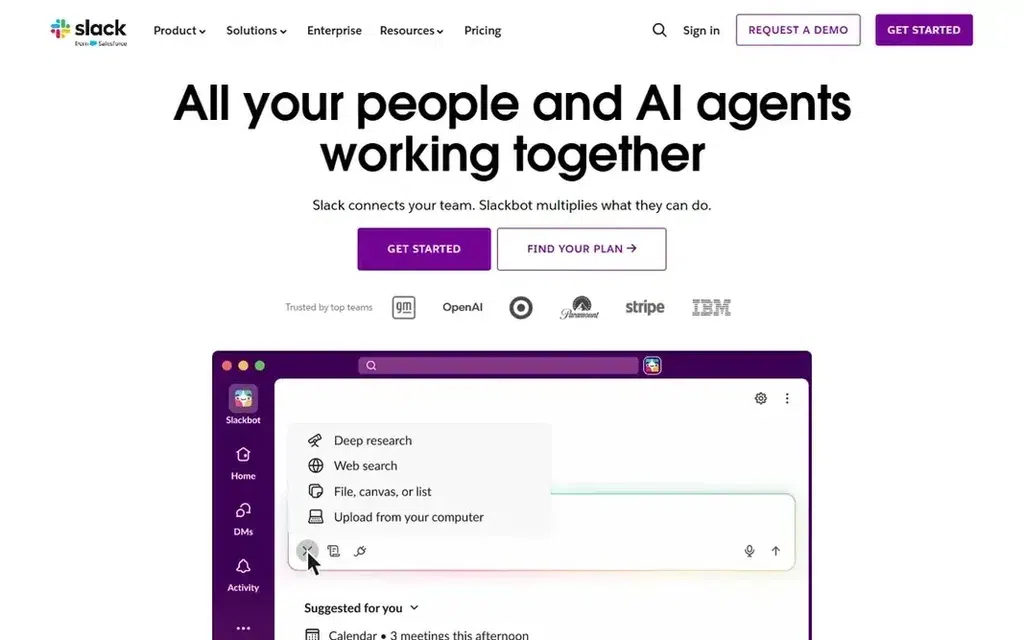
In short, Slack is for quick channel-based team messaging. Slack is an AI work product built around channels, messaging and workflow automation. For everyday use, choose something else if your organization is already standardized on Microsoft collaboration tools and wants one shared workspace.
More specifically, Slack is most solid for messaging and lighter on deep video meeting or phone capabilities. So teams that live in calls may pair it with a dedicated meeting tool. In practice, Sales teams can keep deal talk, account updates and cross-team handoffs in shared channels, then connect the tools they already use. Slack cost at the entry level: $4.38 per user per month. Slack offers a free plan.
The main drawbacks: Calling features are less deep than dedicated meeting tools.
- Organized channels for deals and accounts
- Strong messaging search
- Long message histories can get noisy
Choose Salesforce for CRM-centered sales communication records. Salesforce presents itself as an AI CRM that links customer data, apps and agents across the business.
Salesforce is a wide CRM product instead of a straightforward team chat app, so it can take effort to set up and is normally paired with messaging or meeting tools. More specifically, for sales teams, it acts as the system of record where account activity and customer context live, and communication tools often link to it so reps can work from shared customer data. Check the vendor site for Salesforce pricing; none is listed in this comparison. Salesforce offers a free plan.
Watch-outs: Broad product can take time to configure.
- Unites customer data
- Apps and agents
- Not a light chat tool on its own
Gong works best for conversation intelligence for sales calls. Gong calls itself a Revenue AI OS that helps the whole go-to-market organization win through multimodal revenue signal processing, specialized AI agents and purpose-built applications.
The main drawbacks: Focused on revenue teams instead of general chat.
In daily use, Teams with low call volume or no structured review process may get more from a more straightforward communication tool first. Beyond that, Gong is a conversation intelligence system, not a replacement for everyday team chat or meetings. This comparison lists no price for Gong; ask the vendor. Free plan details: Not stated.
- Purpose-built sales applications
- Supports the entire go-to-market organization
- Value relies on call volume and process
Our selection method
We compared the tools on published pricing, free plan or trial availability, feature coverage for platforms for sales team communication, and the limits each vendor documents. Plan names, prices and limits change often. Treat the figures here as a starting point and verify them with the vendor. Order on the page follows fit for the typical buyer first, then price transparency and free access. Your own requirements should decide the final pick.
What to confirm before you sign up
- Ask Zoom, HubSpot Sales Hub, Microsoft Teams and others for a written quote, since no starting price is shown.
- Check what the free option really includes: Slack and Salesforce offer a free plan, and usage caps differ.
- Read the limits listed for Zoom first: chat is less central than in messaging-first tools.
- Ask the daily users to test Slack on a live task before you roll it out to everyone.
- Confirm you can export your data from Microsoft Teams, so leaving later does not mean losing records.
FAQ
Is Zoom the right pick for everyone comparing platforms for sales team communication?
No single tool suits every team. Zoom comes first because it fits video meetings plus team chat, while HubSpot Sales Hub suits pipeline-focused sales communication and Microsoft Teams suits Microsoft-centric chat and meetings. Match the tool to your own size, budget and workflow before deciding.
Which options for platforms for sales team communication have a free plan?
Slack and Salesforce offer a free plan in this list. Free plans usually cap users, projects or features, so check the limits on the vendor page.
What is the cheapest option for platforms for sales team communication in this list?
On published monthly entry prices, Slack is the lowest here at $4.38 per user per month. Entry price is only part of the cost, because seats, add-ons and billing terms can change the total. Prices, free plan details and limits for all 6 tools in this platforms for sales team communication roundup sit on the individual cards above.
Can I try these tools before paying?
Often, yes. Slack and Salesforce have a free plan. Use your own data and a real task during the test, and check what the free tier or trial limits before you rely on it.
Which product is a good match for everyday sales team chat?
This list starts with Zoom, which fits video meetings plus team chat. For other needs, HubSpot Sales Hub is aimed at pipeline-focused sales communication, and Microsoft Teams at Microsoft-centric chat and meetings. Check each tool's price and main limit first.
Sources
- https://zoom.us
- https://www.hubspot.com/products/sales
- https://www.microsoft.com/en-us/microsoft-teams/group-chat-software
- https://slack.com
- https://www.salesforce.com
- https://www.gong.io