Top 5 Password Manager for Government Contractors for 2026 (Prices and Free Plans)
Searching for the best Password manager for government contractors? Here are 5 options with prices and free plans. Each entry gets a plain verdict. Start here.
- Editor's choiceCyberArk Privileged Access Manager
Privileged access management
Starts atSee websiteVisit cyberark.comFull review - Great alternative
 Delinea Secret Server
Privileged identity security
Starts atSee websiteVisit delinea.comFull review - Also consider
 Bitwarden
Open source password management
Starts at$1.65 a monthVisit bitwarden.comFull review
Direct answer
CyberArk Privileged Access Manager leads the list, best for Privileged access management. Listed starting prices: Bitwarden from $1.65 a month and Dashlane from $4 per user per month. Delinea Secret Server is better for Privileged identity security, and Bitwarden is better for open source password management. Prices, free plans and limits for all 5 tools follow.
TL;DR:
- The list opens with CyberArk Privileged Access Manager, aimed at Privileged access management.
- Bitwarden is the only tool of the 5 with a free plan.
- Keeper Security is the one to check for unified zero-trust privileged access.
- Check the limits for Bitwarden before you commit: may lack advanced PAM features.
- For the cheapest start, look at Bitwarden: $1.65 per month.
Last checked November 2026. Prices and plan details were read from the vendors' own pages in November 2026; vendors change plans often, so confirm the current price on the vendor site before you buy.
Quick comparison
| Tool | Best for | Starts at | Free plan? | |
|---|---|---|---|---|
| CyberArk Privileged Access Manager | Privileged access management | See website | Not stated | Visit |
| Delinea Secret Server | Privileged identity security | See website | Not stated | Visit |
| Bitwarden | Open source password management | $1.65 a month | Yes | Visit |
 Dashlane | Credential security system | $4 per user per month | Free trial | Visit |
| Keeper Security | Unified zero-trust privileged access | See website | Free trial | Visit |
The best Password manager for government contractors
If you are comparing Password manager for government contractors, this page covers 5 tools in one place: what each is best for, what it costs to start, whether it has a free plan, and the main limit to know about.
CyberArk Privileged Access Manager
Best for: Privileged access management
Pick CyberArk Privileged Access Manager if this describes you: Privileged access management. It may be more than smaller contractors need.
Choose CyberArk when you require thorough privileged access management and identity governance. This comparison lists no price for CyberArk Privileged Access Manager; ask the vendor. Free options: Not stated.
The main drawbacks: Potentially high resource requirements.
- Modernizes identity governance
- Identity security system
- May be complicated to deploy
Delinea Secret Server serves Privileged identity security. Delinea Secret Server is a privileged identity security option that addresses AI agents, AI governance, and privileged access management. It is built to secure privileged accounts and secrets.
What to check first: Could be overkill for entry-level needs.
More specifically, if you need entry-level password sharing, a more straightforward tool may suffice. Beyond that, government contractors with a have to handle privileged access across several systems may find it a suitable choice. No starting price is listed for Delinea Secret Server here; confirm pricing on the vendor site. On free options: Not stated.
- PAM capabilities
- Focus on privileged identity security
- May need specialized knowledge
Bitwarden serves open source password management. Bitwarden is an open source password manager for individuals, teams, and enterprises. It securely keeps and shares passwords, passkeys, and secrets, and is free to start.
Bitwarden may not bundle the full privileged access management capabilities that some contractors need, such as session monitoring or deep auditing. Bitwarden is a solid choice for core password and secrets storage. Government contractors who value transparency and open source code may find Bitwarden appealing for team password management. Entry price for Bitwarden: $1.65 per month. Bitwarden offers a free plan.
What to check first: Self-hosting needs expertise.
- Open source and transparent
- Keeps passwords, passkeys, secrets
- May lack advanced PAM features
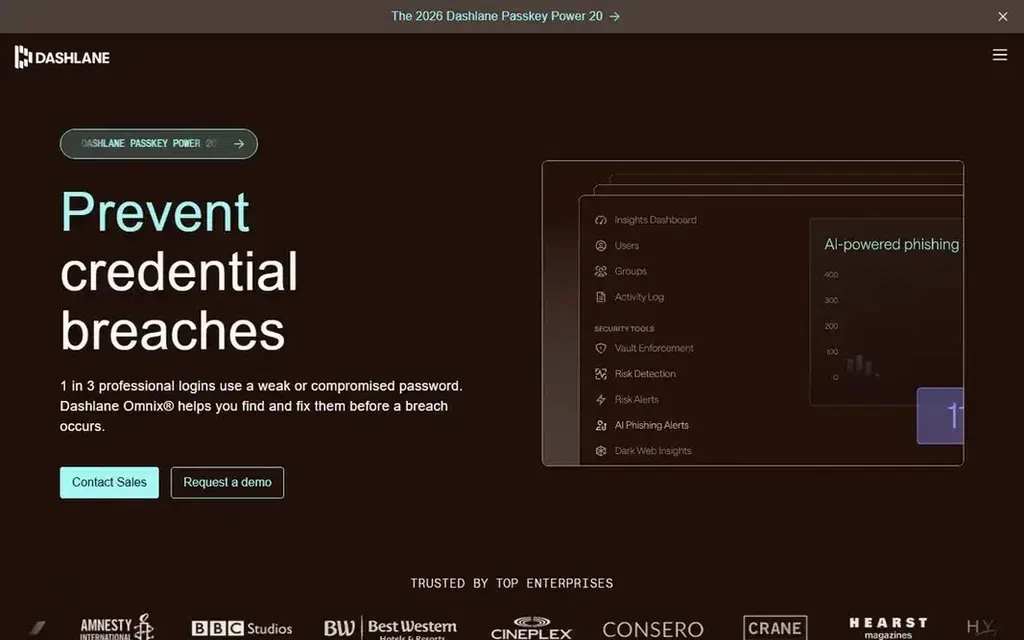
Think of Dashlane for credential security product. Dashlane is a password management and credential security product that serves enterprises, companies, and individuals. It concentrates on protecting credentials and simplifying password management.
Watch-outs: Restricted privileged access features.
Beyond that, Dashlane may not supply the advanced privileged access management features that some government contractors need. On top of that, if your requirements bundle session recording or on-premise deployment, other tools may be more suitable. Dashlane cost at the entry level: $4 per user per month. Free options: Free trial.
- Credential protection focus
- Fits enterprises and companies
- May not meet all compliance needs
Keeper Security
Best for: Unified zero-trust privileged access
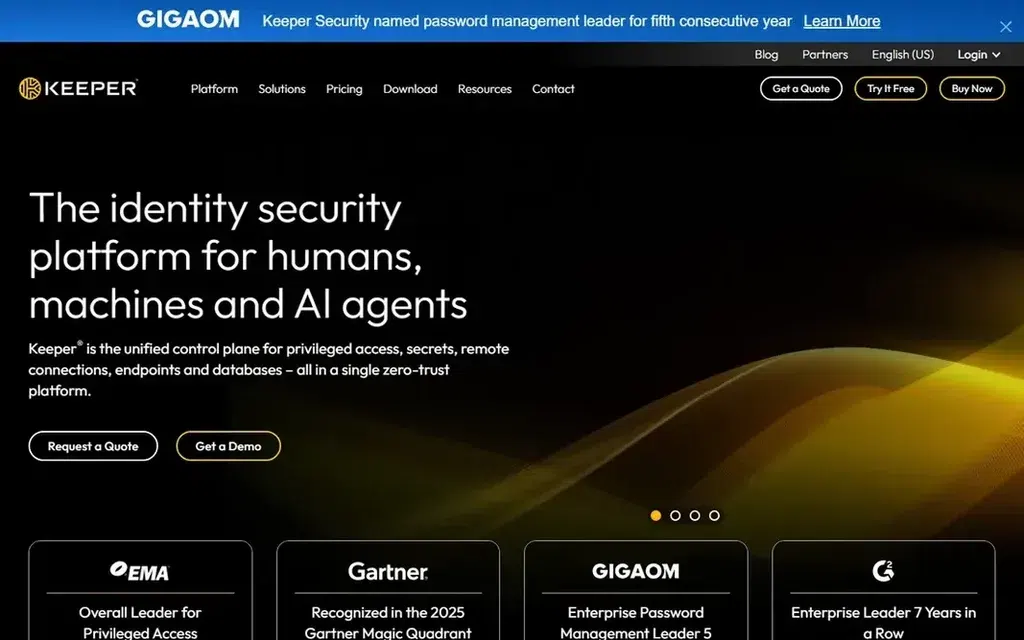
Keeper Security is aimed squarely at unified zero-trust privileged access. The system emphasizes identity security across several assets, making it a fit for organizations with complicated access requirements.
Highlights: Unified control plane for privileged access.
If you only need entry-level password sharing, a more straightforward tool might be sufficient. Check the vendor site for Keeper Security pricing; none is listed in this comparison. As for free access: Free trial. Where it falls short: Needs configuration for full benefits.
- Includes secrets
- Remote connections, endpoints
- May be complex for small teams
How we built this list
We compared the tools on published pricing, free plan or trial availability, feature coverage for Password manager for government contractors, and the limits each vendor documents. Where a price is missing, the vendor does not list one publicly or ties it to a quote. Always confirm before budgeting. The sequence is a judgement call: typical use case first, then pricing transparency, then free access. Use the profiles to check fit.
What to confirm before you sign up
- Ask CyberArk Privileged Access Manager, Delinea Secret Server and Keeper Security for a written quote, since no starting price is shown.
- Test the free plan from Bitwarden against your real workload before relying on it.
- Take the trial from Dashlane and Keeper Security and push a live task through it before you pay.
- Read the limits listed for CyberArk Privileged Access Manager first: may be complicated to deploy.
- Check how data leaves Dashlane: formats, limits and whether exports are available on every plan.
- Compare total cost, not headline price: for CyberArk Privileged Access Manager, add extra seats, add-ons and any usage-based charges.
FAQ
How are the tools for Password manager for government contractors ordered?
CyberArk Privileged Access Manager sits first and Keeper Security last because the order follows typical fit for Password manager for government contractors, then price clarity and free access. It is a judgement call, so read each profile for fit and limits.
Is open source software right for government contractors?
Open source software can be suitable if it meets security and compliance requirements. It supplies transparency and may be preferred for auditability.
What should government contractors look for in a password manager?
Government contractors should prioritize tools with solid security features, compliance support, and privileged access management. On-premise choices may be necessary for data residency. Also consider audit trails and integration with existing systems.
Which options for Password manager for government contractors have a free plan?
Bitwarden is the only tool in this list with a free plan. Free plans usually cap users, projects or features, so check the limits on the vendor page. Several others offer a trial instead. For the full picture, the cards above cover all 5 entries of this Password manager for government contractors list, including price, free plan and limits.
Do these tools publish their prices?
Not all of them. CyberArk Privileged Access Manager, Delinea Secret Server and Keeper Security publish no starting price, so expect a quote request for those. The rest, Bitwarden included, show a starting price, though seats and billing terms still change the final cost.
Can I try these tools before paying?
Often, yes. Bitwarden has a free plan and Dashlane and Keeper Security offer a free trial. Use your own data and a real task during the test, and check what the free tier or trial limits before you rely on it.
Sources
- https://www.cyberark.com
- https://delinea.com
- https://bitwarden.com
- https://www.dashlane.com
- https://www.keepersecurity.com