Password Manager for Cleaning Businesses in 2026: The 6 Best Options Side by Side
6 best Password manager for cleaning businesses, with entry costs, free tiers and the buyer each one serves. Each pick lists its main limit. Straight answers.
- Editor's choice
 LastPass
Visibility into shadow IT and AI tools
Starts atSee websiteVisit lastpass.comFull review - Great alternative
 Bitwarden
Open-source choice for budget-conscious teams
Starts at$1.65 a monthVisit bitwarden.comFull review - Also consider
 Dashlane
Firms concentrated on credential security
Starts at$4 per user per monthVisit dashlane.comFull review
Direct answer
LastPass comes first here, mainly for visibility into shadow IT and AI tools. Listed starting prices: Bitwarden from $1.65 a month and Dashlane from $4 per user per month. Bitwarden fits open-source option for budget-conscious teams; Dashlane fits companies concentrated on credential security. The full list of 6 tools follows, with prices and free plan facts.
TL;DR:
- Top of the list is LastPass, which targets visibility into shadow IT and AI tools.
- Bitwarden is the only tool of the 6 with a free plan.
- Before buying Dashlane, weigh this: may need training for full use.
- Keeper Password Manager suits zero-trust security for privileged access.
Last checked November 2026. Prices and plan details were read from the vendors' own pages in November 2026; vendors change plans often, so confirm the current price on the vendor site before you buy.
Quick comparison
| Tool | Best for | Starts at | Free plan? | |
|---|---|---|---|---|
| LastPass | Visibility into shadow IT and AI tools | See website | Free trial | Visit |
| Bitwarden | Open-source choice for budget-conscious teams | $1.65 a month | Yes | Visit |
| Dashlane | Firms concentrated on credential security | $4 per user per month | Free trial | Visit |
 1Password | Expanding cleaning teams needing simple sharing | See website | Not stated | Visit |
| Password Manager Pro | On-premise enterprise password management | See website | Not stated | Visit |
| Keeper Password Manager | Zero-trust security for privileged access | See website | Free trial | Visit |
Password Manager for Cleaning Businesses profiles
If you are comparing Password manager for cleaning businesses, this page covers 6 tools in one place: what each is best for, what it costs to start, whether it has a free plan, and the main limit to know about.
Pick LastPass if this describes you: visibility into shadow IT and AI tools. LastPass is a password manager that secures every login and offers shadow IT visibility and AI governance across the SaaS and AI tools employees use. It produces capable passwords and keeps them in an encrypted vault.
Where it is weaker: Past security incidents may concern some.
In daily use, LastPass suits companies that want to monitor tool usage and enforce security policies across their team. On top of that, LastPass has experienced security incidents in the past, which may make some companies hesitant. However, for teams that require visibility into shadow IT and AI tool usage, LastPass gives you unique capabilities. LastPass does not show a starting price in this comparison, so check the vendor site for current pricing. Free access: Free trial.
- AI governance features
- Shadow IT visibility
- Advanced features add complexity
For open-source choice for budget-conscious teams, Bitwarden is a natural candidate. Bitwarden is an open-source password manager for individuals, teams, and enterprises. It securely keeps, shares, and runs passwords, passkeys, and secrets.
The main drawbacks: Interface less refined.
Whereas Bitwarden is functional, its interface may not be as refined as some commercial alternatives, and advanced features might need more configuration. Cleaning firms can use Bitwarden to share client credentials among staff and run access to scheduling and payment tools. Its open-source nature appeals to teams that value transparency and want to avoid vendor lock-in. On cost, Bitwarden starts like this: $1.65 per month. Bitwarden has a free plan.
- Open source transparency
- Straightforward sharing
- Advanced features need setup
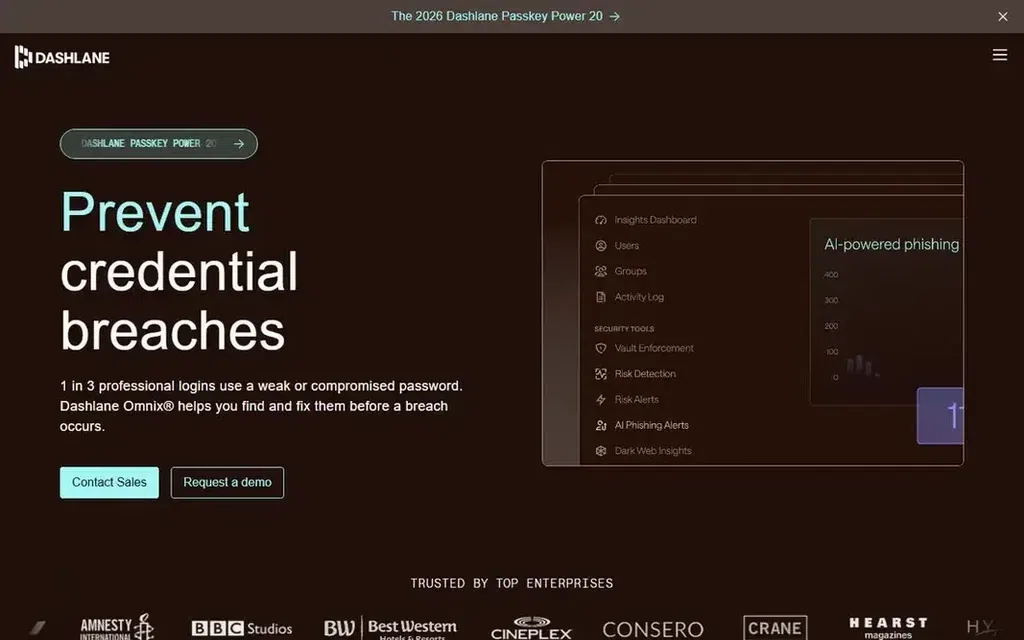
Dashlane makes the most sense for firms concentrated on credential security. It emphasizes protecting credentials and provides tools to secure logins across teams. Its focus on security makes it a solid fit for operations that handle sensitive client information and want solid protection against credential theft.
Limits to weigh: May need training for full use.
In practice, if you want a more straightforward tool with fewer choices, other password managers may be simpler to deploy. Also, companies with very entry-level sharing needs might not utilize all of Dashlane's capabilities, making it a less economical choice for smaller teams. Dashlane's extensive feature set might be more than a small cleaning business needs, and the interface can take time to learn. Dashlane pricing: $4 per user per month. Free access: Free trial.
- Credential protection focus
- Approachable interface
- Feature set can be complicated
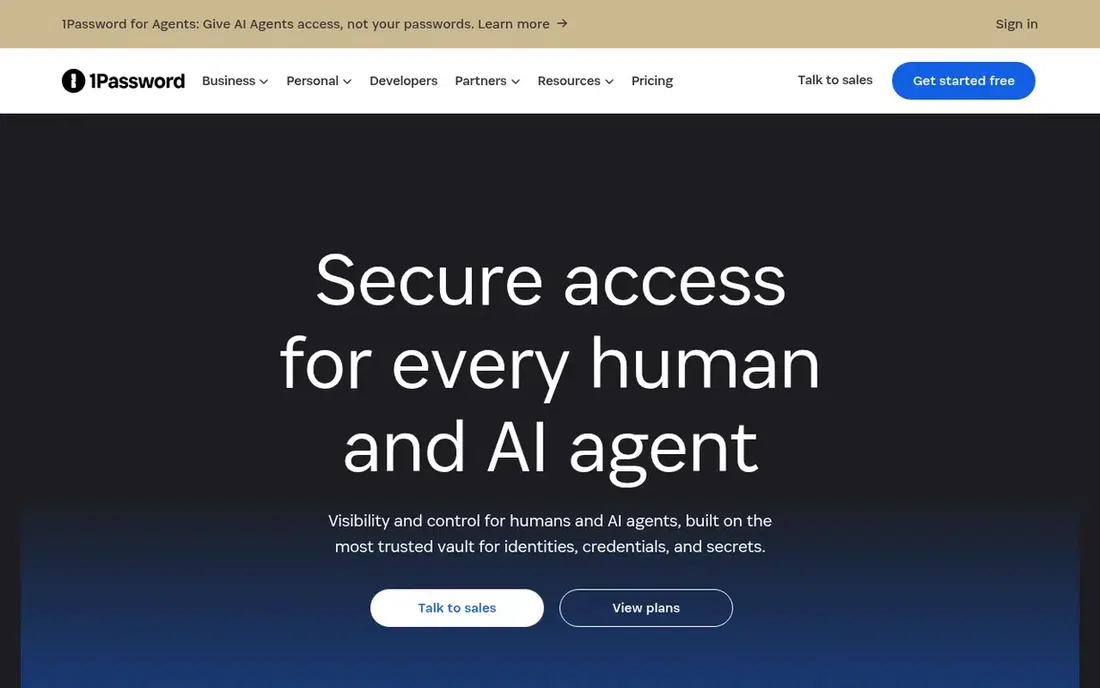
1Password is aimed squarely at expanding cleaning teams needing simple sharing. If you prefer a more straightforward, more entry-level tool, consider other choices. Even so, for teams planning to expand, 1Password gives you a solid foundation for secure credential sharing and access management.
Points against: May be overkill for solo cleaners.
1Password is a password manager and secrets management system aimed at teams and enterprises. Whereas 1Password is capable, smaller cleaning companies with just one or two users might find its team features unnecessary. 1Password shows no starting price here, so confirm the cost on the vendor site. Free access: Not stated.
- Scales to enterprise
- Simple to adopt for teams
- Needs team buy-in
Password Manager Pro
Best for: On-premise enterprise password management
Choose Password Manager Pro for on-premise enterprise password management. If you prefer a cloud-based option with minimal maintenance, other password managers are more appropriate. Even so, for enterprises with existing infrastructure, it gives you solid control.
Beyond that, cleaning companies with IT infrastructure can use it to store and share passwords for client accounts, payment gateways, and internal tools. In daily use, the setup is complicated and may need dedicated IT staff. On top of that, Password Manager Pro needs on-premise infrastructure and technical expertise to deploy and maintain, which may be impractical for small cleaning companies. This comparison lists no price for Password Manager Pro; ask the vendor. Trial and free access: Not stated.
Where it is weaker: Complicated setup.
- Centralized control
- Enterprise-focused features
- Needs infrastructure
Keeper Password Manager
Best for: Zero-trust security for privileged access
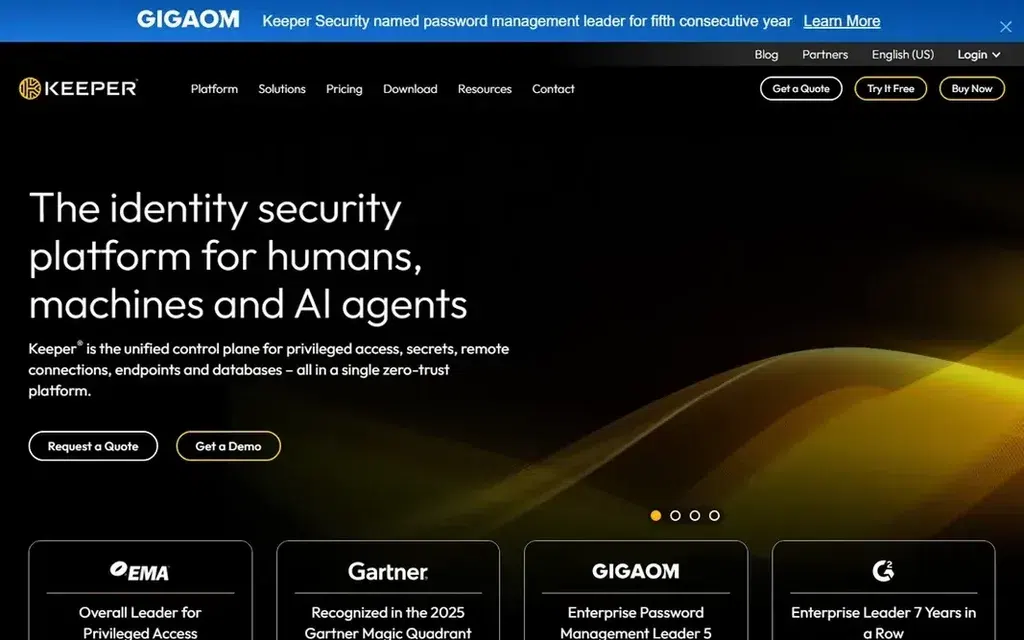
Keeper Password Manager targets zero-trust security for privileged access. If you need a more straightforward password manager for entry-level sharing, a more straightforward tool might be more appropriate.
Trade-offs to know: May need IT support.
More specifically, the advanced security features of Keeper may be overwhelming for cleaning firms without dedicated IT staff. Keeper Password Manager does not show a starting price in this comparison, so check the vendor site for current pricing. Free options: Free trial.
- Zero-trust system
- Unified control plane
- Complicated for non-technical users
How the list was put together
For each of the 6 tools we noted price, free plan or trial, fit for Password manager for cleaning businesses and the main limit, using vendor pages and documentation. Treat prices as a snapshot: vendors change plans often, so check the vendor site for the figure that applies today. Position on the page reflects fit for a typical buyer first, with price clarity and free access breaking ties. Treat it as a guide, not a ruling.
Pre-purchase checklist
- Confirm the entry price on the vendor page. For LastPass, 1Password, Password Manager Pro and Keeper Password Manager that means a quote rather than a fixed price.
- Look at the free plan from Bitwarden closely: its caps decide whether it is usable for real work.
- Use real work to test the free trial from LastPass, Dashlane and Keeper Password Manager, rather than a demo project.
- Before choosing LastPass, weigh its main limit: past security incidents may concern some.
- Check whether Bitwarden bills monthly or annually, and what cancelling early costs.
- Work out what LastPass costs with your real seat count, add-ons and usage, not just the entry price.
FAQ
What is the cheapest option for Password manager for cleaning businesses in this list?
On published monthly entry prices, Bitwarden is the lowest here at $1.65 per month. Entry price is only part of the cost, because seats, add-ons and billing terms can change the total. For the full picture, the cards above cover all 6 entries of this Password manager for cleaning businesses list, including price, free plan and limits.
Why does a cleaning business need a password manager?
Cleaning firms commonly run several client logins, payment portals, and staff schedules. From a buyer's view, a password manager helps store and share these credentials securely, reducing the risk of data breaches and improving efficiency.
How are the tools for Password manager for cleaning businesses ordered?
The order follows typical fit for Password manager for cleaning businesses, with LastPass first and Keeper Password Manager last, then price clarity and free access. It is editorial judgement, not a score, so another team could rank the tools differently.
Is LastPass the right pick for everyone comparing Password manager for cleaning businesses?
No single tool suits every team. LastPass comes first because it fits visibility into shadow IT and AI tools, while Bitwarden suits open-source option for budget-conscious teams and Dashlane suits businesses focused on credential security. Match the tool to your own size, budget and workflow before deciding.
Which options for Password manager for cleaning businesses have a free plan?
Bitwarden is the only tool in this list with a free plan. Free plans usually cap users, projects or features, so check the limits on the vendor page. Several others offer a trial instead. Prices, free plan details and limits for all 6 tools in this Password manager for cleaning businesses roundup sit on the individual cards above.
Sources
- https://www.lastpass.com
- https://bitwarden.com
- https://www.dashlane.com
- https://1password.com
- https://www.manageengine.com/products/passwordmanagerpro
- https://www.keepersecurity.com