Pest Control Software Benefits in 2026: The 5 Best Options Side by Side
Shortlisting the best pest control software benefits? 5 products compared on cost, free access and ideal buyer. With pricing notes and limits. Clear verdicts.
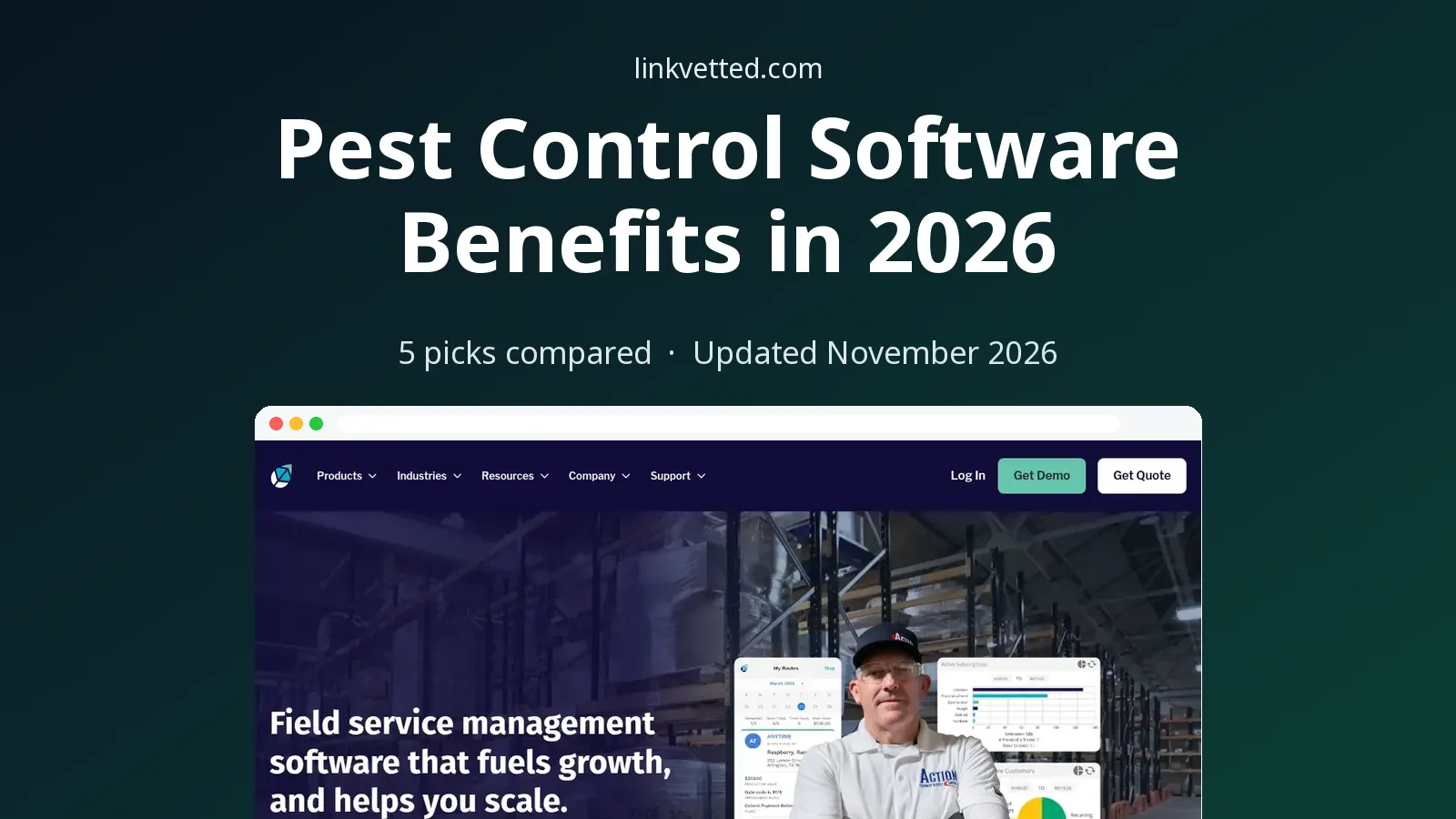
- Editor's choice
 Jobber
General home and commercial service firms
Starts atSee websiteVisit getjobber.comFull review - Great alternative
 ServiceTitan
Bigger home and commercial contractors
Starts atSee websiteVisit servicetitan.comFull review - Also consider
 FieldRoutes
Pest control and lawn care teams
Starts atSee websiteVisit fieldroutes.comFull review
Direct answer
Jobber is the first pick on this list for general home and commercial service companies. Listed starting prices: Housecall Pro from $59 per month. If your case is different, ServiceTitan suits bigger home and commercial contractors and FieldRoutes suits pest control and lawn care teams. All 5 tools are compared below on price, free plan and limits.
TL;DR:
- Number one here is Jobber, a fit for general home and commercial service businesses.
- Housecall Pro is the lowest-priced starter here at $59 per month.
- PestPac fits all-in-one pest control operations.
- The main caution on ServiceTitan: wide focus instead of pest-specific.
Last checked November 2026. Prices and plan details were read from the vendors' own pages in November 2026; vendors change plans often, so confirm the current price on the vendor site before you buy.
Quick comparison
| Tool | Best for | Starts at | Free plan? | |
|---|---|---|---|---|
| Jobber | General home and commercial service firms | See website | Not stated | Visit |
| ServiceTitan | Bigger home and commercial contractors | See website | Free trial | Visit |
| FieldRoutes | Pest control and lawn care teams | See website | No | Visit |
 Housecall Pro | Home service companies seeking simple management | $59 per month | Free trial | Visit |
 PestPac | All-in-one pest control operations | See website | Not stated | Visit |
The full pest control software benefits list
LinkVetted compared 5 pest control software benefits. The goal is a practical shortlist: published prices, free plan facts, best-fit use cases and honest limits for every entry.
Choose Jobber for general home and commercial service firms. Pest control operators who value simplicity and a general service toolkit may find it a practical choice. Consider it when adaptability and simplicity matter more than industry-specific depth.
In practice, firms that want deep pest-specific routing and reporting may prefer a dedicated system. In daily use, Jobber is not built specifically for pest control, so niche requirements for example treatment tracking may need workarounds. No starting price is listed for Jobber here; confirm pricing on the vendor site. On free options: Not stated.
The main drawbacks: Not pest-specific.
What Jobber does well: Handles sales and operations.
- Quoting
- Scheduling and invoicing together
- May need add-ons for niche workflows
Where ServiceTitan fits: bigger home and commercial contractors. ServiceTitan provides all-in-one software for home and commercial contractors, keeping service visits and construction projects running smoothly. On top of that, since ServiceTitan serves the trades broadly, pest control teams may find some workflows less tailored than a dedicated tool supplies.
Where it is weaker: Setup can demand more resources.
Also, smaller businesses might find the system heavier than needed. Compare it with pest-specific choices if your priority is a focused, simple setup. This comparison lists no price for ServiceTitan; ask the vendor. Free access: Free trial.
- Handles service visits and projects
- All-in-one software for contractors
- Wide focus instead of pest-specific
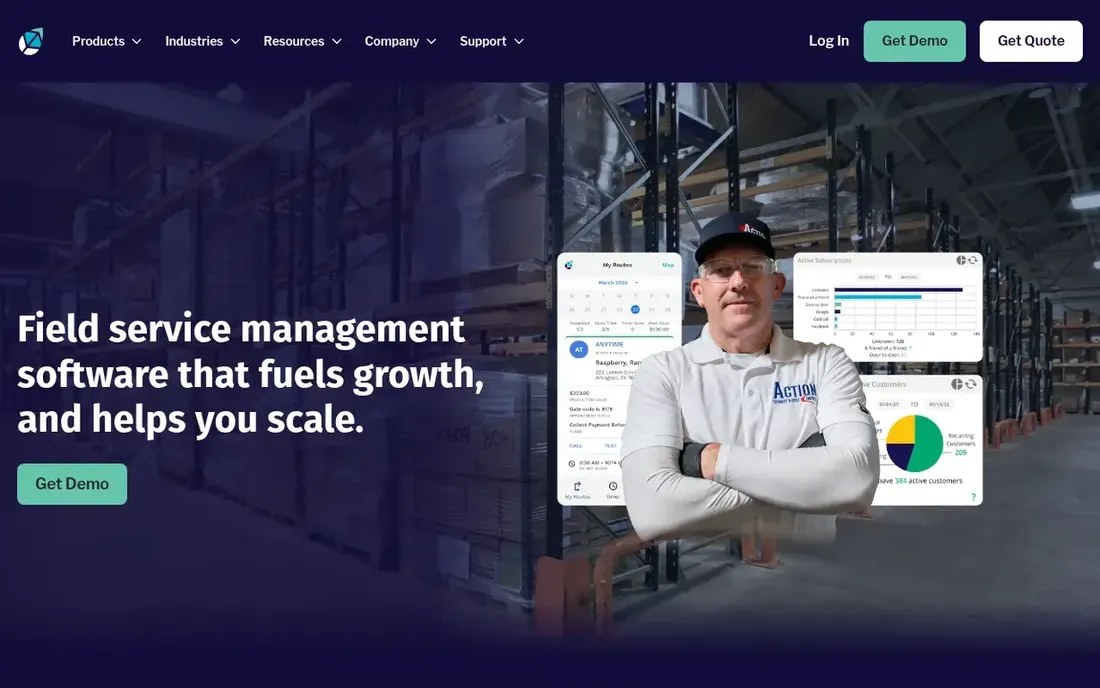
Think of FieldRoutes for pest control and lawn care teams. Firms wanting a wide suite of marketing or accounting extras should compare carefully. On top of that, FieldRoutes is field service management software specializing in pest control and lawn care.
Drawbacks to consider: Demo required to evaluate fit.
It is built to ease operations and support growth for firms in those two related service categories. If your business sits outside pest control or lawn care, FieldRoutes may not match your needs as closely as a general system. As for the details, requesting a demo is the practical way to judge whether its workflow suits your team. Pricing for FieldRoutes is not stated here, so ask the vendor for current figures. FieldRoutes has no free plan.
- Built to ease daily operations
- Field service management focus
- Narrower fit outside pest and lawn
Housecall Pro targets home service firms seeking simple management. Housecall Pro is home services business management software for field service firms. It supports the core tasks of running a service business, from scheduling to customer management, and is used across numerous home service categories.
Limits to weigh: Not designed only for pest control.
Housecall Pro is not a pest-specific system, so specialized needs for example treatment history or pest-oriented routing may need additional steps. On top of that, pest control operators who want a general-purpose product may consider it as part of their shortlist. Housecall Pro starts at: $59 per month. Free access: Free trial.
- Widely used across field service
- Includes core business operations
- Pest-specific features may be restricted
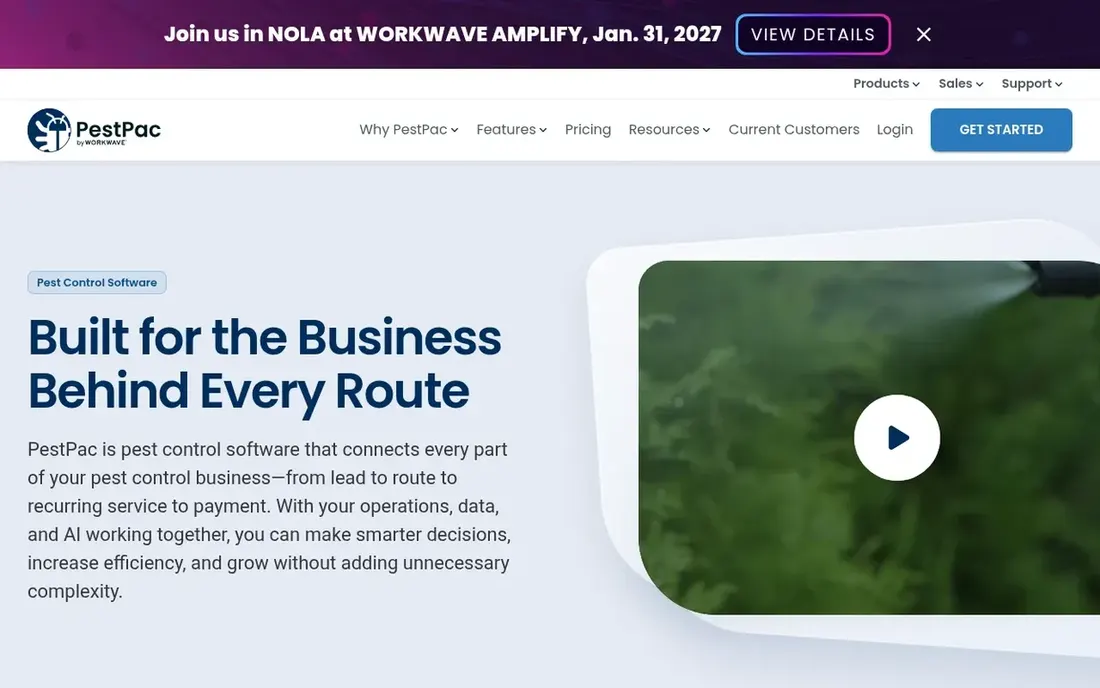
PestPac is designed for all-in-one pest control operations. Companies seeking an established, pest-focused tool commonly start their search here.
In practice, consider alternatives if you need wide multi-trade support or lawn care features as a core focus. PestPac shows no starting price here, so confirm the cost on the vendor site. As for free access: Not stated.
What to check first: Feature depth can mean a ramp-up time.
- Payments handled alongside core tools
- Designed for pest control workflows
- Pest-specific focus may not suit other trades
How the list was put together
The comparison looks at four things: starting price, free access, how well the feature set matches pest control software benefits, and the main limit of each tool. Where a vendor does not publish a price, the entry says quote. Where a price depends on seats or billing term, the entry says so. The sequence is a judgement call: typical use case first, then pricing transparency, then free access. Use the profiles to check fit.
What to confirm before you sign up
- Ask Jobber, ServiceTitan, FieldRoutes and PestPac for a written quote, since no starting price is shown.
- Run a trial of ServiceTitan and Housecall Pro with real work before paying for a year; your own workflow is the best test.
- Before choosing Jobber, weigh its main limit: not pest-specific.
- Find out what support ServiceTitan includes on your plan, and whether onboarding help costs extra.
- Check how data leaves FieldRoutes: formats, limits and whether exports are available on every plan.
FAQ
Do these tools publish their prices?
Not all of them. Jobber, ServiceTitan, FieldRoutes and PestPac publish no starting price, so expect a quote request for those. The rest, Housecall Pro included, show a starting price, though seats and billing terms still change the final cost.
Can I try these tools before paying?
Often, yes. ServiceTitan and Housecall Pro offer a free trial. Use your own data and a real task during the test, and check what the free tier or trial limits before you rely on it. Each of the 5 options in this pest control software benefits guide has its own card above with the price, free plan and limits.
Is Jobber the right pick for everyone comparing pest control software benefits?
No single tool suits every team. Jobber comes first because it fits general home and commercial service businesses, while ServiceTitan suits larger home and commercial contractors and FieldRoutes suits pest control and lawn care teams. Match the tool to your own size, budget and workflow before deciding.
How do I evaluate pest control software before buying?
List your must-have workflows, for example routing, treatment records and payments, then check each vendor's documented features against them. Confirm support and integration details straight with the vendor.
How are the pest control software benefits ordered?
The order follows typical fit for pest control software benefits, with Jobber first and PestPac last, then price clarity and free access. It is editorial judgement, not a score, so another team could rank the tools differently.
Sources
- https://www.getjobber.com
- https://www.servicetitan.com
- https://www.fieldroutes.com
- https://www.housecallpro.com
- https://www.pestpac.com