5 Best Pest Control Scheduling Software for Recurring Service for 2026, Vetted and Compared
Best pest control scheduling software for recurring service in 2026: 5 contenders with entry costs and free tiers. Prices and drawbacks included. Decide faster.
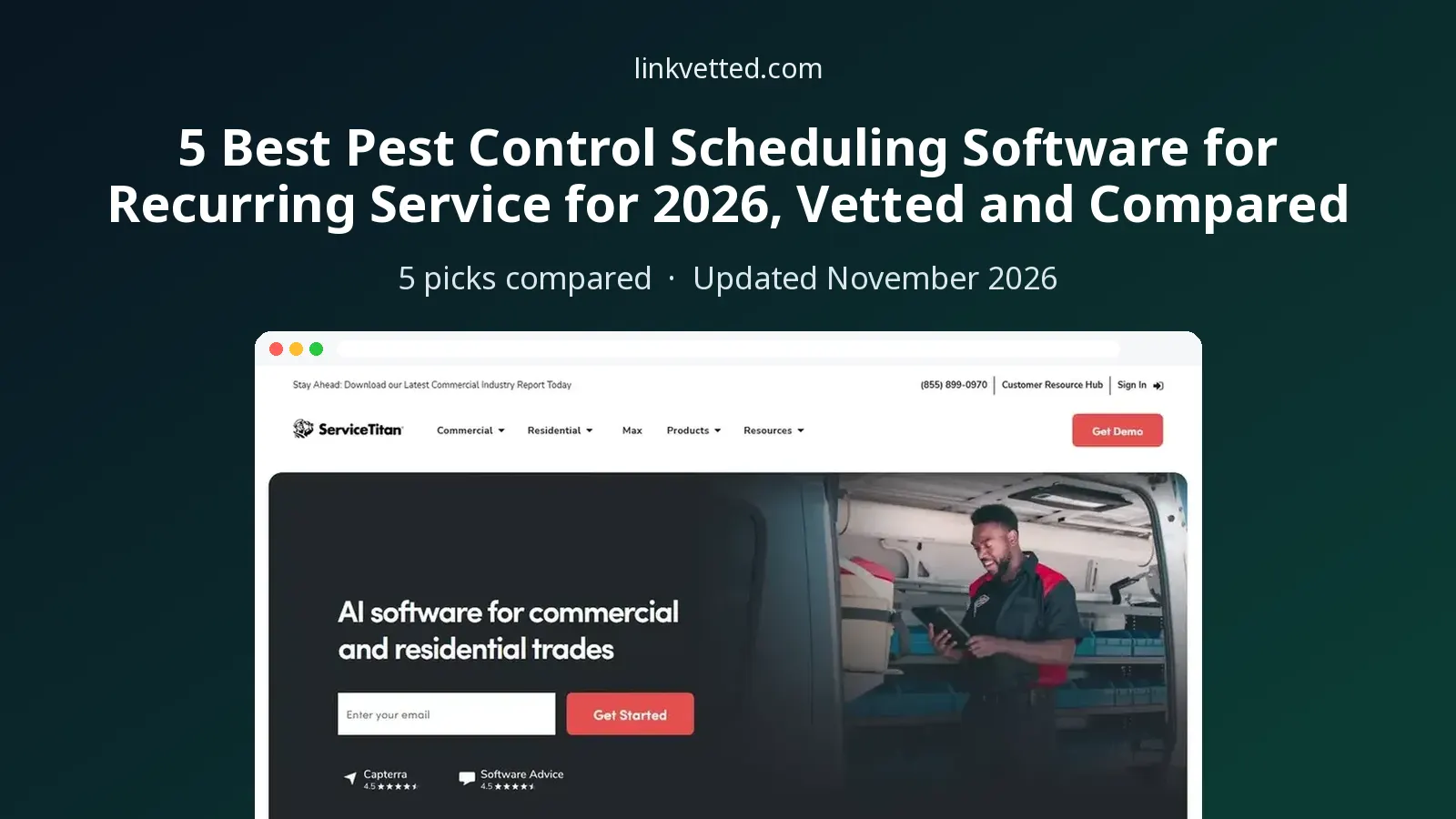
- Editor's choice
 ServiceTitan
Bigger contractors with complicated operations
Starts atSee websiteVisit servicetitan.comFull review - Great alternativeWorkWave PestPac
Back-office and field automation
Starts atSee websiteVisit workwave.comFull review - Also consider
 Housecall Pro
Home service companies seeking simple scheduling
Starts at$59 a monthVisit housecallpro.comFull review
Direct answer
Start with ServiceTitan if you need bigger contractors with complicated operations. Listed starting prices: Housecall Pro from $59 a month. Look at WorkWave PestPac for back-office and field automation, and at Housecall Pro for home service firms seeking simple scheduling. The other 2 tools in the list cover narrower or pricier cases.
TL;DR:
- ServiceTitan takes the first slot, best suited to bigger contractors with complicated operations.
- A permanent free plan is missing from all 5 tools, ServiceTitan and Jobber included; plan for a trial or a premium start.
- Jobber fits small to mid-size service companies.
- Starting prices begin at $59 per month with Housecall Pro.
Last checked November 2026. Prices and plan details were read from the vendors' own pages in November 2026; vendors change plans often, so confirm the current price on the vendor site before you buy.
Quick comparison
| Tool | Best for | Starts at | Free plan? | |
|---|---|---|---|---|
| ServiceTitan | Bigger contractors with complicated operations | See website | Free trial | Visit |
| WorkWave PestPac | Back-office and field automation | See website | Not stated | Visit |
| Housecall Pro | Home service companies seeking simple scheduling | $59 a month | Free trial | Visit |
 FieldRoutes | Pest control and lawn care routing | See website | No | Visit |
 Jobber | Small to mid-size service firms | See website | Not stated | Visit |
Pest Control Scheduling Software for Recurring Service, one by one
Choosing pest control scheduling software for recurring service usually comes down to price, fit and limits. This LinkVetted guide sets 5 tools side by side on those three points, with the facts kept short and checkable.
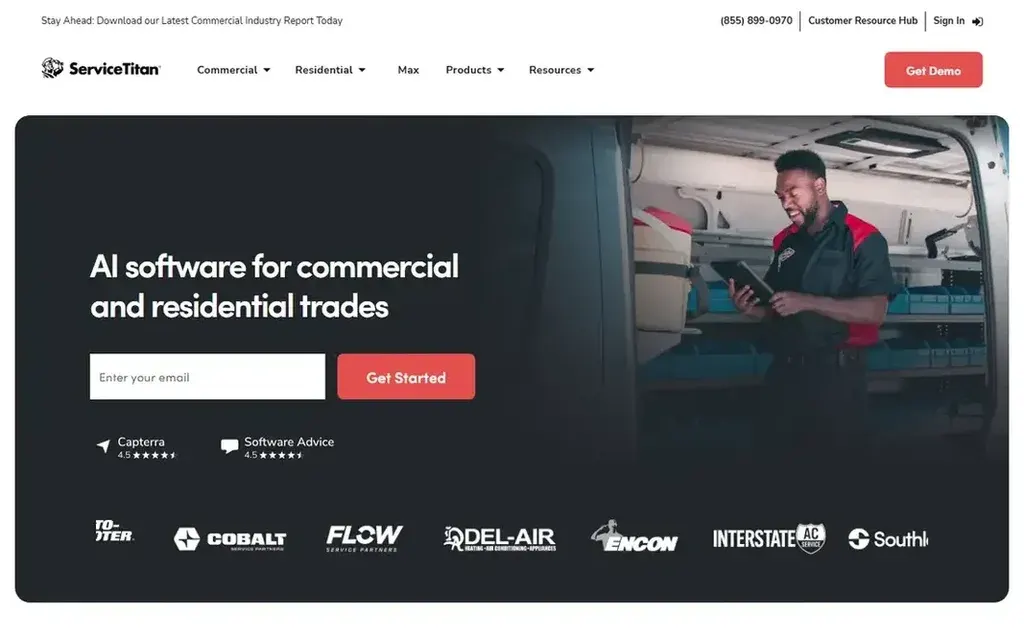
Choose ServiceTitan for bigger contractors with complicated operations. ServiceTitan is all-in-one software made for home and commercial contractors to keep service visits and construction projects running smoothly.
Watch-outs: May be more than small teams need.
Smaller pest control companies may find it heavier than necessary and should confirm that recurring service scheduling matches their workflow. ServiceTitan does not show a starting price in this comparison, so check the vendor site for current pricing. Free access: Free trial.
- Supports service visits and construction projects
- All-in-one software for home and commercial contractors
- Wide trade focus, not pest-specific
WorkWave PestPac
Best for: Back-office and field automation
Choose WorkWave PestPac for back-office and field automation. Since WorkWave serves several service industries, pest-specific features may vary.
Firms should confirm that recurring scheduling and routing capabilities match their pest control workflows and reporting needs. WorkWave PestPac does not show a starting price in this comparison, so check the vendor site for current pricing. Trial and free access: Not stated.
What WorkWave PestPac does well: Automates back-office, routing. Limits to weigh: Setup may need configuration.
- Focus on saving time on operations
- Field operations
- Not only pest control
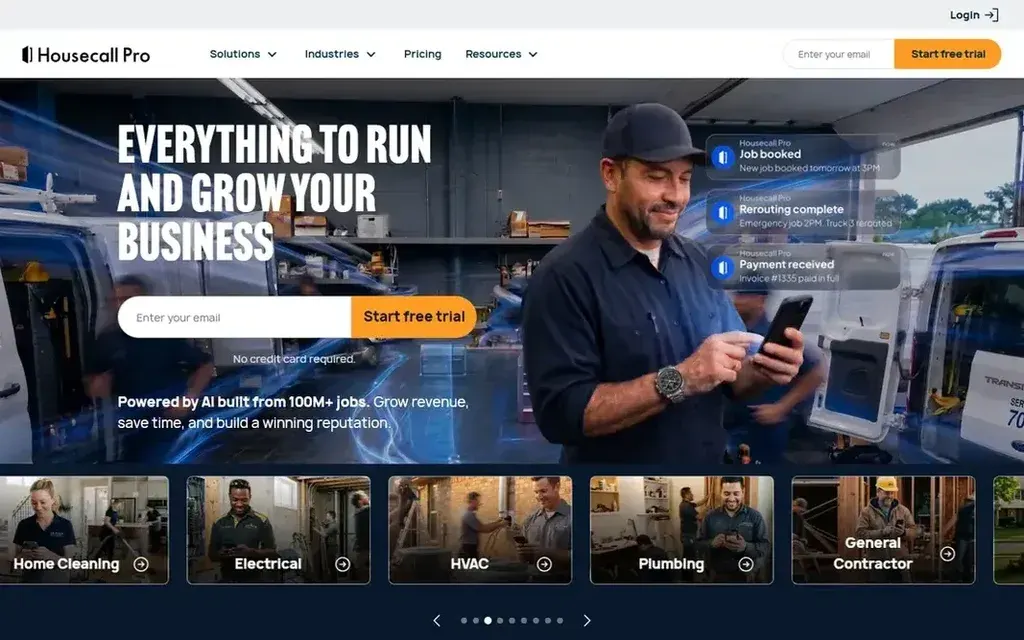
Think of Housecall Pro for home service firms seeking simple scheduling. Housecall Pro is home services business management software for scheduling, dispatching, and field operations.
The main drawbacks: Advanced routing may need add-ons.
It is not built exclusively for pest control, so specialized needs like chemical logs or pest-specific routing may not be covered. Price to start with Housecall Pro: $59 per month. As for free access: Free trial.
- Scheduling and field services
- Built for field service professionals
- Not pest-control specific
FieldRoutes is aimed squarely at pest control and lawn care routing. Since it centres on pest control and lawn care, companies outside those niches may find it less suitable.
On top of that, teams should request a demo to confirm that recurring service workflows and reporting meet their requirements. FieldRoutes shows no starting price here, so confirm the cost on the vendor site. There is no free plan with FieldRoutes.
Where it falls short: Restricted to field service scope.
- Concentrates on pest control and lawn care
- Field service management focus
- May need demo to confirm fit
Jobber was built for small to mid-size service firms. Its app is built to support sales, operations, and customer service for service firms.
Watch-outs: May lack deep routing for large teams.
What works well: invoice in one place. Beyond that, since Jobber serves numerous trades, it may not bundle pest-specific workflows for example chemical tracking or specialized routing rules. Jobber shows no starting price here, so confirm the cost on the vendor site. Free access: Not stated.
- Easy-to-use app for field and office
- Quote, schedule
- Not pest-control specific
What went into this list
We compared the tools on published pricing, free plan or trial availability, feature coverage for pest control scheduling software for recurring service, and the limits each vendor documents. Prices and plan limits come from vendor pages and can change, so confirm them on the vendor site before you buy. The sequence is a judgement call: typical use case first, then pricing transparency, then free access. Use the profiles to check fit.
What to confirm before you sign up
- Confirm the entry price on the vendor page. For ServiceTitan, WorkWave PestPac, FieldRoutes and Jobber that means a quote rather than a fixed price.
- Take the trial from ServiceTitan and Housecall Pro and push a live task through it before you pay.
- Read the limits listed for ServiceTitan first: wide trade focus, not pest-specific.
- Get the contract term, renewal terms and any onboarding fees from Jobber in writing.
- Verify that exporting from ServiceTitan is possible on your plan and covers all your records.
FAQ
Can I try these tools before paying?
Often, yes. ServiceTitan and Housecall Pro offer a free trial. Use your own data and a real task during the test, and check what the free tier or trial limits before you rely on it. For the full picture, the cards above cover all 5 entries of this pest control scheduling software for recurring service list, including price, free plan and limits.
Does any tool for pest control scheduling software for recurring service here have a free plan?
A permanent free plan is not offered by ServiceTitan, Jobber or the other tools here. ServiceTitan, Housecall Pro offer a trial. Plan a short evaluation period instead.
How are the tools for pest control scheduling software for recurring service ordered?
The order follows typical fit for pest control scheduling software for recurring service, with ServiceTitan first and Jobber last, then price clarity and free access. It is editorial judgement, not a score, so another team could rank the tools differently.
What should pest control firms look for in scheduling software?
Focus on recurring service scheduling, route optimization, and customer history. More specifically, confirm that the system supports your visit frequency and billing model. Pest-specific CRM fields and mobile access for technicians are also important.
Do these tools publish their prices?
Not all of them. ServiceTitan, WorkWave PestPac, FieldRoutes and Jobber publish no starting price, so expect a quote request for those. The rest, Housecall Pro included, show a starting price, though seats and billing terms still change the final cost.
Sources
- https://www.servicetitan.com
- https://www.workwave.com
- https://www.housecallpro.com
- https://www.fieldroutes.com
- https://www.getjobber.com