Top 5 Software for Pest Control Scheduling for 2026 (Prices and Free Plans)
Best software for pest control scheduling: 5 tools compared on price, free plans and fit. Every entry states what it lacks. Reviewed in November 2026.
- Editor's choice
 ServiceTitan
Bigger home and commercial contractors
Starts atSee websiteVisit servicetitan.comFull review - Great alternative
 GorillaDesk
AI-assisted pest control operations
Starts at$49 a monthVisit gorilladesk.comFull review - Also consider
 FieldRoutes
Pest control and lawn routing
Starts atSee websiteVisit fieldroutes.comFull review
Direct answer
Our first pick is ServiceTitan, best for bigger home and commercial contractors. Listed starting prices: GorillaDesk from $49 a month and Housecall Pro from $59 per month. GorillaDesk is better for AI-assisted pest control operations, and FieldRoutes is better for pest control and lawn routing. Details, prices and limits for the rest of the 5 tools are below.
TL;DR:
- ServiceTitan is the opening pick, best for bigger home and commercial contractors.
- A permanent free plan is missing from all 5 tools, ServiceTitan and Jobber included; plan for a trial or a premium start.
- Jobber fits general service scheduling and invoicing.
- One limit worth knowing about FieldRoutes: narrower than general contractor suites.
Last checked November 2026. Prices and plan details were read from the vendors' own pages in November 2026; vendors change plans often, so confirm the current price on the vendor site before you buy.
Quick comparison
| Tool | Best for | Starts at | Free plan? | |
|---|---|---|---|---|
| ServiceTitan | Bigger home and commercial contractors | See website | Free trial | Visit |
| GorillaDesk | AI-assisted pest control operations | $49 a month | Free trial | Visit |
| FieldRoutes | Pest control and lawn routing | See website | No | Visit |
 Housecall Pro | Home service teams wanting straightforward management | $59 per month | Free trial | Visit |
 Jobber | General service scheduling and invoicing | See website | Not stated | Visit |
The best software for pest control scheduling
Short on time? The summary and table above give the quick view of 5 tools for software for pest control scheduling, and the profiles that follow give the detail behind each entry.
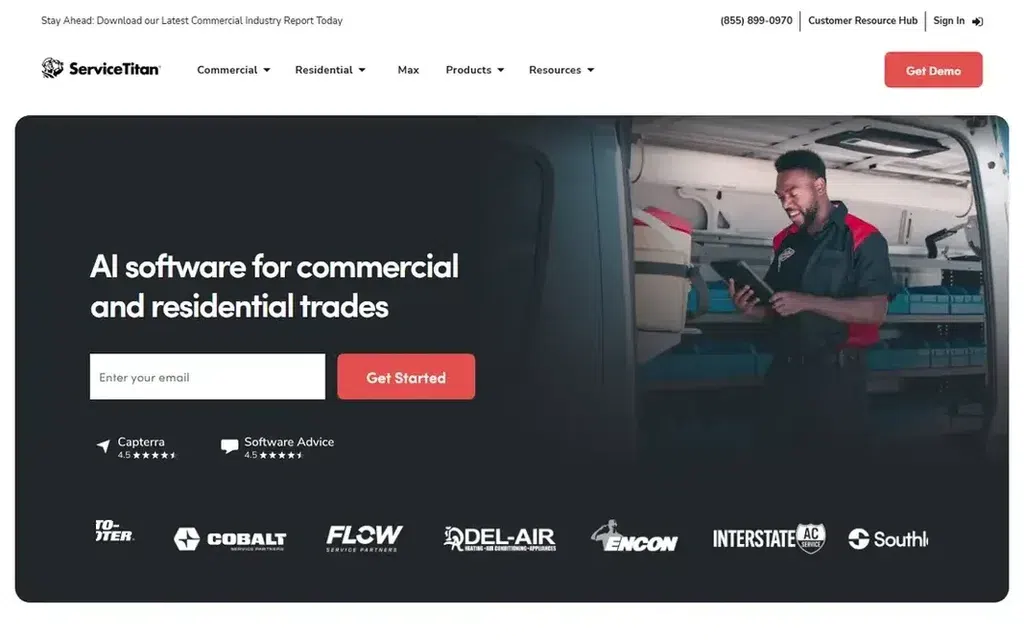
ServiceTitan was built for bigger home and commercial contractors. ServiceTitan describes its all-in-one software as aimed at home and commercial contractors, keeping service visits and construction projects running smoothly. In practice, smaller teams may find the system heavier than needed.
For pest control firms that also manage broader property work, that breadth can keep scheduling, jobs, and projects under one roof. Its contractor-wide scope means pest control is one use case among numerous, so specialized pest features are not the emphasis. This comparison lists no price for ServiceTitan; ask the vendor. Free options: Free trial.
Where it is weaker: Wide focus beyond pest control.
- All-in-one software for contractors
- Handles service visits and construction projects
- Setup depth may overwhelm small teams
GorillaDesk is built with AI-assisted pest control operations in mind. Pick GorillaDesk when pest-specific scheduling plus assisted follow-up is the priority.
In daily use, the product is aimed squarely at pest control, so firms with mixed trades may need extra systems. On cost, GorillaDesk starts like this: $49 per month. Trial and free access: Free trial.
Where it is weaker: AI features may need workflow adjustment.
- Pest control software with AI at the core
- Built-in agents for calls and follow-ups
- Centred on pest control operators
Think of FieldRoutes for pest control and lawn routing. FieldRoutes is field service management software specializing in pest control and lawn care, positioned to simplify operations and help companies grow. That niche focus means scheduling and routing are shaped around recurring service work, which fits pest control firms that want a purpose-built environment instead of a generic field service tool.
Trade-offs to know: Narrower than general contractor suites.
Its specialization is also its boundary: companies with wide trade mixes may find it less adaptable than contractor-wide suites. Worth adding: teams needing broad construction or project management should look elsewhere. Pricing for FieldRoutes is not stated here, so ask the vendor for current figures. There is no free plan with FieldRoutes.
- Field service management focus
- Built to ease operations and growth
- Lawn and pest focus may not fit other trades
Housecall Pro
Best for: Home service teams wanting straightforward management
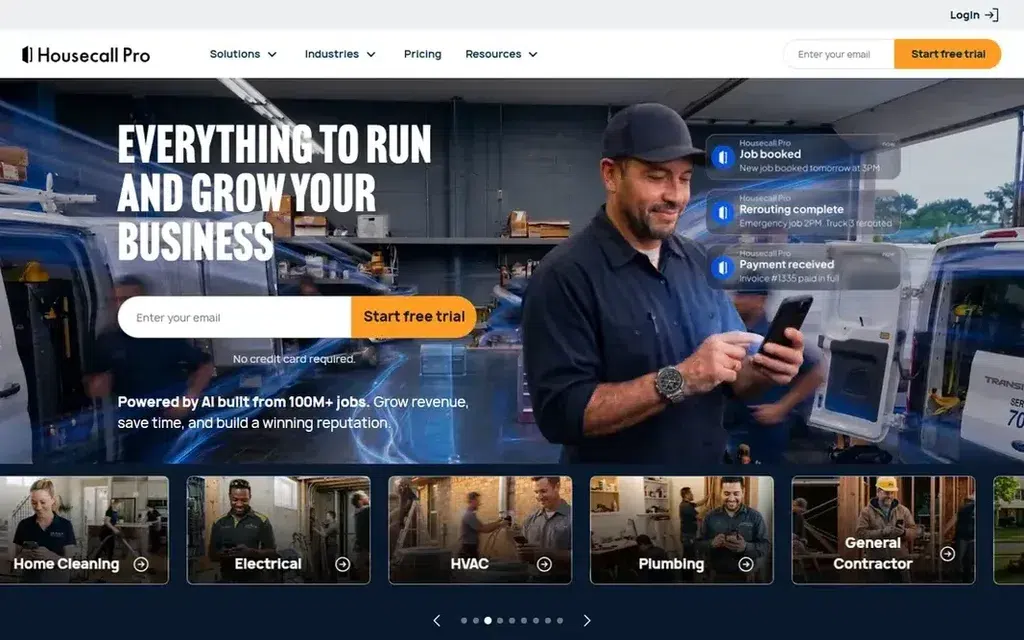
Where Housecall Pro fits: home service teams wanting straightforward management. The product serves plenty of home service trades, so pest-specific routing and renewal logic are not its focus. Pick Housecall Pro when simplicity across standard service jobs matters most.
Where Housecall Pro stands out: Positioned as simple to adopt.
Downsides: Not pest-specific. Firms with dense recurring routes may outgrow general tools. From a buyer's view, Housecall Pro is home services business management software pitched at field service firms. It provides pest control operators a familiar scheduling and job management environment, which fits teams that want a clean, approachable system for dispatching technicians and tracking work. It is a reasonable fit for small to mid-size operations expanding beyond entry-level calendars. Starting cost for Housecall Pro: $59 per month. As for free access: Free trial.
- Management software for home services
- Includes field service operations
- Recurring route features are general
Jobber was built for general service scheduling and invoicing. Jobber is home and commercial service software that organizes quoting, scheduling, invoicing, and payments in one place.
Where it is weaker: Recurring route logic may feel general.
What works well: Payments handled in the same system.
Choose Jobber when wide service management matters more than niche pest workflows. More specifically, teams with complicated recurring routing may want a dedicated pest system instead. No starting price is listed for Jobber here; confirm pricing on the vendor site. Free options: Not stated.
- Quote, schedule
- Aimed at home and commercial service work
- Not made for pest control
How we compared the tools
What to check before you buy
- Ask ServiceTitan, FieldRoutes and Jobber for a written quote, since no starting price is shown.
- Take the trial from ServiceTitan, GorillaDesk and Housecall Pro and push a live task through it before you pay.
- Before choosing ServiceTitan, weigh its main limit: wide focus beyond pest control.
- Ask ServiceTitan whether prices are locked for the first term and what happens at renewal.
- Check the integration list for Housecall Pro against the tools you run today, and note which ones need a higher plan.
FAQ
Can I try these tools before paying?
Often, yes. ServiceTitan, GorillaDesk and Housecall Pro offer a free trial. Use your own data and a real task during the test, and check what the free tier or trial limits before you rely on it.
How are the tools for software for pest control scheduling ordered?
The order follows typical fit for software for pest control scheduling, with ServiceTitan first and Jobber last, then price clarity and free access. It is editorial judgement, not a score, so another team could rank the tools differently.
What should I look for in pest control scheduling software?
Also check how the system deals with customer records and follow-ups. Match these to your team size and the number of stops per day.
Is ServiceTitan the right pick for everyone comparing software for pest control scheduling?
No single tool suits every team. ServiceTitan comes first because it fits larger home and commercial contractors, while GorillaDesk suits AI-assisted pest control operations and FieldRoutes suits pest control and lawn routing. Match the tool to your own size, budget and workflow before deciding.
Do these tools publish their prices?
Not all of them. ServiceTitan, FieldRoutes and Jobber publish no starting price, so expect a quote request for those. The rest, GorillaDesk included, show a starting price, though seats and billing terms still change the final cost.
Sources
- https://www.servicetitan.com
- https://www.gorilladesk.com
- https://www.fieldroutes.com
- https://www.housecallpro.com
- https://www.getjobber.com